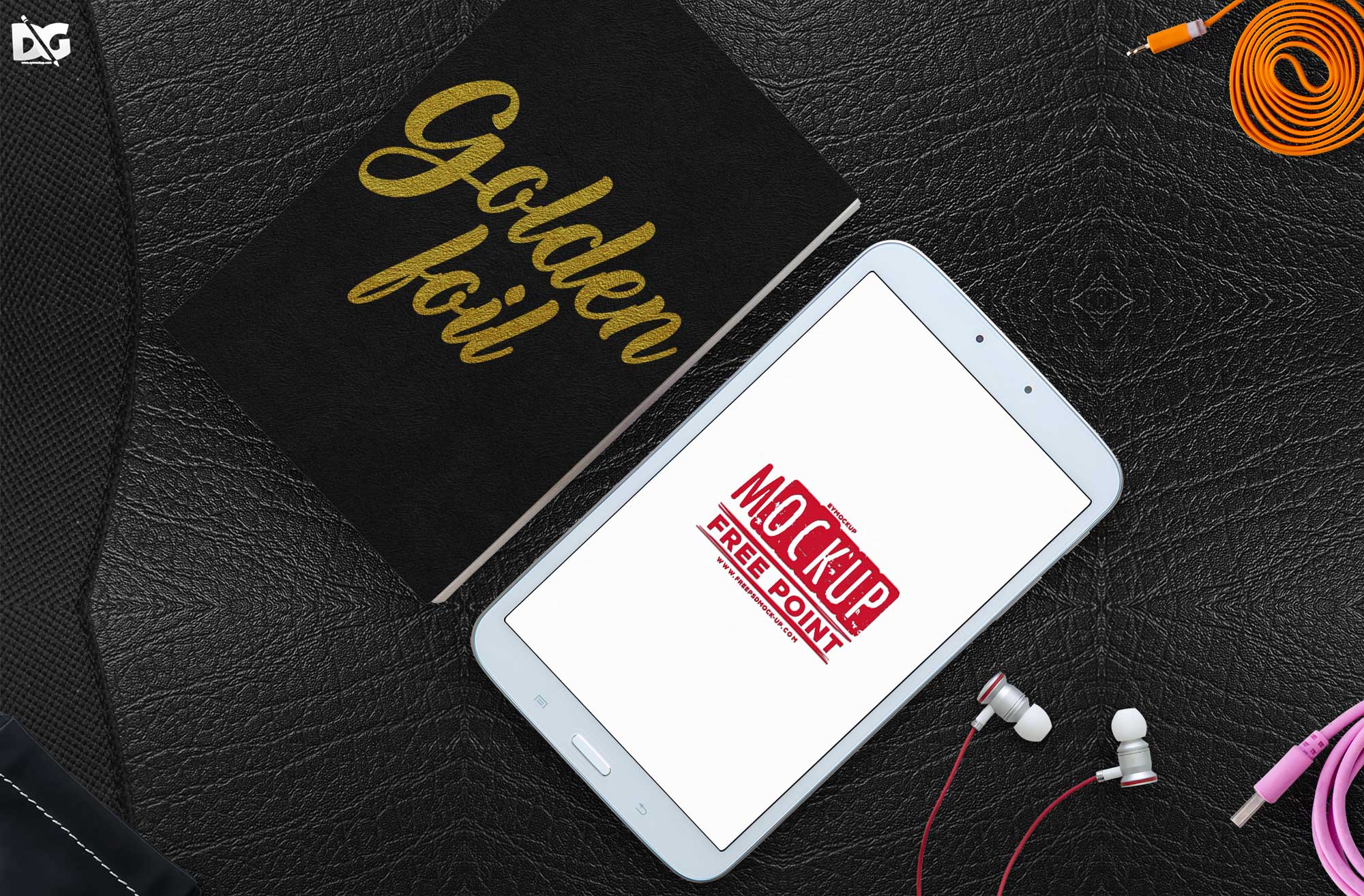
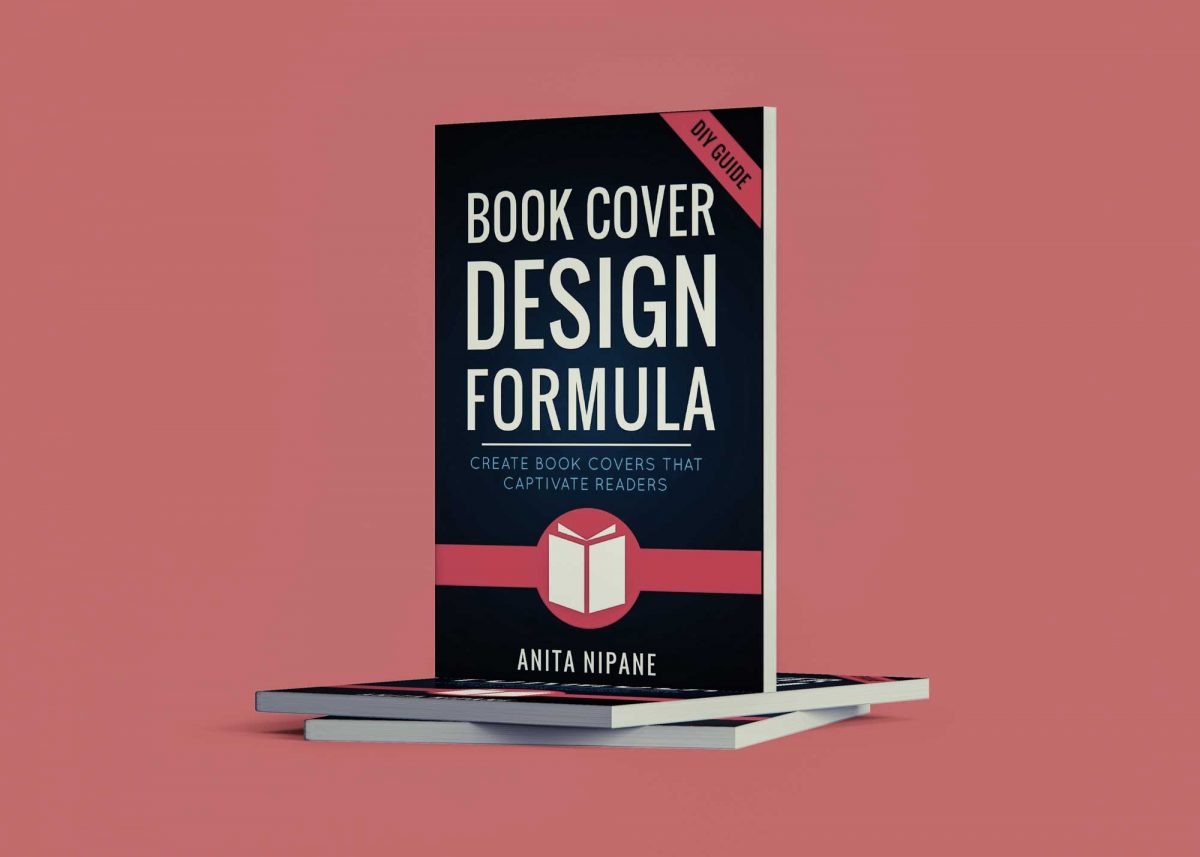
Elevate your book marketing with our free hardcover book mockup template! This versatile resource allows authors, designers, and publishers to showcase their work in a stunning, realistic format. Perfect for social media, websites, or promotional materials, the mockup offers a professional touch that can capture the attention of potential readers and clients.
Our mockup template is easy to use and customizable, making it suitable for both beginners and experts in design. Simply download the file and open it in Photoshop to insert your own cover art. Experiment with different backgrounds and lighting settings to create the perfect presentation. Whether you’re promoting a new release or updating your portfolio, this mockup will enhance your creative projects effortlessly.
All of these Resources are easy to use and can present your information beautifully. Some are free, while others cost a few dollars.
More great & free PSD Mockups Collection:
- Free Gold Coin Mockup PSD Download
- Free PSD Mockups for Books and More!
- 3D Packaging PSD Mockups
- PSD Burger Food Truck Design Mockup
Description:
Available Format: Layered PSD through smart object insertion License: Free for personal and commercial use Zip File Includes: Photoshop PSD File Resolution: 2000 x 2250 pxFAQs – Free Hardcover Book Mockup Template
Can I use the hardcover book mockup template for my portfolio?
Yes, you can use the mockup template to showcase your work in your portfolio, highlighting your design skills effectively.
What file format is the hardcover book mockup in?
The mockup is provided in PSD format, allowing for easy editing and customization in Adobe Photoshop.
Is it easy to edit the hardcover book mockup?
Absolutely! The template is user-friendly, and you can easily replace the cover design using smart objects in Photoshop.
Does the mockup include customizable backgrounds?
Yes, you can customize the backgrounds in the mockup to match your book’s theme or desired aesthetic.
Can I adjust the lighting in the hardcover book mockup?
Yes, the mockup allows you to adjust lighting settings to enhance the visual appeal of your book presentation.