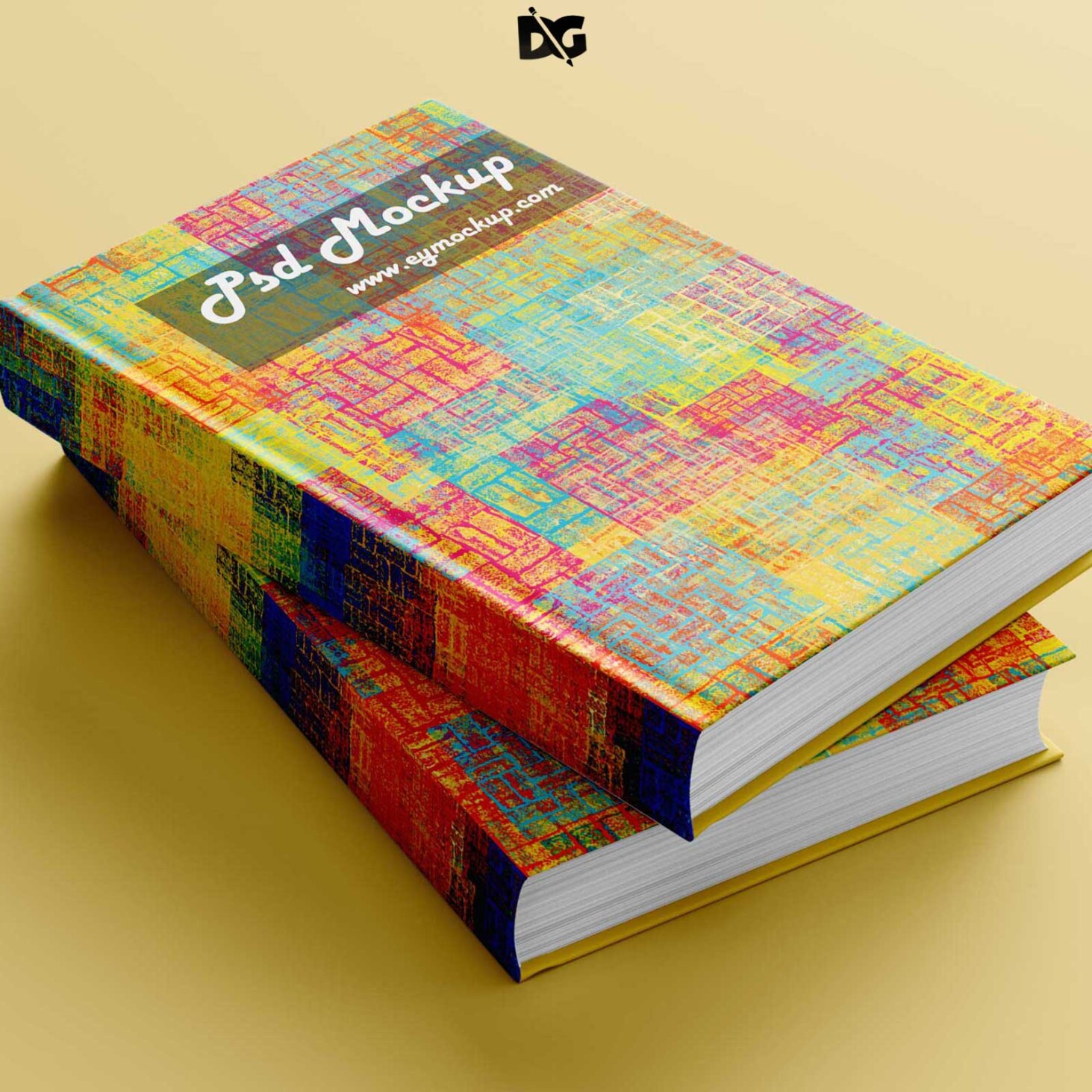
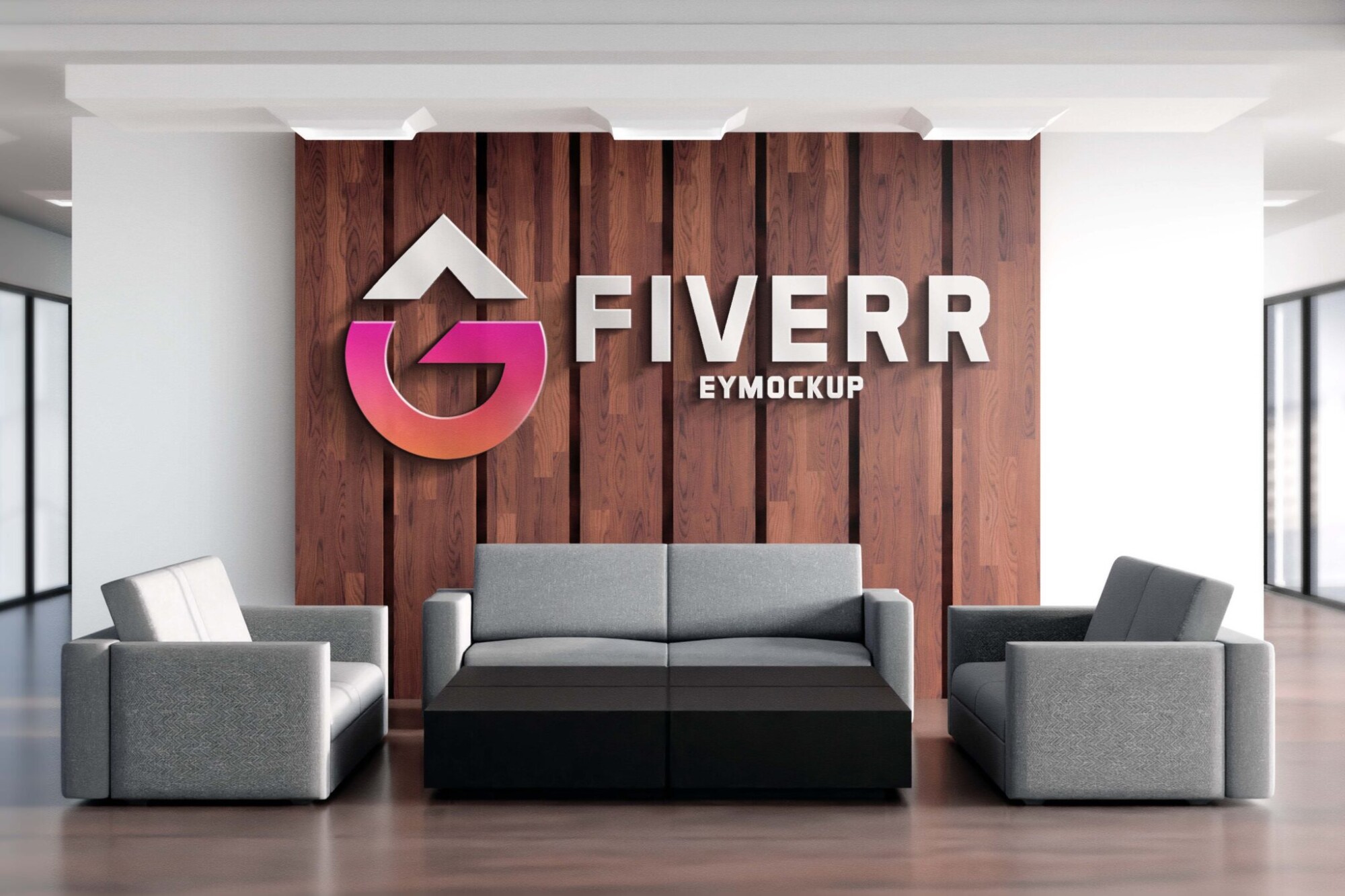
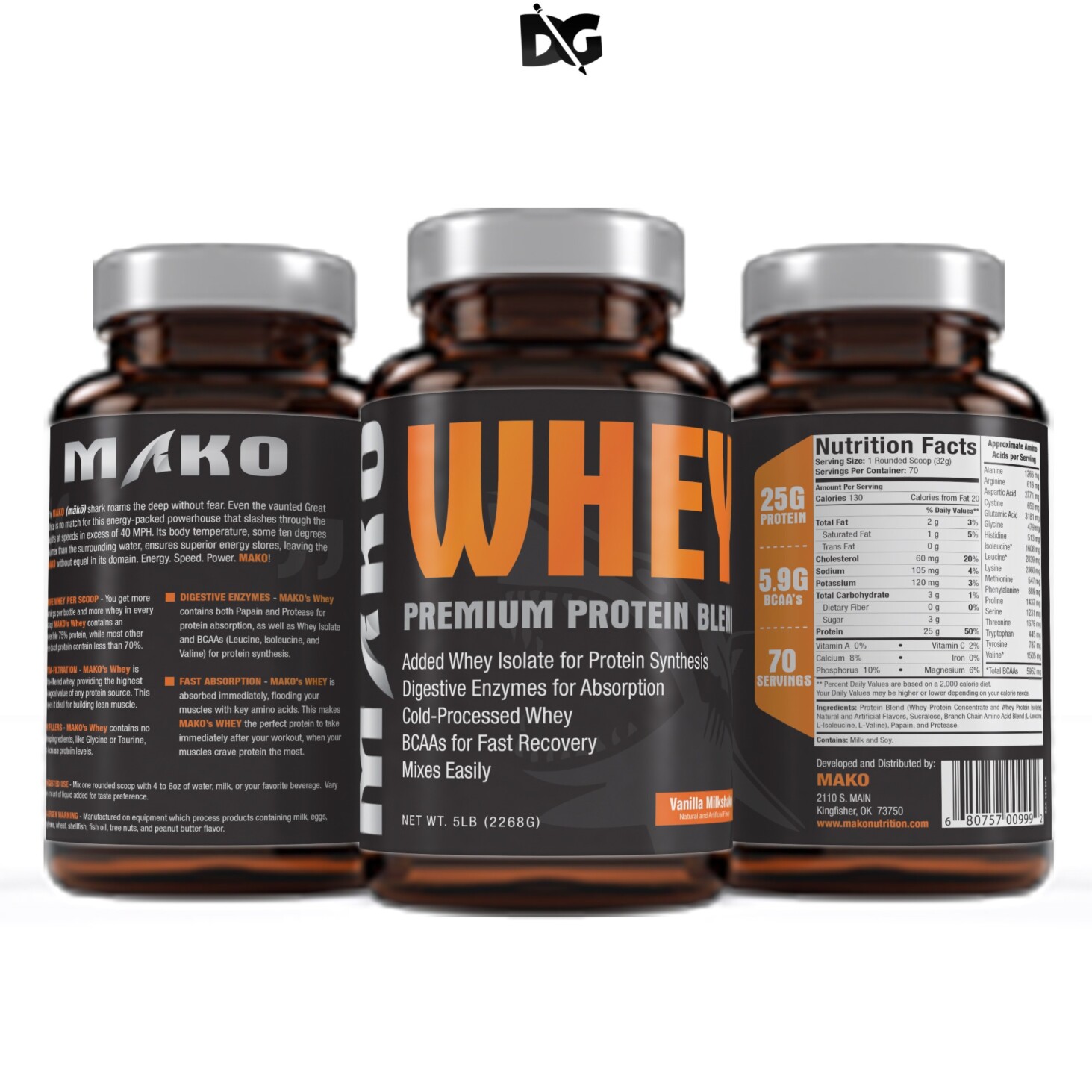
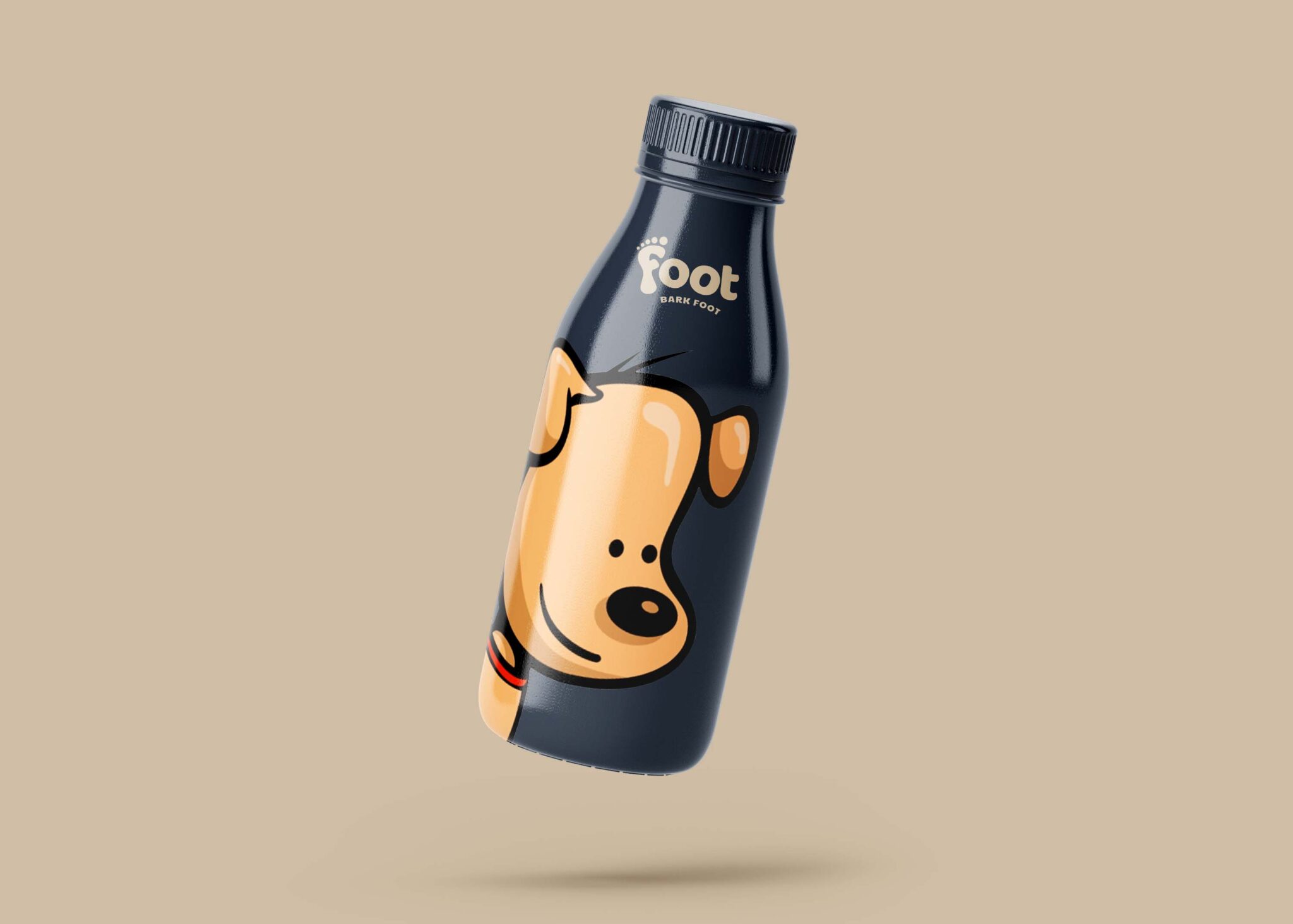
Enhance your design projects with our free red book mockup. This high-quality template is perfect for showcasing your book cover designs in a realistic setting. Whether you’re a graphic designer, publisher, or author, this mockup will help you present your work in an appealing way. The vibrant red color adds a striking touch, making your design stand out and capture attention.
Our mockup is easy to use, allowing you to quickly add your artwork using Photoshop. With smart object layers, you can effortlessly replace the placeholder with your own cover design. The natural lighting and realistic shadows create an authentic appearance, making it ideal for portfolios or promotional materials. Download the free red book mockup today and elevate your presentations instantly!
We are glad to present you with this Free latest Red Book Mockup, which is perfect for branding projects and other design purposes. The PSD file is easy to use, all you need to do is just place your design in the smart object and change the background if needed.
This is a free-of-cost latest red book mockup that can be used to present your book design, cover design, or artwork in a photo-realistic manner. This mockup contains a smart object layer so you can place your book design or artwork easily.
This is a cool and free red book mockup in PSD format that you can use to showcase your designs in a professional way. This is a free mockup and easy to use just insert your design, save and you have it. You can use this mockup in any way you like.
Description:
Available Format: Layered PSD through smart object insertion
License: Free for personal and commercial use
Zip File Includes: Photoshop PSD File
Resolution: 2200 x 1500 px
Advertisement:
FAQs – Free Red Book Mockup
Can I use the free red book mockup for personal projects?
Yes, you can use the mockup for personal projects without any restrictions. It’s a great resource for showcasing your designs.
Does the mockup include editable layers?
Absolutely! The red book mockup features smart object layers that allow for easy customization of your designs.
What software do I need to edit the mockup?
You will need Adobe Photoshop to edit the mockup effectively. It supports all necessary features for customization.
Is it easy to change the book cover design?
Yes, changing the book cover design is simple with smart objects. Just double-click the layer, insert your artwork, and save.
Can I adjust the lighting in the mockup?
While the lighting is set for realism, you can adjust the layers in Photoshop to fit your design aesthetic.