Creating an eye-catching book cover is essential for attracting readers. A photorealistic book cover mockup allows authors and designers to showcase their designs in a professional manner. This free downloadable mockup offers high-quality visuals that can enhance your presentation.
With easy-to-edit features, you can customize the mockup to fit your unique book design. Whether you’re using Photoshop or another editing software, the flexible layers enable you to adjust lighting and shadows for a stunning final product.
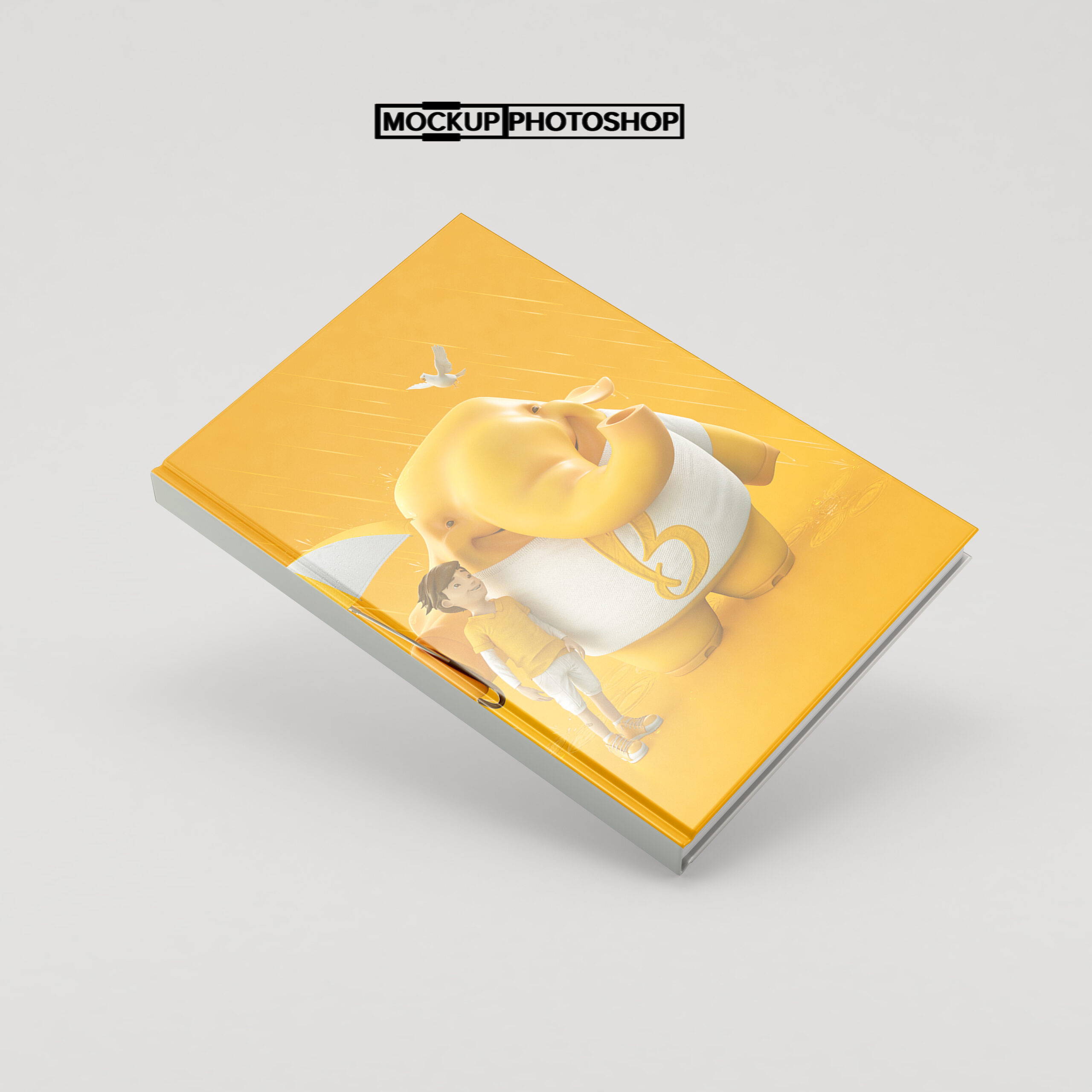
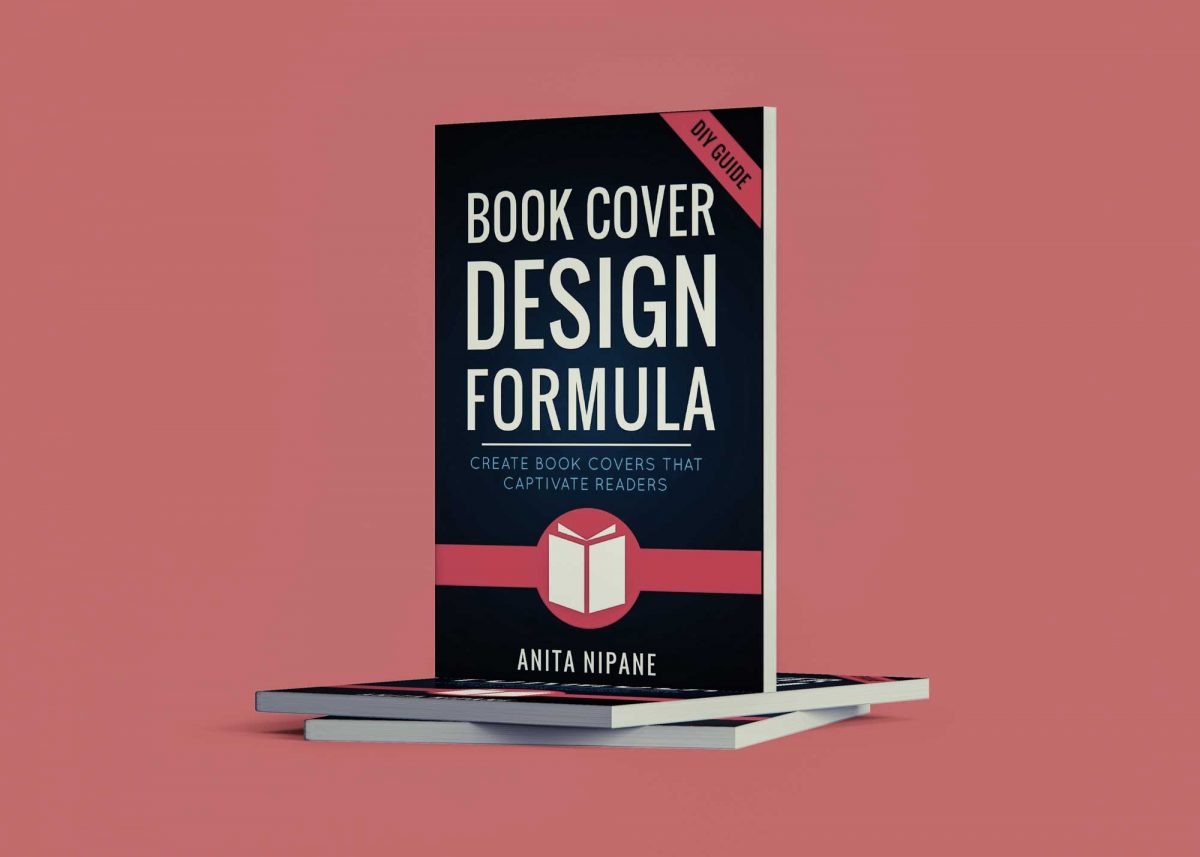
Photorealistic Book Cover Mockup is a unique presentation mockup specially designed for book cover presentations. Photorealistic book cover mockup to showcase your print design in a luxe style. Easily add your own design to this blank mockup and make your graphic designs pop up from the crowd.
If you’re looking for a way to make your book cover stand out, using a book mockup is a great way to catch your audience’s attention. This free photorealistic book mockup includes smart objects that allow you to simply paste your design inside the PSD file.
This book cover mockup is a great way to show off your book designs. It’s easy to use, and you can customize the background color as well!
Description:
Available Format: Layered PSD through smart object insertion
License: Free for personal & commercial use
Zip File Includes: Photoshop PSD File
Resolution: 2000 x 2250 px
FAQs – Photorealistic Book Cover Mockup
Can I edit the photorealistic book cover mockup in Photoshop?
Yes, the mockup is designed for easy editing in Photoshop, allowing you to customize the design, colors, and lighting to match your vision.
What file format does the book cover mockup come in?
The mockup is provided in a high-resolution PSD format, ensuring compatibility with most design software, particularly Adobe Photoshop.
Is it possible to change the background of the mockup?
Absolutely! You can easily modify the background layer in Photoshop to fit your desired aesthetic, enhancing the overall appeal of your book cover.
Do I need special skills to use the book cover mockup?
While basic Photoshop knowledge is helpful, the mockup is user-friendly and comes with instructions for both beginners and experienced designers.
Can I use this mockup for multiple book designs?
Yes, you can use the mockup for various book designs, allowing you to showcase different titles and styles without limitations.