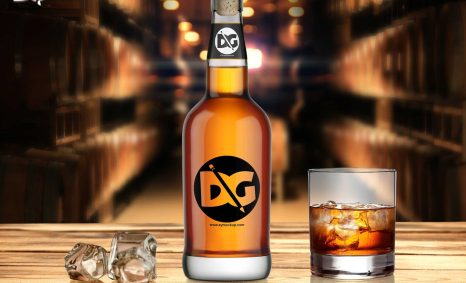
Creating an eye-catching beer bottle label presentation is essential for attracting consumers. A well-designed label not only communicates the brand’s identity but also helps to differentiate your product on the shelf. Utilizing mockups can enhance your marketing efforts by providing a realistic preview of your label designs, making it easier to visualize how they will appear on actual bottles.
When presenting your beer bottle label mockup, consider factors such as lighting, background, and bottle angle. High-quality images and thoughtful staging can significantly boost the appeal of your presentation. Additionally, using software like Photoshop allows for easy editing and adjustments, ensuring that your final mockup aligns perfectly with your vision. By following these tips, you can create a compelling showcase that highlights your label design effectively.
Get 3D Logo MockupsAll of these Resources are easy to use and can present your information beautifully. Some are free, while others cost a few dollars.More great & free PSD Mockups Collection:
- Freebie Logo Mockup PSD Download
- 99+ PSD Packaging Mockup 2021
- Gift Box Packaging Design Mockup
- 88+ Bottle Packaging Mockup Collection
FAQs – Beer Bottle Label Presentation
Can I edit the beer bottle mockup in Photoshop?
Yes, you can easily edit the mockup in Photoshop to customize colors, labels, and backgrounds according to your design needs.
What lighting works best for beer bottle label presentations?
Natural lighting is often ideal, but soft artificial lights can also enhance the details and colors of your beer bottle mockup.
Is it important to use high-resolution images for mockups?
Absolutely! High-resolution images ensure that your beer bottle label presentation looks professional and sharp, making a better impression on viewers.
Does the background affect my beer bottle label mockup?
Yes, the background can significantly influence the overall aesthetic. Choose a complementary background that enhances the label without overwhelming it.
What should I consider when choosing a mockup format?
Consider the file type, resolution, and whether it supports smart objects, which can simplify the editing process for your beer bottle label.