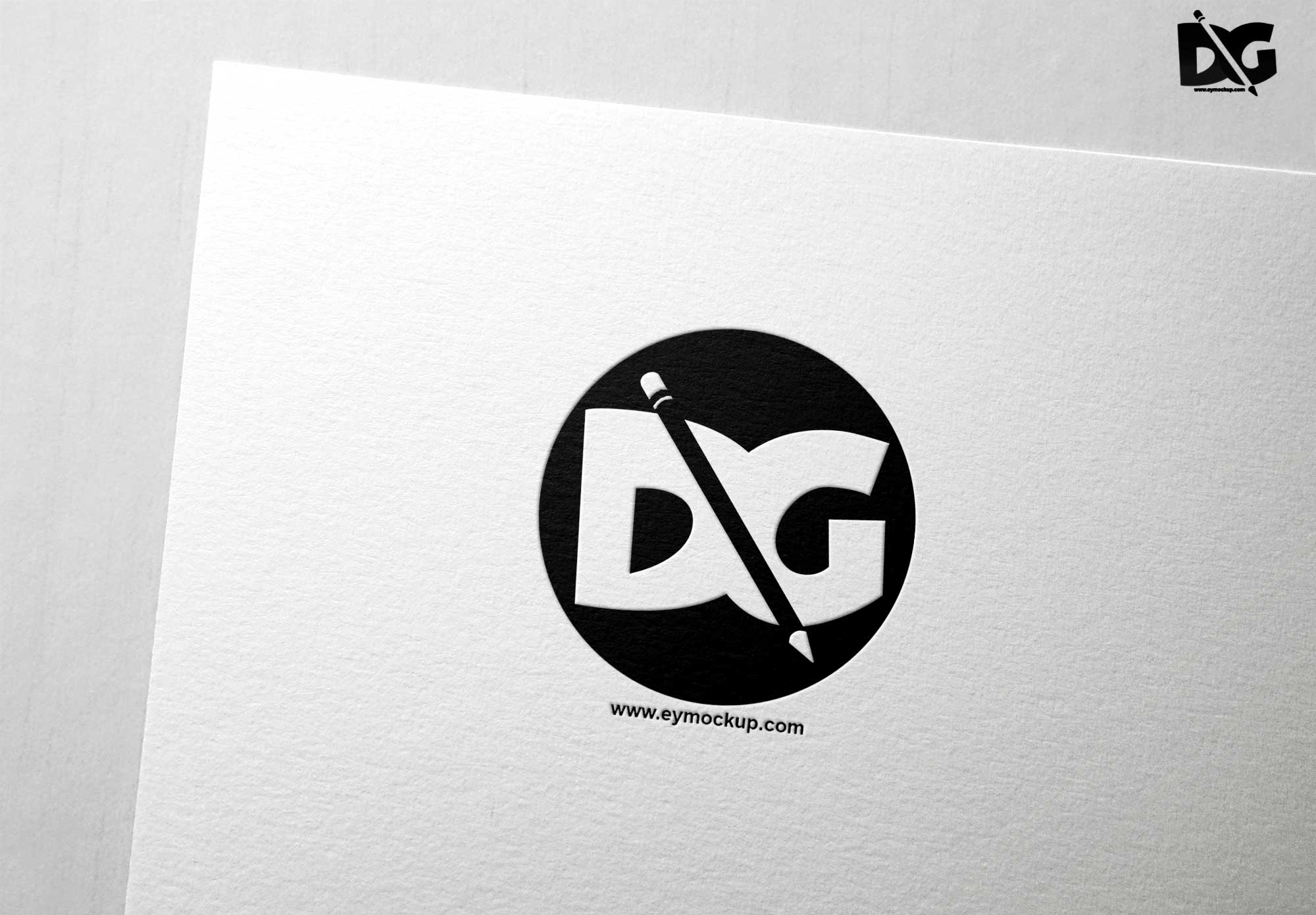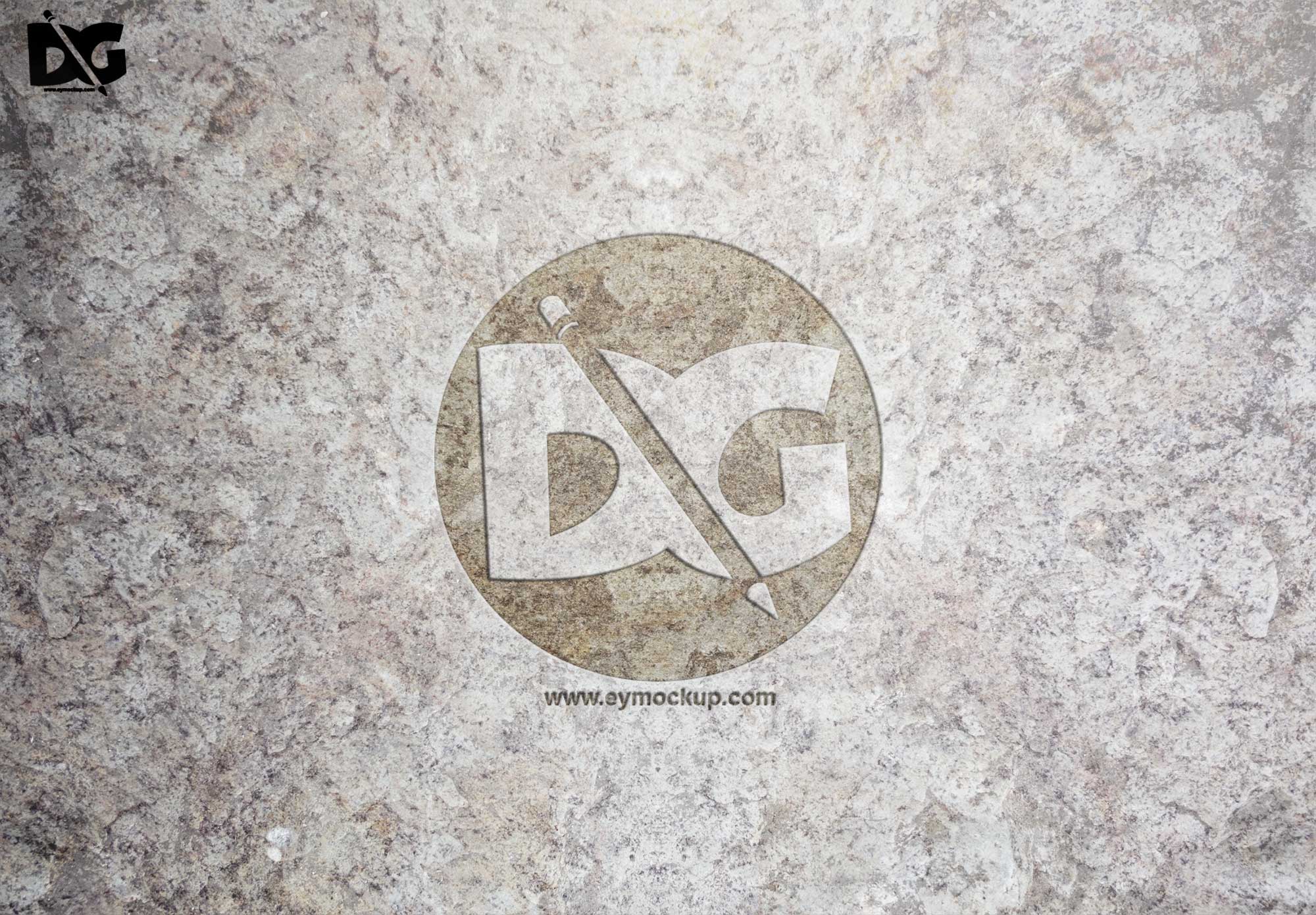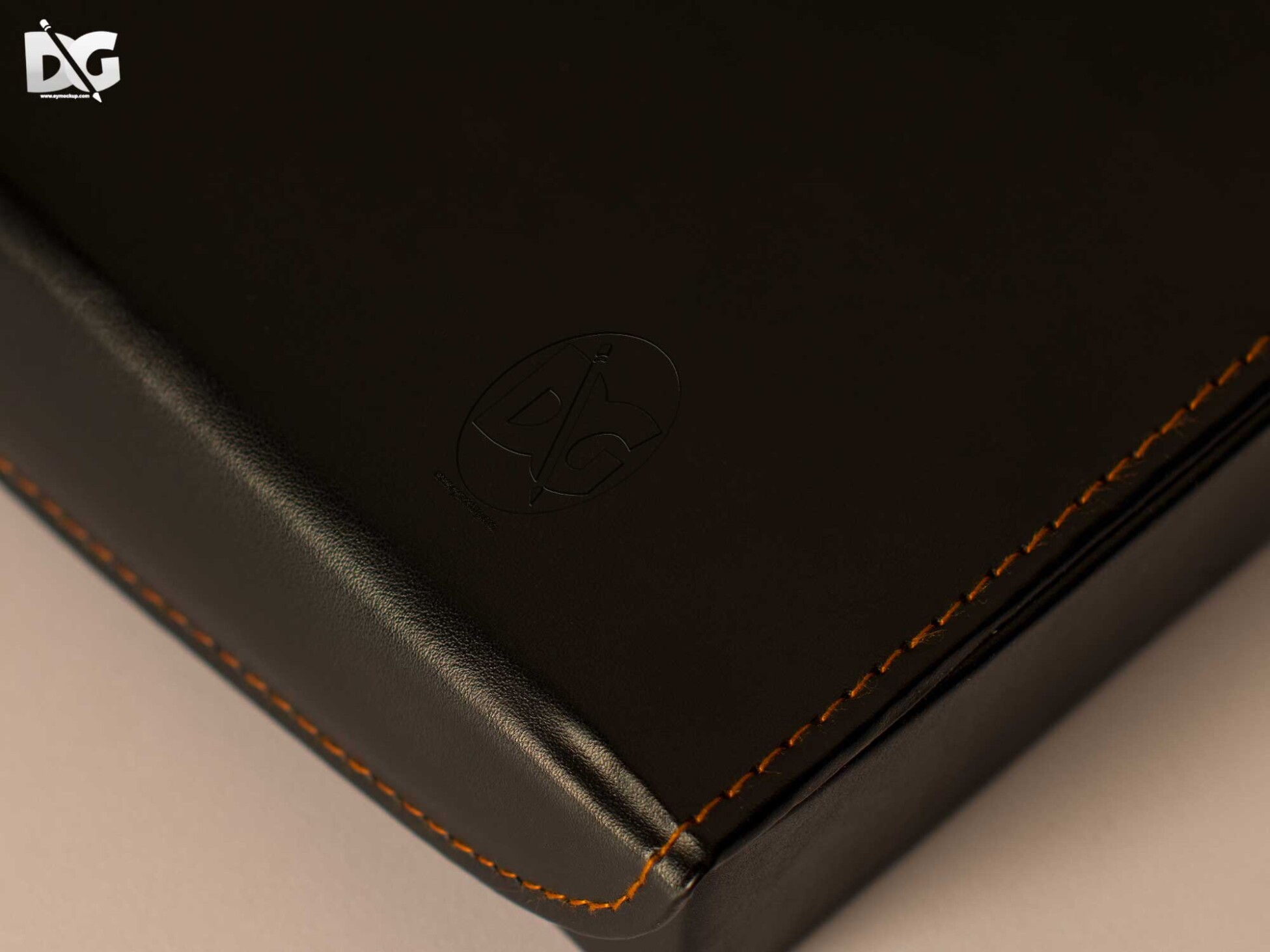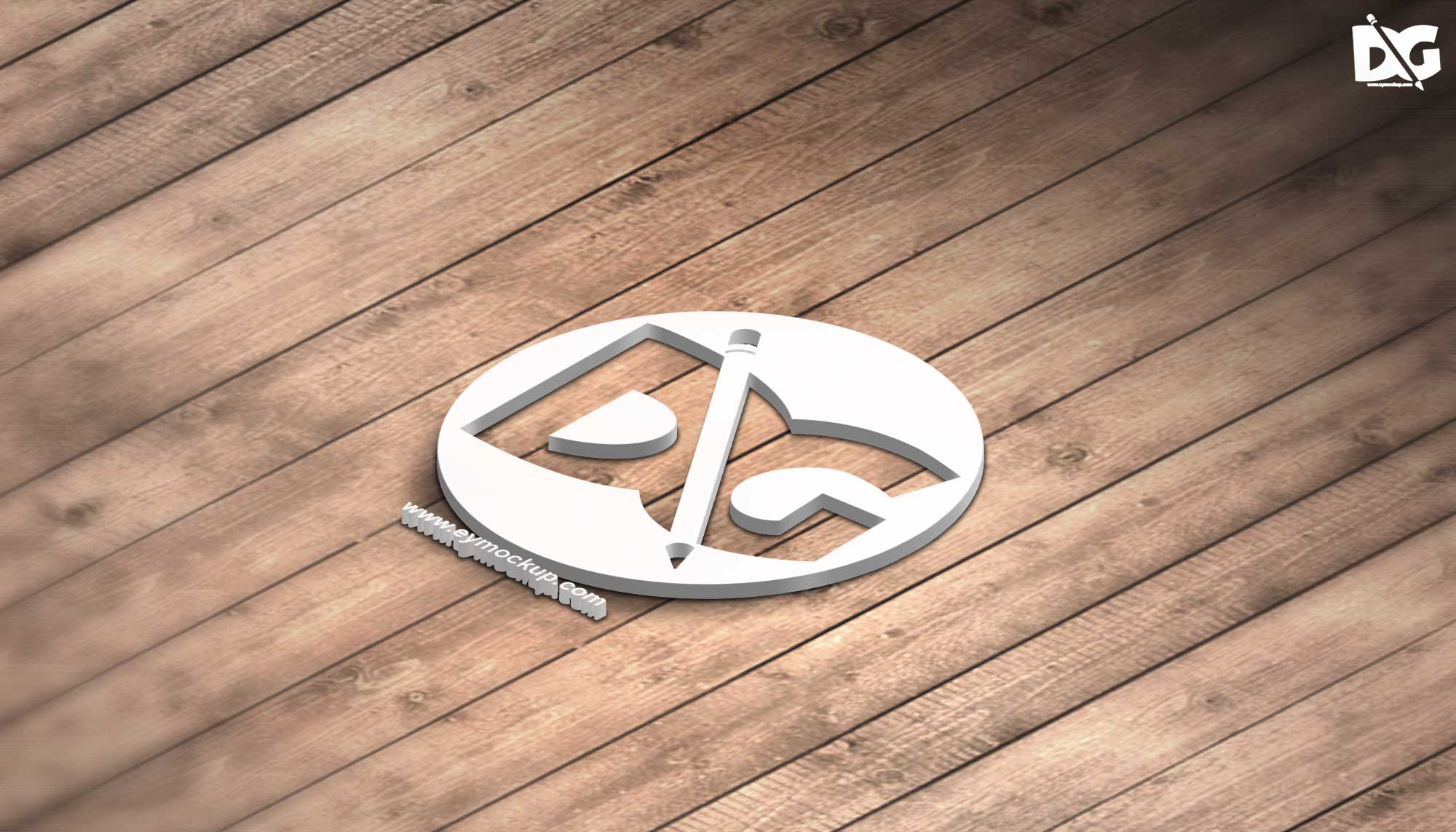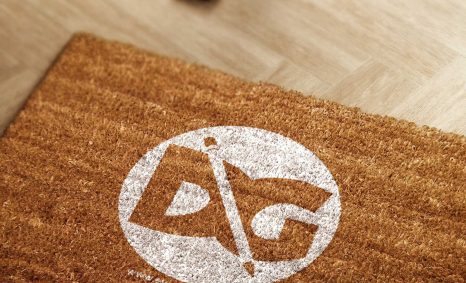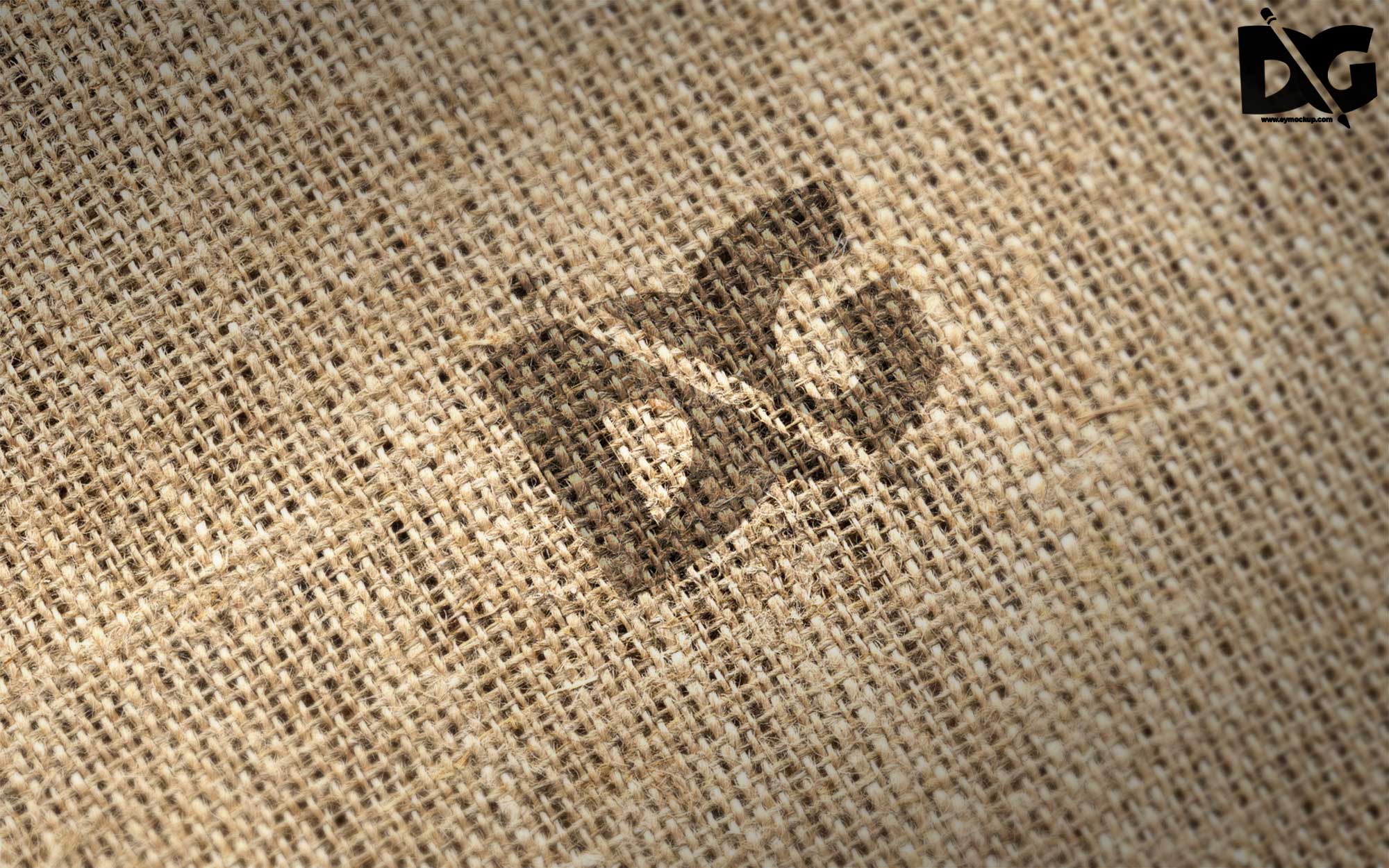
Create stunning presentations with our free realistic burlap logo mockup. This versatile mockup allows you to showcase your logo designs in a natural, textured setting. The burlap texture adds an organic touch, enhancing the overall appeal of your brand representation. Perfect for designers looking to impress clients or for personal projects, this mockup is easy to use and fully customizable.
Using this mockup is straightforward. Simply place your logo into the designated smart object layer in Photoshop, and you’ll see it come to life on the burlap surface. Adjust shadows and lighting to achieve your desired look. With high-resolution quality, this mockup ensures your designs shine while maintaining a professional look. Download it now and elevate your branding projects!
Get 3D Logo MockupsAll of these Resources are easy to use and can present your information beautifully. Some are free, while others cost a few dollars.More great & free PSD Mockups Collection:
- Wine PSD Download Packaging Mockups
- Food Truck Mock up PSD Download
- Square box mockup PSD download
- Bottle Mockup PSD Download Now
FAQs – Realistic Burlap Logo Mockup
Can I edit the burlap logo mockup in Photoshop?
Yes, the mockup is designed for easy editing in Photoshop. Simply use the smart object layer to insert your logo.
Does it support different logo formats?
The mockup supports various formats like PNG, JPEG, and SVG, making it flexible for any logo design.
What file format is the burlap logo mockup?
The mockup is provided in PSD format, which is compatible with Adobe Photoshop for easy customization.
Is it possible to change the lighting effects?
Yes, you can adjust the lighting effects in the mockup to fit your design’s mood and enhance visibility.
Do I need special skills to use this mockup?
No special skills are required. Basic knowledge of Photoshop will suffice to customize the burlap logo mockup easily.