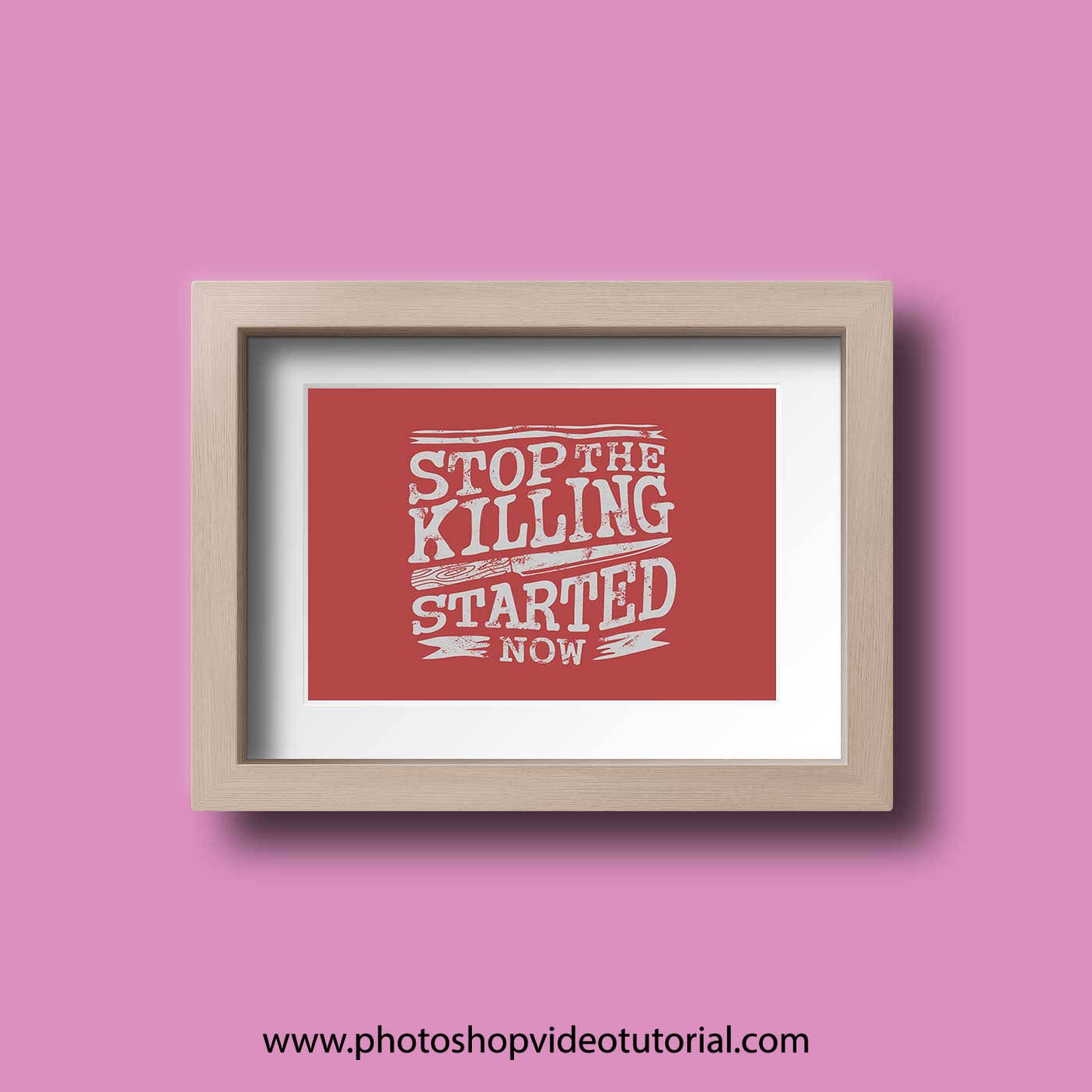
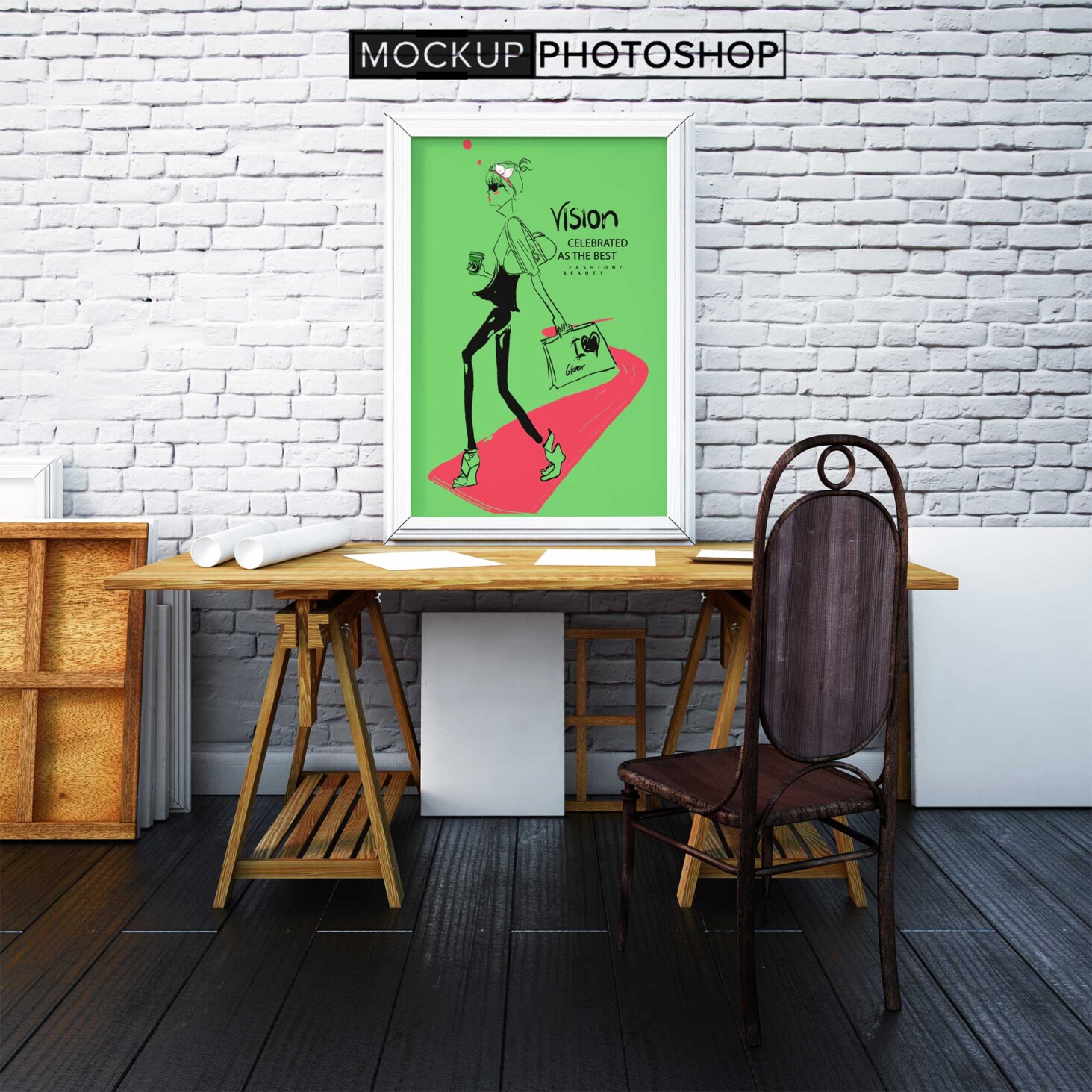
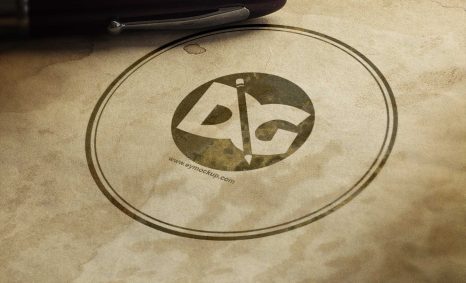
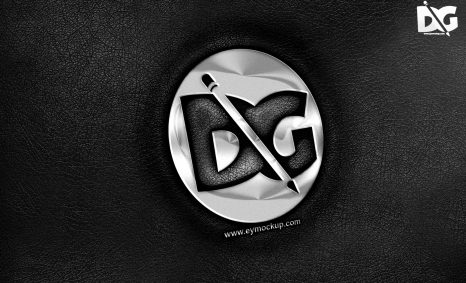
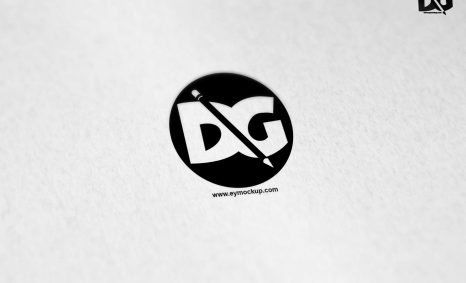
Elevate your artwork presentations with our free wall frame mockup. This high-quality design allows you to showcase your prints in a realistic setting, perfect for portfolios, client presentations, or online shops. With a simple drag-and-drop feature, you can easily insert your designs and visualize how they will look in any interior space.
Our mockup is designed with versatility in mind, featuring customizable options that let you adjust lighting and shadows for a more professional finish. Whether you’re a graphic designer, photographer, or artist, this mockup serves as an essential tool for visualizing your work. Download it today and transform the way you present your art.
All of these Resources are easy to use and can present your information beautifully. Some are free, while others cost a few dollars.
More great & free PSD Mockups Collection:
- 3d logo mockup PSD free download
- Postcard Mockup PSD free download
- Plastic bottle mockup free download
- eBook Cover PSD Download Mockup
Description:
Available Format: Layered PSD through smart object insertion
License: Free for personal and commercial use
Zip File Includes: Photoshop PSD File
Resolution: 2200 x 1500 px
Advertisement:
FAQs – Free Wall Frame Mockup
Can I edit the wall frame mockup in Photoshop?
Yes, the mockup is fully editable in Photoshop, allowing you to customize your artwork and adjust lighting effects to suit your style.
What file formats are included with the mockup?
The free wall frame mockup comes in PSD format, which is compatible with most graphic design software that supports layers.
Does it support various frame sizes?
Absolutely! The mockup allows you to easily adjust the frame size to match your artwork dimensions, providing flexibility for different projects.
Is it suitable for both digital and print presentations?
Yes, this mockup is perfect for showcasing your designs in both digital formats and print portfolios, enhancing your professional presentation.
What resolution is the wall frame mockup?
The mockup is provided in high resolution, ensuring that your artwork looks sharp and clear, whether viewed on screen or in print.