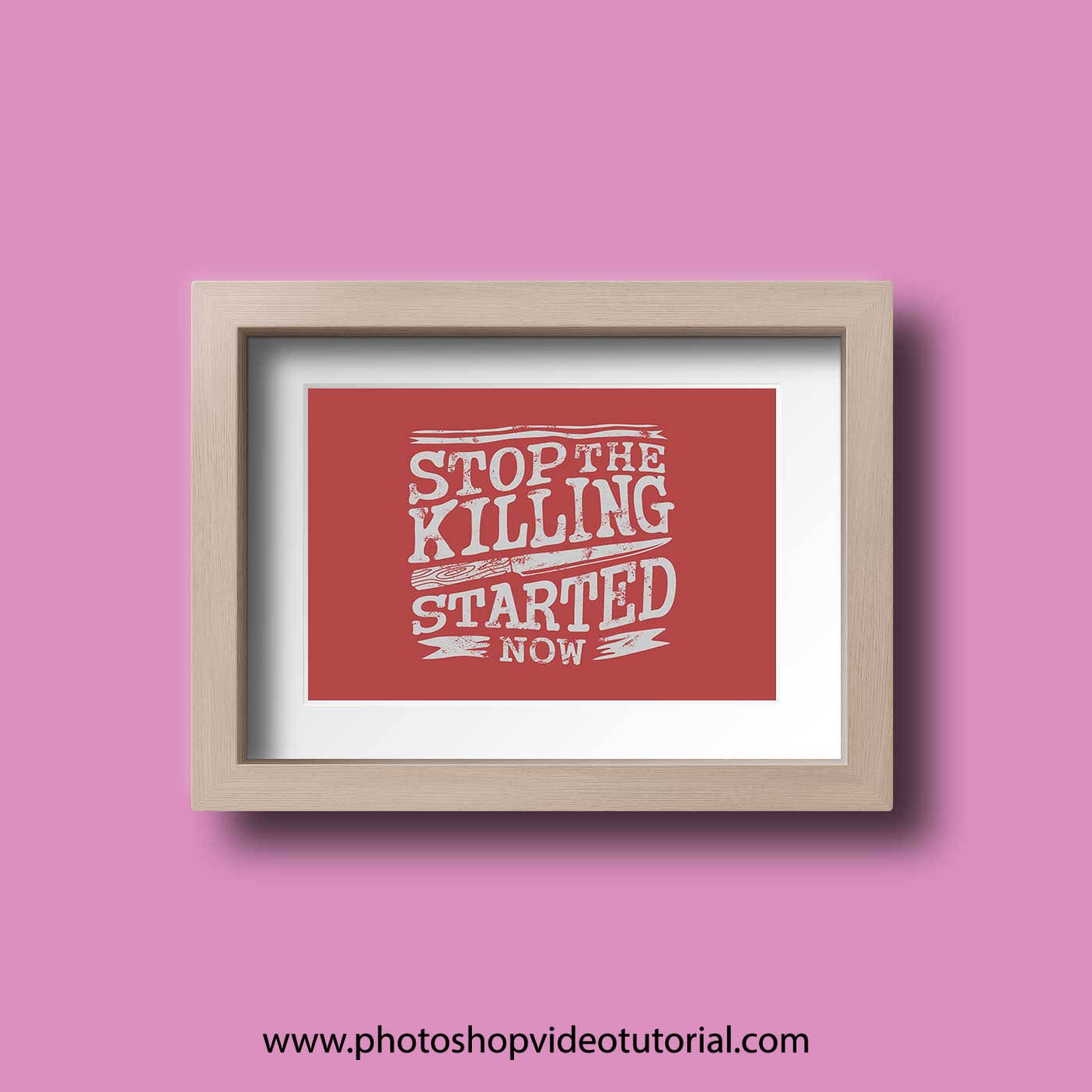
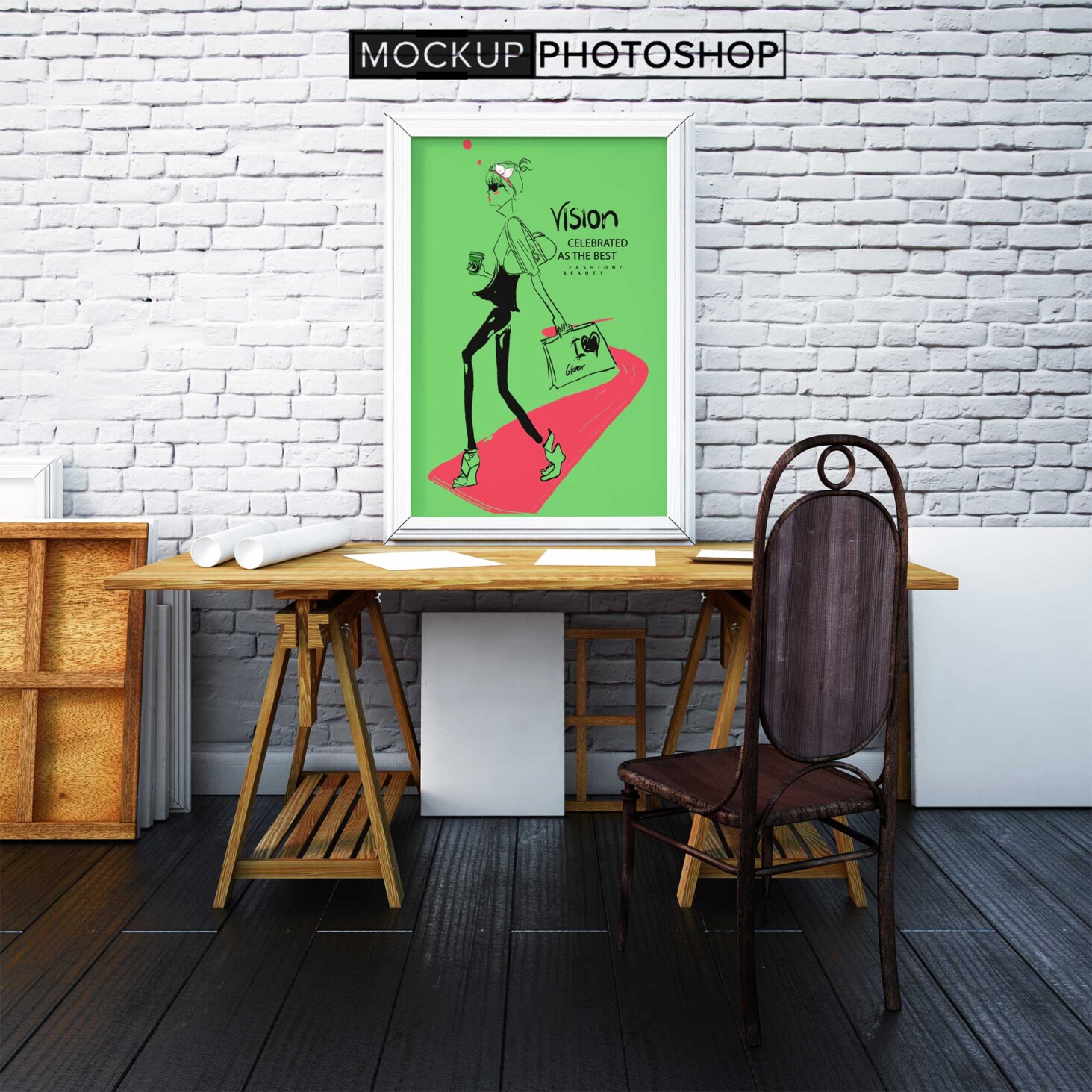
Create a delightful atmosphere in children’s spaces with our Children Room Photo Frame Mockup. This versatile mockup allows you to showcase your favorite childhood memories in beautifully designed frames. Ideal for designers, parents, and anyone looking to personalize a child’s room, this mockup provides a realistic representation of how your photos will look when framed. You can easily customize the colors and designs to match the decor, making it perfect for any style.
The mockup features high-quality images and easy-to-use layers in Photoshop, allowing you to effortlessly edit your photos and adjust lighting to achieve the desired effect. Whether you’re a professional designer or someone who enjoys DIY projects, this mockup offers a fantastic way to visualize your ideas. With its user-friendly format, you can create stunning displays that highlight the joy and warmth of childhood, making it a must-have for your design arsenal.
All of these Resources are easy to use and can present your information beautifully. Some are free, while others cost a few dollars.More great & free PSD Mockups Collection:
- 3d logo mockup psd free download
- Postcard Mockup PSD free download
- Plastic bottle mockup free download
- eBook Cover PSD Download Mockup
FAQs – Children Room Photo Frame Mockup
Can I customize the frame colors in the Children Room Photo Frame Mockup?
Yes, you can easily customize the frame colors using Photoshop layers to match your child’s room decor.
Does the mockup support high-resolution images?
Absolutely! The mockup is designed to work with high-resolution images for crisp and clear displays.
What file format is the mockup available in?
The mockup is available in PSD format, making it compatible with Adobe Photoshop for easy editing.
Can I use this mockup for personal projects?
Yes, this mockup is perfect for personal projects, allowing you to showcase your favorite memories in a creative way.
Is it easy to edit the lighting in the mockup?
Yes, you can adjust the lighting settings in Photoshop to create the perfect ambiance for your photos.
Do I need advanced Photoshop skills to use the mockup?
No, the mockup is user-friendly and suitable for all skill levels, making it accessible for beginners.