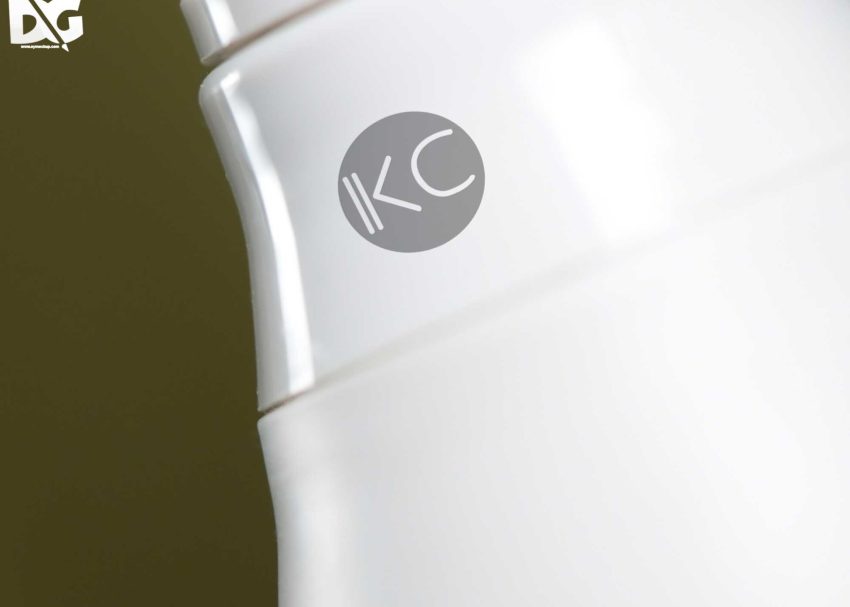
Showcasing your brand’s logo effectively can leave a lasting impression. A plastic logo display mockup offers a realistic representation of how your logo will appear in a physical setting. This mockup allows designers to visualize and present their branding in a professional manner, enhancing the overall aesthetic appeal of promotional materials.
This mockup is user-friendly and compatible with popular design software like Adobe Photoshop. You can easily customize the colors, textures, and lighting to suit your brand’s identity. Whether you’re preparing for a presentation or just want to showcase your logo on social media, this plastic logo display mockup provides the perfect backdrop for your designs.
Get 3D Logo MockupsAll of these Resources are easy to use and can present your information beautifully. Some are free, while others cost a few dollars.More great & free PSD Mockups Collection:
- 3d logo mockup psd free download
- Postcard Mockup PSD free download
- 3D Window Logo Mockup PSDs
- Plastic bottle mockup free download
- eBook Cover PSD Download Mockup
FAQs – Plastic Logo Display Mockup
Can I edit the plastic logo display mockup in Photoshop?
Yes, the mockup is fully editable in Photoshop, allowing you to customize elements like color, texture, and logo placement.
Does the mockup support high-resolution images?
Absolutely! The plastic logo display mockup is designed for high-resolution output, ensuring your logo looks sharp and professional.
What file format is the mockup available in?
The mockup is typically available in PSD format, which is compatible with Adobe Photoshop for easy editing.
Is it easy to change the logo on the mockup?
Yes, you can easily replace the logo using smart objects in Photoshop, making the process quick and straightforward.
Do I need special skills to use this mockup?
Basic knowledge of Photoshop is helpful, but the mockup is designed to be user-friendly for all skill levels.