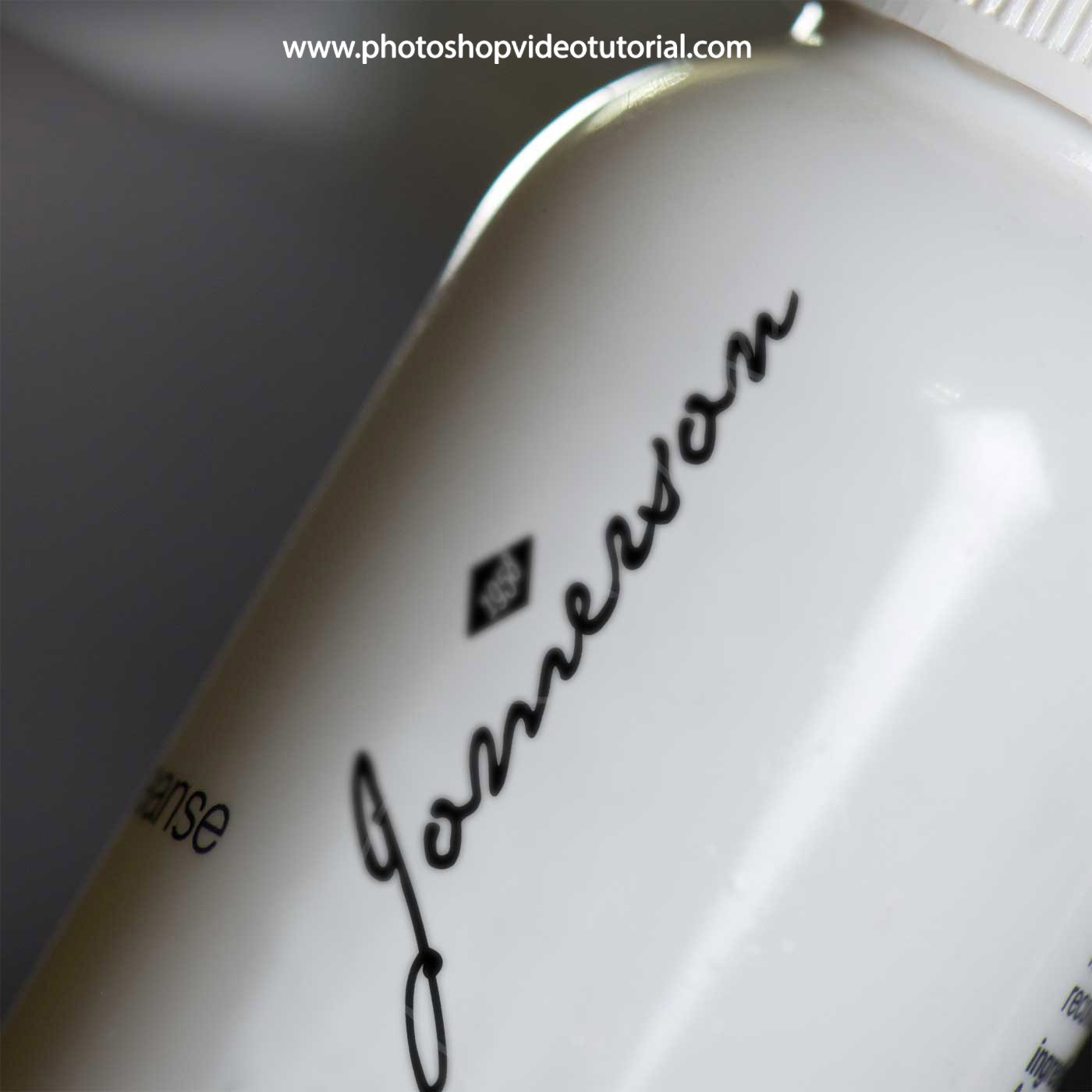
Elevate your design presentations with our free transparent pouch mockup. This mockup allows you to showcase your artwork in a realistic and visually appealing manner, perfect for branding projects and product displays. The high-resolution design ensures that every detail of your graphics shines through, making it an ideal choice for designers looking to impress clients.
The transparent pouch mockup comes in a user-friendly format, easily editable in Photoshop. You can customize the colors, shadows, and background to match your brand’s aesthetic. Whether you are presenting packaging designs or promotional materials, this mockup provides a professional touch that enhances your portfolio. Download it now and take the first step towards showcasing your creativity.
This is a free transparent pouch mockup that can be used for product packaging design presentations. This mockup is available in PSD format with a built-in smart object feature to let you easily replace the current pouch design with your own artwork.
You can also customize the pouch color, background color, and shadow effect.


This is a preview of our upcoming transparent pouch mockup, which you can use for free to showcase your own design on it. You can easily change the background color and the pouch’s color (or make it transparent if you want) and the label is smart object enabled, so you can easily place your own designs and make it look realistic.
Available in PSD file format with a smart object feature to help you turn your design into a realistic showcase just in seconds without the need to worry about placement, perspective, shadow, etc.
Description:
Available Format: Layered PSD through smart object insertion
License: Free for personal and commercial use
Zip File Includes: Photoshop PSD File
Resolution: 2200 x 1500 px
Advertisement:
FAQs – Free Transparent Pouch Mockup
Can I edit the free transparent pouch mockup in Photoshop?
Yes, the mockup is fully editable in Photoshop, allowing you to customize colors, shadows, and graphics easily.
Does the mockup support different formats for my designs?
Absolutely! You can insert your designs in various formats, including JPEG and PNG, to fit your project needs.
Is it easy to change the background of the mockup?
Yes, changing the background is straightforward. Simply select the background layer and replace it with your desired image or color.
What are the dimensions of the transparent pouch mockup?
The mockup is designed in high-resolution dimensions, typically around 3000×2000 pixels, ensuring clarity and detail in your presentations.
Do I need special skills to use the mockup?
Basic knowledge of Photoshop is recommended, but the mockup is designed for ease of use, making it accessible for all skill levels.