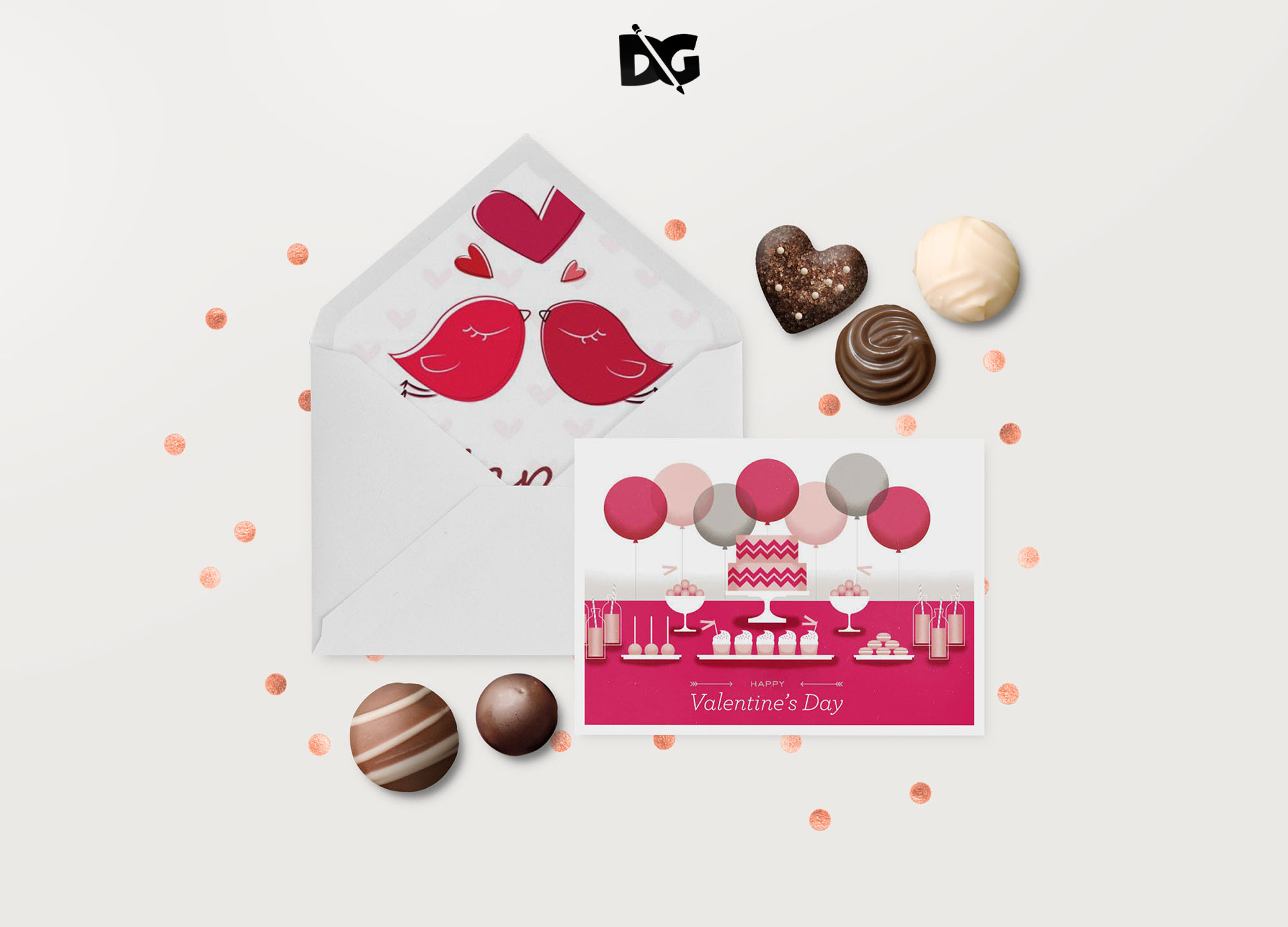
Creating stunning envelope designs is easy with our Envelope Mockup for Photoshop. This versatile mockup allows you to showcase your designs in a realistic setting, making it perfect for presentations or portfolio displays. Simply insert your artwork, adjust the layers, and watch as your designs come to life in a beautifully rendered envelope.
Our mockup features high-resolution images and customizable elements, enabling you to modify backgrounds, lighting, and shadows to suit your style. Whether you’re a graphic designer or a small business owner, this envelope mockup is an essential tool for visualizing your brand’s identity. Download it for free and elevate your designs today!
Get 3D Logo MockupsAll of these Resources are easy to use and can present your information beautifully. Some are free, while others cost a few dollars.More great & free PSD Mockups Collection:
- Cafe menu design template free download
- Coffee mug mockup PSD free download
- New 3D Mockup
- PSD Download Object Collection
FAQs – Envelope Mockup Photoshop
Can I customize the envelope mockup in Photoshop?
Yes, you can easily customize the envelope mockup in Photoshop by adjusting layers, colors, and backgrounds to fit your design needs.
Do I need special skills to edit the mockup?
No special skills are required. Basic knowledge of Photoshop will help you navigate and customize the mockup effortlessly.
Is it easy to add my own designs to the mockup?
Absolutely! You can insert your designs quickly using the smart object feature in Photoshop, making it a straightforward process.
What file format is the envelope mockup available in?
The envelope mockup is available in PSD format, specifically designed for use in Adobe Photoshop.
Does the mockup include different envelope styles?
Yes, the mockup includes various envelope styles, allowing you to choose the perfect one for your project.