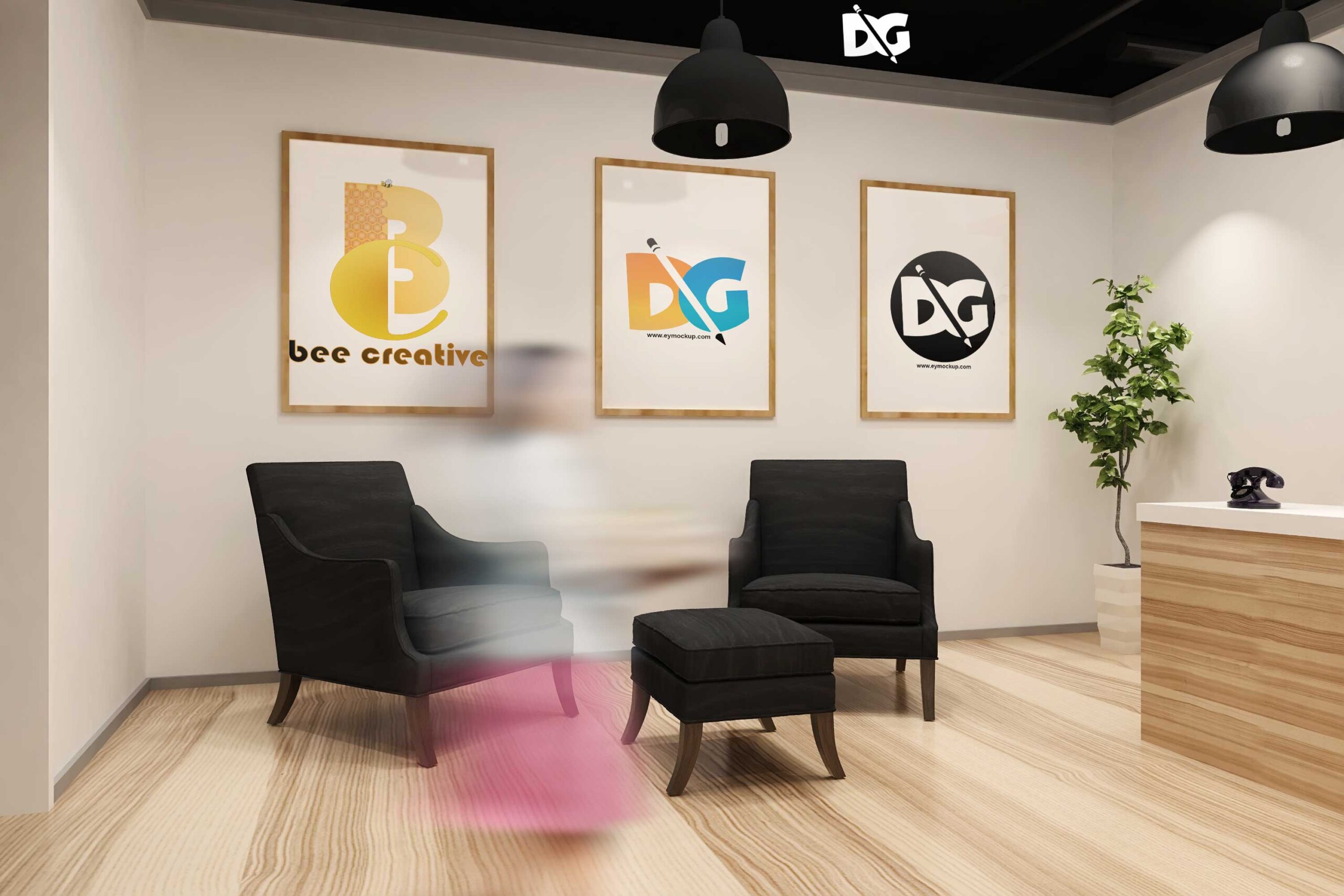
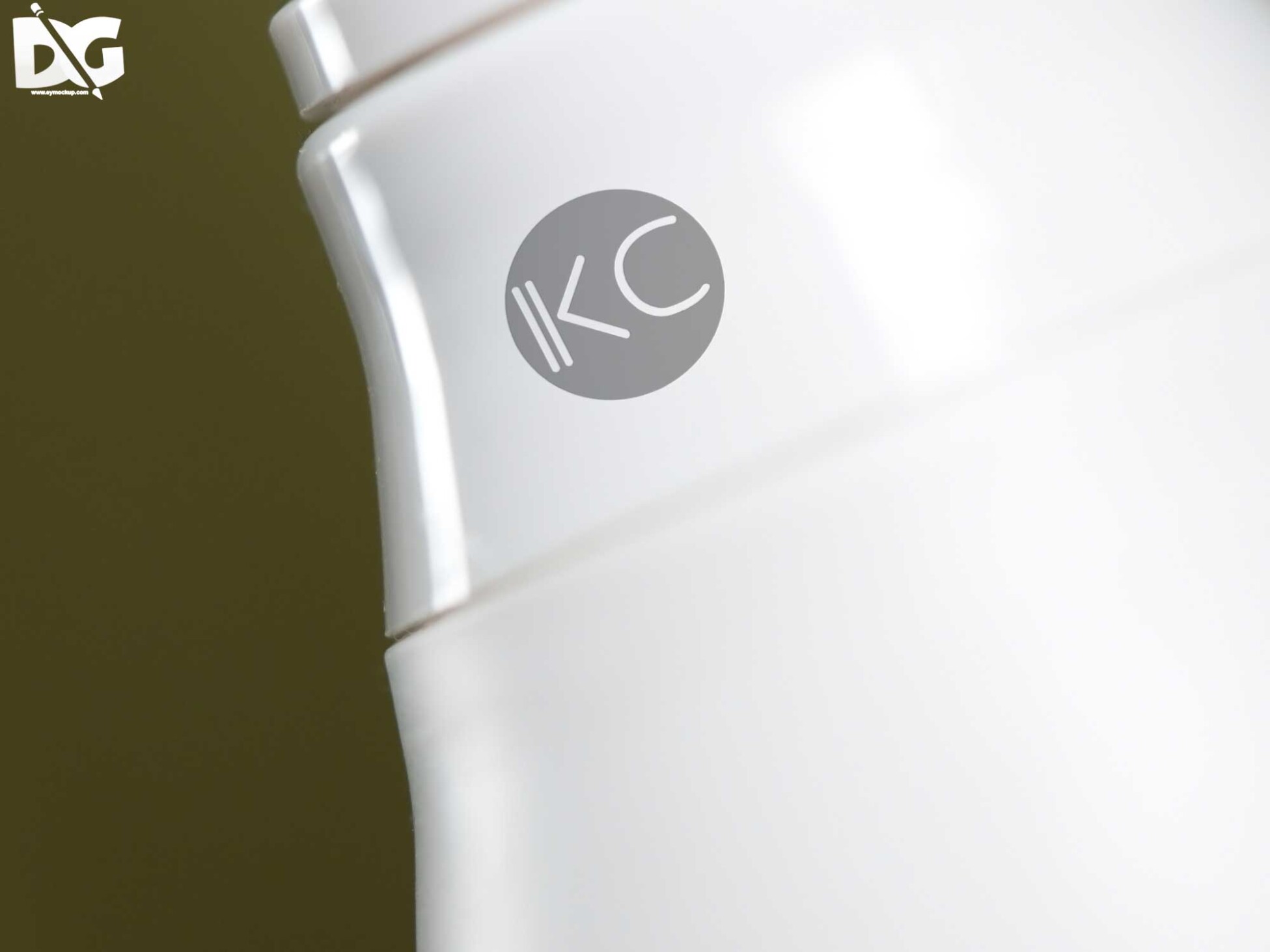
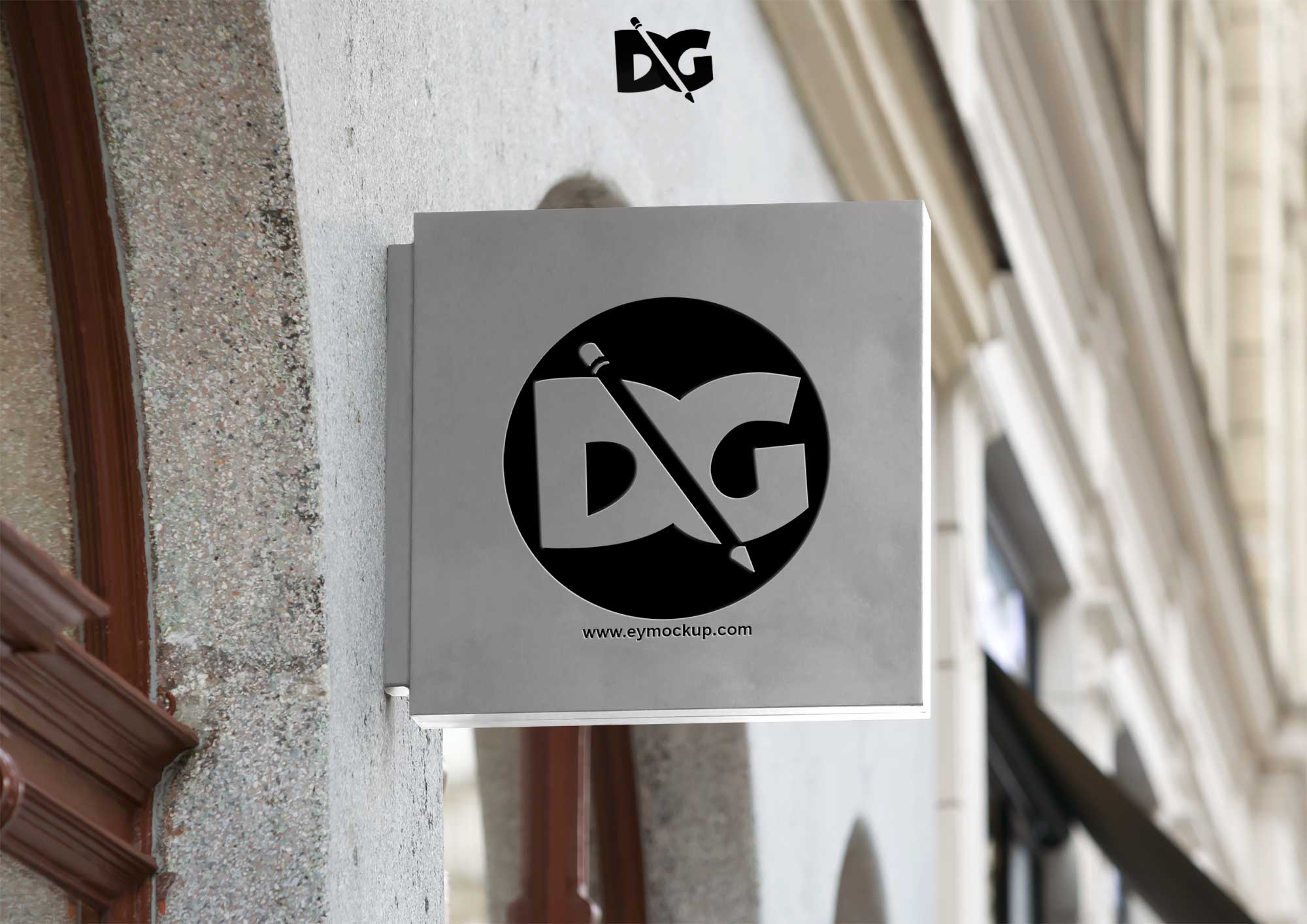
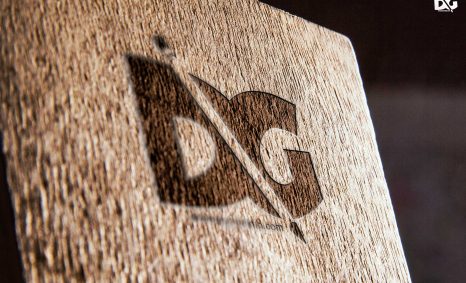
Creating 3D logo mockups can elevate your brand’s visual identity. These mockups allow designers to showcase their logos in a realistic environment, enhancing the presentation and appeal. By using advanced software tools, you can manipulate lighting, textures, and angles to produce eye-catching results that captivate your audience.
To get started with building 3D logo mockups, you’ll need access to design software like Adobe Photoshop or a 3D modeling program. Familiarize yourself with the features that allow you to import your logo, apply textures, and adjust lighting. Experimenting with different styles and perspectives can help you discover the perfect look that represents your brand.
All of these Resources are easy to use and can present your information beautifully. Some are free, while others cost a few dollars.More great & free PSD Mockups Collection:
- Free PSD Mockups for Books and More!
- 3D Packaging PSD Mockups
- PSD Burger Food Truck Design Mockup
- Jam Jar Twitch Mockups Templates
FAQs – Building 3d Logo Mockups
Can I create 3D logo mockups in Photoshop?
Yes, Photoshop offers tools for creating 3D mockups, allowing you to manipulate logos and add depth to your designs.
Does it require special software to build 3D logo mockups?
While advanced software can enhance your mockups, basic 3D mockups can be created using Photoshop or other design applications.
What file formats are best for 3D logo mockups?
Common formats include PSD for Photoshop, OBJ for 3D models, and PNG for transparent images, ensuring flexibility in usage.
Is it easy to edit 3D logo mockups?
Yes, most 3D mockup templates allow for easy editing, letting you adjust colors, textures, and sizes to fit your branding.
Do I need to understand 3D modeling to build logo mockups?
Basic understanding helps, but many templates simplify the process, allowing you to create appealing mockups without extensive 3D knowledge.