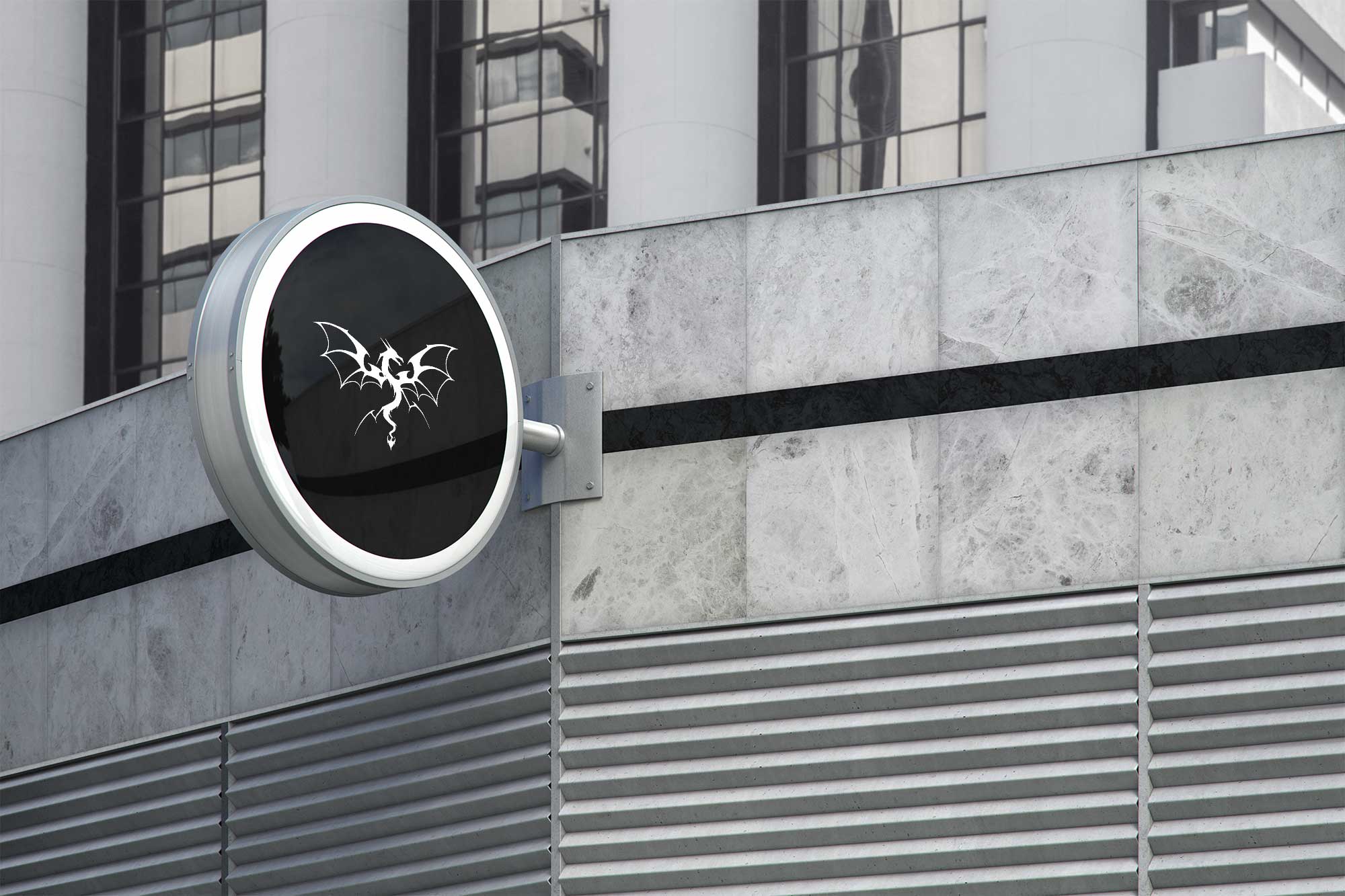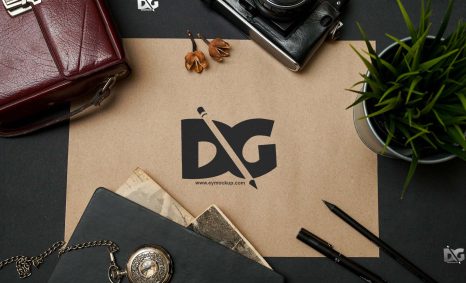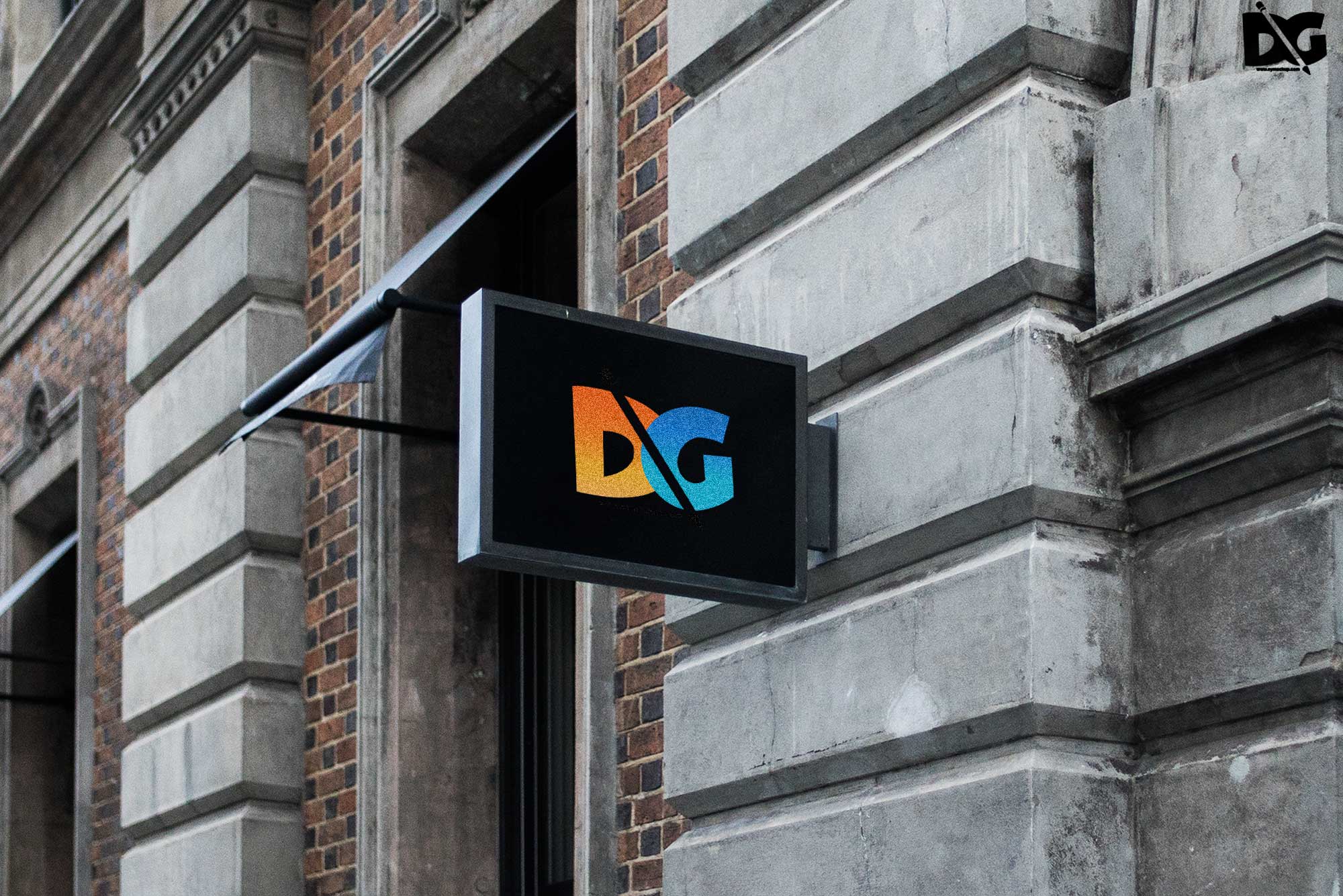
Elevate your branding with our street shop hanging logo mock-ups presentation. These high-quality mock-ups are designed to showcase your logo in a realistic street setting, perfect for attracting attention. Whether you’re a designer or a business owner, these mock-ups help visualize how your logo will look in real-world applications, making them ideal for presentations or client pitches.
Our mock-ups are easy to use, allowing you to quickly insert your logo in Photoshop and adjust the lighting and shadows for a professional finish. With multiple angles and backgrounds, you can find the perfect setting that suits your brand’s personality. Download now and enhance your marketing materials with these stunning visuals that bring your logo to life.
Get 3D Logo MockupsAll of these Resources are easy to use and can present your information beautifully. Some are free, while others cost a few dollars.More great & free PSD Mockups Collection:
- New Packaging Mockup
- Best Paper Mockups (Free & Premium)
- Mockup PSD free download
- Free Horizontal Postcard Mockup
FAQs – Street Shop Hanging Logo Mock-ups Presentation
Can I edit the street shop hanging logo mock-ups?
Yes, you can easily edit the mock-ups in Photoshop. Simply insert your logo and adjust the settings to fit your design.
Does it include multiple angles for logo display?
Absolutely! Our mock-ups come with various angles and settings, providing you with options to showcase your logo effectively.
What file format do the mock-ups come in?
The mock-ups are provided in high-resolution PSD format, ensuring compatibility with Adobe Photoshop for seamless editing.
Is it easy to change the background of the mock-up?
Yes, changing the background is straightforward. You can customize it to match your branding style using Photoshop layers.
Do I need specific software to use the mock-ups?
You will need Adobe Photoshop to use the mock-ups, as they are designed to be edited in that format.