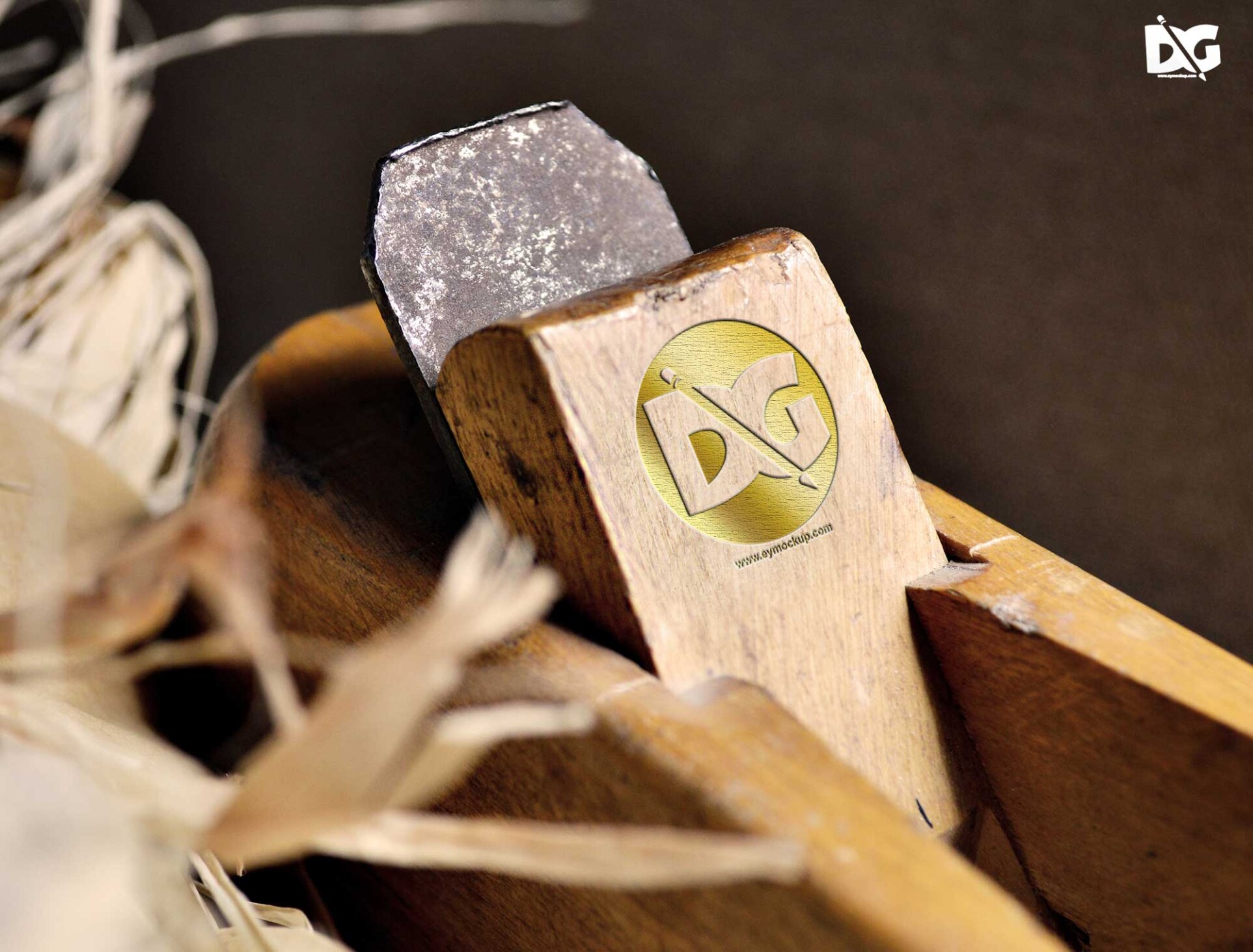
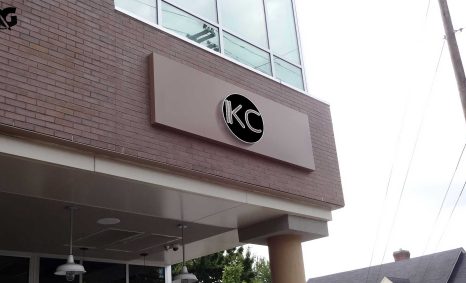
Enhance your branding presentation with our collection of store logo display PSD mockups. Perfect for showcasing your logo designs in realistic environments, these mockups help you create stunning visuals that attract attention. Each mockup is fully customizable, allowing you to easily edit the logos, colors, and backgrounds to fit your brand’s aesthetic.
Our PSD mockups come with smart object layers, making it simple to insert your logo with just a few clicks. You’ll find various styles and settings, from storefront displays to minimalist settings, ensuring there’s a mockup for every branding need. Ideal for designers and business owners alike, these mockups facilitate professional presentations for portfolios, social media, and marketing materials.
All of these Resources are easy to use and can present your information beautifully. Some are free, while others cost a few dollars.
More great & free PSD Mockups Collection:
FAQs – Store Logo Display PSD Mockups
Can I edit the store logo display PSD mockups in Photoshop?
Yes, you can easily edit the PSD mockups using Photoshop’s smart object feature, allowing for quick and efficient logo placement.
What file formats are included with the mockups?
The mockups are provided in PSD format, compatible with Adobe Photoshop. Ensure you have Photoshop installed to edit them.
Is it possible to change the background of the mockups?
Absolutely! You can customize the background of each mockup to match your branding or design preferences seamlessly.
Do I need advanced skills to use these PSD mockups?
Not at all! The mockups are user-friendly, designed for both beginners and experienced designers, making customization straightforward.
Can I use these mockups for client presentations?
Yes, these mockups are perfect for client presentations, helping you showcase your logo designs in a realistic and professional manner.