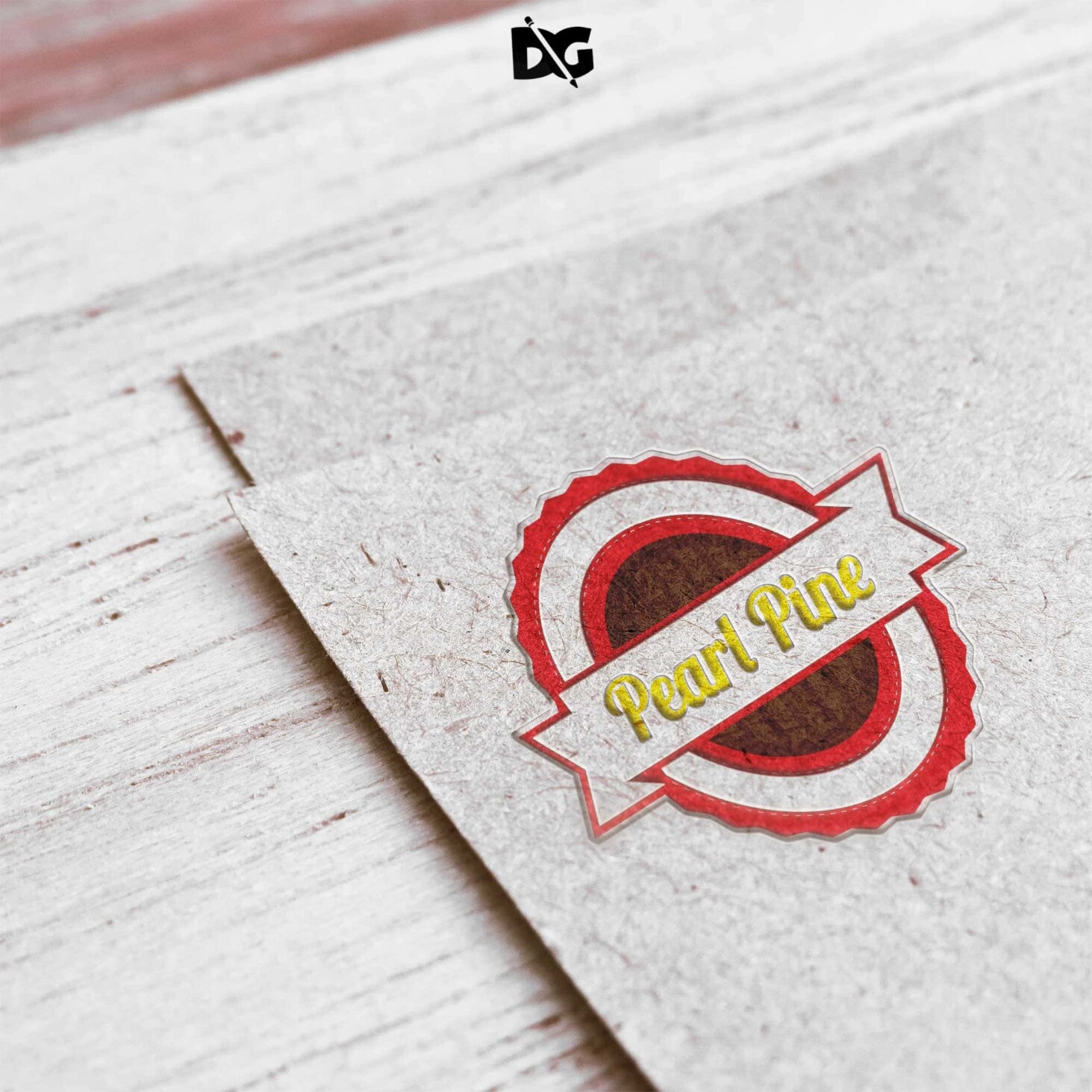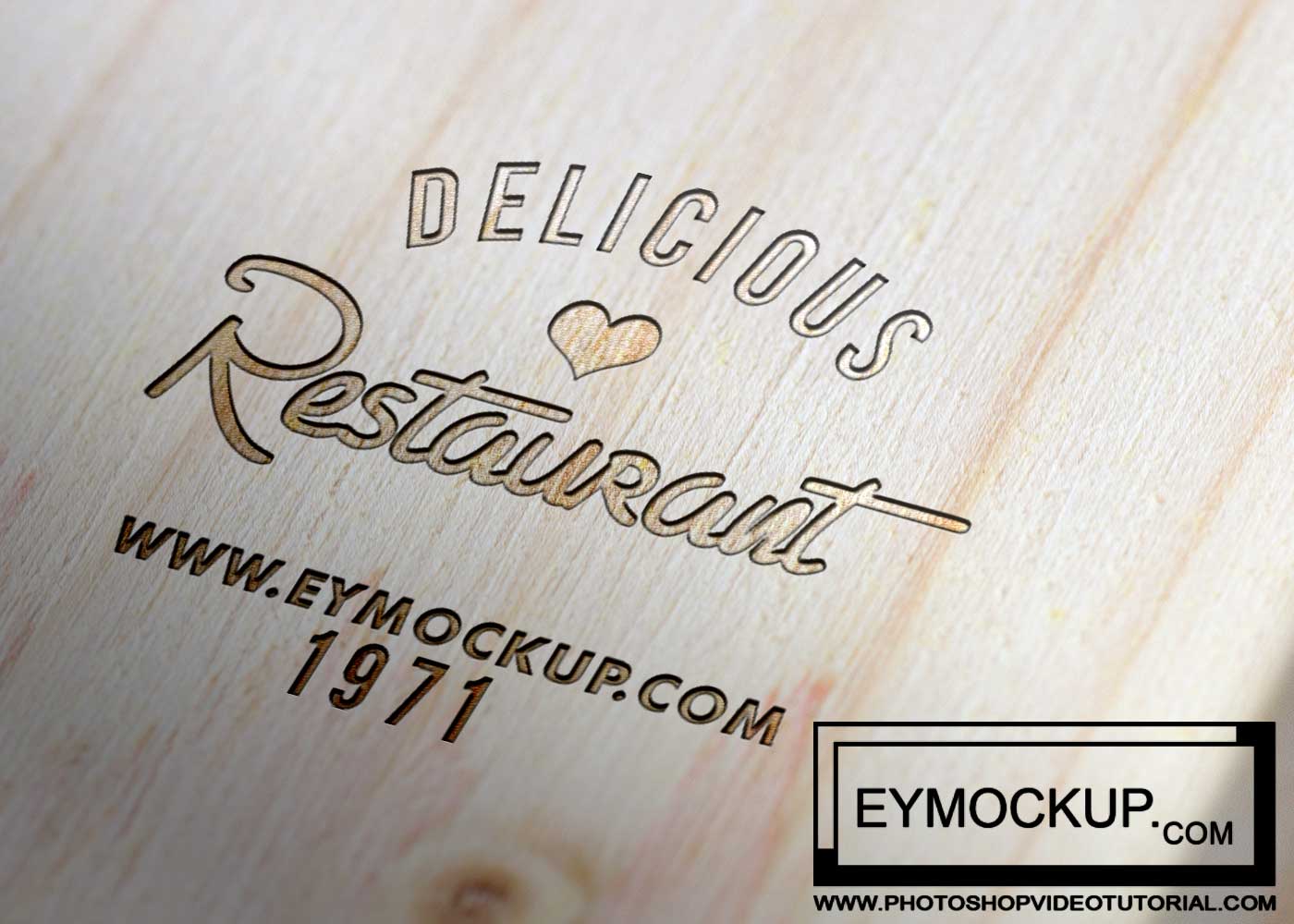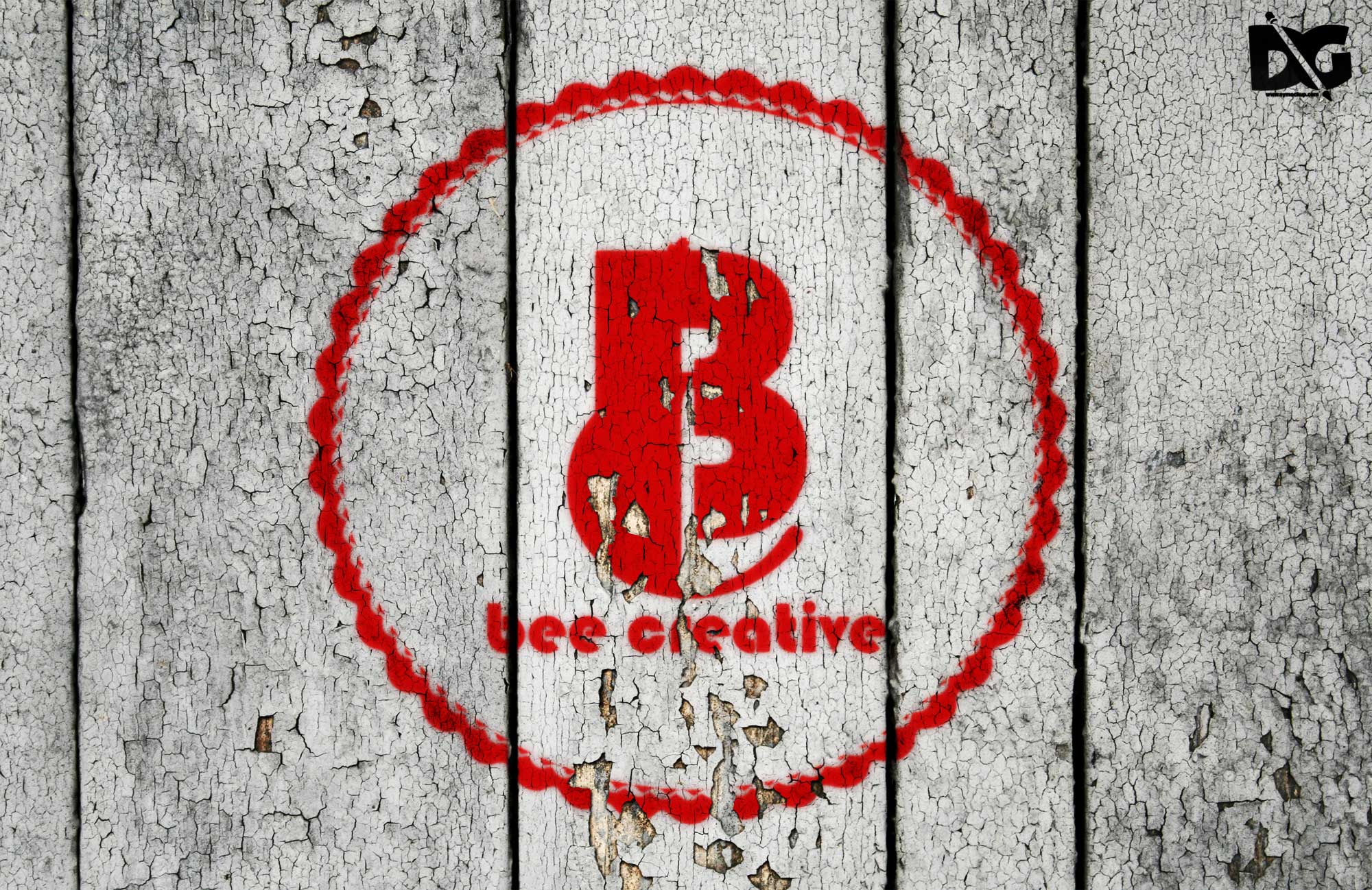
Elevate your branding with our Realistic Old Bevel Logo Mockup. This free downloadable resource provides an ideal backdrop for showcasing your logo design in a professional light. Featuring vintage textures and a three-dimensional effect, this mockup brings depth and character to your brand identity, making it perfect for presentations, portfolios, or social media.
Designed for ease of use, this mockup is compatible with Photoshop, allowing you to quickly insert your logo and adjust the colors and lighting. Whether you’re a designer looking to impress clients or a business owner wanting to visualize your branding, our mockup is tailored for anyone seeking a high-quality, realistic presentation of their logo. Download it now and give your designs the showcase they deserve.
All of these Resources are easy to use and can present your information beautifully. Some are free, while others cost a few dollars. More great & free PSD Mockups Collection:
- Bottle Mockup PSD Download Now
- Latest Logo Mockup PSD Free Download
- Cafe menu design template free download
- Coffee mug mockup PSD free download
Description:
Available Format: Layered PSD through smart object insertion License: Free for personal and commercial use Zip File Includes: Photoshop PSD File Resolution: 2000 x 2250 pxFAQs – Realistic Old Bevel Logo Mockup
Can I edit the Realistic Old Bevel Logo Mockup in Photoshop?
Yes, the mockup is designed for easy editing in Photoshop, allowing you to customize it with your logo and adjust the elements.
Does this mockup support different logo formats?
Absolutely! You can use various logo formats like PNG, JPEG, or SVG to fit seamlessly into the mockup.
What features does the mockup include?
The Realistic Old Bevel Logo Mockup includes vintage textures, adjustable lighting, and customizable backgrounds to enhance your design presentation.
Is it easy to change the background of the mockup?
Yes, changing the background is straightforward; just use the layers in Photoshop to select and modify the background as needed.
Do I need advanced skills to use this mockup?
No, basic Photoshop skills are sufficient to utilize this mockup effectively; detailed instructions can guide you through the process.