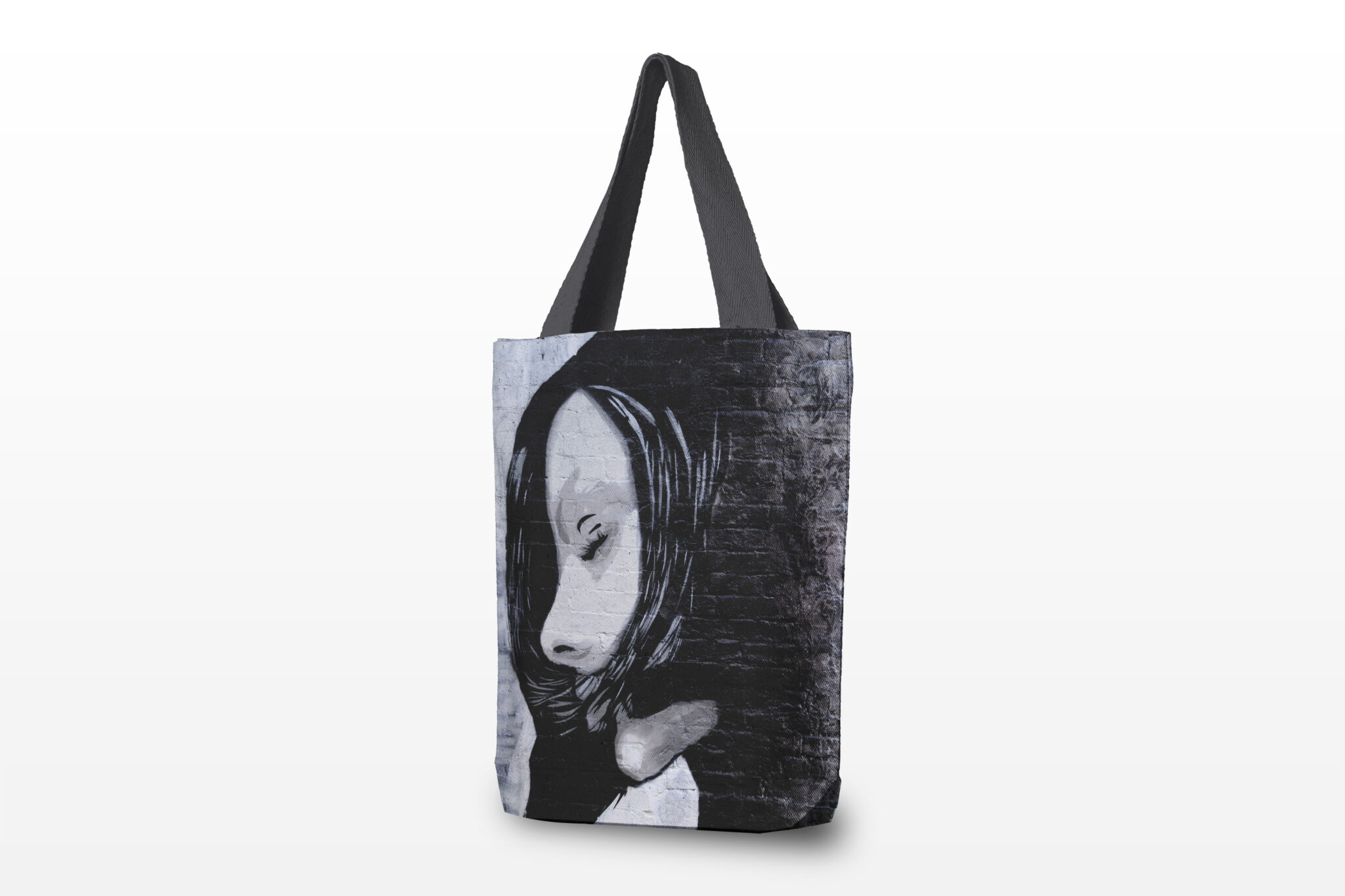
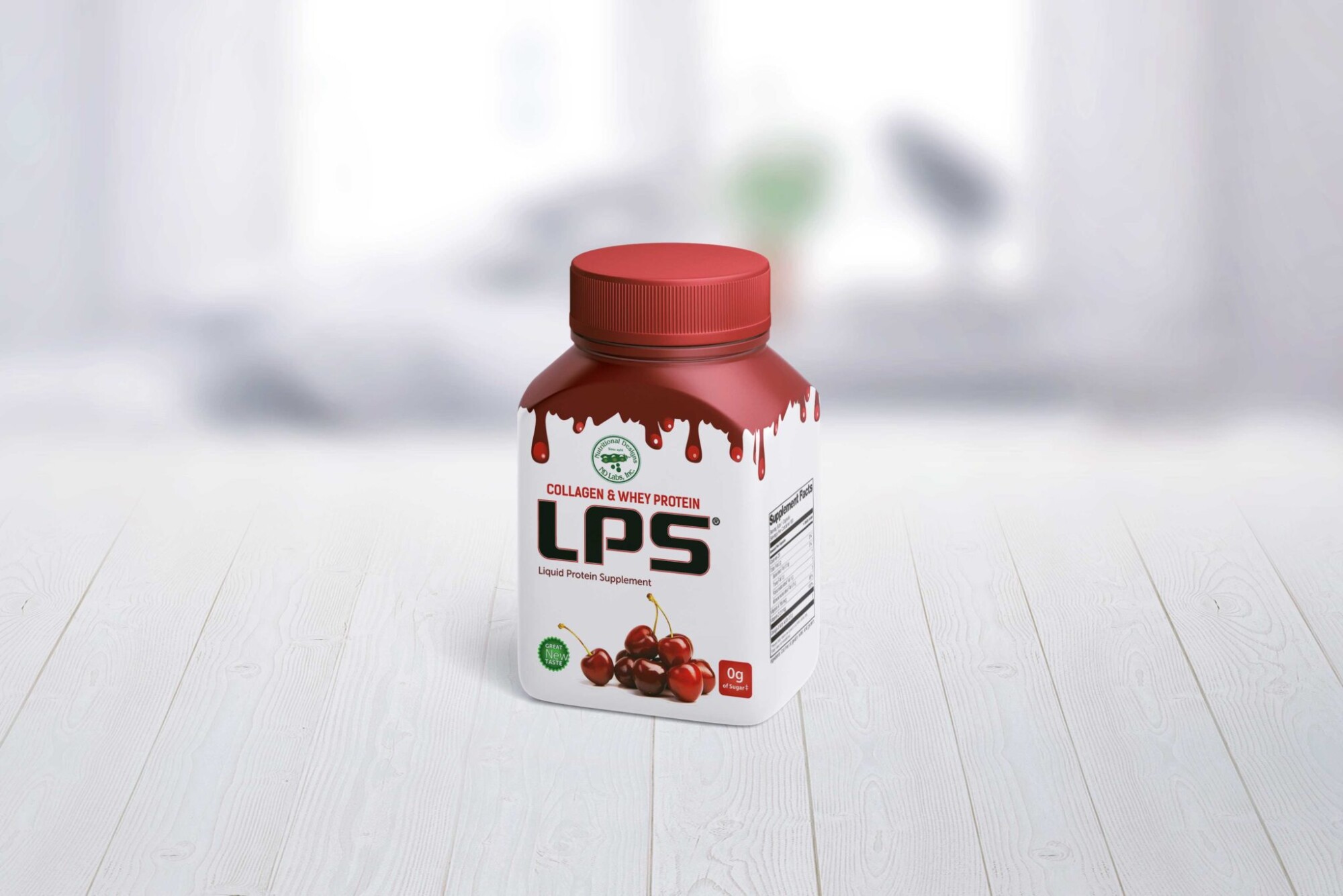
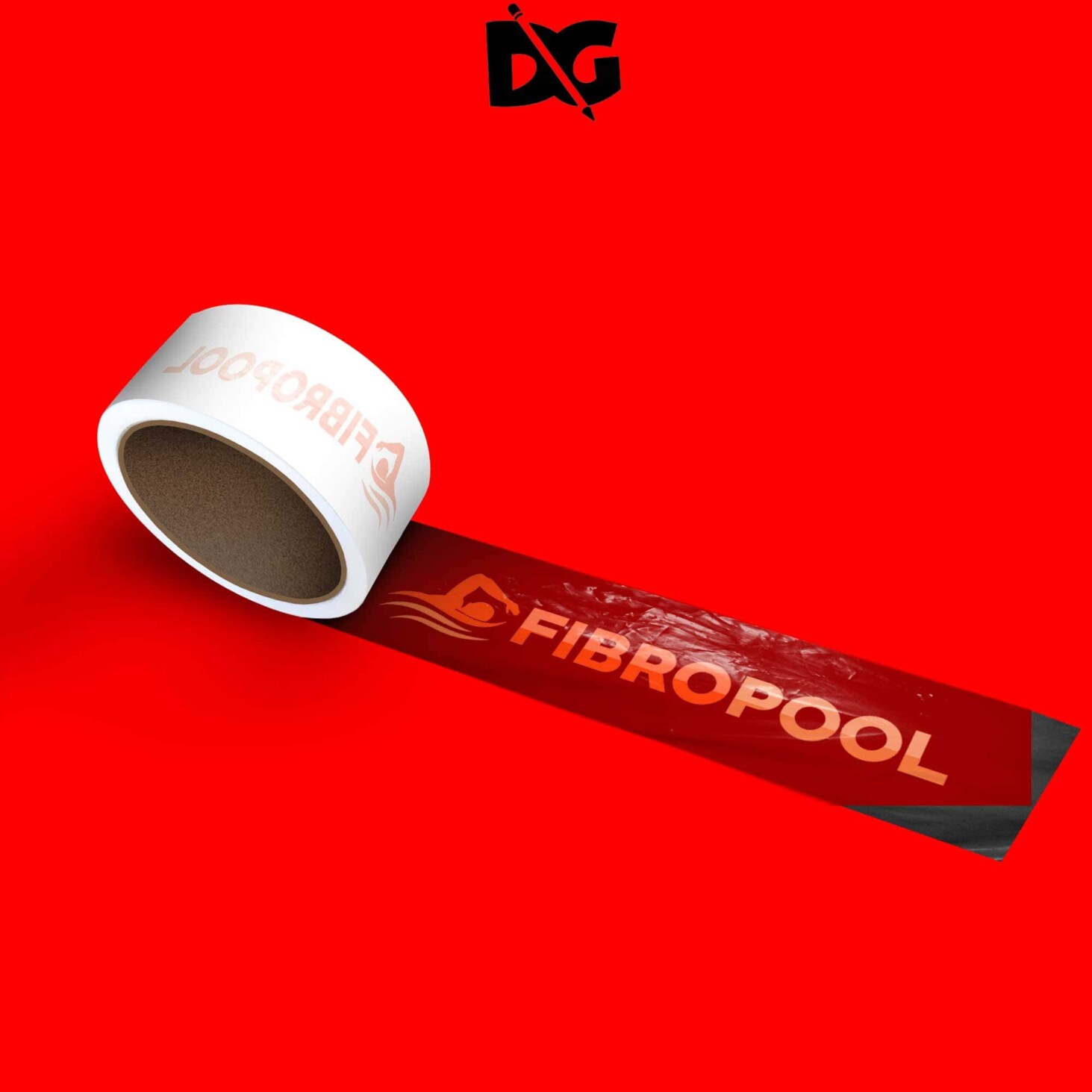
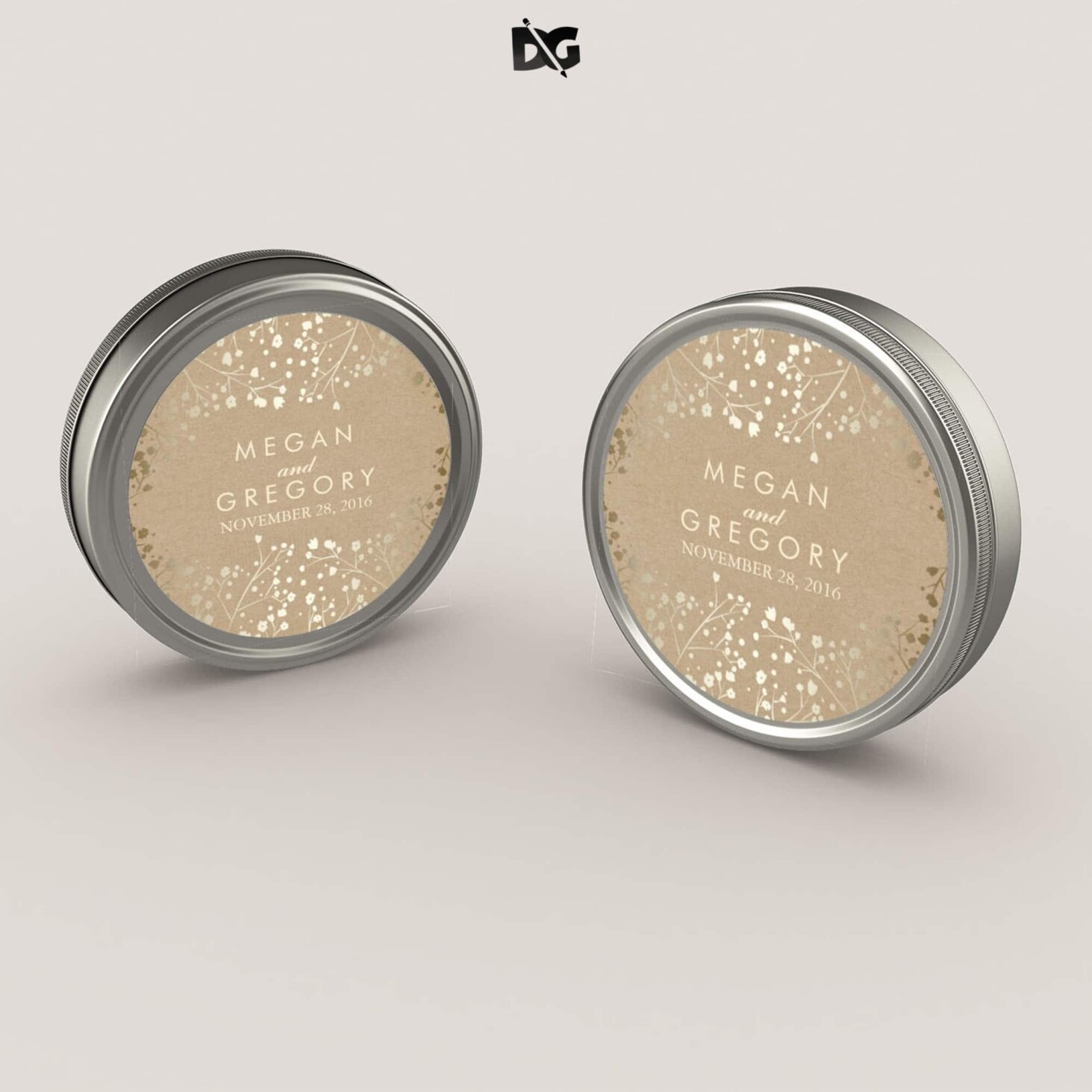
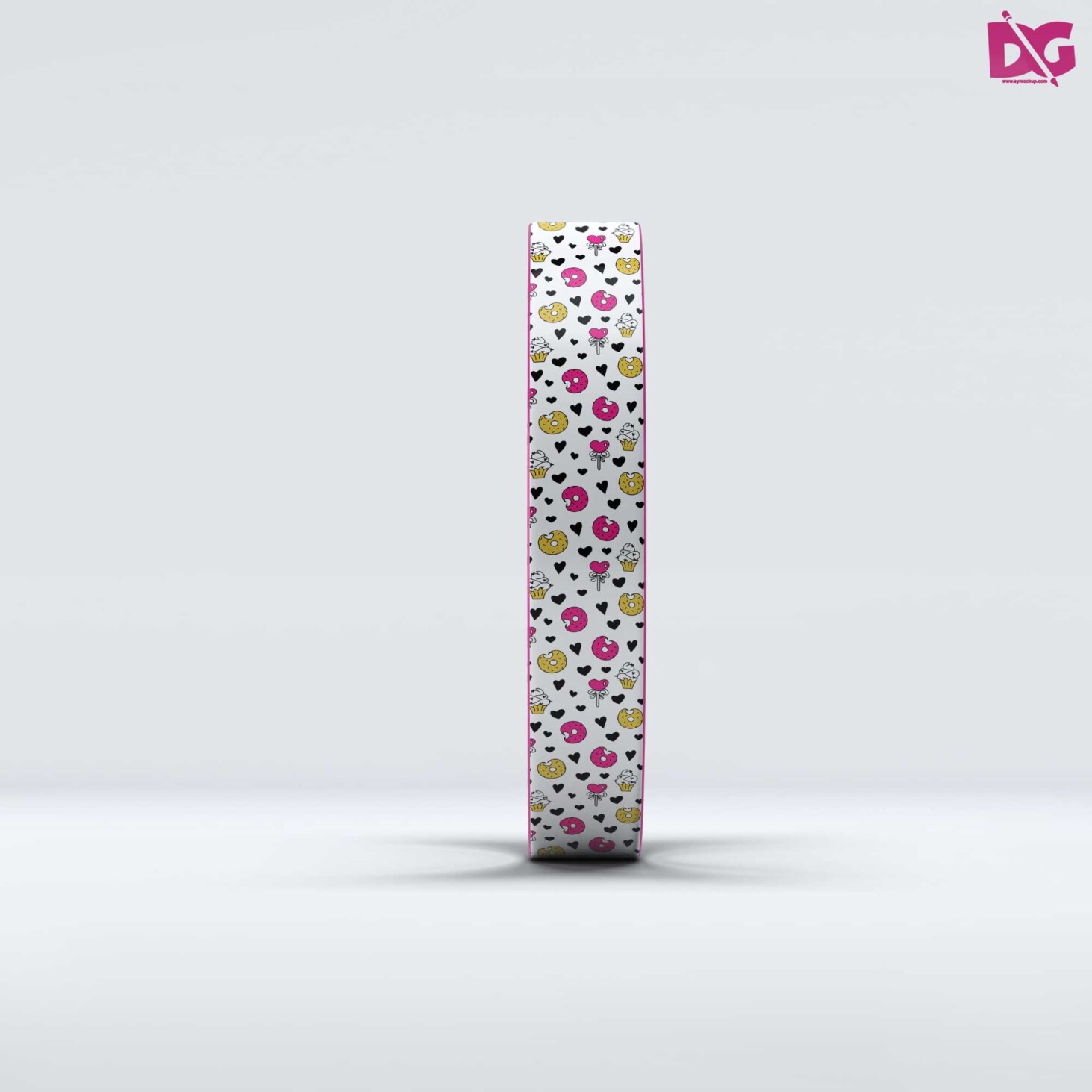
Elevate your design presentations with our free mock-up plain poster presentation PSD. This versatile template allows you to showcase your artwork in a professional manner, perfect for portfolios, educational projects, and exhibitions. With customizable layers, you can easily insert your designs, change colors, and modify the background to fit your vision. It’s designed for efficiency, ensuring that you can create stunning visuals in no time.
Our PSD mock-up is compatible with Adobe Photoshop, making it accessible for both beginners and seasoned designers. The high-resolution quality ensures that your presentation looks sharp and polished, whether displayed digitally or in print. Download this free resource today and bring your creative ideas to life with ease. It’s a must-have tool for anyone looking to make a statement with their design work.
Your Brand Deserves Premium Mock-up Plain Poster Presentation PSD for presentation
Our awesome team of designers pledge to developing superior but affordable graphics design Premium Mock-up Plain Poster Presentation PSD
All of these Resources are easy to use and can present your information beautifully. Some are free, while others cost a few dollars.
More great & free PSD Mockups Collection:
Description:
Available Format: Layered PSD through smart object insertion License: Free for personal and commercial use Zip File Includes: Photoshop PSD File Resolution: 2000 x 2250 pxFAQs – Free Mock-up Plain Poster Presentation PSD
Can I edit the free mock-up plain poster presentation PSD?
Yes, the PSD file is fully editable in Adobe Photoshop, allowing you to customize every aspect of the design.
What file format is the poster presentation mock-up available in?
The mock-up is provided in PSD format, specifically designed for use with Adobe Photoshop.
Does the mock-up support different lighting options?
Yes, the mock-up includes several layers that allow you to adjust lighting effects for a more realistic presentation.
Is it easy to insert my designs into the mock-up?
Absolutely! You can simply replace the placeholder images with your designs using smart objects in Photoshop.
Do I need advanced skills to use this mock-up?
No, the mock-up is user-friendly and suitable for all skill levels, from beginners to experienced designers.