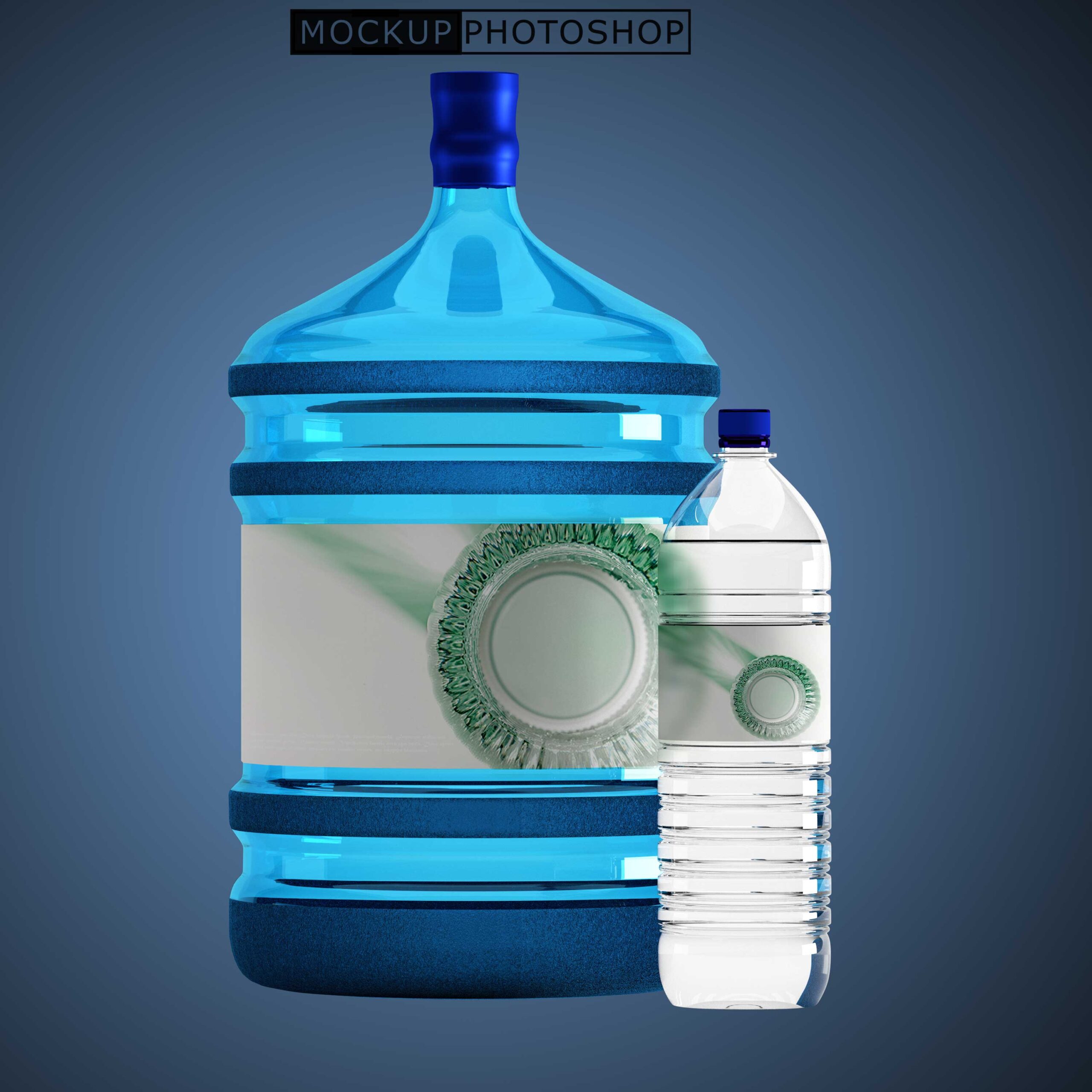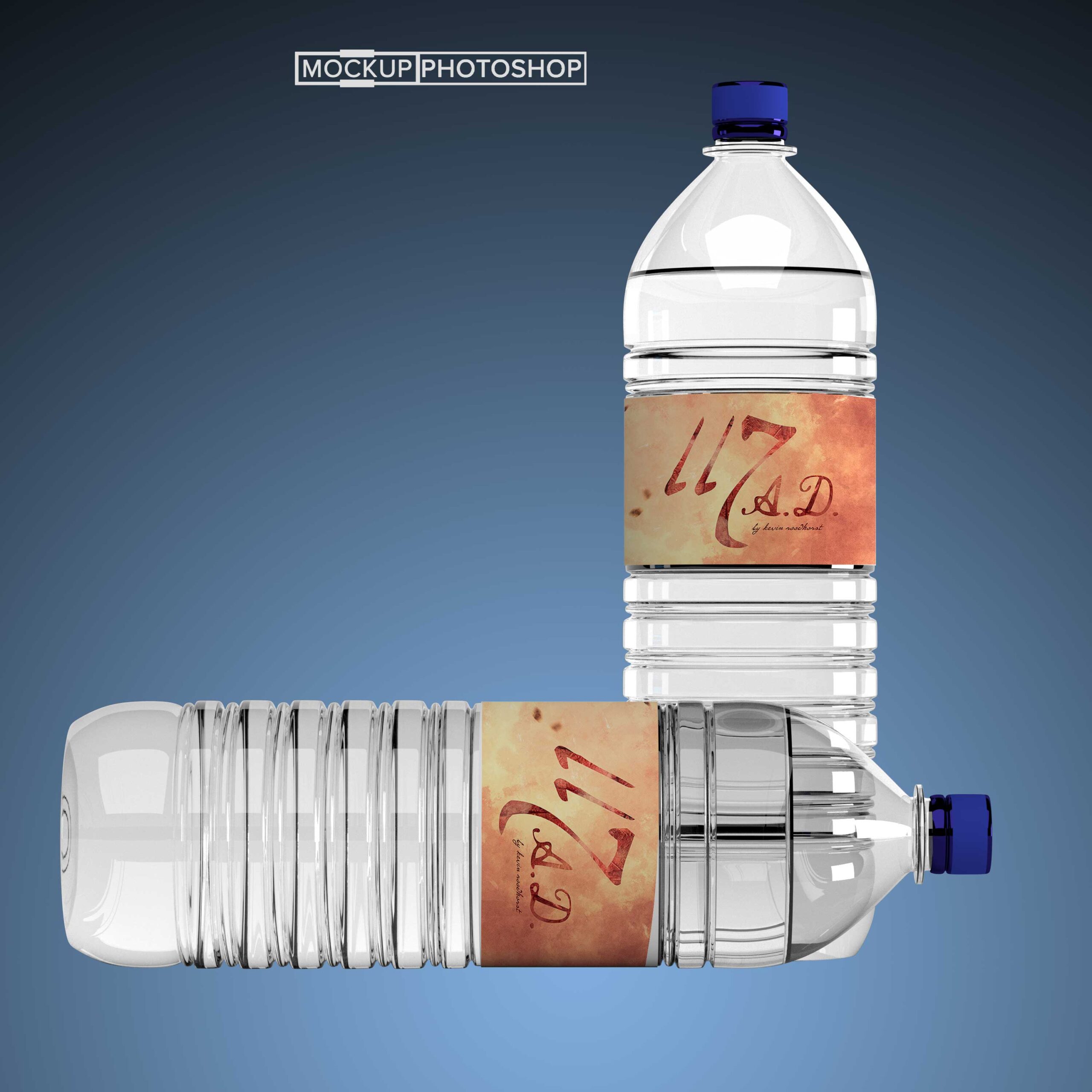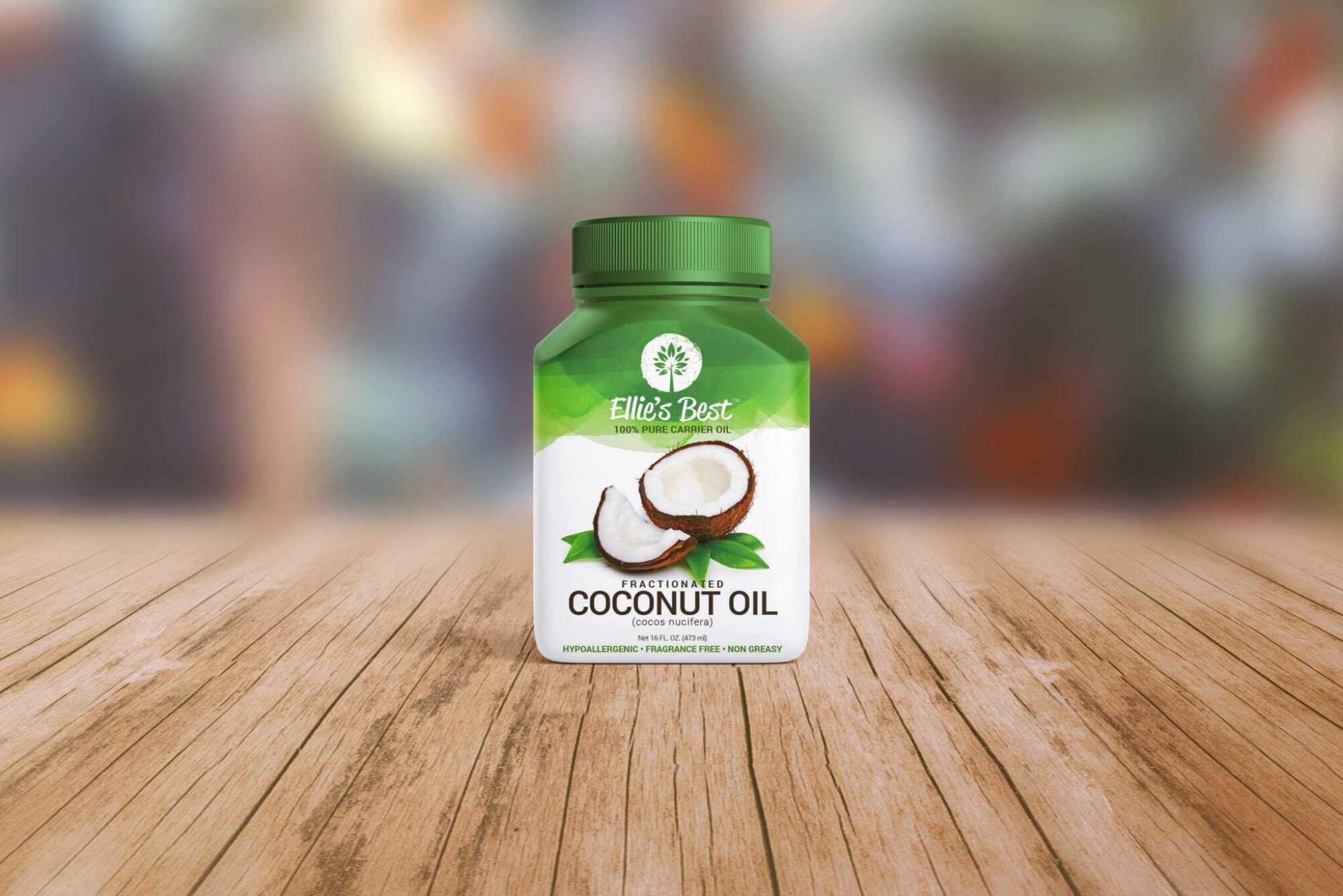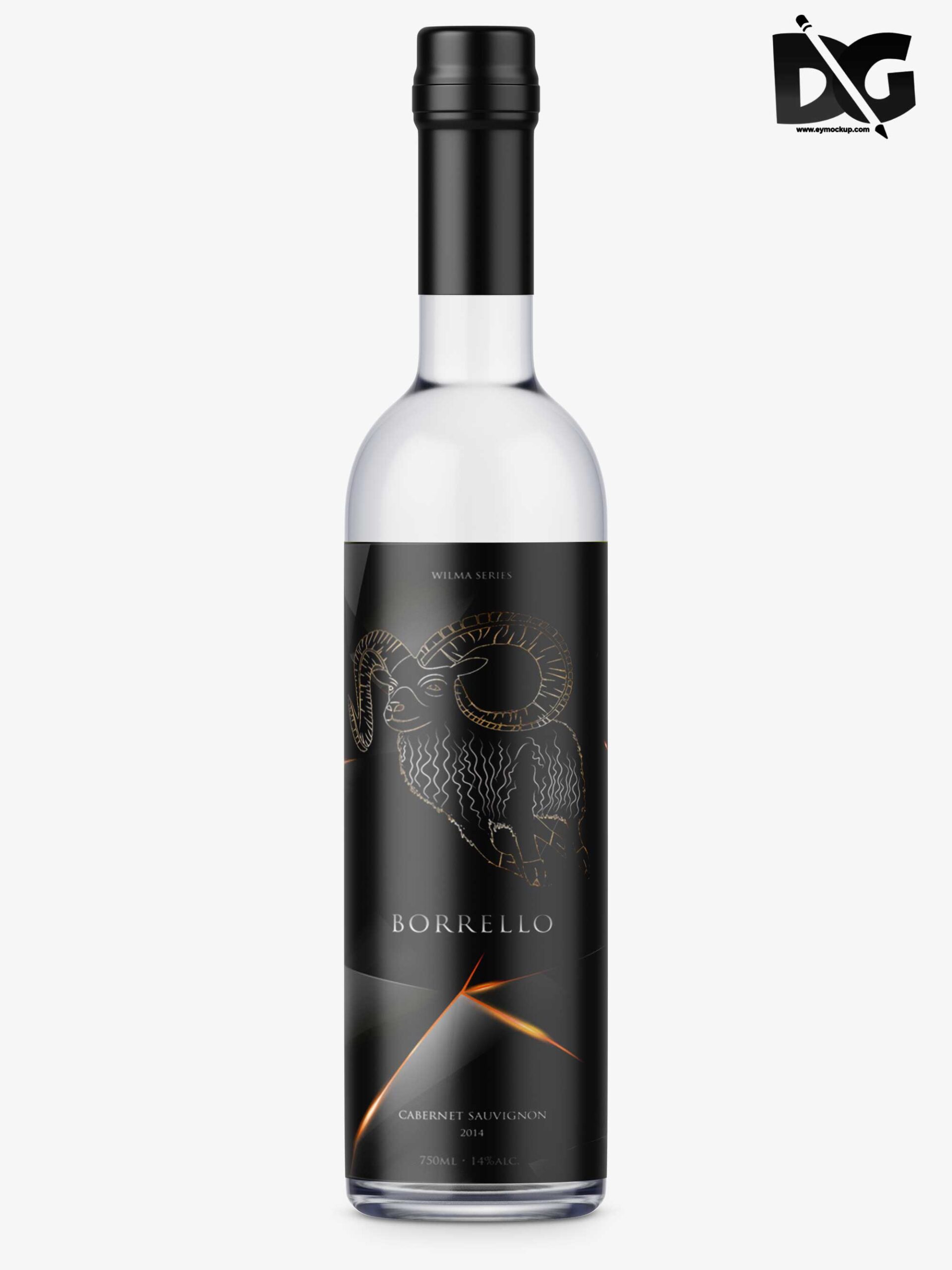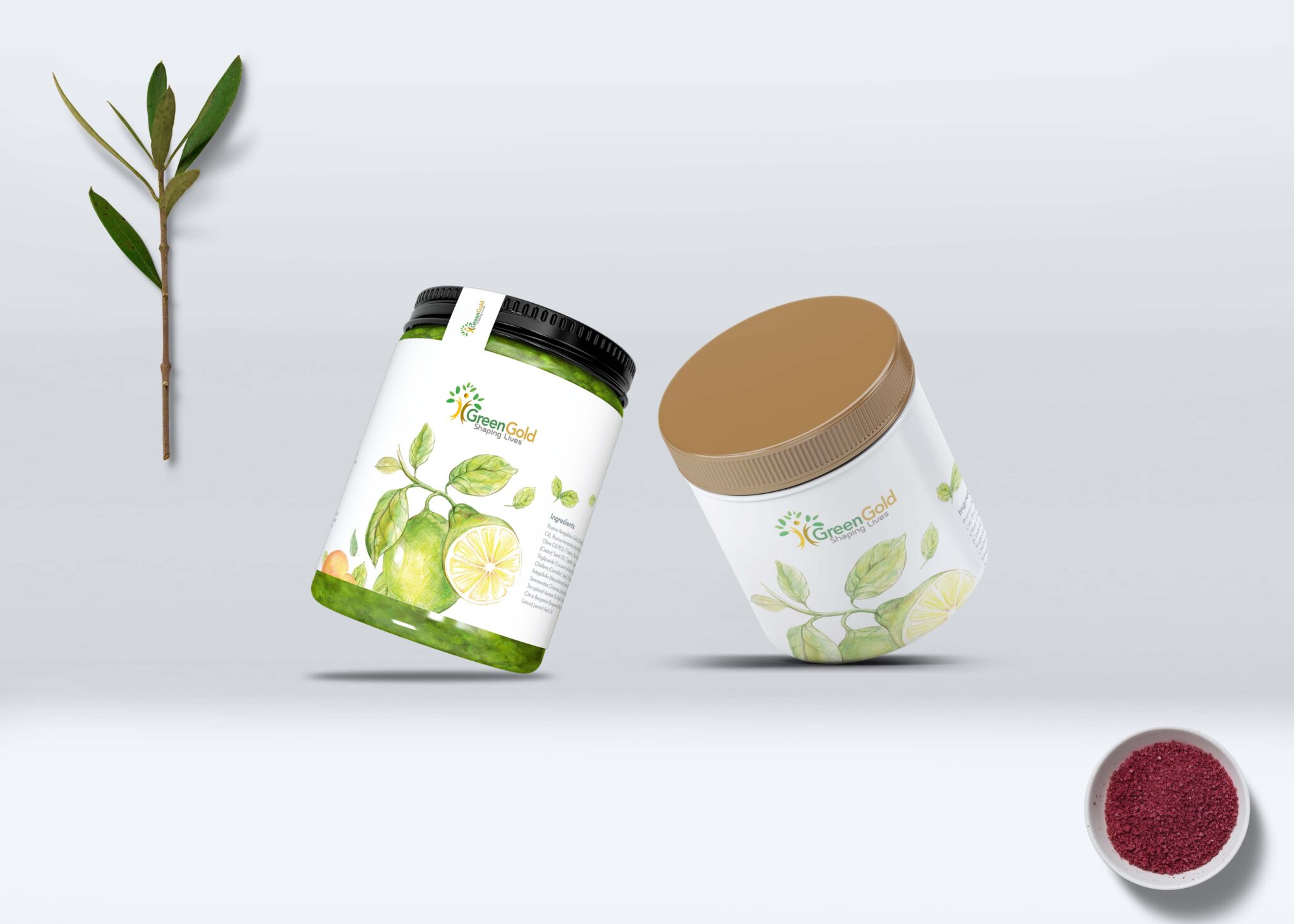
Present your product designs in style with our Free Dual Jars Bottle Mockup. This mockup is perfect for showcasing your packaging designs for cosmetics, food, or beverages. With its realistic rendering, you can impress clients and enhance your portfolio effortlessly.
The mockup comes in a high-resolution format, making it easy to customize using Adobe Photoshop. You can change the colors, labels, and backgrounds to match your brand’s aesthetic. Ideal for both beginners and experienced designers, this mockup will save you time while ensuring a professional presentation of your designs.
Luckily, there are lots of free bottle mockups and templates recently released for the benefit of graphic artists. These free bottle mockups and templates provide a perfect way to display bottles in a much more attractive way.
These can absolutely help graphic designers easily and conveniently add their own ideas to the bottles such as putting colors that can either come in light or shadow effects.
All of these Resources are easy to use and can present your information beautifully. Some are free, while others cost a few dollars. ( premium mockups template )
More great & free PSD Mockups Collection:
Description:
Available Format: Layered PSD through smart object insertion
License: Free for personal and commercial use
Zip File Includes: Photoshop PSD File
Resolution: 2200 x 1500 px
Advertisement:
FAQs – Free Dual Jars Bottle Mockup
Can I edit the Free Dual Jars Bottle Mockup?
Yes, you can easily edit the mockup using Adobe Photoshop to customize colors, labels, and backgrounds.
Do I need special software for the mockup?
To edit and customize the mockup, Adobe Photoshop is required, as it supports the file format.
Is the dual jars mockup high-resolution?
Absolutely! The mockup is provided in high-resolution, ensuring your designs look sharp and professional.
What file format is the dual jars mockup in?
The Free Dual Jars Bottle Mockup is typically available in PSD format, compatible with Adobe Photoshop.
Does the mockup include editable backgrounds?
Yes, the mockup allows you to change the background to fit your design needs, enhancing overall presentation.