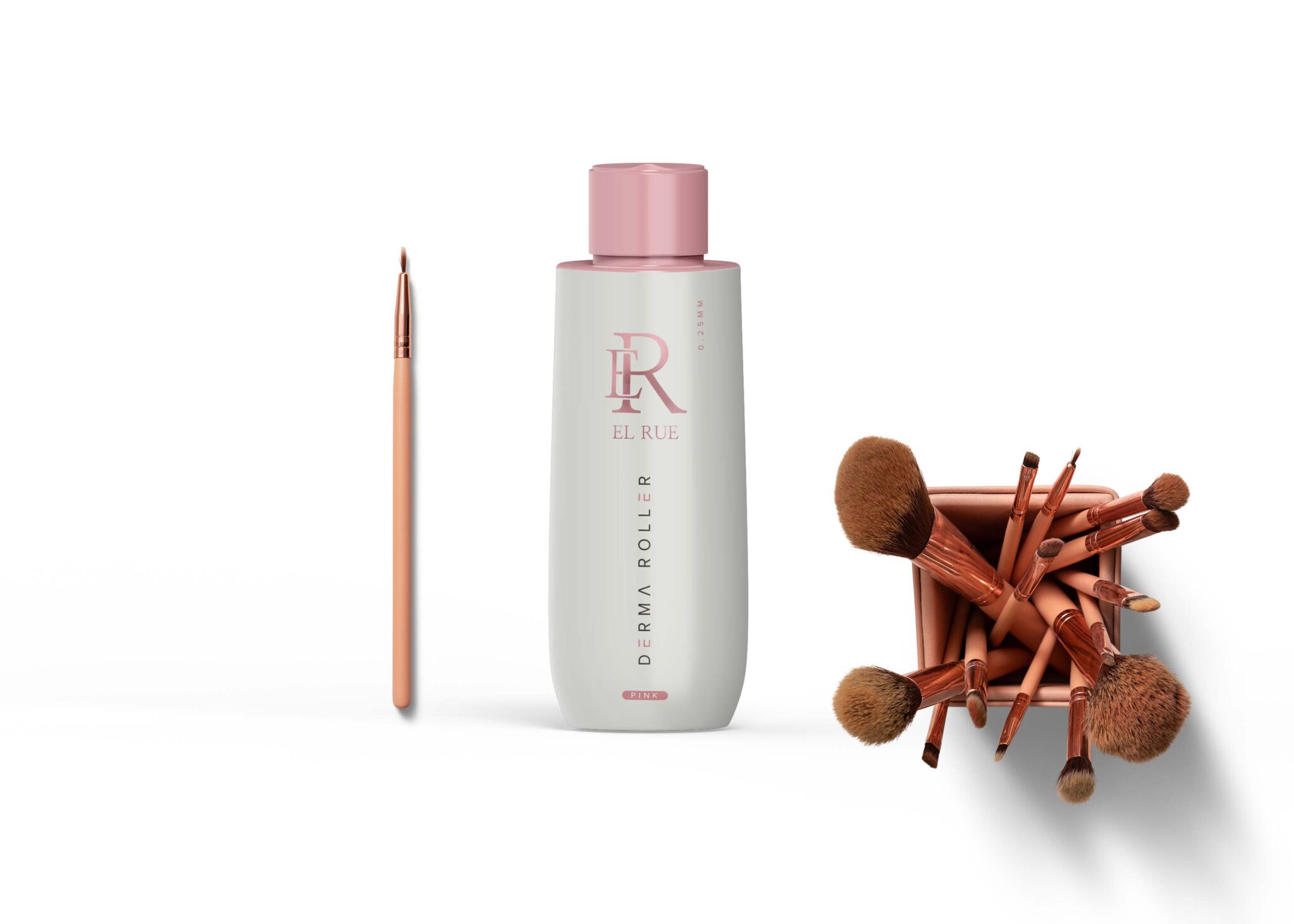
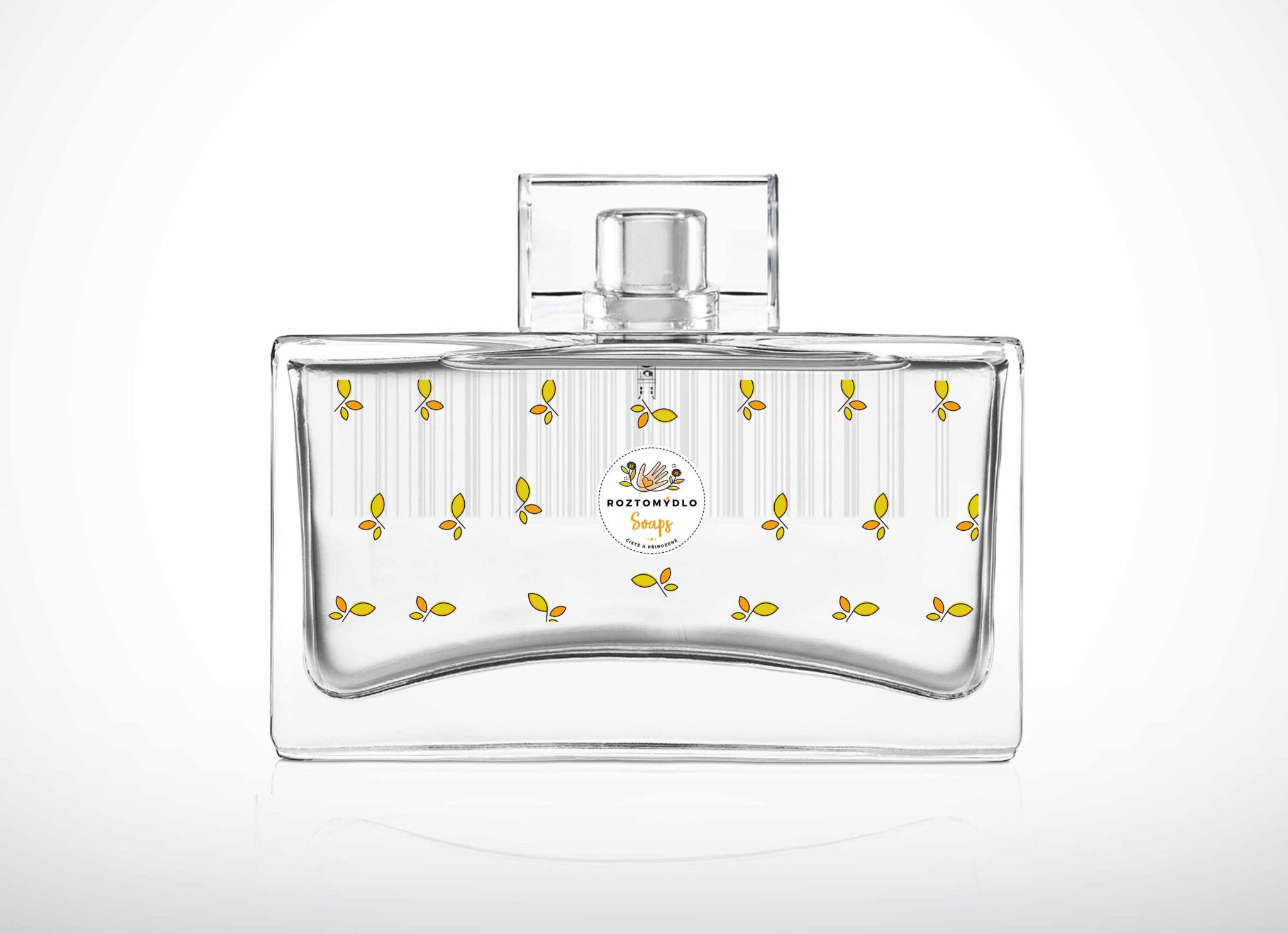
Elevate your product presentations with our Caffeine Chemical Bottle Label Mockup. This versatile mockup allows you to showcase your label designs in a realistic and appealing way. Ideal for packaging designers, this mockup features customizable elements that enable you to display various designs effortlessly.
Crafted with attention to detail, the mockup includes a high-quality bottle rendered in photorealistic style. You can easily edit the label using Photoshop, ensuring that your designs look professional and polished. Adjust the lighting and shadows to fit your vision, making every presentation unique.
Luckily, there are lots of free bottle mockups and templates recently released for the benefit of graphic artists. These free bottle mockups and templates provide a perfect way to display bottles in a much attractive way.These can absolutely help graphic designers easily and conveniently add their own ideas to the bottles such as putting colors that can be either come in light or shadow effects.All of these Resources are easy to use and can present your information beautifully. Some are free, while others cost a few dollars. ( premium mockups template ) More great & free PSD Mockups Collection: Description:FAQs – Cafeine Chemical Bottle Label Mockup
Can I edit the Caffeine Chemical Bottle Mockup in Photoshop?
Yes, the mockup is fully editable in Photoshop, allowing you to customize the label and other elements as per your design needs.
What file format is the mockup available in?
The mockup is provided in PSD format, ensuring compatibility with Adobe Photoshop for seamless editing.
Does the mockup include different lighting options?
Yes, the Caffeine Chemical Bottle Mockup allows you to adjust lighting settings, giving you flexibility in how your design is presented.
Is it easy to change the label design?
Absolutely, changing the label design in the mockup is straightforward, thanks to smart objects in Photoshop that simplify the process.
What resolutions does the mockup support?
The mockup supports high-resolution outputs, ensuring that your designs look sharp and professional in any presentation.