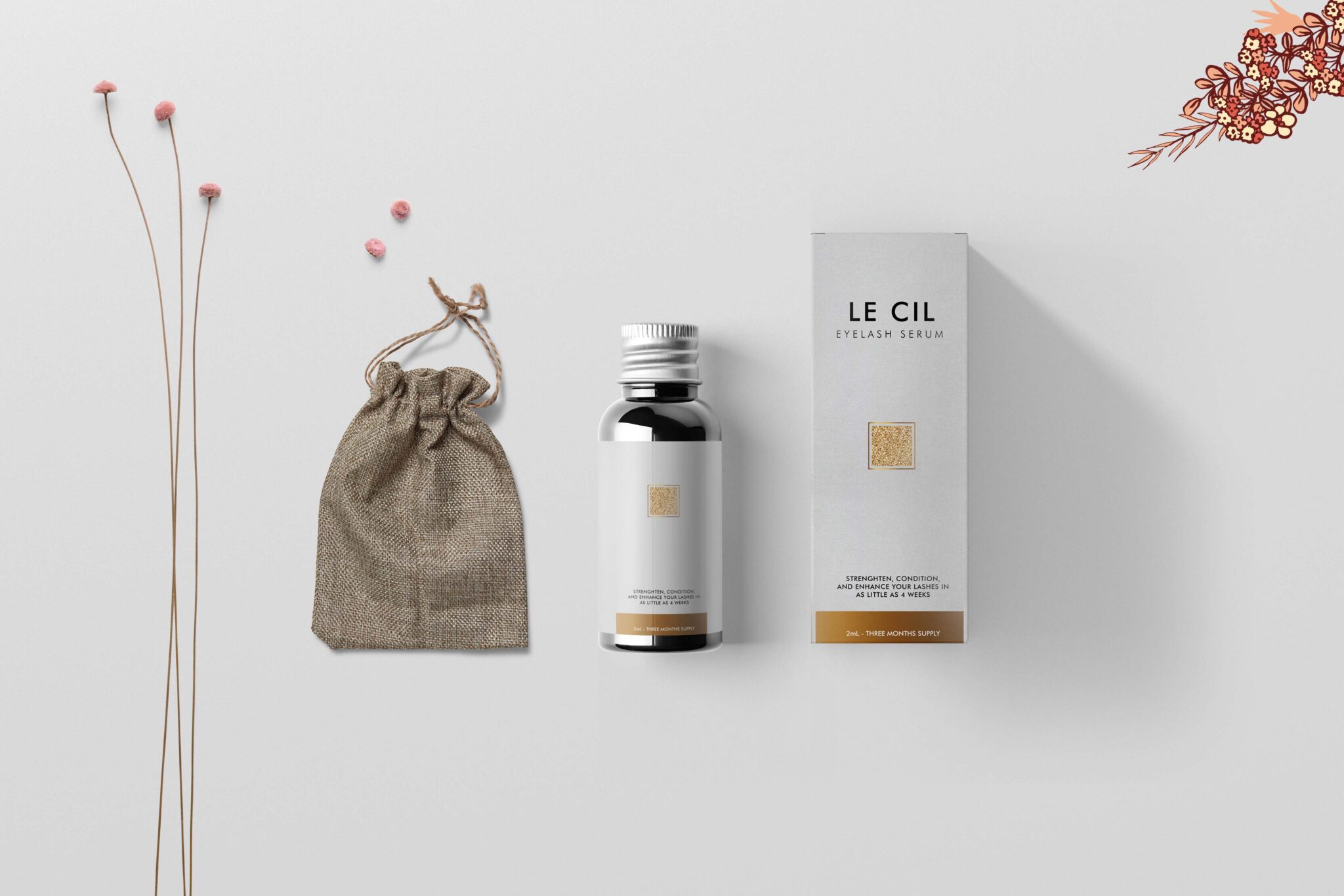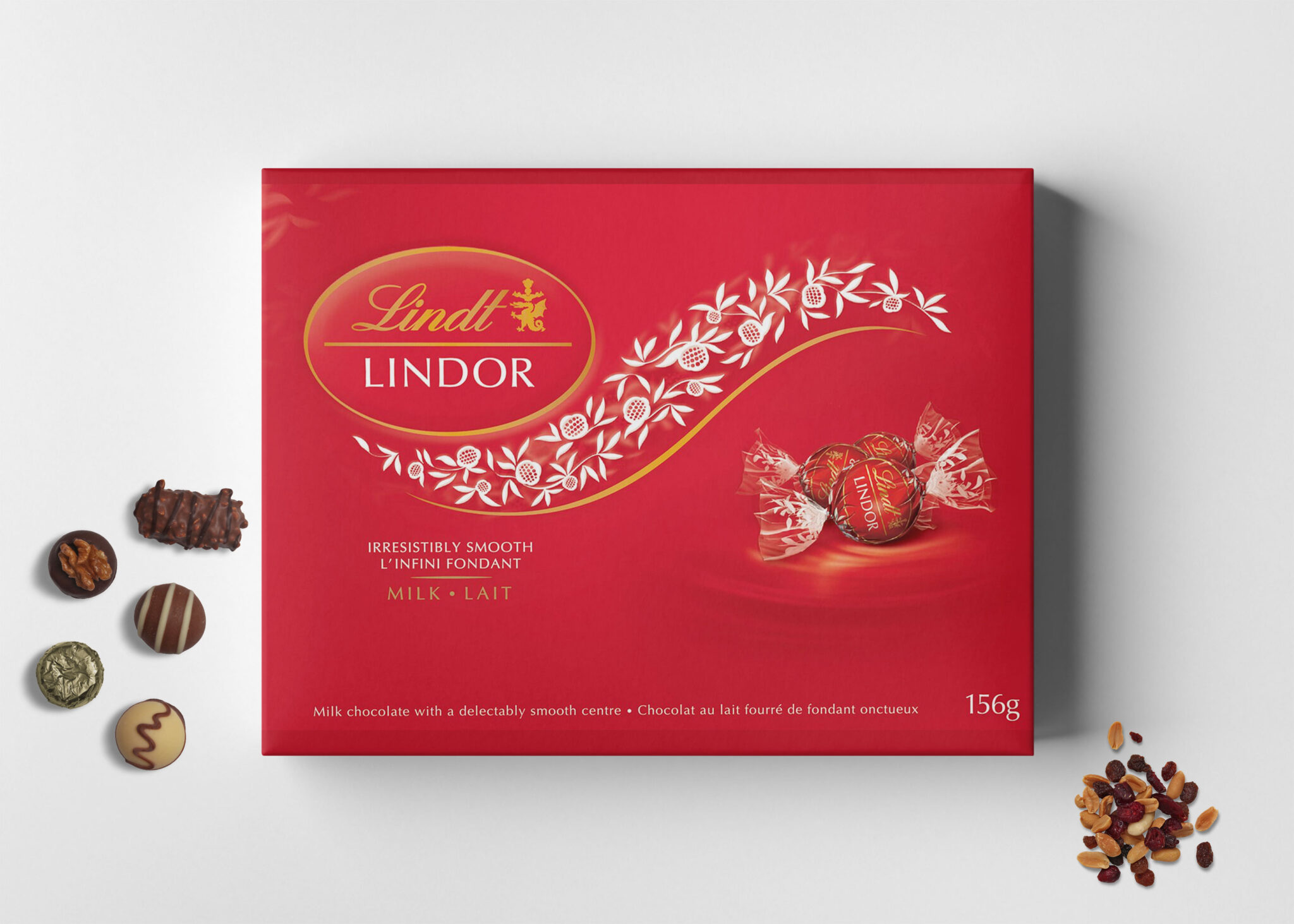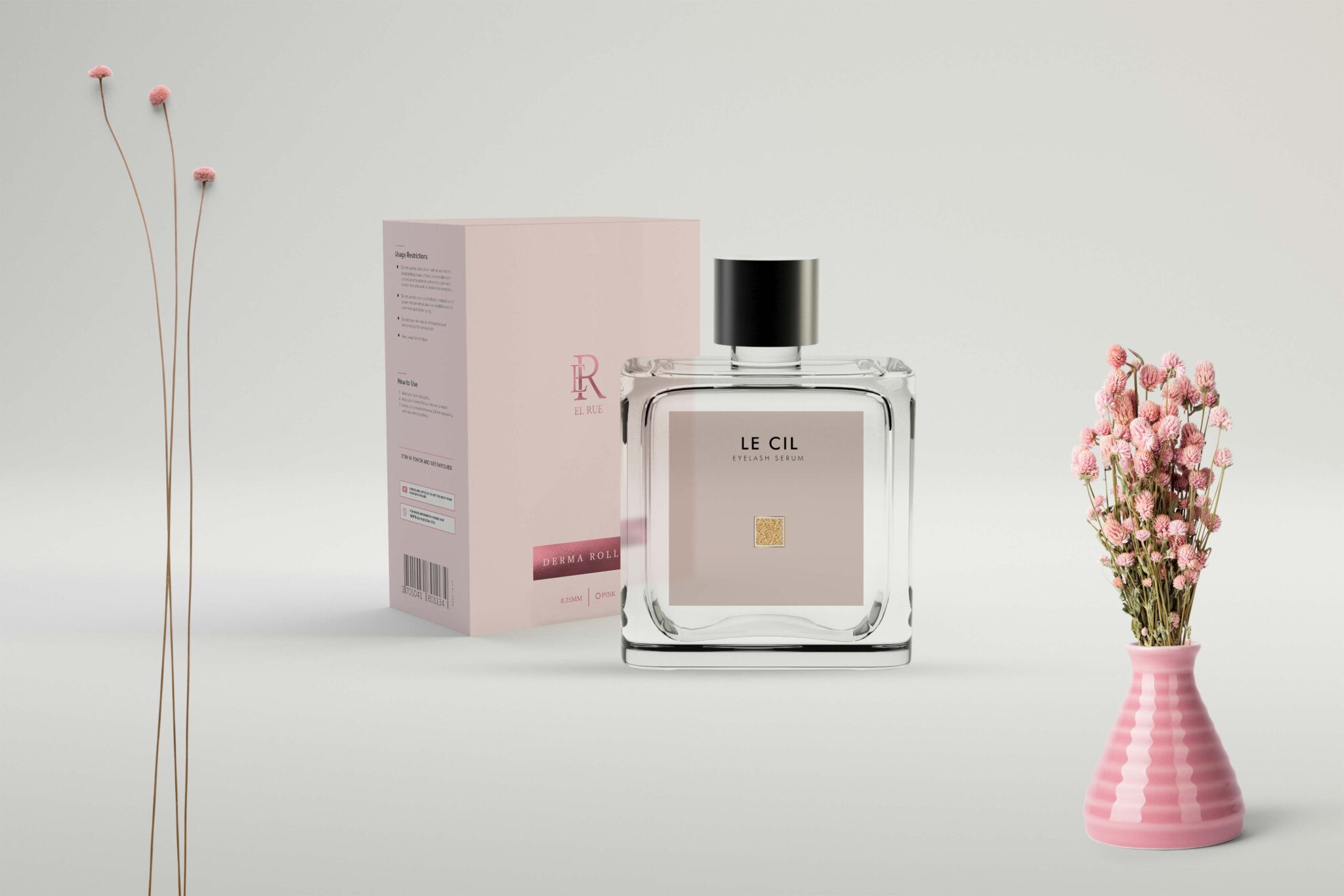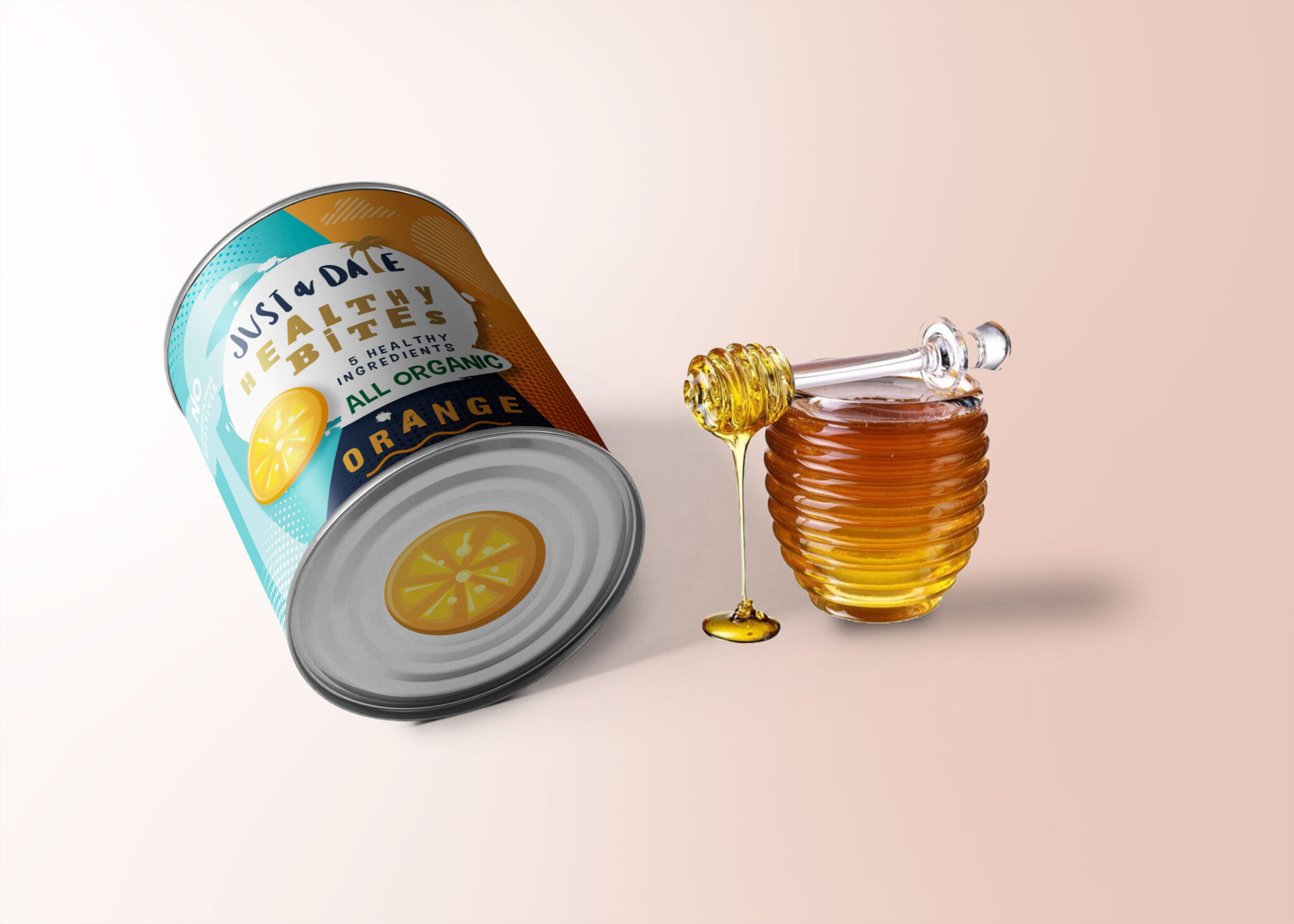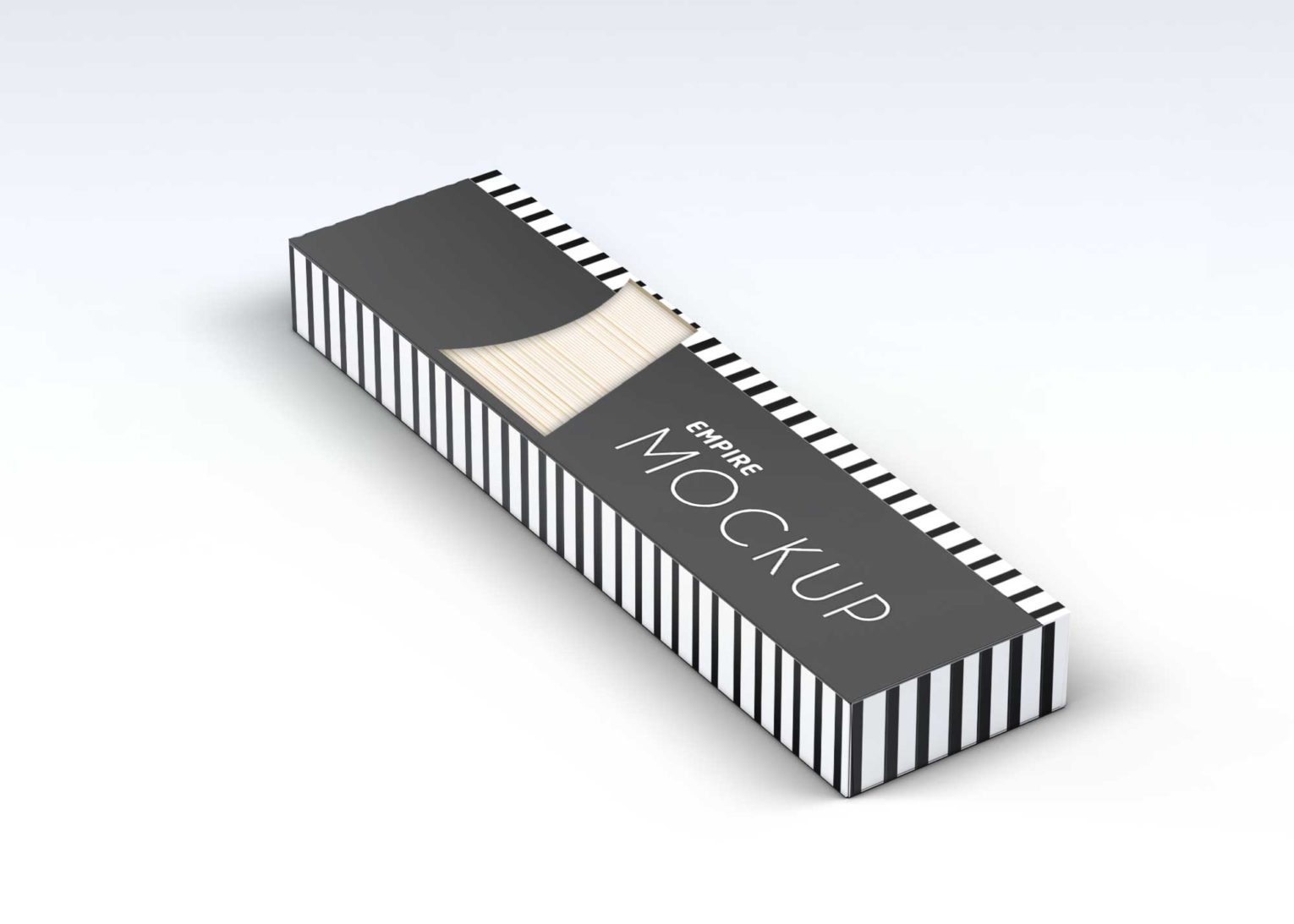
Creating eye-catching packaging designs has never been easier with our Mini Packaging Mockup. This versatile mockup allows you to showcase your designs in a realistic and appealing way, helping clients visualize the final product. With high-resolution images and customizable features, you can easily adapt this mockup to fit your specific needs, ensuring your designs stand out in a crowded market.
Our Mini Packaging Mockup is user-friendly and compatible with popular design software like Adobe Photoshop. You can quickly edit and insert your graphics without any hassle. The mockup includes various angles and perspectives, allowing you to present your packaging design from multiple viewpoints. Whether you’re designing for a product launch or a marketing campaign, this mockup is an essential tool for any designer aiming to impress potential clients.
Today, consumers are all about the packaging of a product – sometimes even more so than the product itself! What something looks like on the outside can have a big impact on whether or not people are interested, so the right type of packaging can really make a difference in the overall success of your product.Graphic designers use free mock-ups to give a glimpse of how their design will look in a real-world environment. These mock-ups come in PSD files which can be easily used with smart layers. Go ahead and download them all.All of these Resources are easy to use and can present your information beautifully. Some are free, while others cost a few dollars.
More great & free PSD Mockups Collection:
Description:
Available Format: Layered PSD through smart object insertion Zip File Includes: Photoshop PSD File Resolution: 3000 x 2250 px
FAQs – Mini Packaging Mockup
Can I edit the Mini Packaging Mockup in Photoshop?
Yes, the mockup is fully editable in Adobe Photoshop, allowing you to customize graphics, colors, and textures easily.
Does the mockup include different angles of the packaging?
Absolutely! The Mini Packaging Mockup features multiple angles to provide a comprehensive view of your design.
Do I need any special skills to use the mockup?
No, the mockup is designed for users of all skill levels, making it easy for anyone to create stunning presentations.
What file format does the Mini Packaging Mockup come in?
The mockup is provided in PSD format, which is compatible with most design software, especially Adobe Photoshop.
Is it possible to change the background in the mockup?
Yes, you can easily change the background to suit your branding or presentation needs with simple adjustments in Photoshop.