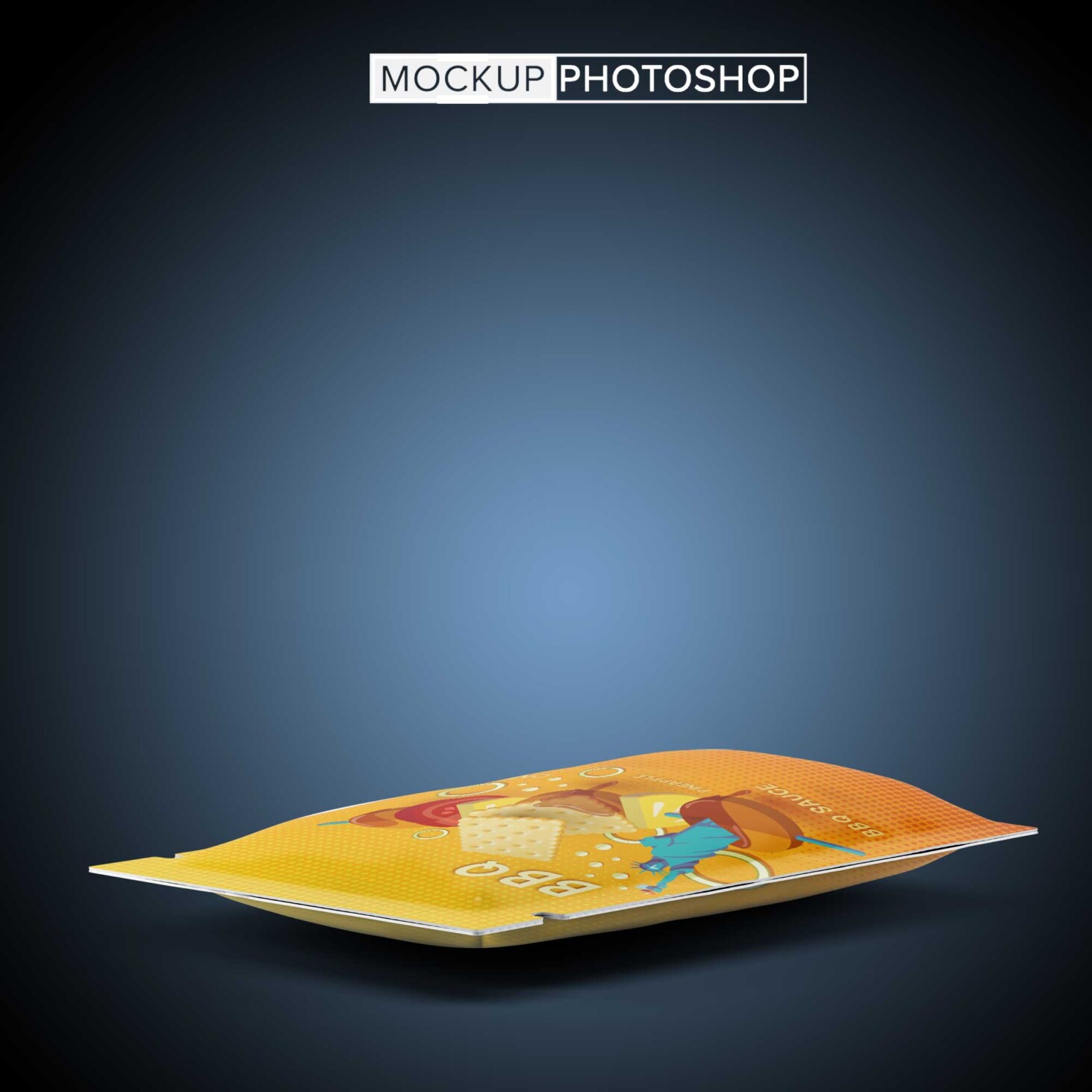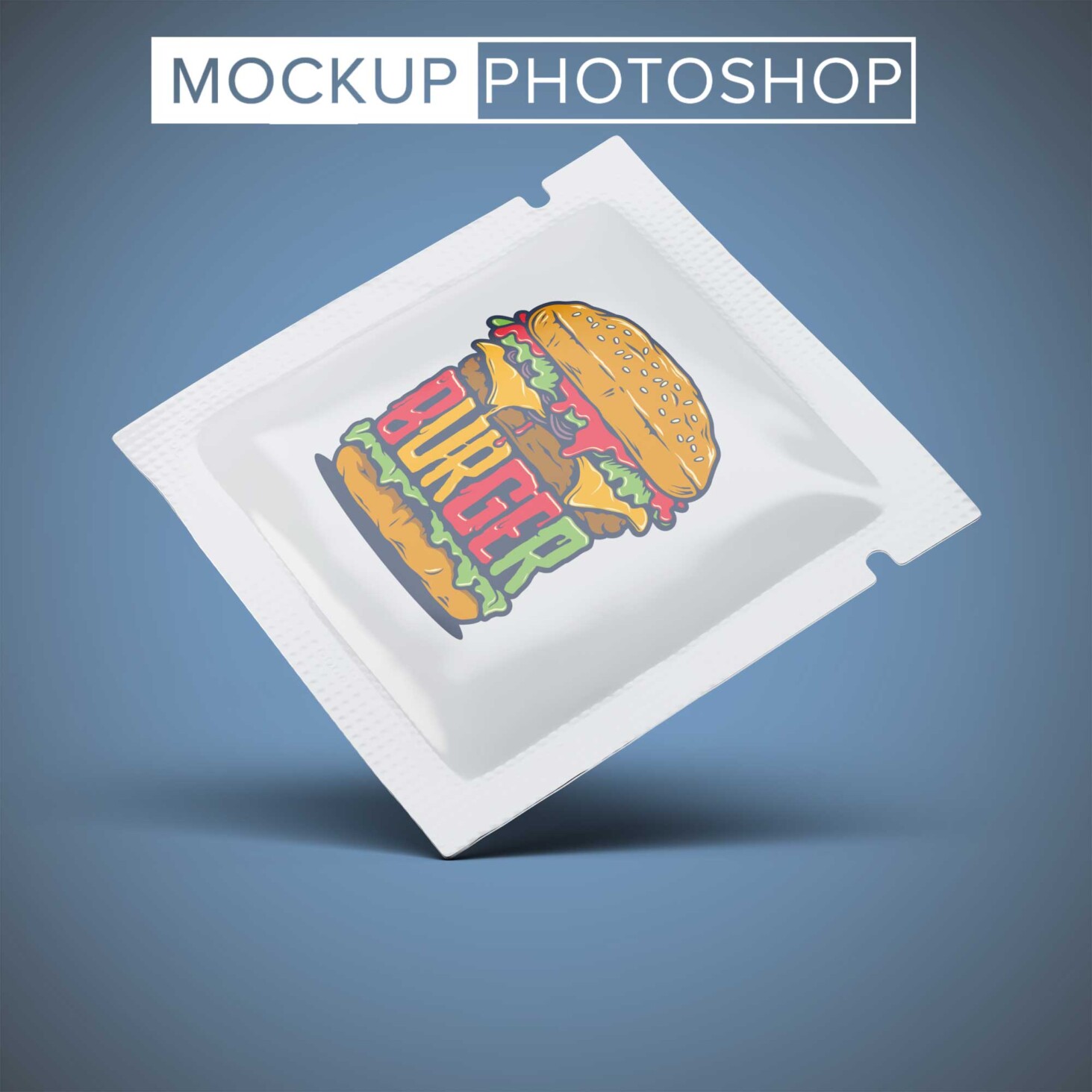
Elevate your product presentations with our free square pouch sachet mockup. This versatile mockup allows you to showcase your designs in a realistic setting, making it ideal for branding, marketing, and packaging presentations. With high-resolution quality and smart object layers, you can easily customize the design to reflect your brand’s unique style.
Our mockup features a clean and modern aesthetic, ensuring that your artwork stands out. Whether you’re promoting a new herbal tea blend or a line of scented sachets, this mockup will help you create stunning visuals. The easy-to-use Photoshop file allows for quick edits, making it a perfect tool for designers looking to enhance their portfolio.
Pouches are one of the most convenient packaging forms which are used by different companies to package their products. They have a significant presence in the food and cosmetics industry where a fast array of products are being packed in pouches as they are easy to carry, cost-effective, and quite useful for product branding at the same time.
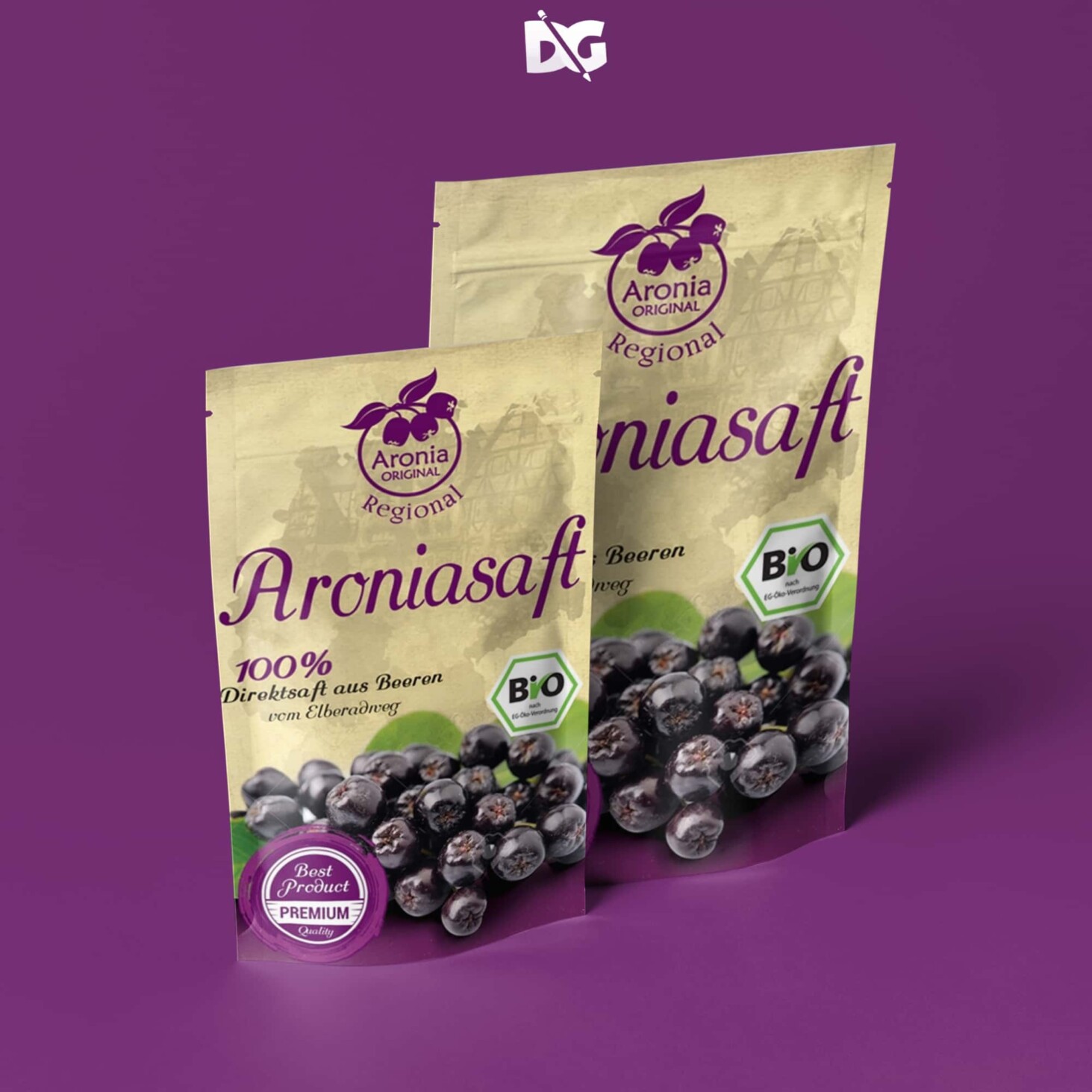
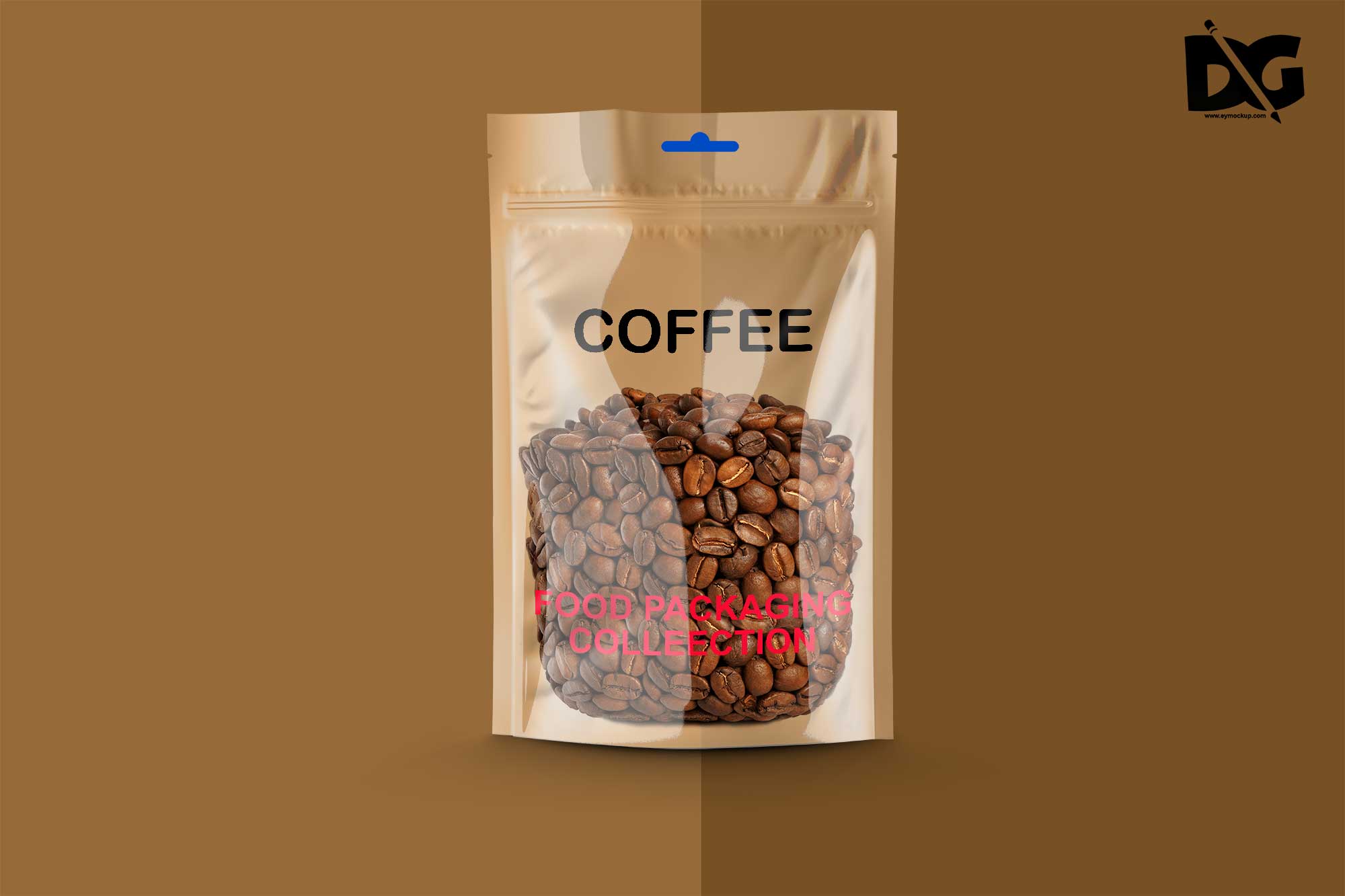
A collection of the best photo-realistic pouch mockup templates for displaying your beautiful branding. Whether you are creating a design for a coffee bag or a cosmetics pouch, whatever the case, we have a mockup here for you to put into play.
The bundle of goodness below covers a broad assortment of different options and solutions for you to take to your total advantage. You just pick the mockup that suits your needs and stuff it with the design. Seriously, the process is just as quick and straightforward as it sounds. No different!
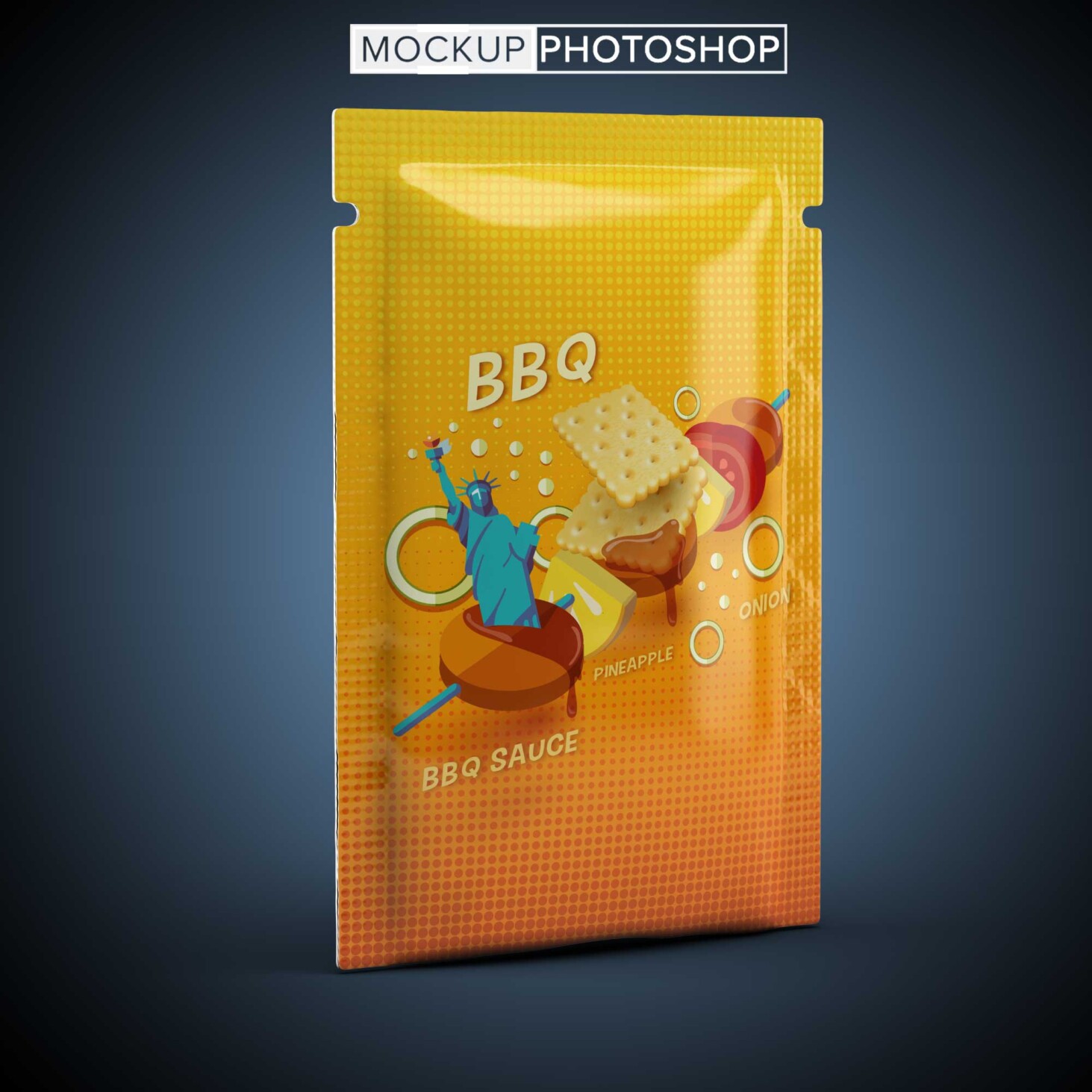
- Free Snacks Pouch Mockup
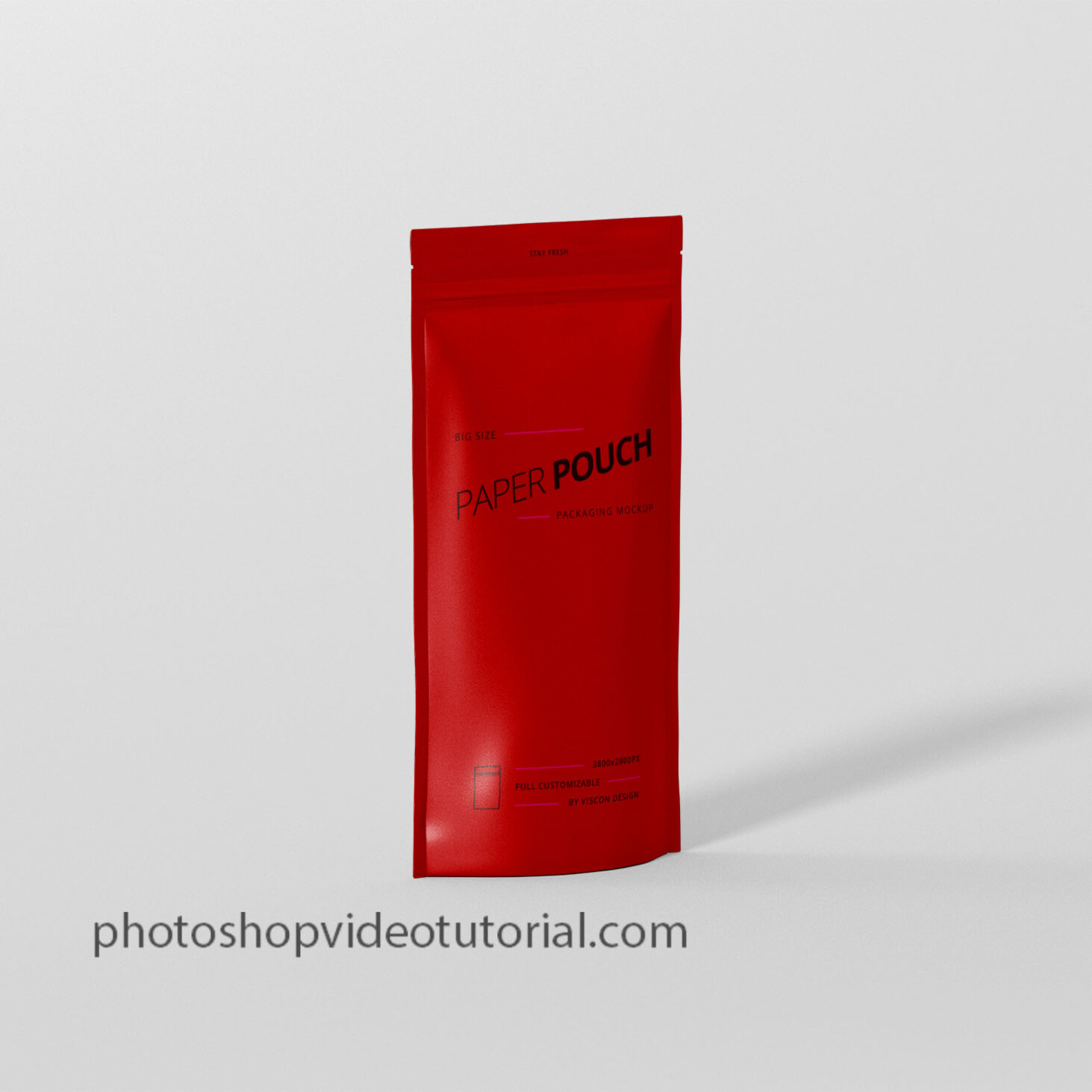
- Free Paper Neck Pouch Mockup
- Free Basel Paper Pouch Mockup
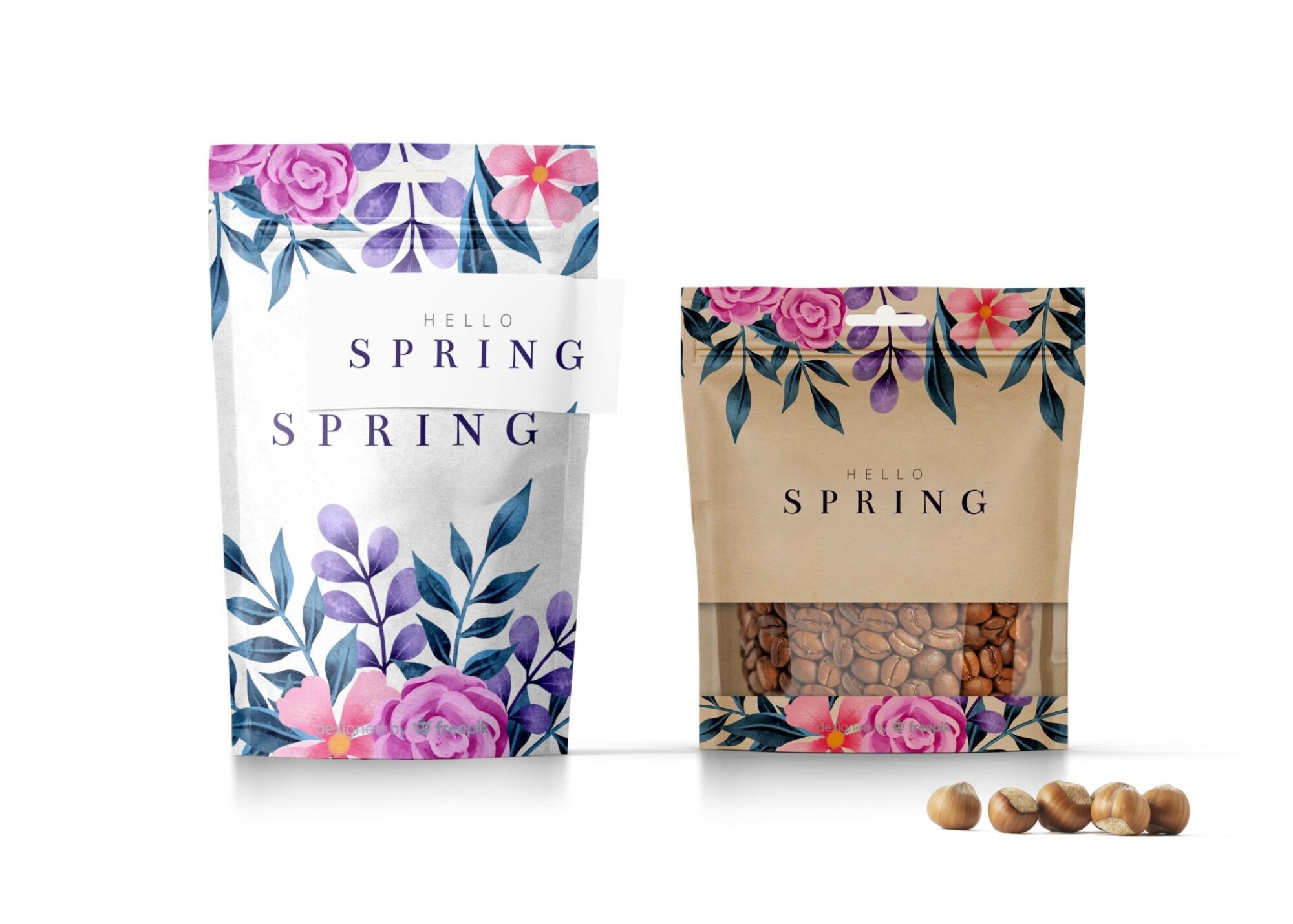
- Hello Spring Stand up Pouch Mockup
Description:
Available Format: Layered PSD through smart object insertion
License: Free for personal and commercial use
Zip File Includes: Photoshop PSD File
Resolution: 3000 x 2250 px
FAQs – Free Square Pouch Sachet Mockup
Can I edit the square pouch mockup in Photoshop?
Yes, the square pouch sachet mockup is designed for easy editing in Photoshop using smart object layers.
Does the mockup come with different angles?
Yes, this mockup includes multiple angles to give you flexibility in showcasing your designs.
What file format is the mockup available in?
The mockup is provided in PSD format, which is standard for Photoshop editing.
Is it easy to change the design on the pouch mockup?
Absolutely! Simply double-click the smart object layer, insert your design, and save to see your changes reflected.
Do I need advanced skills to use the mockup?
Not at all. Basic Photoshop skills are sufficient to customize the mockup effectively.