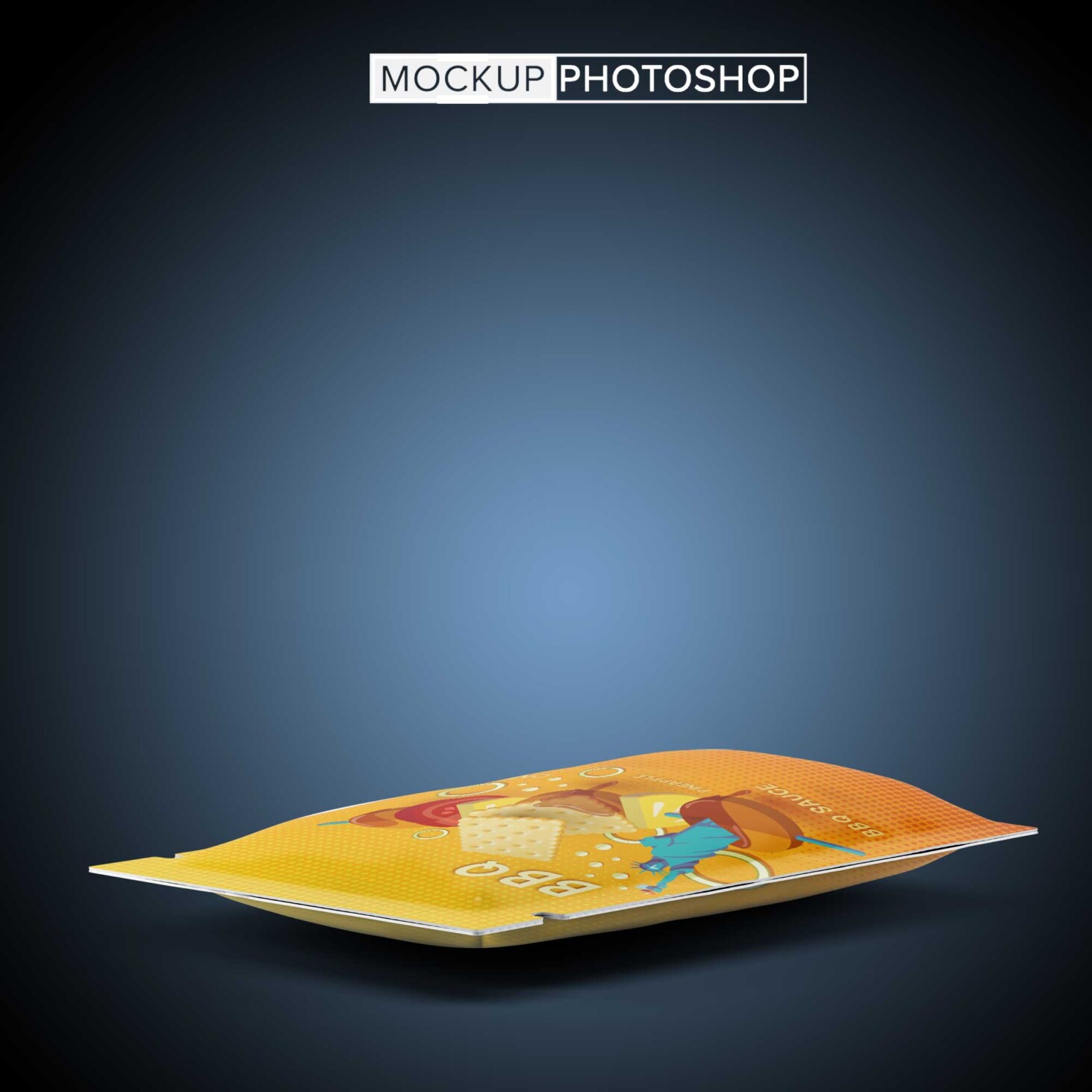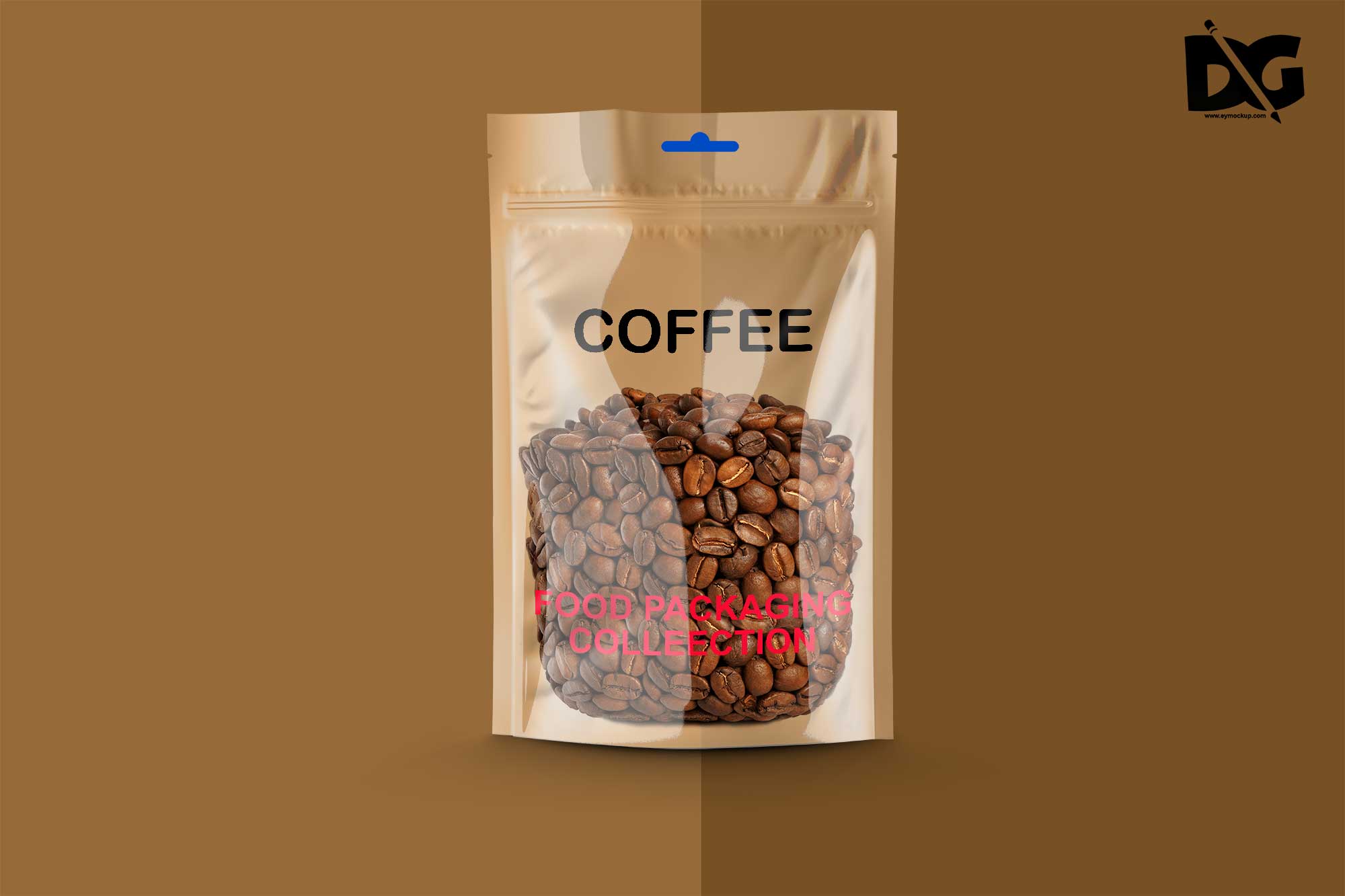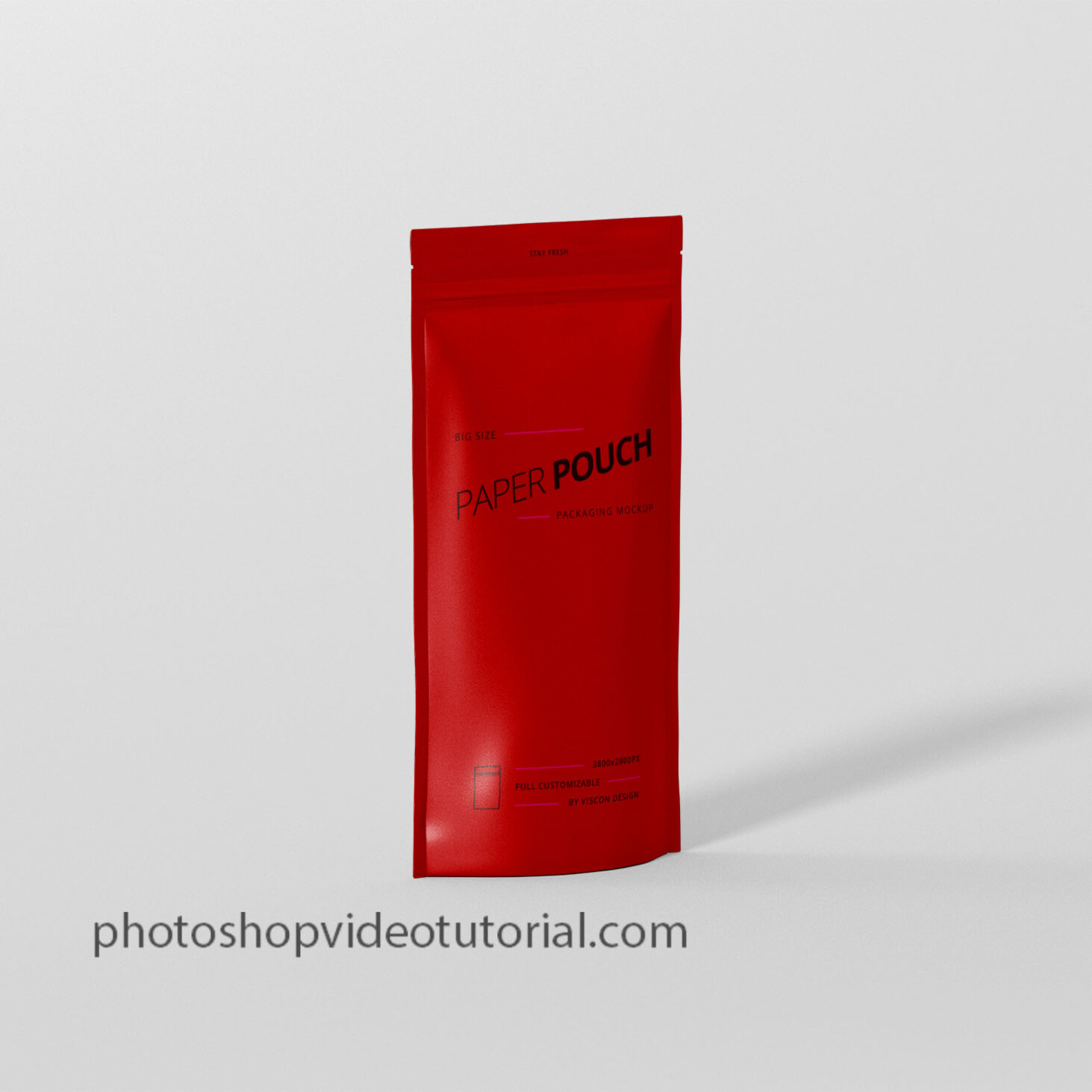
Elevate your packaging presentations with our free front paper pouch mockup. This high-quality mockup allows you to showcase your designs in a realistic setting, making it perfect for designers and brands aiming to impress. With its clean and minimalistic look, your artwork will shine, ensuring that potential customers are drawn to your product.
Our front paper pouch mockup is easy to use and customizable, making it suitable for various design projects. Simply insert your artwork into the smart object layers in Photoshop, adjust the lighting if necessary, and you’re ready to present your designs. Whether you’re creating packaging for snacks, cosmetics, or other products, this mockup will help you visualize your concept effectively.
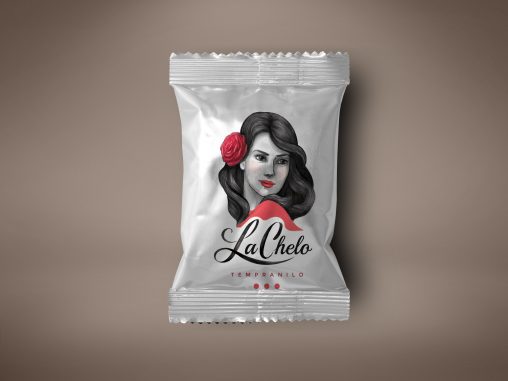
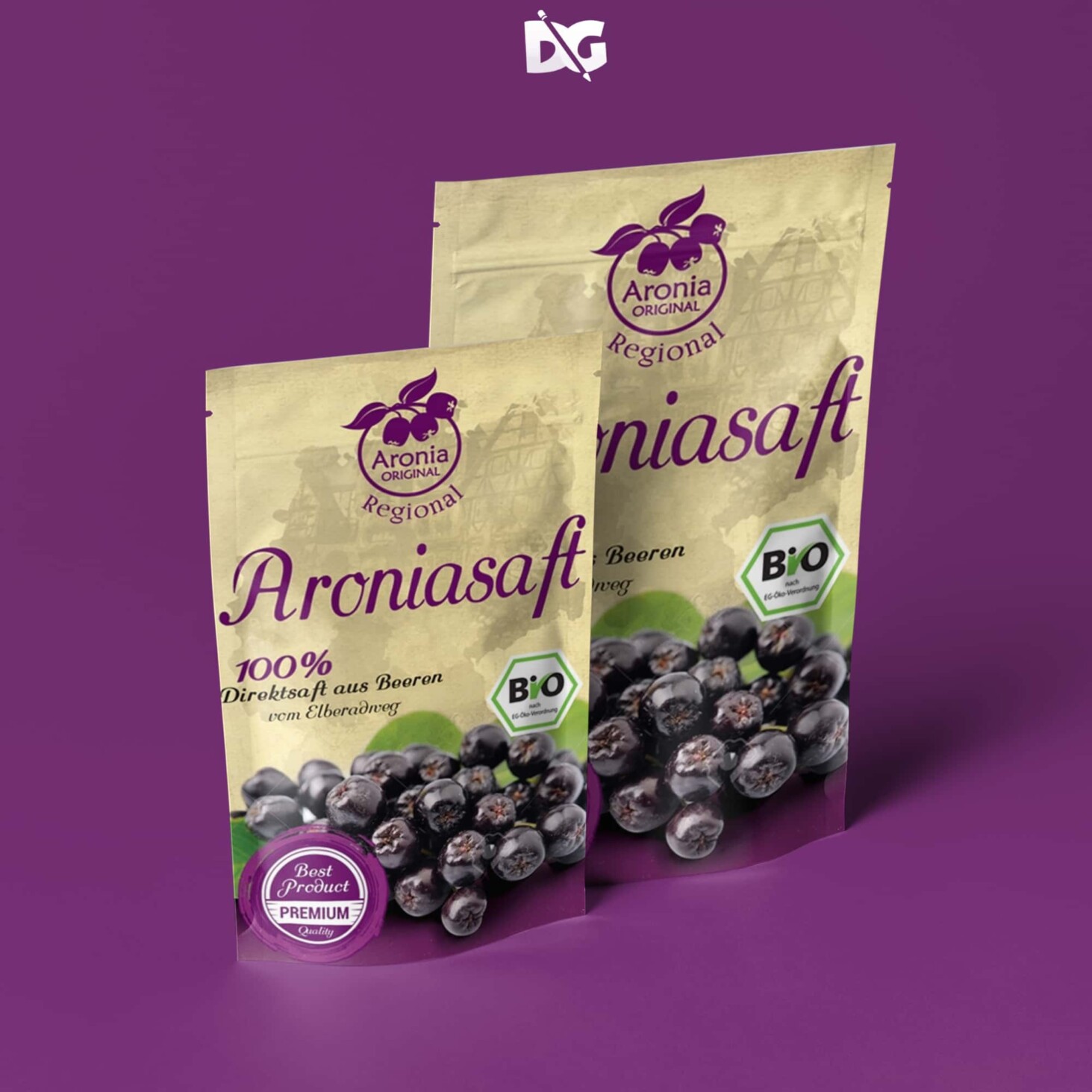
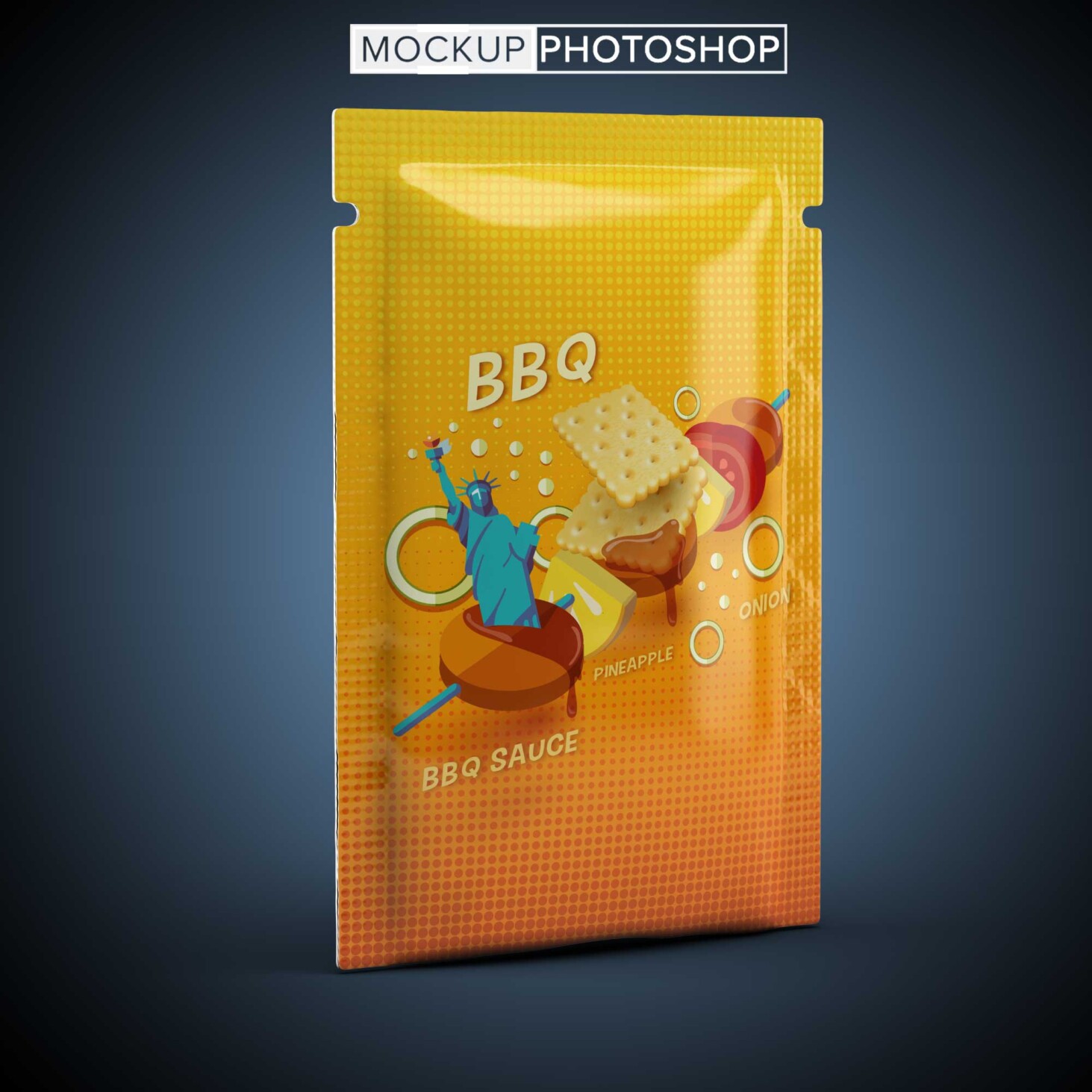
Pouches are one of the most convenient packaging forms which are used by different companies to package their products. They have a significant presence in the food and cosmetics industry where a fast array of products are being packed in pouches as they are easy to carry, cost-effective and quite useful for product branding at the same time.A collection of the best photo-realistic pouch mockup templates for displaying your beautiful branding. Whether you are creating a design for a coffee bag or a cosmetics pouch, whatever the case, we have a mockup here for you to put into play.The bundle of goodness below covers a broad assortment of different options and solutions for you to take to your total advantage. You just pick the mockup that suits your needs and stuff it with the design. Seriously, the process is just as quick and straightforward as it sounds. No different!- Free Snacks Pouch Mockup
- Free Papper Neck Pouch Mockup
- Free Basel Paper Pouch Mockup
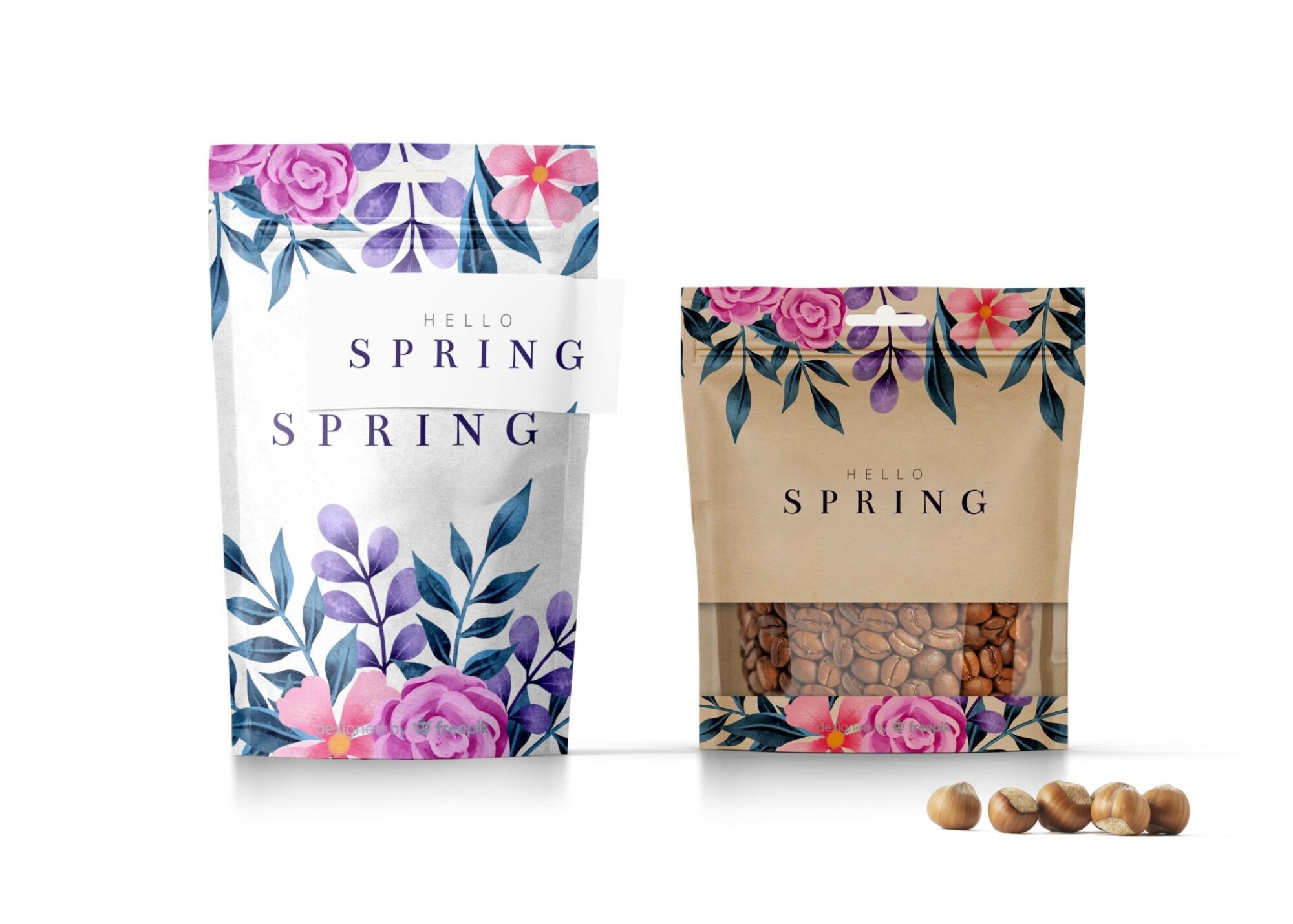
- Hello Spring Stand up Pouch Mockup
FAQs – Free Front Paper Pouch Mockup
Can I edit the front paper pouch mockup in Photoshop?
Yes, the mockup is fully editable using Photoshop. Simply open the smart object and insert your design.
Do I need specific software to use the mockup?
You will need Adobe Photoshop to edit the front paper pouch mockup, as it utilizes smart object layers for easy customization.
Is it easy to change the background in the mockup?
Yes, changing the background is straightforward. You can edit or replace it within Photoshop to suit your design needs.
What file format is the front paper pouch mockup available in?
The mockup is typically provided in a PSD format, compatible with Adobe Photoshop for seamless editing.
Does the mockup include realistic lighting effects?
Yes, the front paper pouch mockup features realistic lighting effects that enhance the overall presentation of your design.