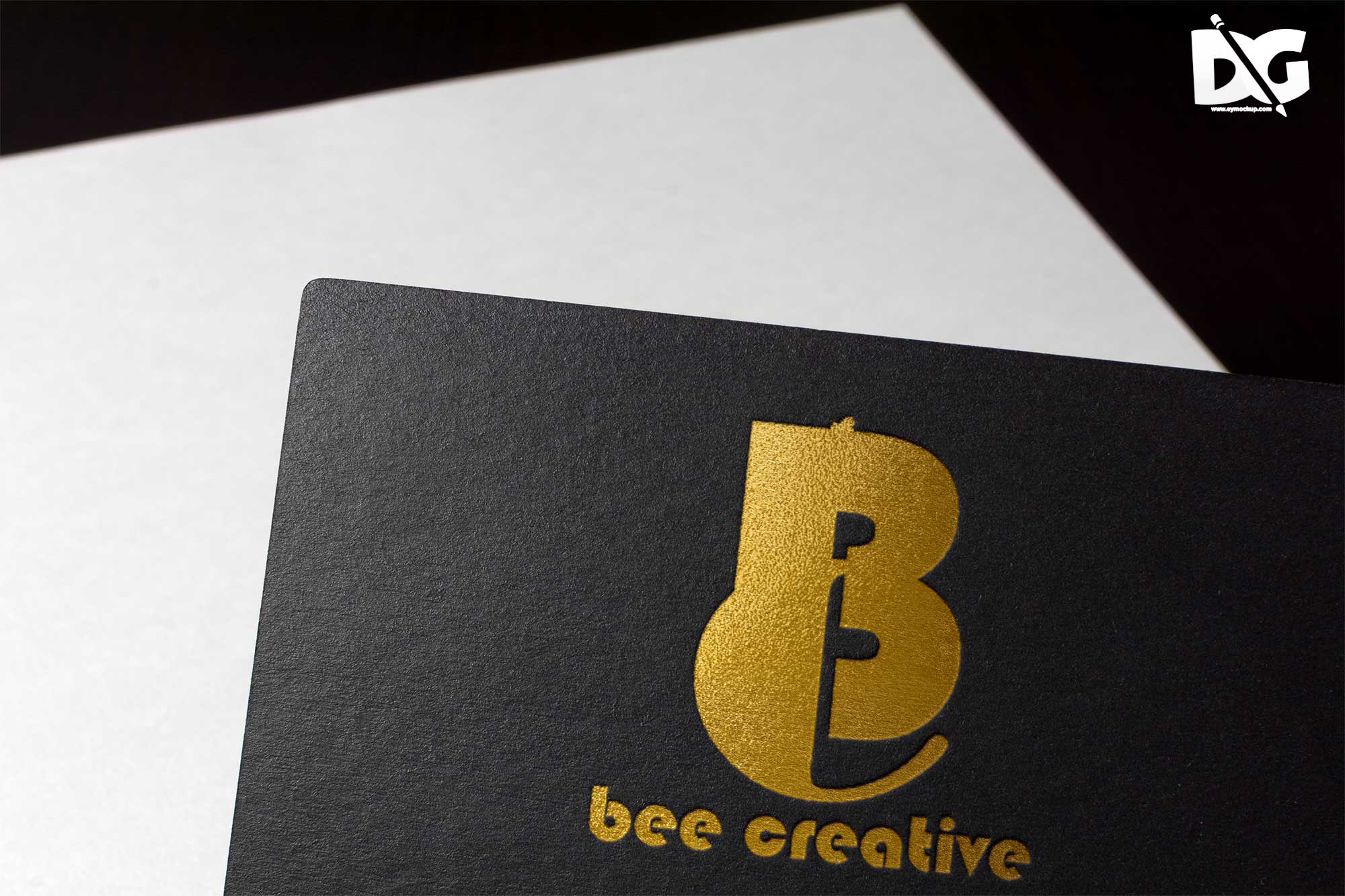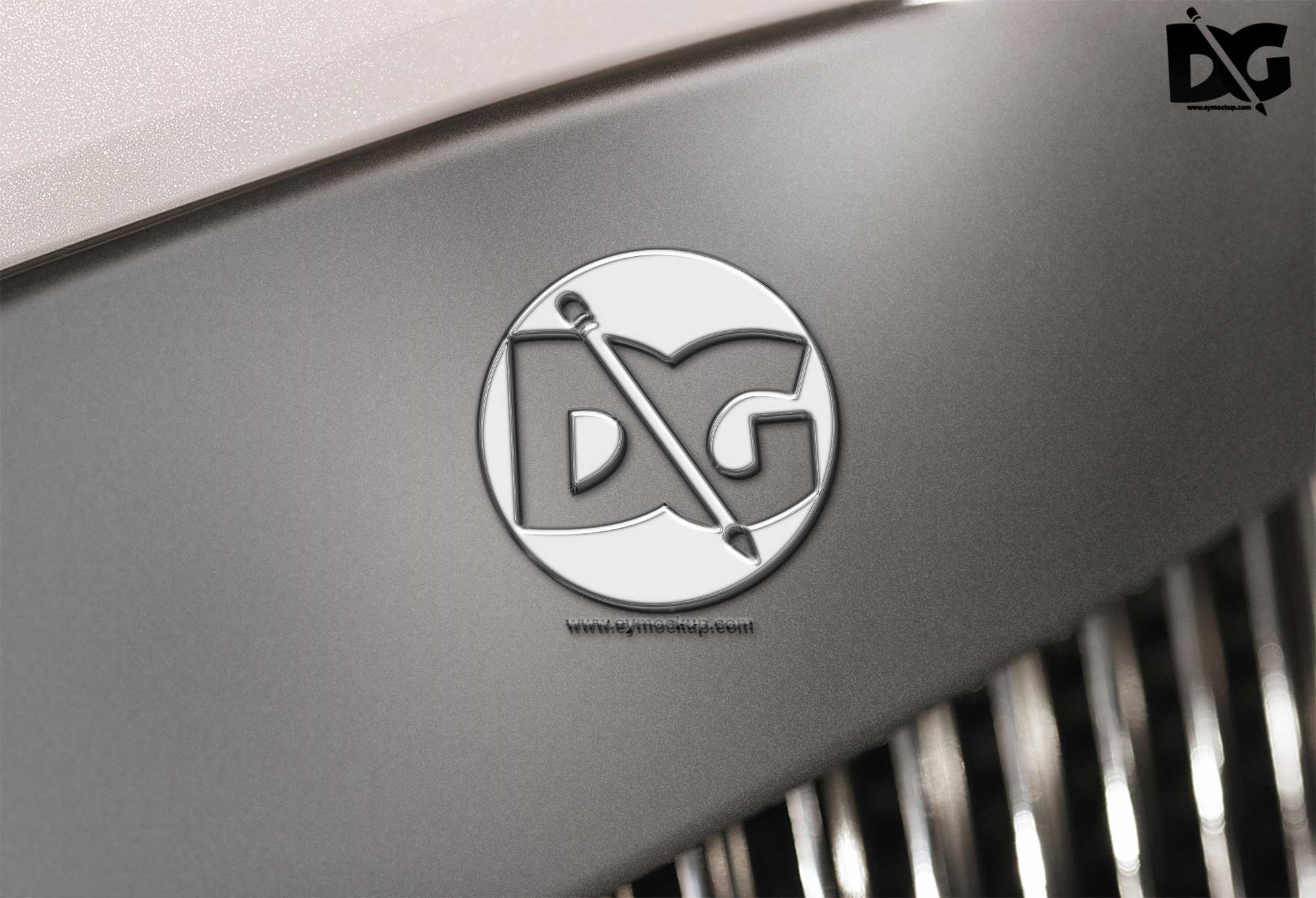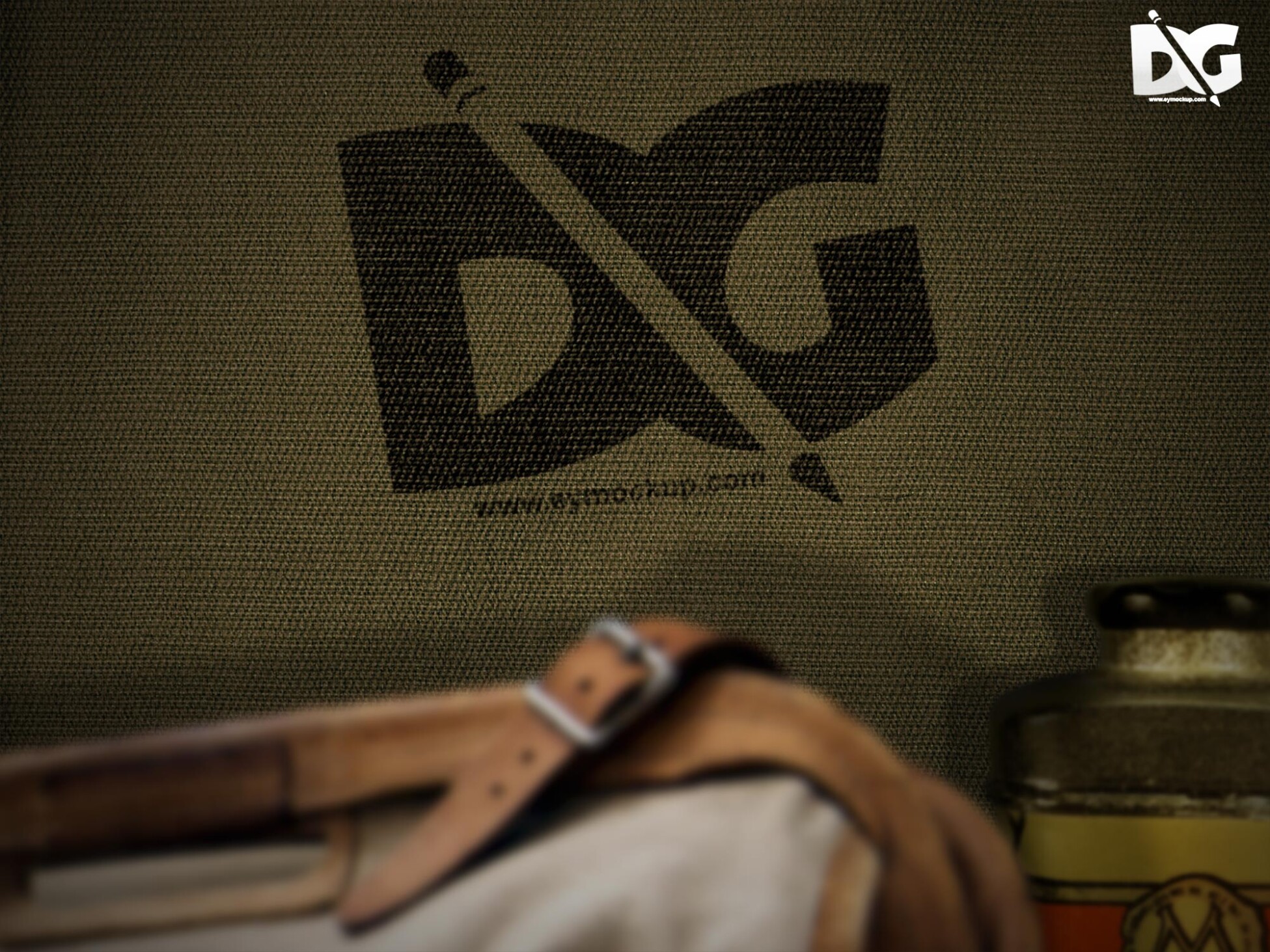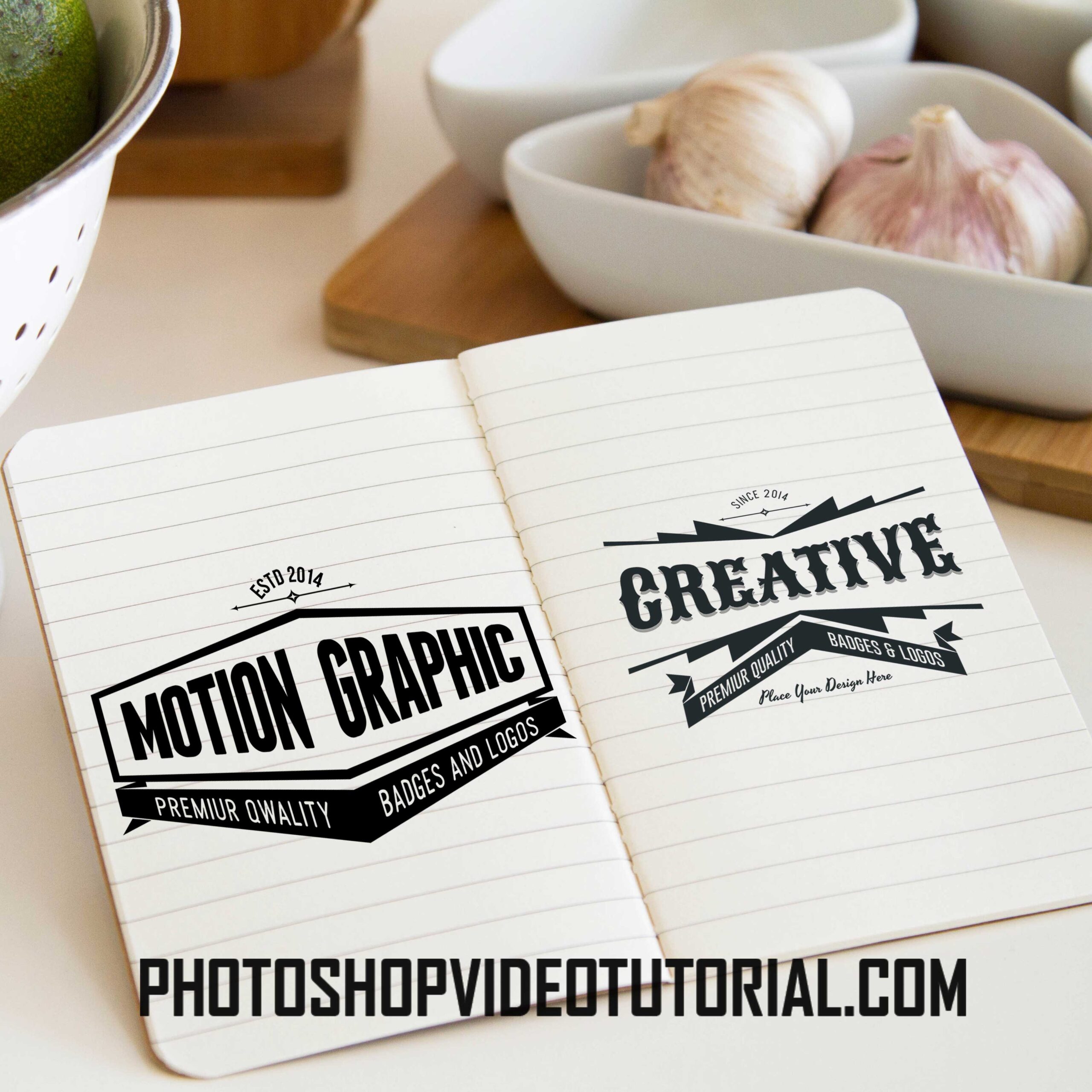
Presenting your logo in a real-life setting can significantly enhance its appeal and showcase its versatility. Our Kitchen Logo Scene Mockup allows you to display your branding in a beautifully designed kitchen environment, making it perfect for restaurants, cafes, or any food-related business. The mockup features high-quality images, realistic lighting, and a variety of angles to help you create stunning presentations.
Using this mockup is simple! Just replace the placeholder logo with your design in Photoshop, adjust the lighting if necessary, and export your final image. This mockup is perfect for both personal and professional use, providing a unique way to attract potential customers. Whether you’re working on a menu design or a social media campaign, this kitchen scene will elevate your branding efforts.
All of these Resources are easy to use and can present your information beautifully. Some are free, while others cost a few dollars.More great & free PSD Mockups Collection:
- Free PSD Mockups for Books and More!
- 3D Packaging PSD Mockups
- PSD Burger Food Truck Design Mockup
- Jam Jar Twitch Mockups Templates
FAQs – Kitchen Logo Scene Mockup
Can I edit the Kitchen Logo Scene Mockup in Photoshop?
Yes, the mockup is fully editable in Photoshop, allowing you to easily customize it with your logo and make adjustments as needed.
Is it easy to replace the logo in the mockup?
Absolutely! Simply open the mockup file in Photoshop, select the logo layer, and insert your design using the smart object feature.
What file format is the Kitchen Logo Scene Mockup available in?
The mockup is typically available in PSD format, which is compatible with Adobe Photoshop for easy editing.
Does the mockup support different logo styles and colors?
Yes, the Kitchen Logo Scene Mockup accommodates various logo styles and colors, allowing your design to blend seamlessly into the kitchen environment.
Do I need advanced skills to use this mockup?
No advanced skills are required! Basic knowledge of Photoshop is sufficient to navigate and customize the mockup effectively.