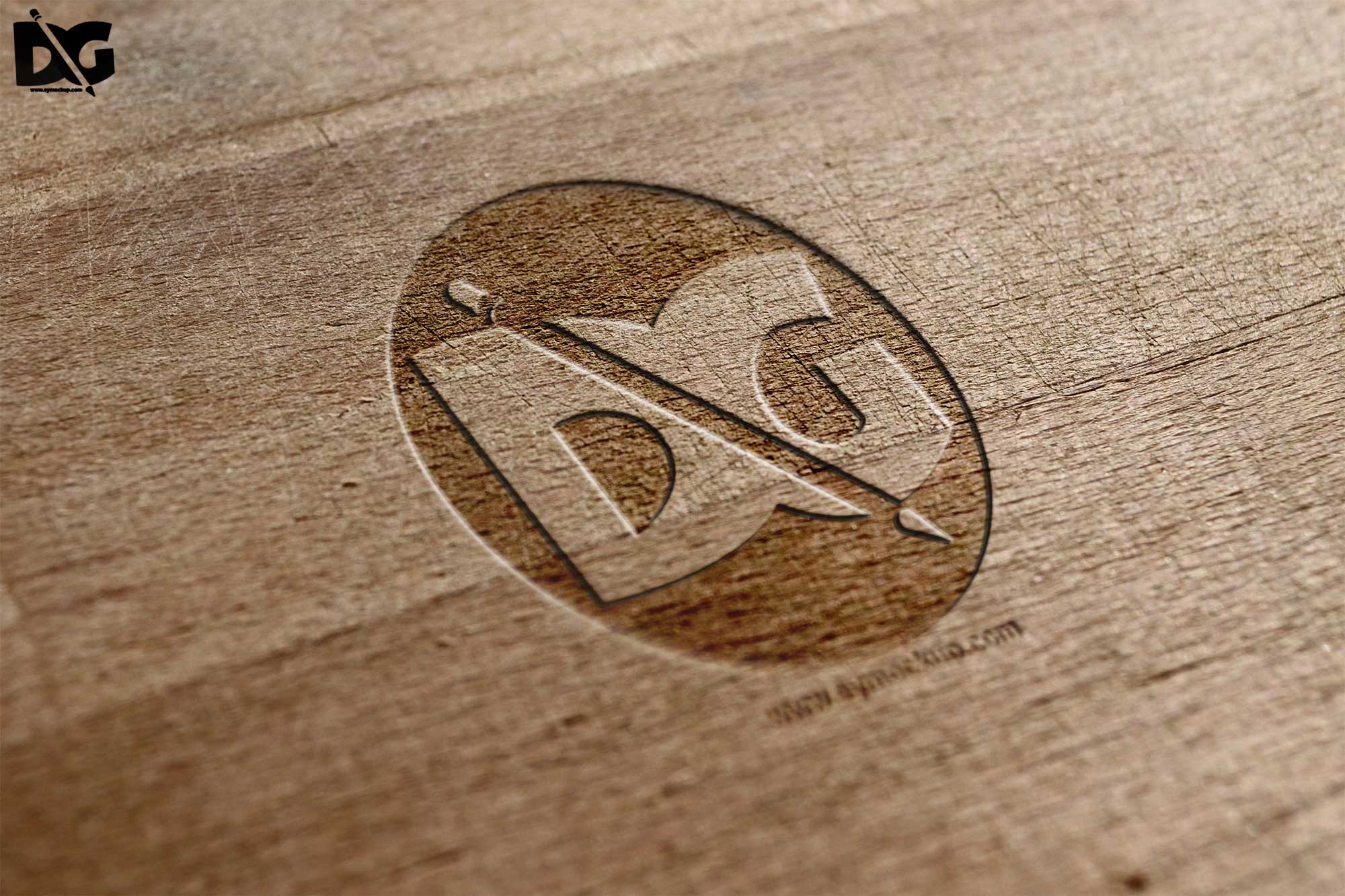
Elevate your branding presentations with our Free Wood Engrave Logo Mockup PSD. This mockup features a beautifully textured wooden surface that enhances the realism of your logo designs, making them stand out. Perfect for showcasing your work in portfolios or client presentations, this PSD is fully customizable, allowing you to easily edit the logo and adjust the lighting to fit your aesthetic.
With user-friendly layers, this mockup ensures a seamless editing experience in Photoshop. Simply drag and drop your logo onto the designated layer, and watch it come to life against the rustic wood background. Ideal for designers looking to impress clients or for personal projects, this free resource will save you time, providing a professional look without the hassle of creating a mockup from scratch.
- All of these Resources are easy to use and can present your information beautifully. Some are free, while others cost a few dollars.
More great & free PSD Mockups Collection:- 88+ Bottle Packaging Mockup Collection
- Realistic 3D Logo Psd Mockups
- PSD Download iPhone Mockups 2021
- Wine PSD Download Packaging Mockups
Available Format: Layered PSD through smart object insertion License: Free for personal and commercial use Zip File Includes: Photoshop PSD File Resolution: 3000 x 2250 px
FAQs – Free Wood Engrave Logo Mockup PSD
Can I edit the Free Wood Engrave Logo Mockup PSD?
Yes, the mockup is fully editable in Photoshop, allowing you to customize your logo and adjust the background as needed.
Is it easy to use the wood logo mockup?
Absolutely! Just open the PSD file in Photoshop, and follow the layers to insert your logo effortlessly.
What format is the mockup available in?
The mockup is provided in PSD format, ensuring compatibility with Adobe Photoshop for easy editing.
Does the mockup include realistic lighting?
Yes, the Free Wood Engrave Logo Mockup features realistic lighting effects that enhance the depth and texture of your logo.
Do I need advanced Photoshop skills to use this mockup?
Not at all! Basic Photoshop skills are enough to navigate the layers and make adjustments easily.