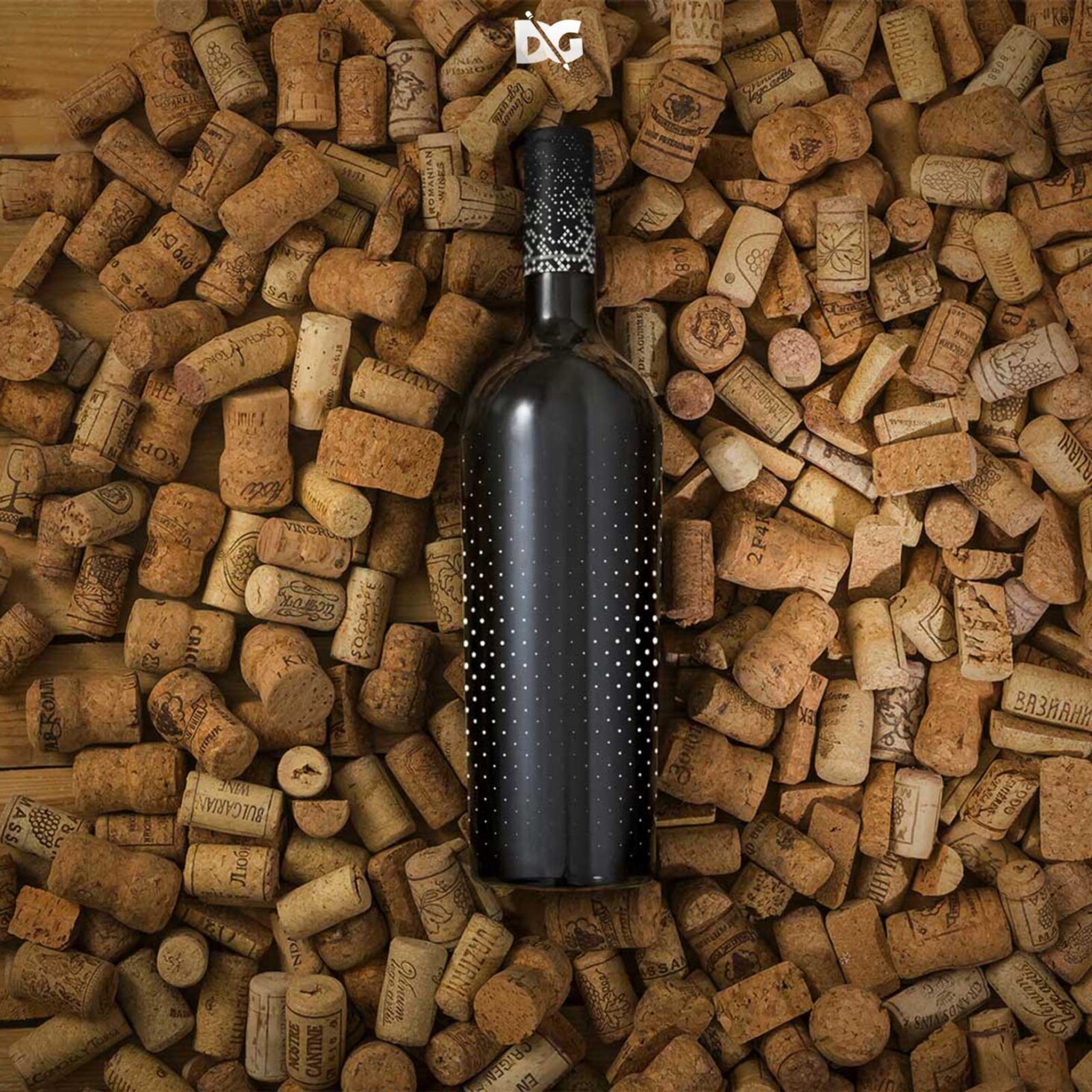
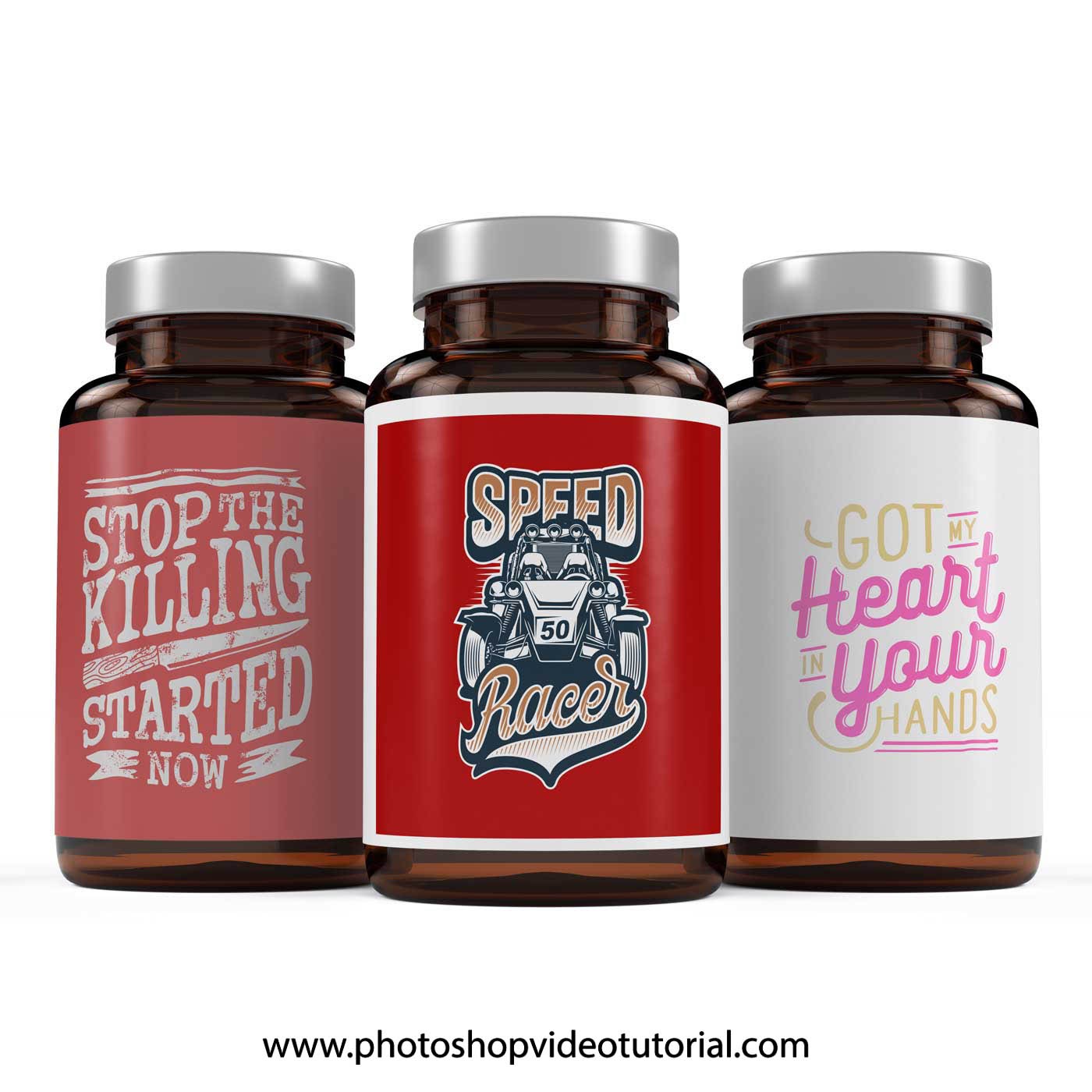
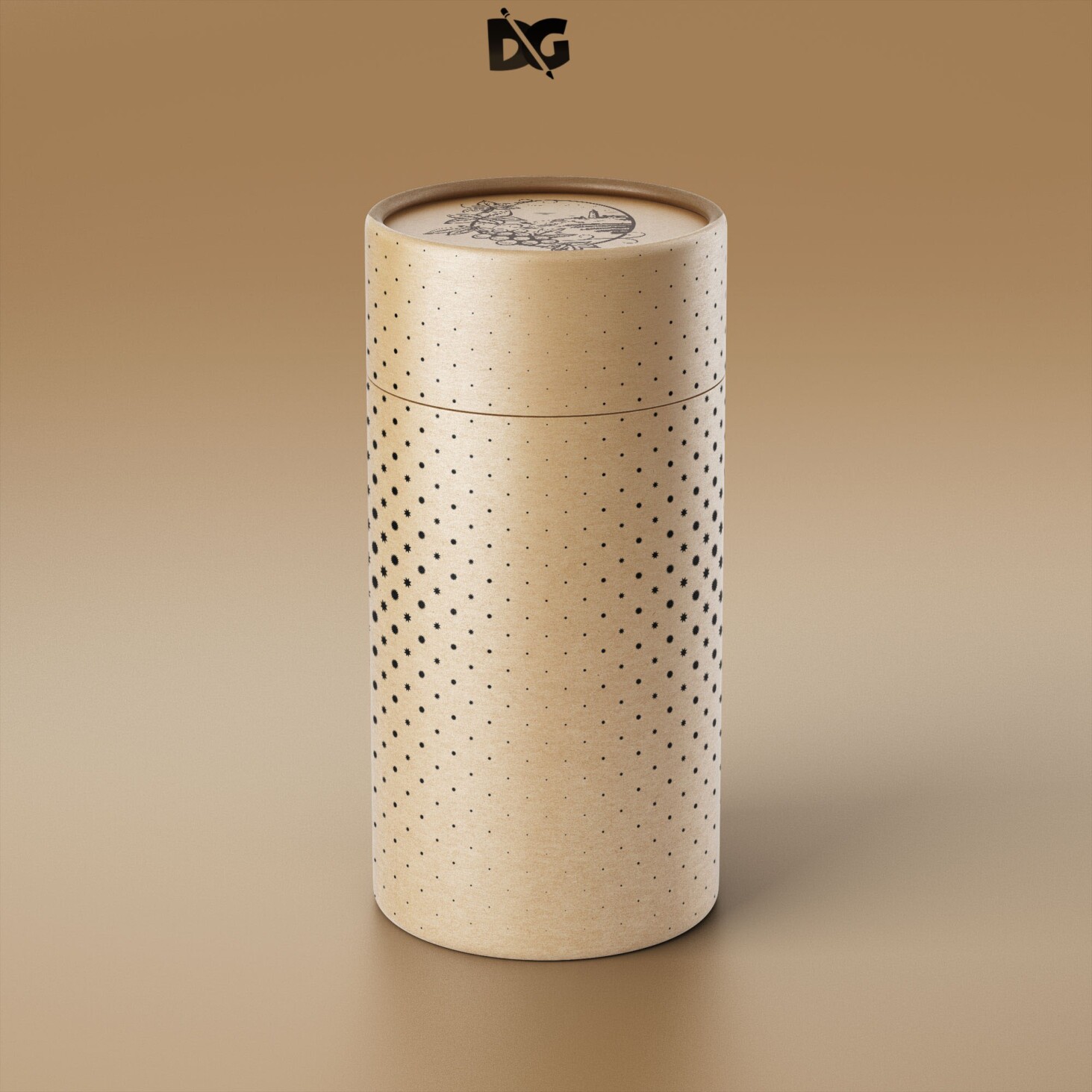
Elevate your design projects with our free shelf box mock-up download. This versatile mock-up allows you to showcase your branding and packaging designs in a professional and eye-catching manner. Perfect for presentations, portfolios, or client pitches, this mock-up provides a realistic representation of how your designs will look in real life.
Our shelf box mock-up is easy to use, even for beginners. Simply download the file, open it in Photoshop, and place your artwork using smart objects. Adjust lighting and shadows to enhance realism, ensuring your designs stand out. With high-resolution quality, this mock-up is ideal for both digital and print purposes, making it a valuable addition to your design toolkit.
All of these Resources are easy to use and can present your information beautifully. Some are free, while others cost a few dollars.
More great & free PSD Mockups Collection:
- Free PSD Clothes Mockup
- DL flyer Mockup PSD free download
- Hardcover book mockup free
- Prime Flyer Mockup PSD Template
Description:
Available Format: Layered PSD through smart object insertion License: Free for personal and commercial use Zip File Includes: Photoshop PSD File Resolution: 2000 x 2250 pxFAQs – Free Shelf Box Mock-up Download
Can I edit the free shelf box mock-up in Photoshop?
Yes, the mock-up is designed for easy editing in Photoshop. Simply open the file and use smart objects to insert your designs.
Do I need special skills to use the mock-up?
No special skills are required. The mock-up is user-friendly, and step-by-step instructions are included for beginners.
Is the shelf box mock-up high resolution?
Yes, the mock-up is available in high resolution, ensuring your designs look sharp and professional in any presentation.
What file format is the shelf box mock-up available in?
The mock-up is provided in PSD format, compatible with Adobe Photoshop for easy editing.
Can I use the mock-up for client presentations?
Absolutely! This mock-up is perfect for showcasing your designs to clients, helping you make a strong impression.
Does the mock-up include customizable lighting options?
Yes, you can adjust lighting and shadows in the mock-up to create the desired effect and enhance the overall presentation.