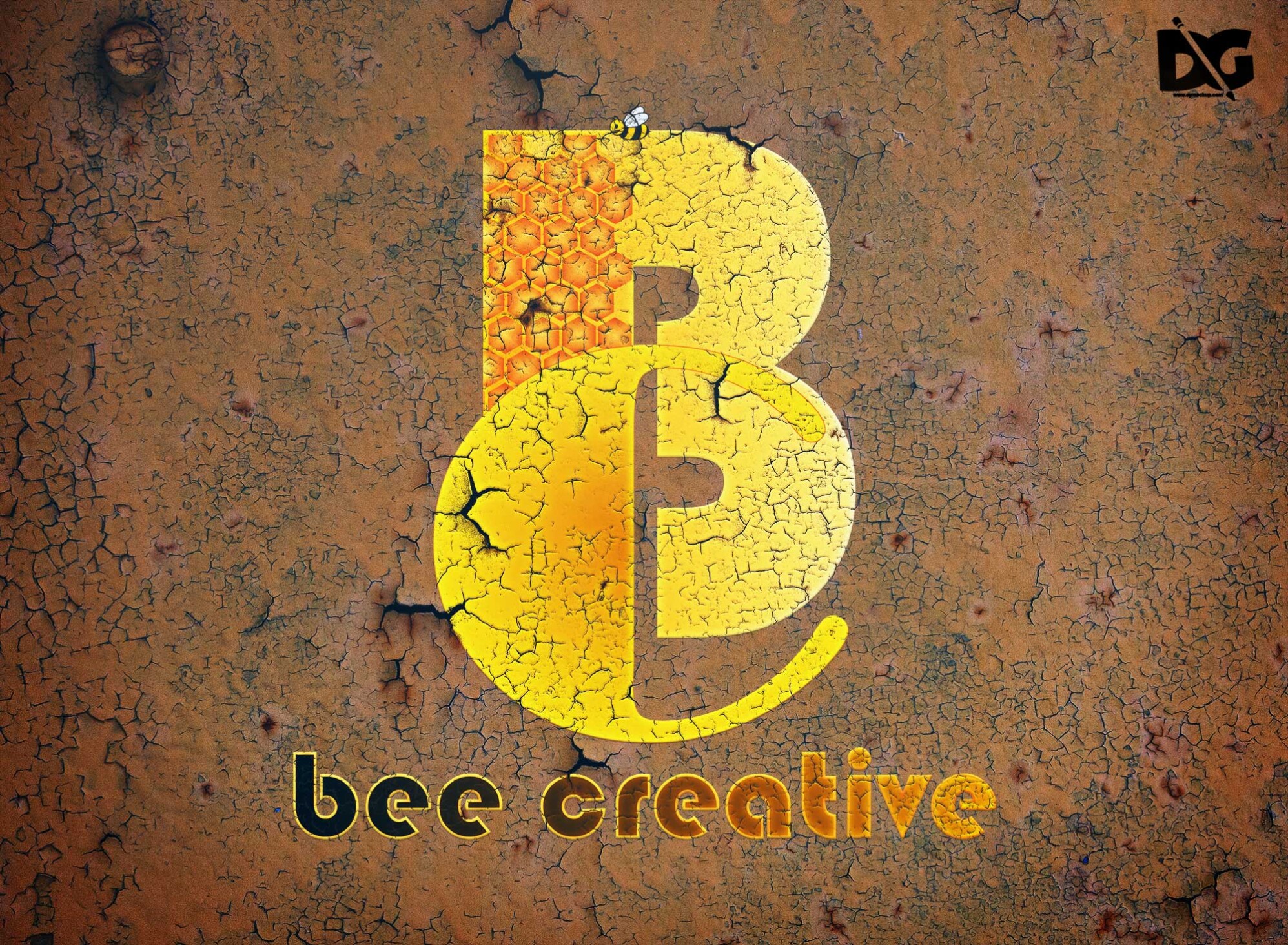
Elevate your design projects with our free rusting metal logo mock-up. This high-quality asset allows you to showcase your logo in a realistic and industrial setting. Perfect for branding presentations, this mock-up highlights textures and colors that mimic real rusted metal, providing an authentic feel that your clients will appreciate.
Our mock-up is easy to edit and compatible with Adobe Photoshop. Simply place your logo into the designated smart object layer, and watch it seamlessly appear on the rusted metal surface. With adjustable lighting and shadows, you can customize the look to fit your design needs. Download it today to create stunning visual presentations that stand out.
All of these Resources are easy to use and can present your information beautifully. Some are free, while others cost a few dollars.
More great & free PSD Mockups Collection:
- Wine PSD Download Packaging Mockups
- Food Truck Mock up PSD Download
- Square box mockup PSD download
- Bottle Mockup PSD Download Now
- Latest Logo Mockup PSD Free Download
Description:
Available Format: Layered PSD through smart object insertion License: Free for personal and commercial use Zip File Includes: Photoshop PSD File Resolution: 2000 x 2250 pxFAQs – Free Rusting Metal Logo Mock-up
Can I use the rusting metal logo mock-up for commercial projects?
Yes, you can use this mock-up for commercial projects, including branding and marketing materials, as long as you comply with the usage guidelines.
What file format is the rusting metal logo mock-up in?
The mock-up is provided in a PSD format, which is compatible with Adobe Photoshop and allows for easy editing.
Is it easy to edit the rusting metal logo mock-up?
Absolutely! You can easily edit the mock-up by using the smart object feature in Photoshop to insert your logo.
Does the mock-up include adjustable lighting and shadows?
Yes, the mock-up features adjustable lighting and shadows to enhance realism and allow for customization based on your design needs.
Can I change the background color of the mock-up?
Yes, you can customize the background color in Photoshop to better match your branding or design aesthetic.