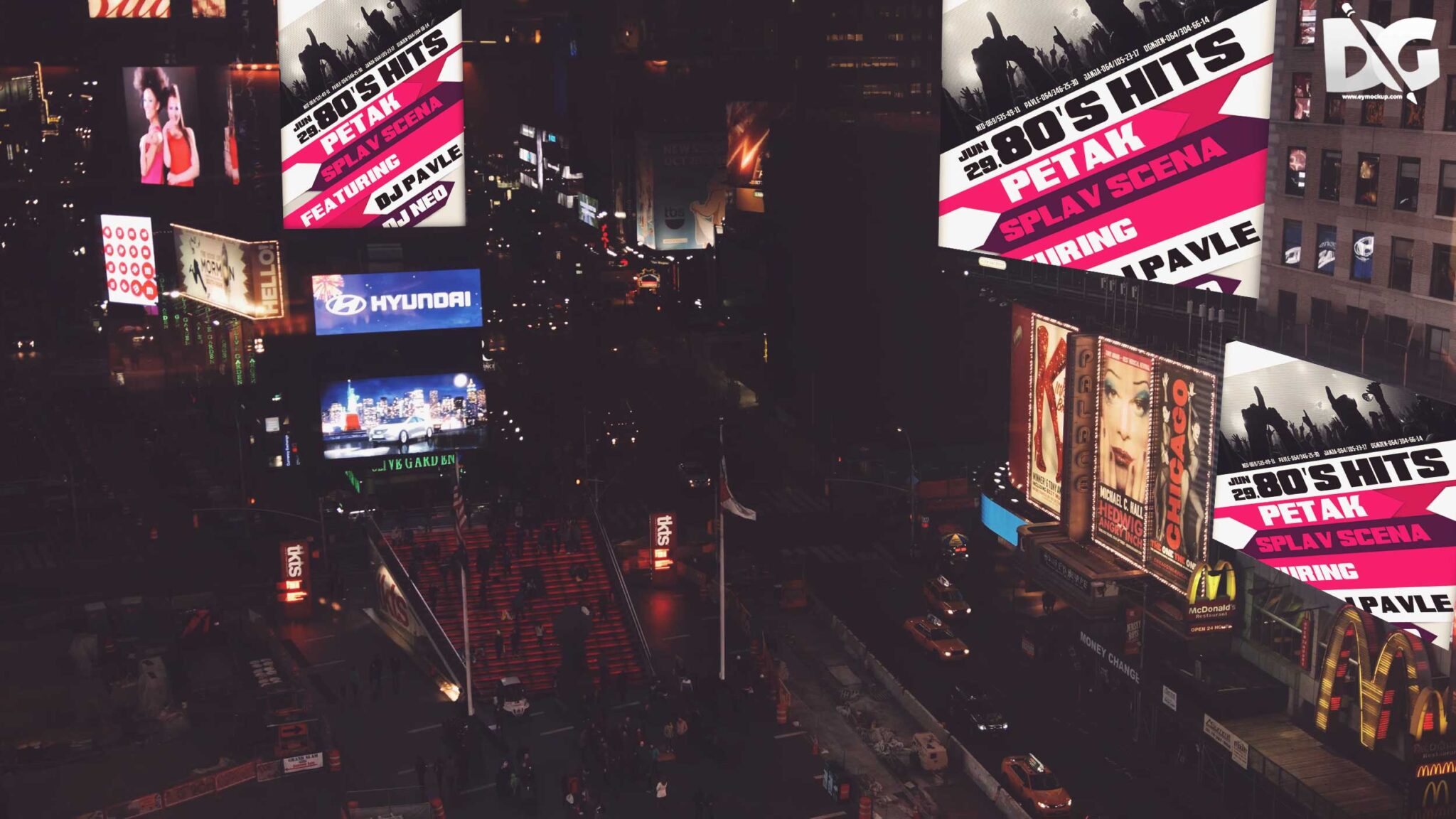
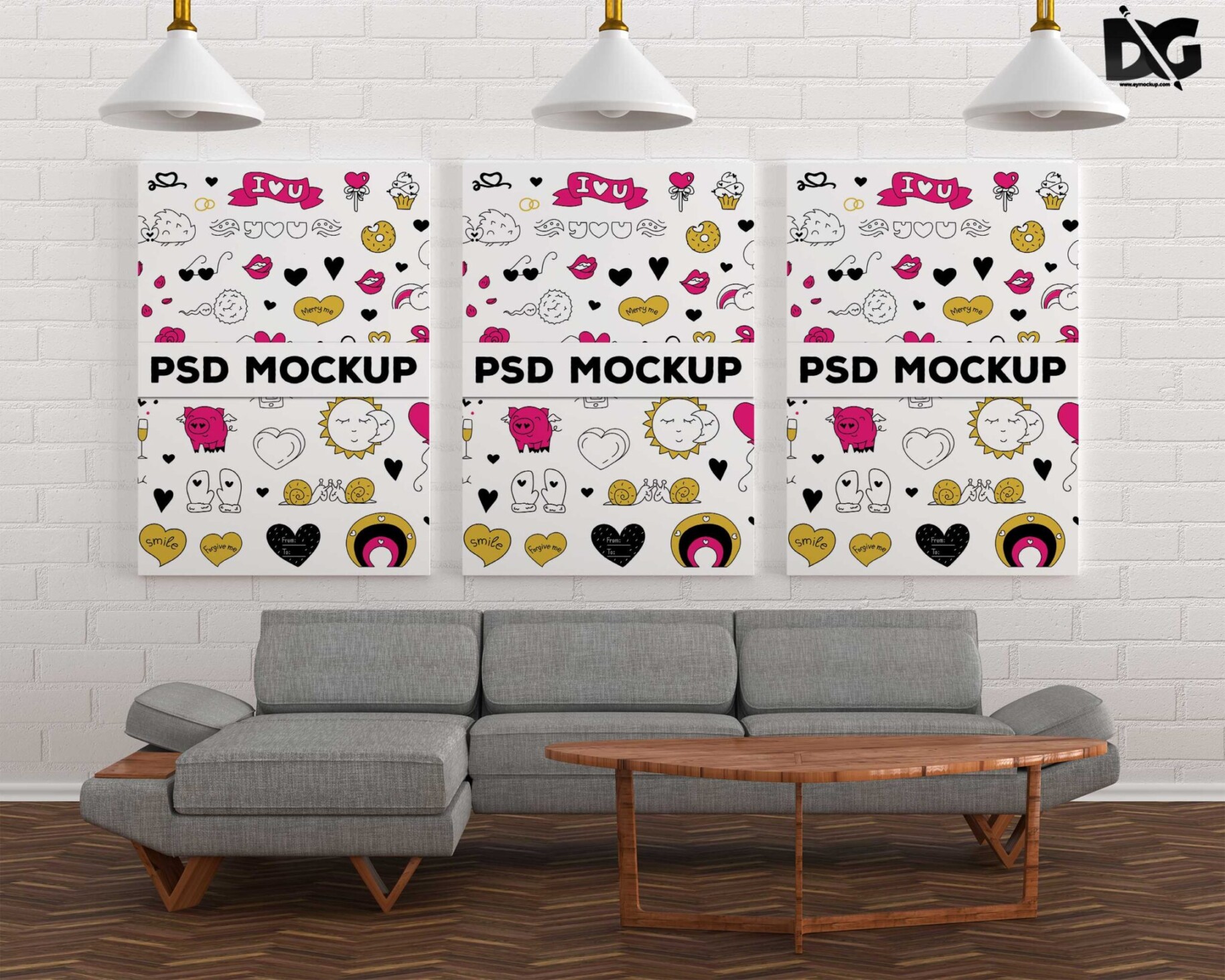
Elevate your design presentations with our PSD Two Poster Design Mockup. This versatile mockup allows you to showcase your creative work in a realistic setting, making it perfect for designers and marketers alike. With high-resolution images and easy-to-use layers, you can effortlessly insert your own designs and adjust the shadows and lighting to create the perfect visual impact.
Whether you are working on promotional materials, event posters, or personal projects, this mockup provides a professional finish. The organized layers in the PSD file make editing a breeze, allowing you to customize colors and backgrounds to match your branding. Download this mockup today to enhance your portfolio and impress clients with stunning visual presentations.
Your Brand Deserves Premium PSD Two Poster Design Mockup for presentation
Our awesome team of designers pledge to developing superior but affordable graphics design Premium PSD Two Poster Design Mockup
All of these Resources are easy to use and can present your information beautifully. Some are free, while others premium poster mockups cost a few dollars.
With these ready-made Photoshop Free PSD poster mockups, you can quickly place your art in a realistic setting without having to go through all the trouble of getting it printed out.
Take a look at these poser mockups to see if any of them are right for your projects!
More great & free PSD Mockups Collection:
Description:
Available Format: Layered PSD through smart object insertion Zip File Includes: Photoshop PSD File Resolution: 2000 x 2250 pxFAQs – PSD Two Poster Design Mockup
Can I edit the PSD Two Poster Design Mockup?
Yes, the PSD file is fully editable, allowing you to customize designs, colors, and backgrounds easily.
Does it include smart objects for easy design insertion?
Absolutely! The mockup features smart objects, ensuring a hassle-free design insertion process.
What file format is the poster mockup available in?
The mockup is available in PSD format, compatible with Adobe Photoshop for seamless editing.
Is the lighting adjustable in the mockup?
Yes, you can easily adjust the lighting and shadows in Photoshop to fit your design needs.
Do I need any special skills to use the mockup?
Basic Photoshop knowledge is helpful, but the mockup is user-friendly for all skill levels.