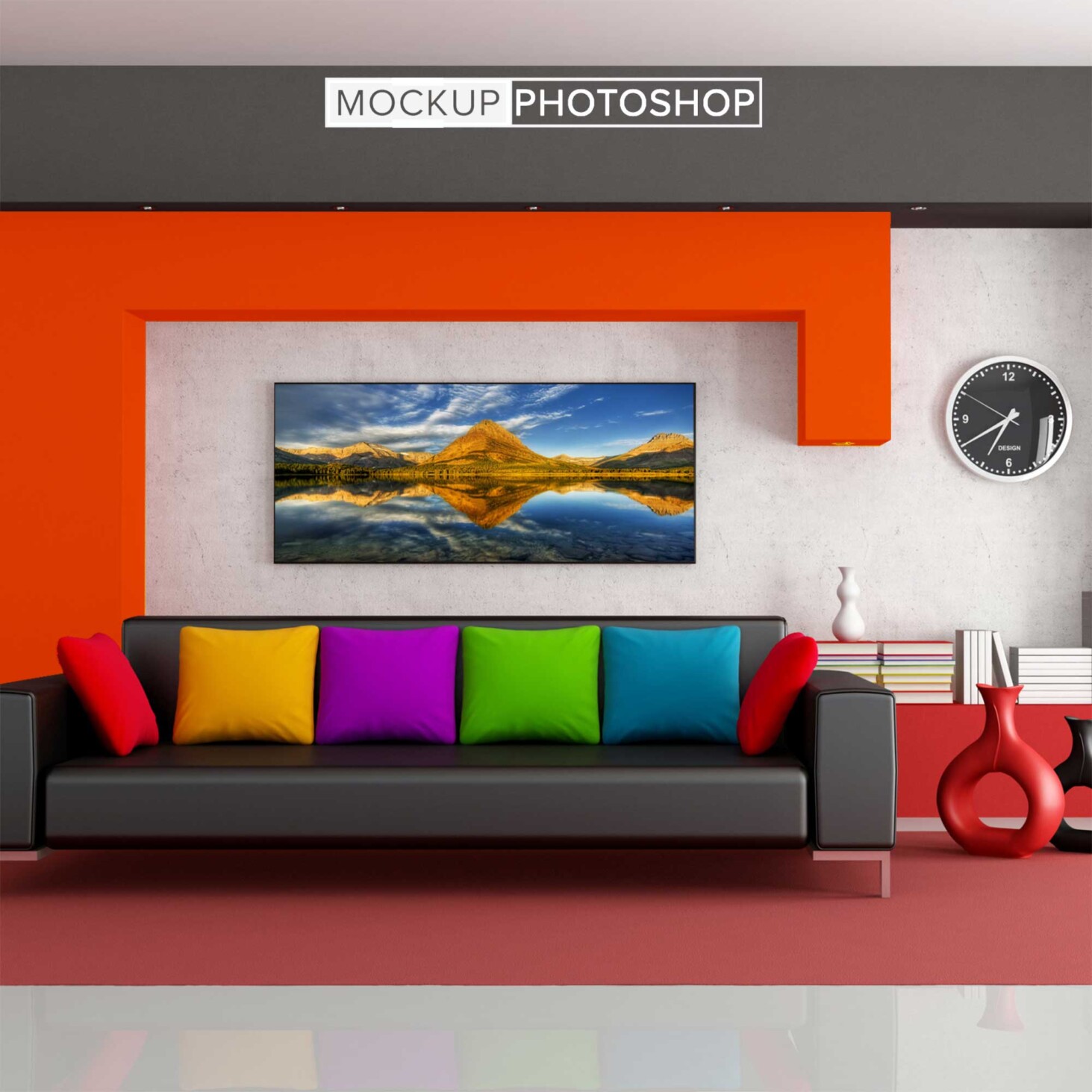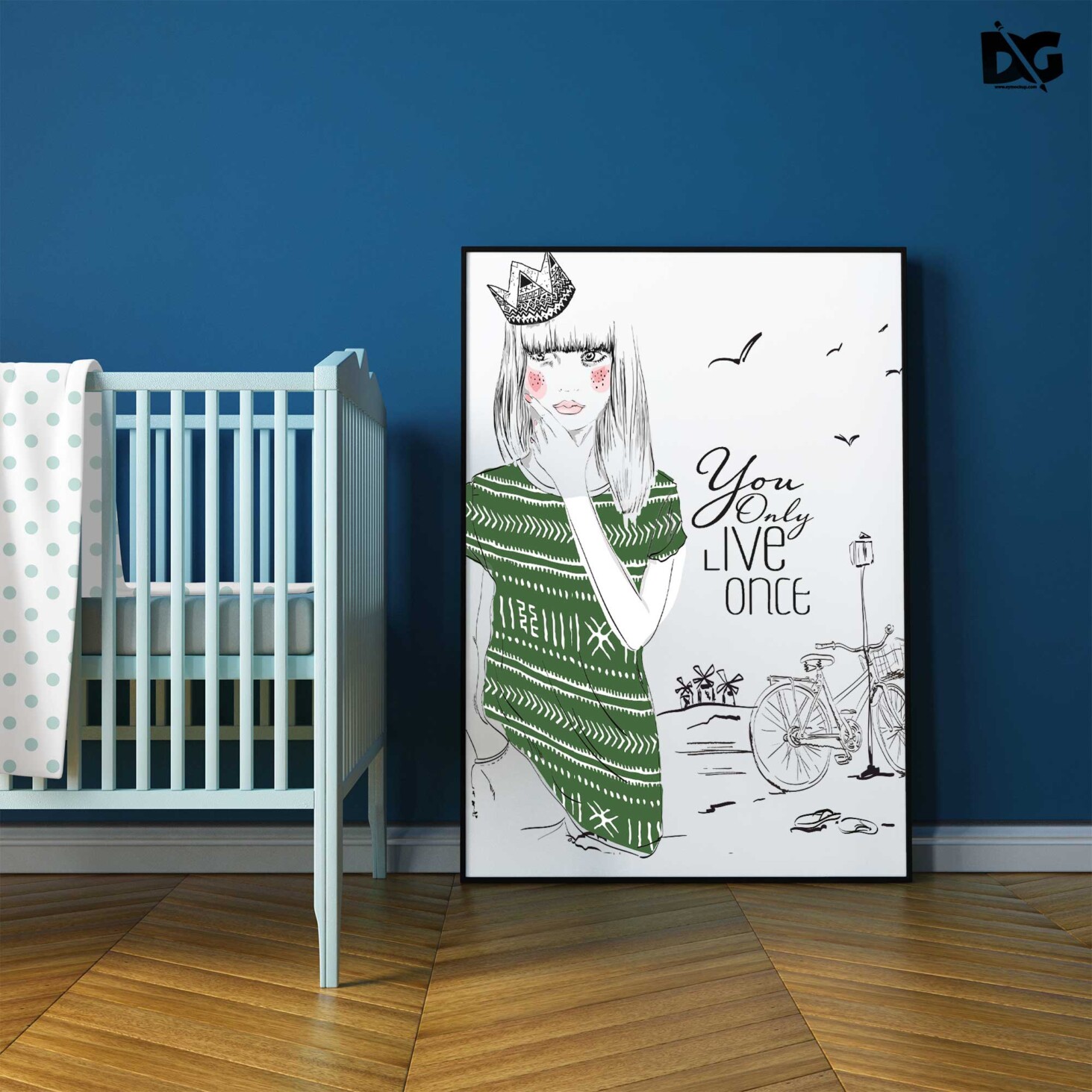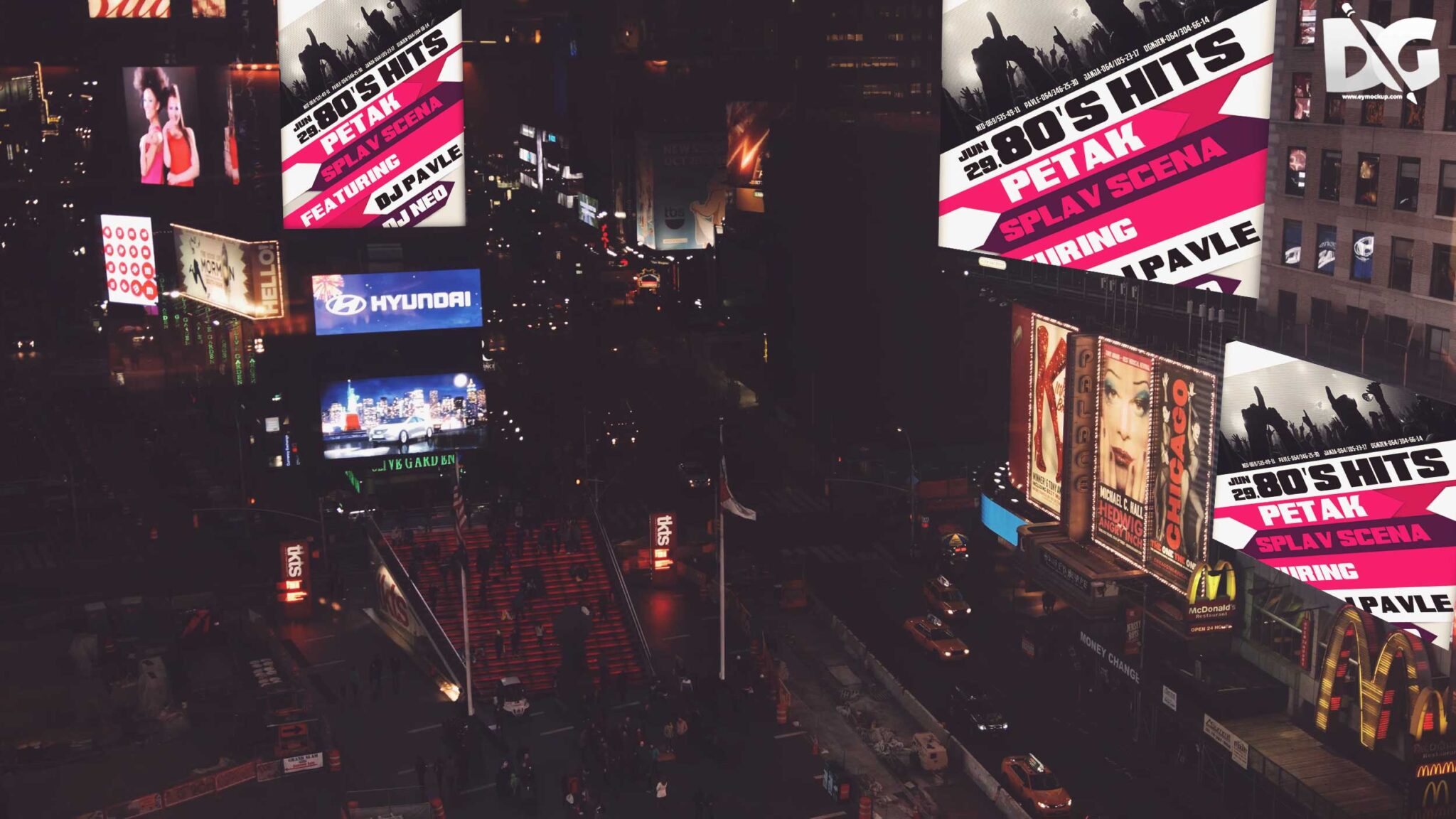
Showcase your advertising designs with our free PSD billboard design mock-up. This high-quality mock-up allows you to easily integrate your artwork into a realistic setting, making it perfect for presentations or client previews. With smart object layers, you can quickly customize the billboard to fit your design needs without any hassle.
Our mock-up is designed for convenience, offering a professional look in just a few clicks. The layered PSD file enables you to adjust lighting and shadows to enhance the visual appeal of your advertisement. Whether you are a graphic designer or a marketing professional, this mock-up is an essential tool for bringing your ideas to life.
Your Brand Deserves Premium PSD Billboard Design Mock-up for presentation
Our awesome team of designers pledge to developing superior but affordable graphics design Premium PSD Billboard Design Mock-up
All of these Resources are easy to use and can present your information beautifully. Some are free, while others premium poster mockups cost a few dollars.
With these ready-made Photoshop Free PSD poster mockups, you can quickly place your art in a realistic setting without having to go through all the trouble of getting it printed out.
Take a look at these poser mockups to see if any of them are right for your projects!
More great & free PSD Mockups Collection:
- eBook Cover PSD Download Mockup
- Plastic bottle mockup free download
- 3D Window Logo Mockup PSDs
- 3d logo mockup psd free download
- Postcard Mockup PSD free download
Description:
Available Format: Layered PSD through smart object insertion License: Free for personal and commercial use Zip File Includes: Photoshop PSD File Resolution: 2000 x 2250 pxFAQs – Free PSD Billboard Design Mock-up
Can I edit the free PSD billboard mock-up?
Yes, the mock-up is fully editable using Adobe Photoshop, allowing you to customize elements like text and images easily.
Does it support different billboard sizes?
The mock-up is designed to fit standard billboard dimensions, but you can resize it in Photoshop to accommodate different formats.
What file format is the billboard mock-up in?
The mock-up is provided in PSD format, which is compatible with Adobe Photoshop and allows for easy editing.
Is it easy to change the lighting in the mock-up?
Yes, you can adjust the lighting effects in the layers panel of Photoshop to achieve the desired look for your design.
Do I need advanced skills to use the mock-up?
No, basic Photoshop skills are sufficient to use the mock-up effectively; just follow the included instructions for best results.