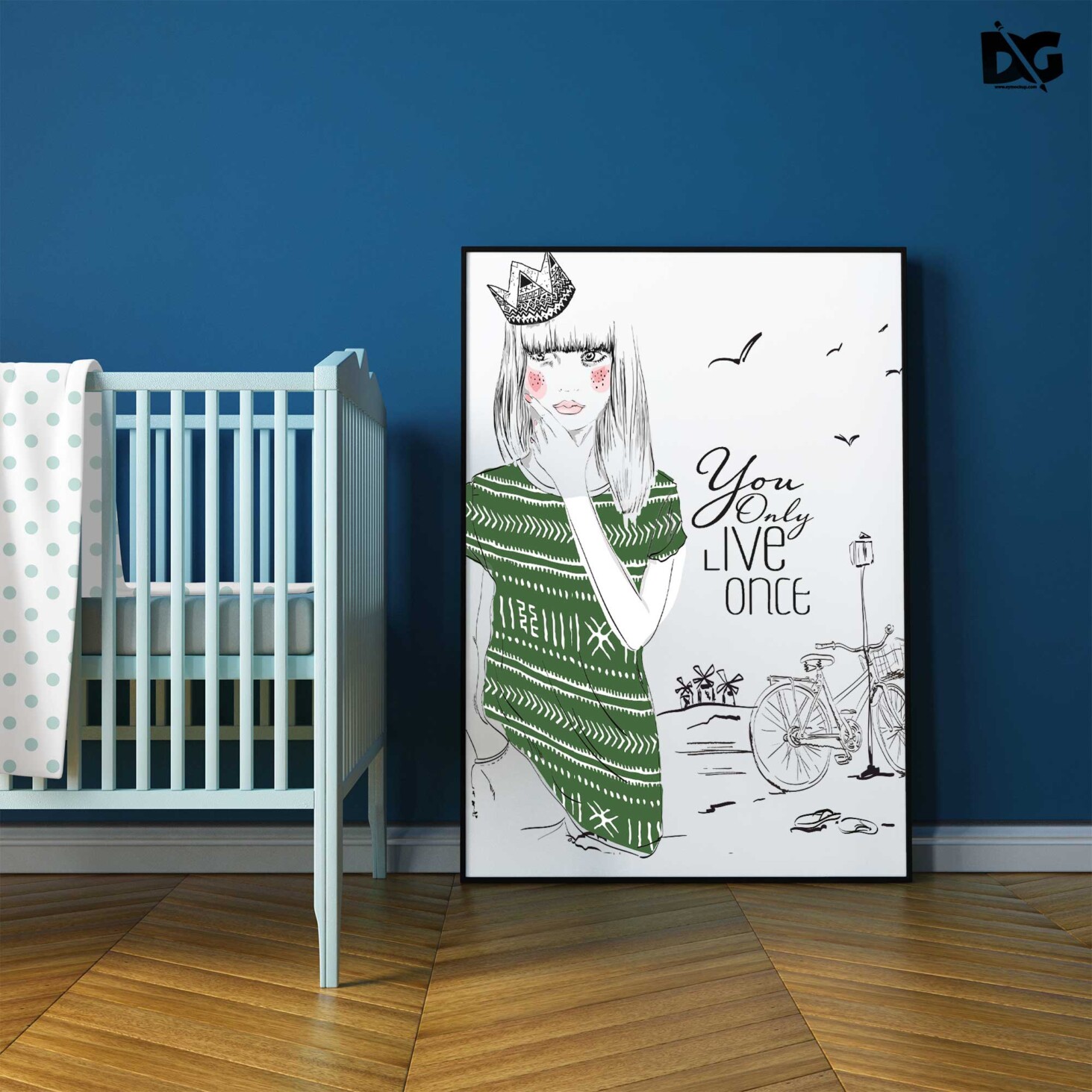
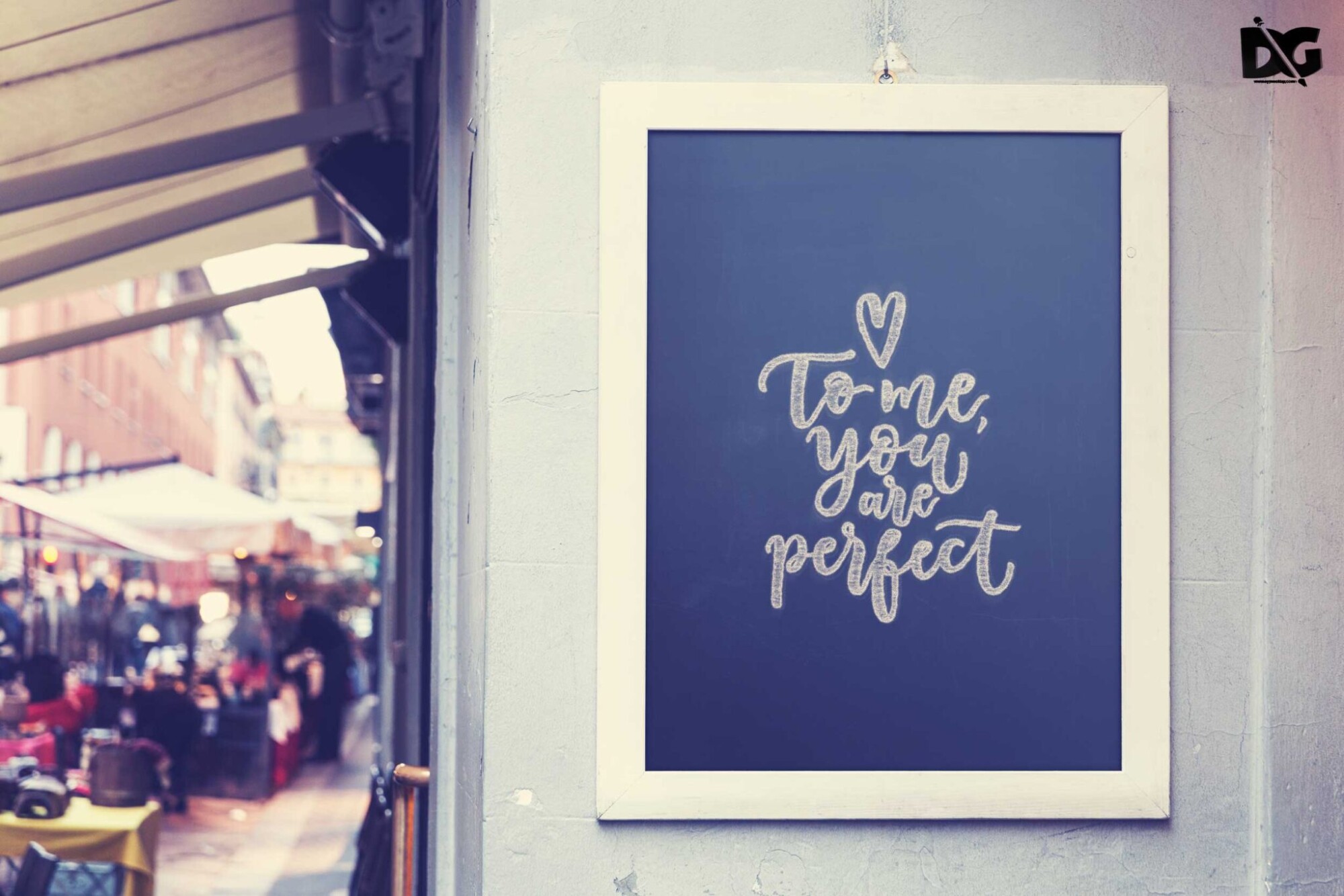
Discover an extensive collection of free premium workplace poster PSD mockups that can elevate your design projects. These high-quality mockups are perfect for showcasing your creative ideas in a professional setting. Whether you’re a designer looking to impress clients or a business aiming to enhance your workspace, these mockups will serve your needs effectively.
Each PSD file comes with smart object layers, allowing for effortless customization. Simply drag and drop your designs into the mockup, and watch them come to life. With various styles and settings, you can choose the perfect backdrop to present your posters. Enjoy the flexibility of editing and adjusting elements like lighting and shadows to achieve the ideal presentation.
All of these Resources are easy to use and can present your information beautifully. Some are free, while others premium poster mockups cost a few dollars.
With these ready-made Photoshop Free PSD poster mockups, you can quickly place your art in a realistic setting without having to go through all the trouble of getting it printed out.
Take a look at these poser mockups to see if any of them are right for your projects!
More great & free PSD Mockups Collection:
- 100+Free Poster Mockup 2021
- 30+Freebies Poster Mockups Collection
- 10+Latest Premium Poster Mockups 2021
- PSD Burger Food Truck Design Mockup
Description:
Available Format: Layered PSD through smart object insertion License: Free for personal and commercial use Zip File Includes: Photoshop PSD File Resolution: 2000 x 2250 pxFAQs – Free Premium Workplace Poster PSD Mockups
Can I edit the free premium workplace poster mockups?
Yes, you can easily edit the mockups using Photoshop. Just use the smart object layers to insert your designs.
What formats are the mockups available in?
The mockups are available in PSD format, which is compatible with Adobe Photoshop, allowing for seamless editing.
Do I need special software to use these mockups?
You will need Adobe Photoshop to edit and customize the PSD mockups effectively.
Is it easy to change the background in the mockups?
Absolutely! You can modify the background by selecting the appropriate layer and inserting your preferred image or color.
What lighting options are available in the mockups?
The mockups feature adjustable lighting settings, allowing you to enhance the presentation of your designs based on your preferences.