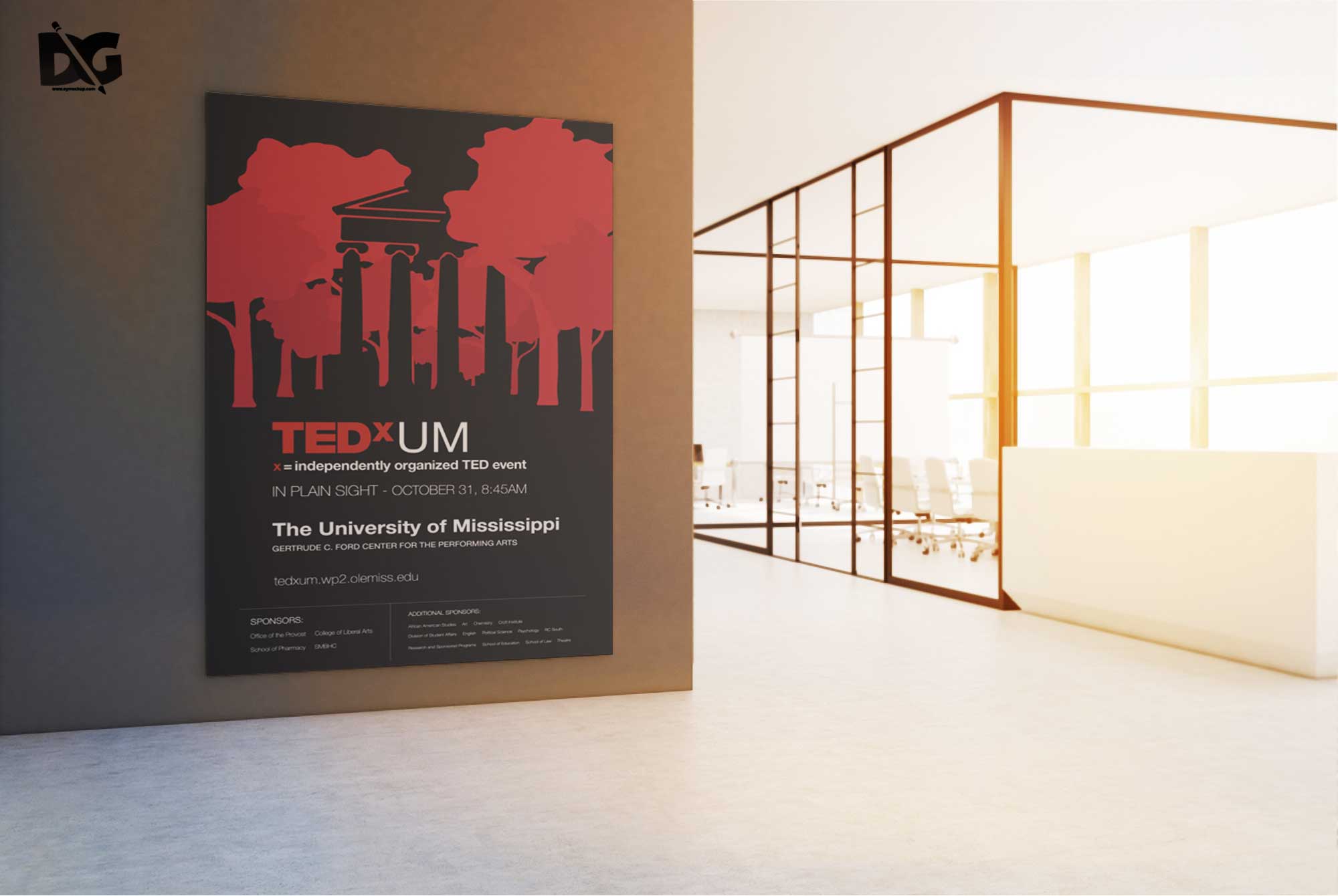
Creating stunning presentations for your artwork is easy with our free picture frame design mockup. This versatile template allows you to showcase your designs in a realistic setting, enhancing their visual appeal. Simply upload your images, adjust the frame color, and enjoy a polished look that impresses clients and friends alike.
Whether you’re a graphic designer, photographer, or artist, this mockup can elevate your portfolio or social media posts. With high-resolution quality and easy-to-use features, you can customize the background and lighting to match your style. Download this free mockup today and bring your artwork to life!
All of these Resources are easy to use and can present your information beautifully. Some are free, while others premium poster mockups cost a few dollars.With these ready-made Photoshop Free PSD poster mockups, you can quickly place your art in a realistic setting without having to go through all the trouble of getting it printed out.
Take a look at these poser mockups to see if any of them are right for your projects!
More great & free PSD Mockups Collection:
- Square box mockup PSD download
- Bottle Mockup PSD Download Now
- Latest Logo Mockup PSD Free Download
- Cafe menu design template free download
FAQs – Free Picture Frame Design Mockup
Can I edit the picture frame mockup in Photoshop?
Yes, the mockup is fully editable in Photoshop, allowing you to customize the frame, background, and lighting to fit your needs.
Does it support different frame styles?
Absolutely! The mockup offers various frame styles, including modern, vintage, and classic, letting you choose the perfect one for your artwork.
What file formats are available for the mockup?
The mockup is typically available in PSD format, which is ideal for Photoshop users, ensuring easy manipulation and customization.
Is it easy to insert my images into the mockup?
Yes, simply drag and drop your images into the designated layers in Photoshop, and the mockup will automatically adjust to fit.
Do I need advanced skills to use this mockup?
No, the mockup is user-friendly, and even beginners can navigate it with ease, thanks to its straightforward design and instructions.