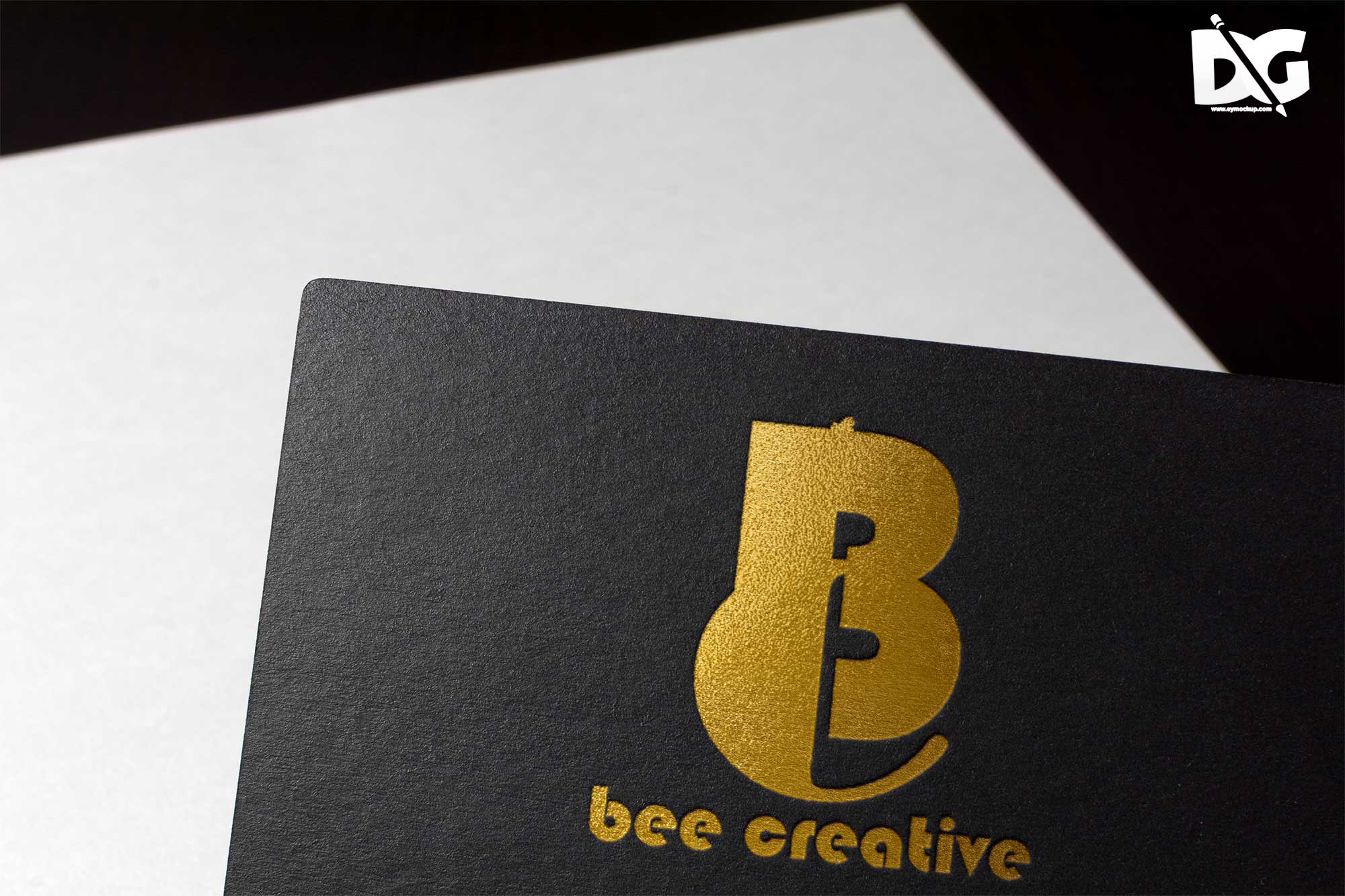
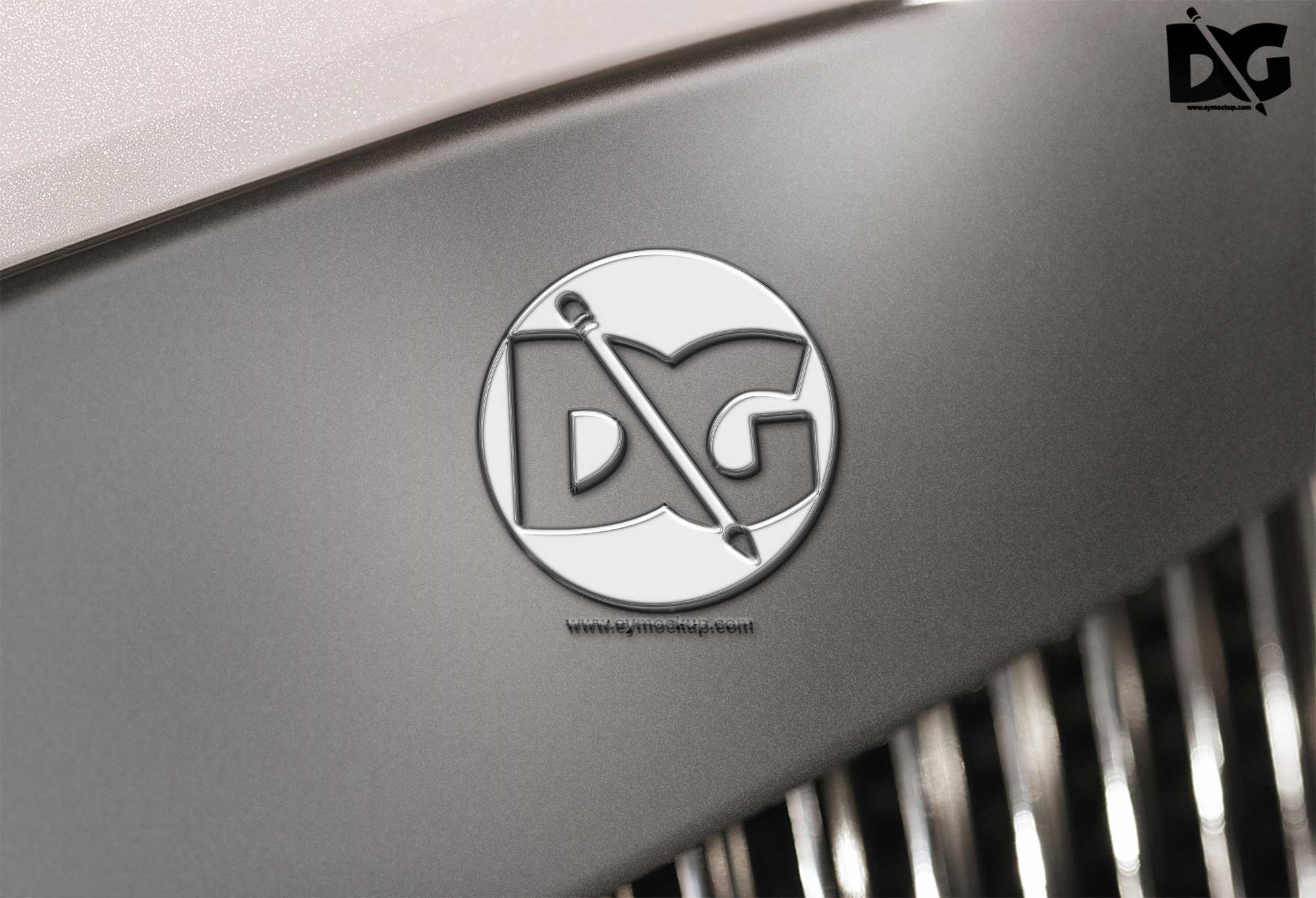
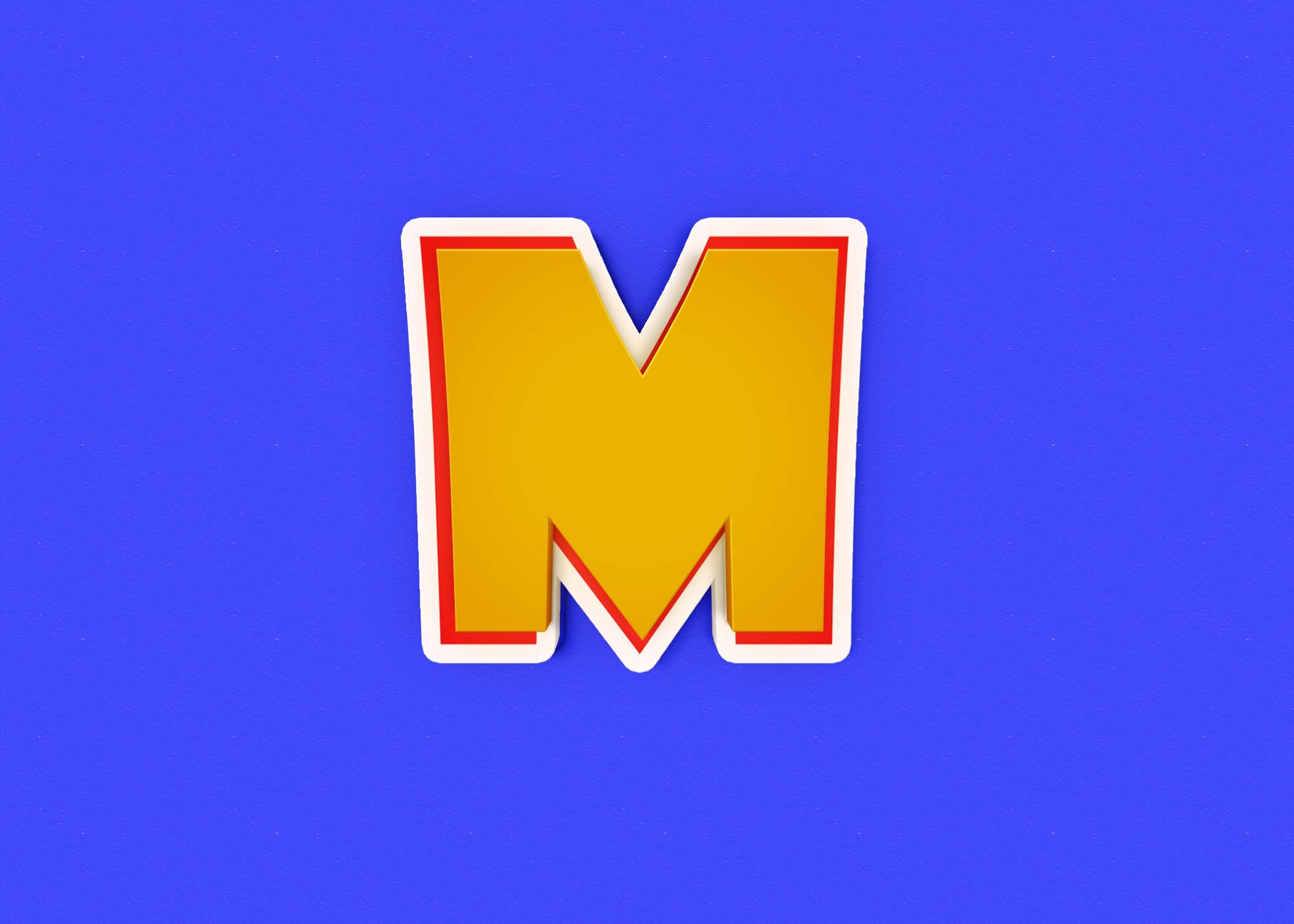
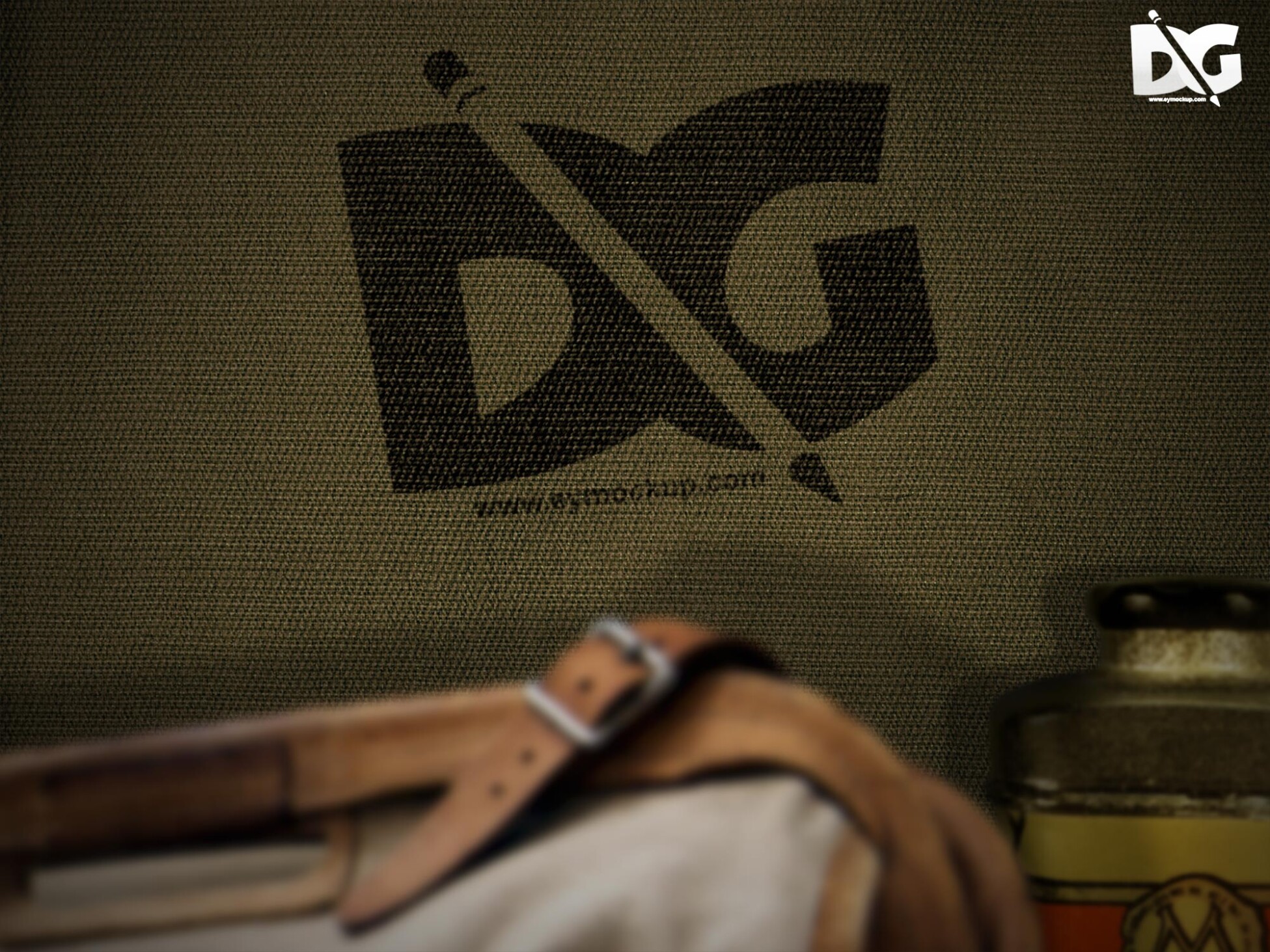
Elevate your branding with our free overlay effect logo mockup, designed to showcase your logo in a visually striking manner. This mockup is perfect for designers looking to present their work in a professional setting, capturing attention with its modern aesthetic. The overlay effect adds depth and excitement, ensuring your logo stands out in any portfolio or presentation.
Our easy-to-use mockup is fully editable in Photoshop, allowing you to customize colors, textures, and lighting to match your brand’s identity. Simply drag and drop your logo into the designated layer, and watch as it seamlessly integrates with the overlay effect. Whether you’re creating promotional materials or social media posts, this mockup is a versatile tool for showcasing your creative designs.
Get 3D Logo MockupsAll of these Resources are easy to use and can present your information beautifully. Some are free, while others cost a few dollars.More great & free PSD Mockups Collection:
- 3d logo mockup psd free download
- Postcard Mockup PSD free download
- Plastic bottle mockup free download
- eBook Cover PSD Download Mockup
FAQs – Free Overlay Effect Logo Mockup
Can I edit the overlay effect logo mockup in Photoshop?
Yes, you can easily edit the mockup in Photoshop to customize colors, textures, and other design elements.
Does this mockup support different logo formats?
Absolutely! The mockup supports various logo formats, including PNG, JPEG, and SVG, making it versatile for your needs.
What file format is the overlay effect logo mockup?
The mockup is provided in a PSD format, ensuring easy editing and high-quality output for your designs.
Is there a specific resolution for this mockup?
Yes, the mockup is designed at a high resolution, ensuring your logo looks sharp and professional in any display.
Can I use this mockup for personal and professional projects?
Yes, you can use the mockup for both personal and professional projects without any restrictions.