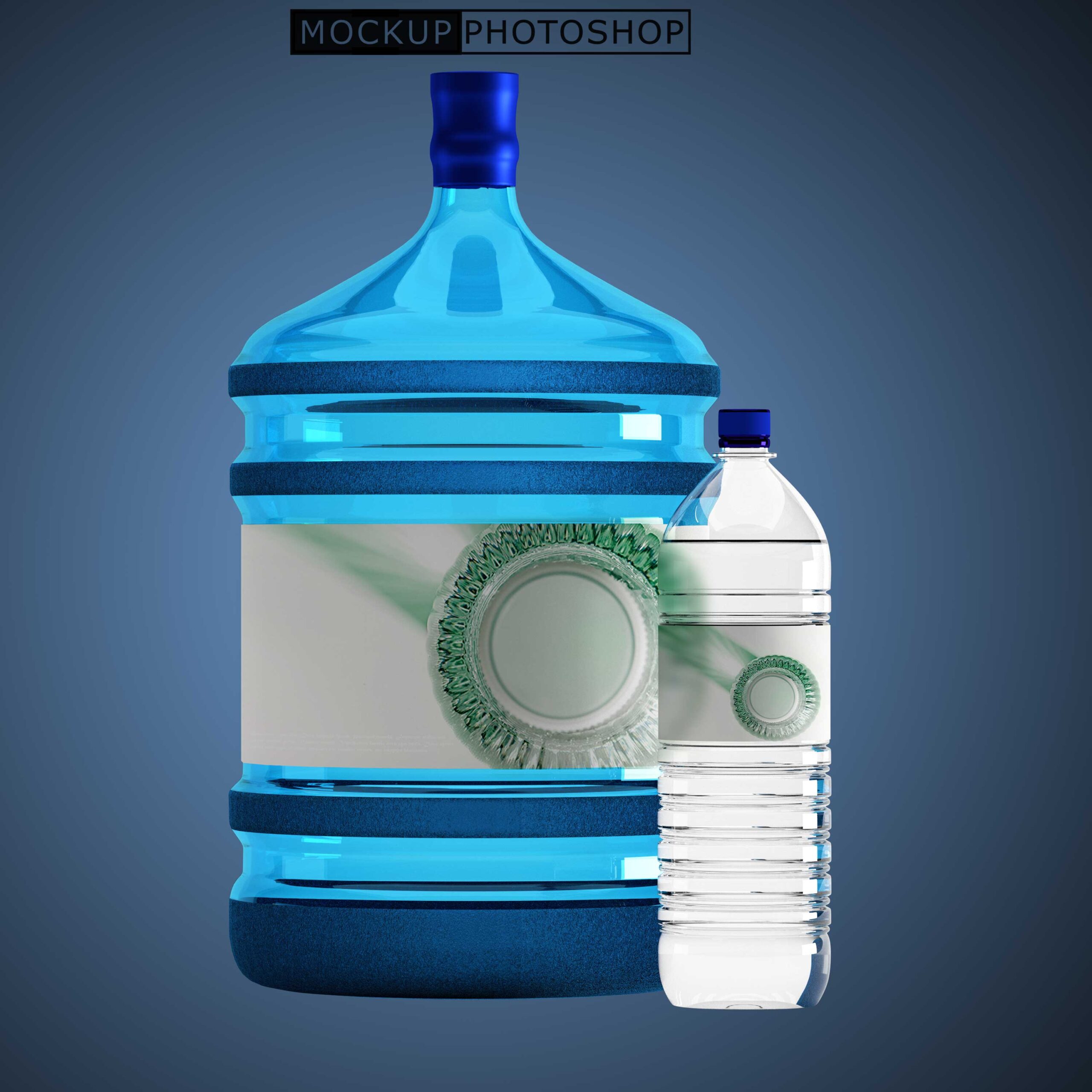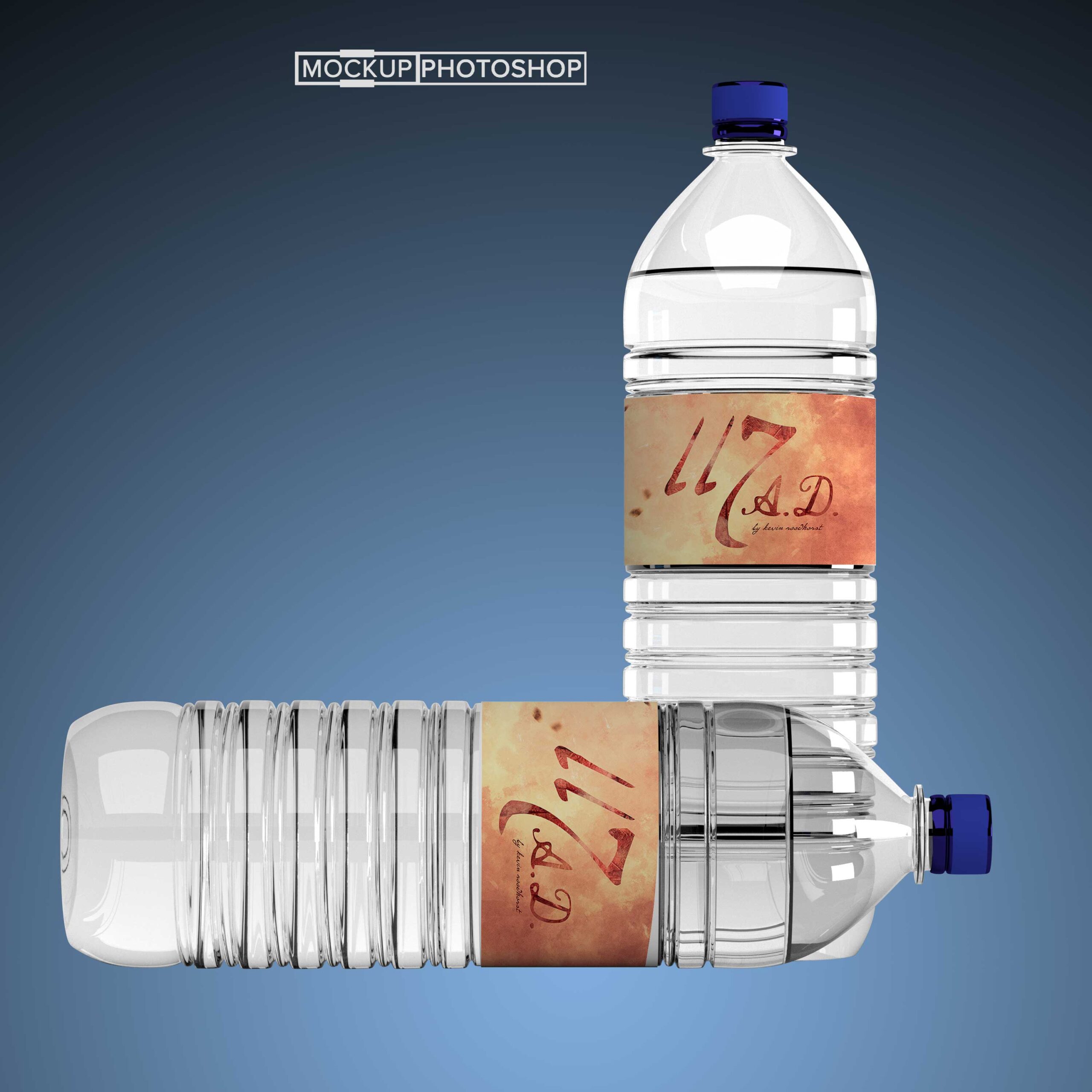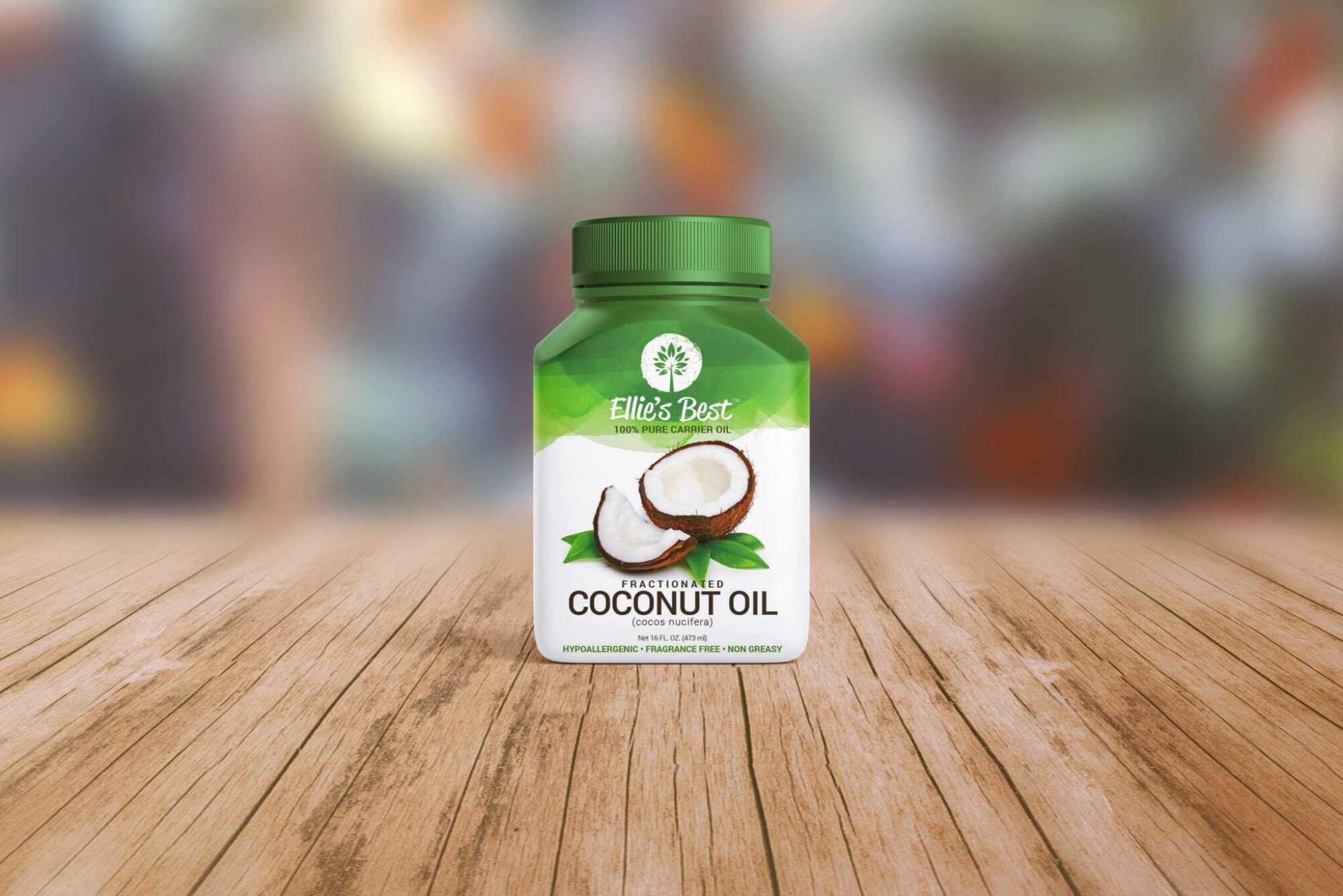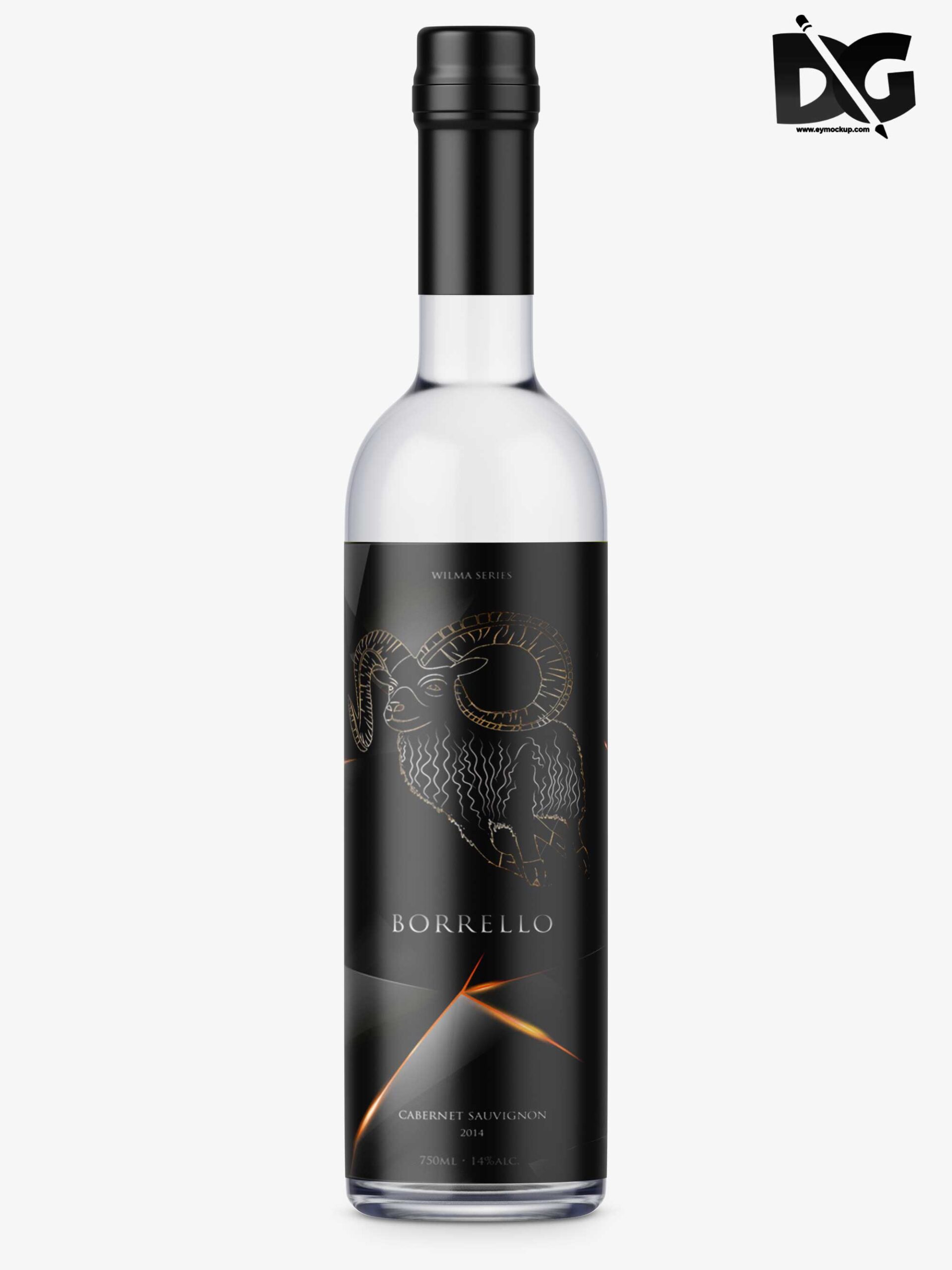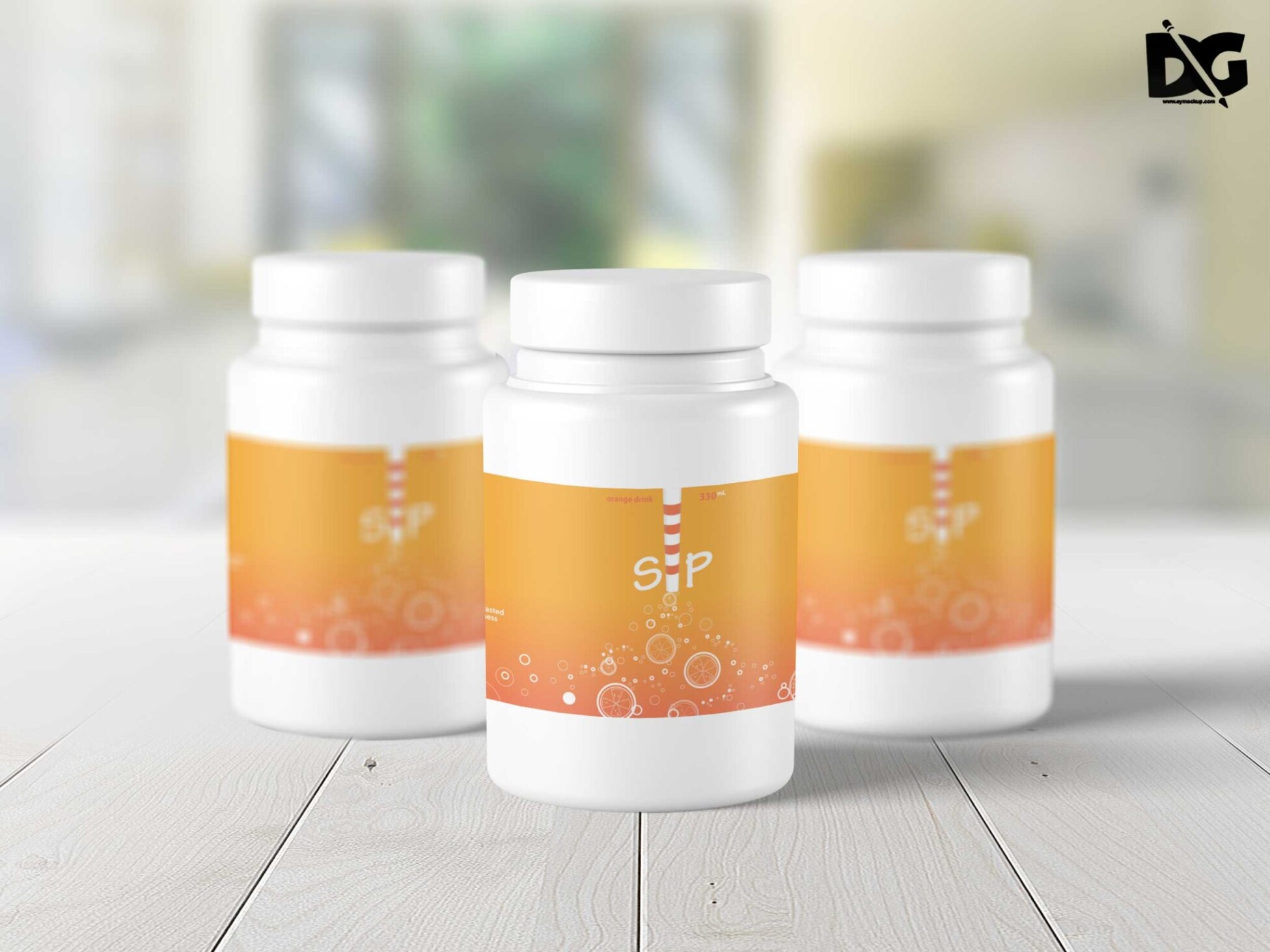
Discover our free Medicine Bottle PSD Bundle Mockup, designed to help you showcase your pharmaceutical products in a professional manner. This bundle includes multiple perspectives, allowing you to present your designs effectively while maintaining high-quality visuals.
Each mockup is fully customizable, enabling you to easily edit labels and colors in Photoshop. With realistic lighting and shadows, your designs will appear lifelike, making it an ideal choice for presentations or online portfolios. Download the bundle today and elevate your product presentations!
Luckily, there are lots of free bottle mockups and templates recently released for the benefit of graphic artists. These free bottle mockups and templates provide a perfect way to display bottles in a much attractive way.These can absolutely help graphic designers easily and conveniently add their own ideas to the bottles such as putting colors that can be either come in light or shadow effects.All of these Resources are easy to use and can present your information beautifully. Some are free, while others cost a few dollars. ( premium mockups template ) More great & free PSD Mockups Collection: Description:FAQs – Free Medicine Bottle PSD Bundle Mockup
Can I edit the Medicine Bottle PSD mockup in Photoshop?
Yes, the mockup is fully editable in Photoshop, allowing you to customize colors, labels, and effects to fit your design needs.
What file formats are included in the bundle?
The bundle includes PSD files, which are compatible with Adobe Photoshop for easy editing and customization.
Does the Medicine Bottle mockup support smart objects?
Absolutely! The mockup utilizes smart objects, making it simple to replace designs without compromising image quality.
Is it easy to change the background in the mockup?
Yes, you can easily change the background layer in the PSD file to suit your branding or presentation style.
What are the best practices for using these mockups?
For the best results, use high-resolution designs and ensure proper alignment when placing your graphics within the smart object layers.