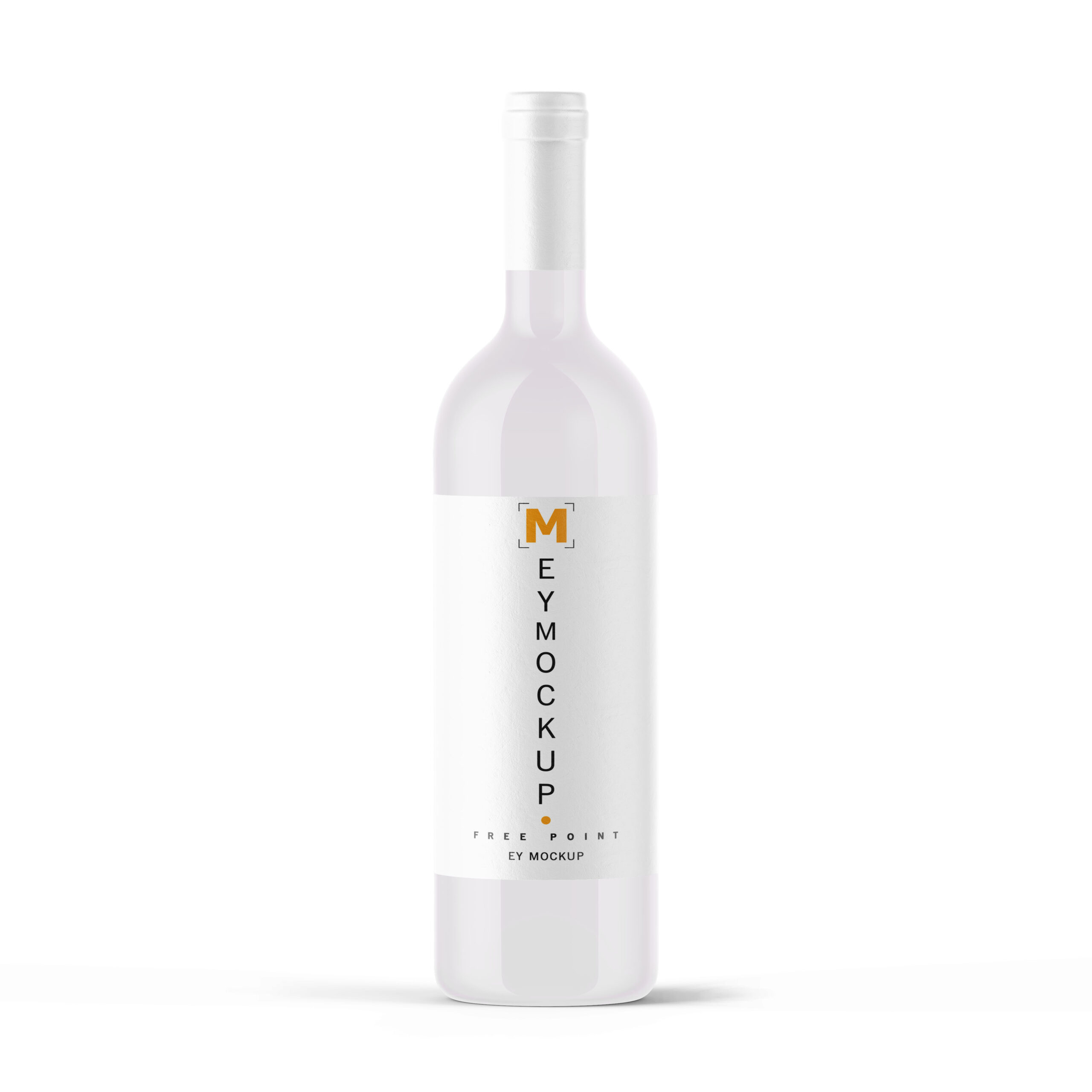
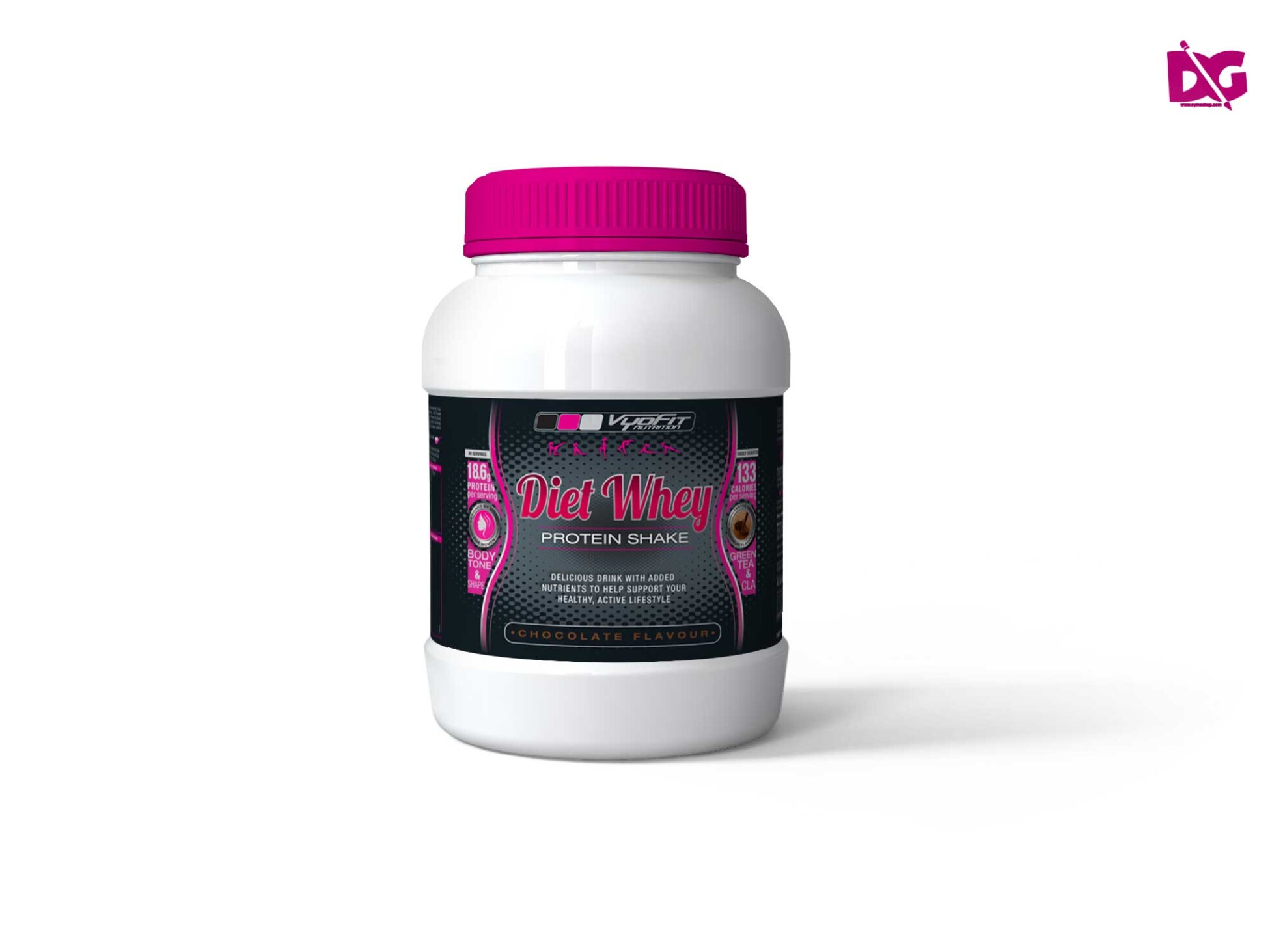
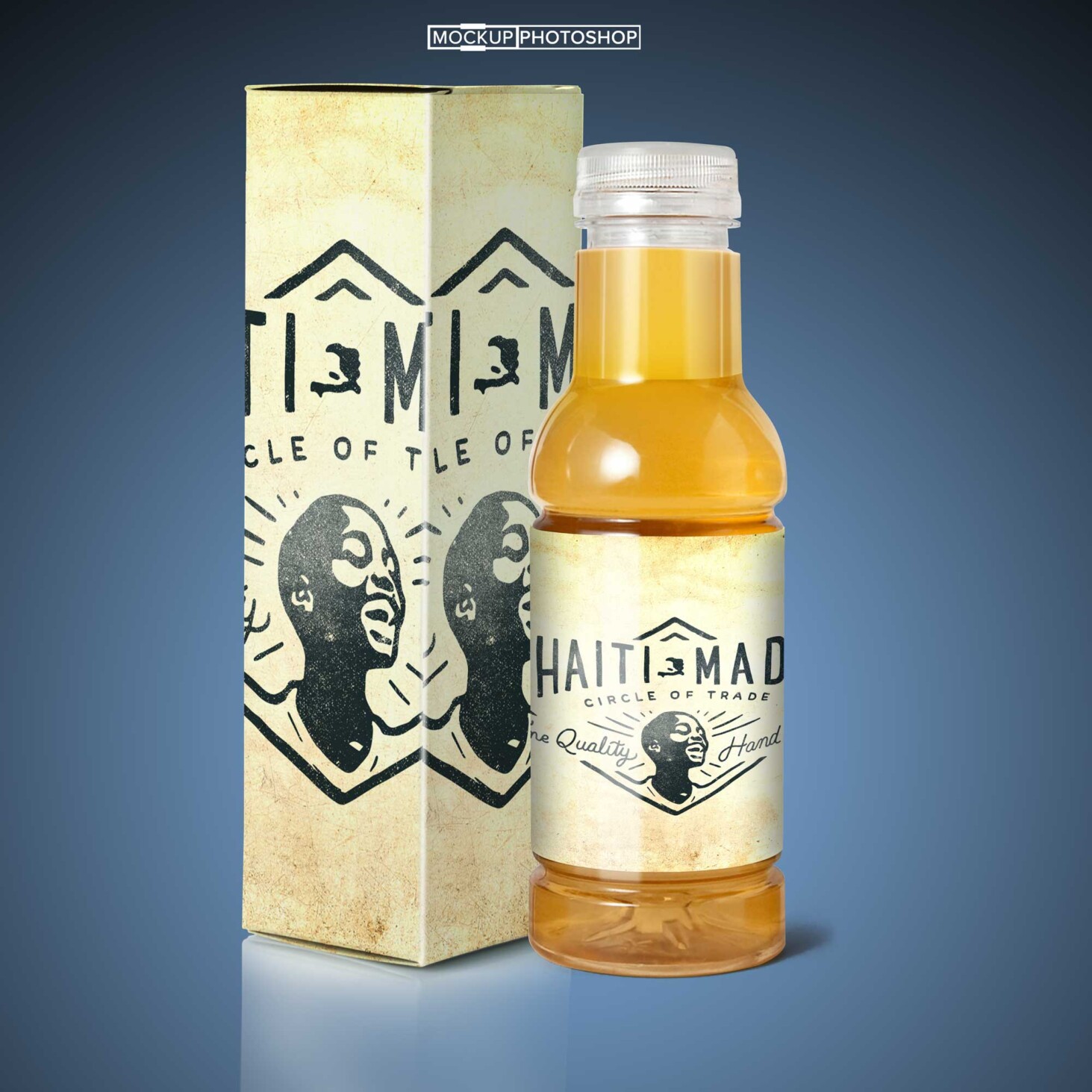
Elevate your design projects with our free Mineral Water Bottle PSD Mockup. This mockup allows you to showcase your branding and label designs in a realistic and professional manner. With its customizable features, you can easily add your own designs and see how they look on an actual bottle, helping you make informed decisions before final production.
The PSD file is easy to edit using Adobe Photoshop, making it accessible for both beginners and experienced designers. Adjust the colors, shadows, and reflections to match your vision perfectly. Whether you’re working on a marketing campaign or a product presentation, this mockup serves as a valuable tool to visualize your ideas and impress your clients.
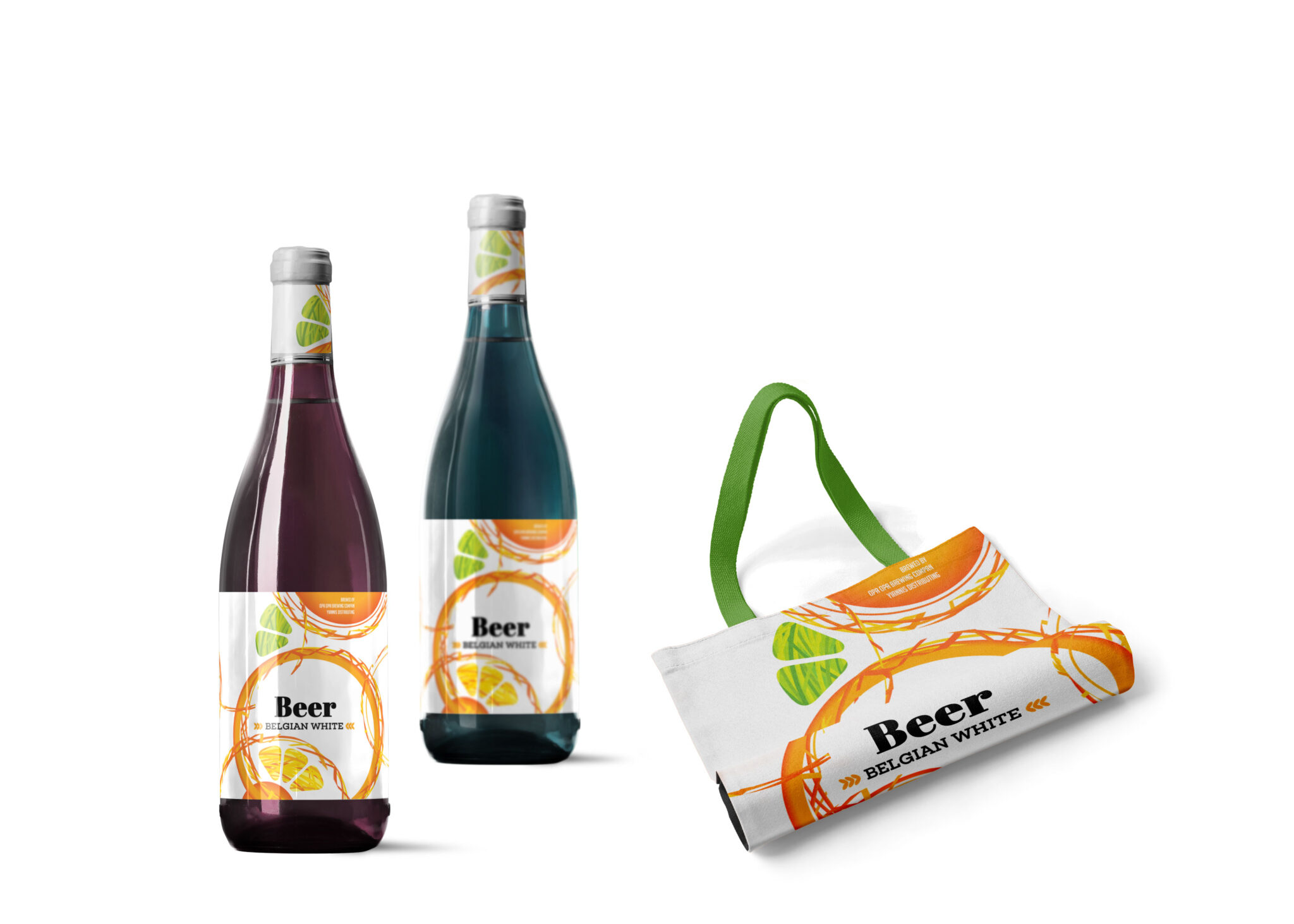
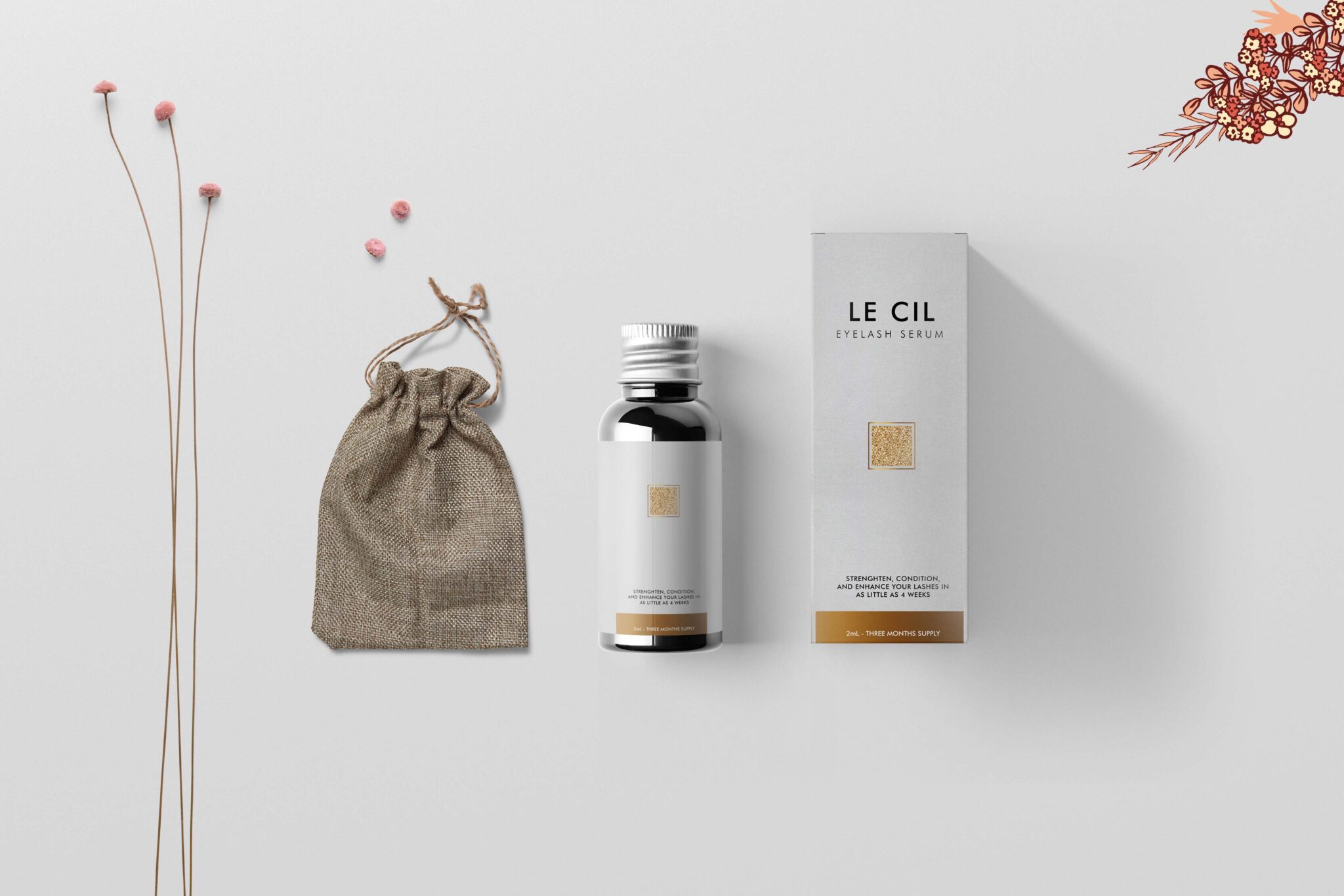
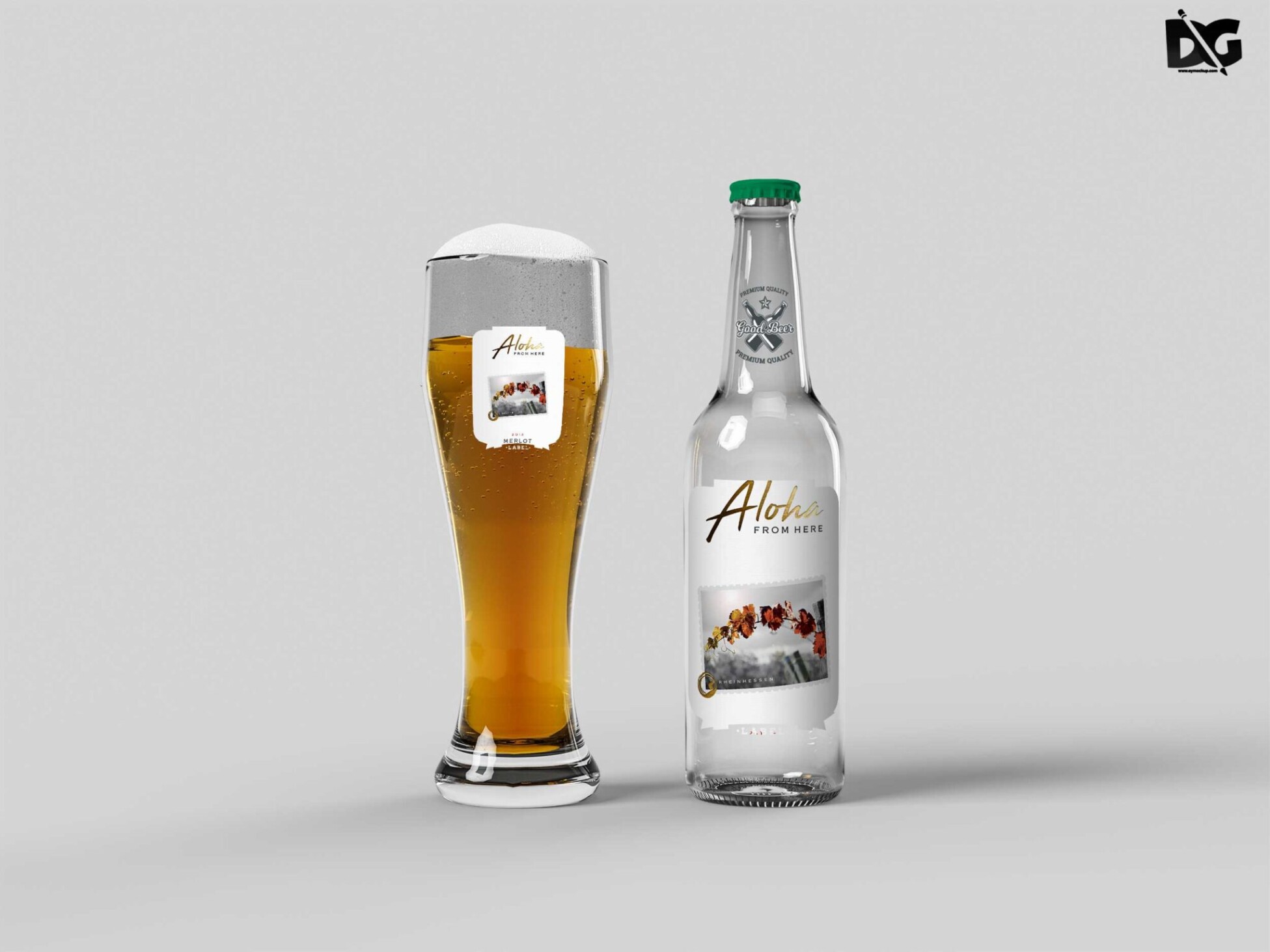
Luckily, there are lots of free bottle mockups and templates recently released for the benefit of graphic artists. These free bottle mockups and templates provide a perfect way to display bottles in a much attractive way.These can absolutely help graphic designers easily and conveniently add their own ideas to the bottles such as putting colors that can be either come in light or shadow effects.All of these Resources are easy to use and can present your information beautifully. Some are free, while others cost a few dollars. ( premium mockups template ) More great & free PSD Mockups Collection: Description:FAQs – Free Download Mineral Water Bottle PSD Mockup
Can I edit the Mineral Water Bottle PSD Mockup in Photoshop?
Yes, you can easily edit the mockup in Adobe Photoshop to customize it to your needs.
Does this mockup support different bottle shapes?
This particular mockup is designed for a standard mineral water bottle shape, ensuring a realistic presentation.
Is it easy to change the label design on the mockup?
Absolutely! The mockup allows for simple layer adjustments to replace the label with your own design.
What file format is the Mineral Water Bottle Mockup available in?
The mockup is available in PSD format, compatible with Adobe Photoshop for easy editing.
Do I need advanced skills to use this mockup?
No, basic knowledge of Photoshop is sufficient to use and customize this mockup effectively.