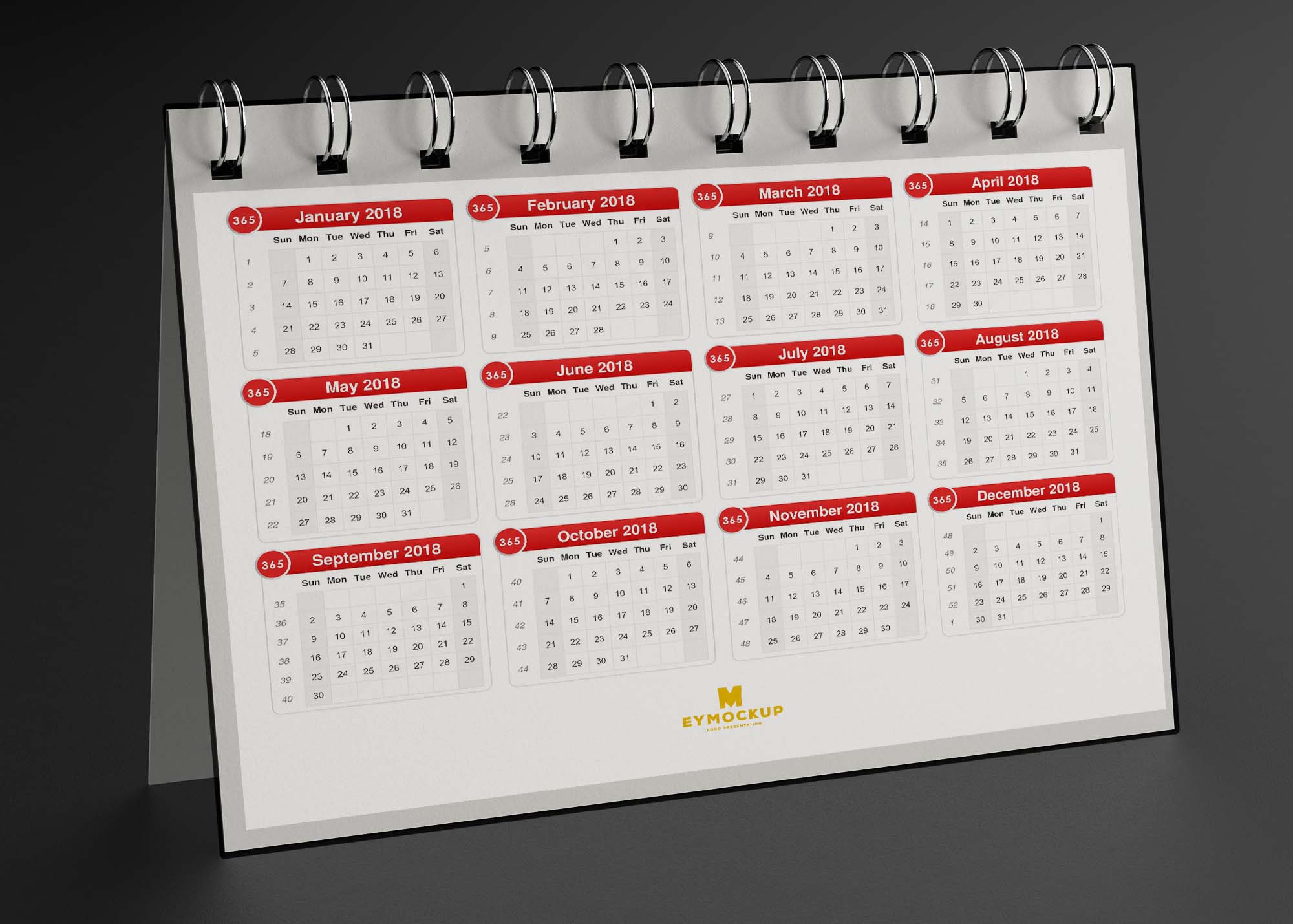
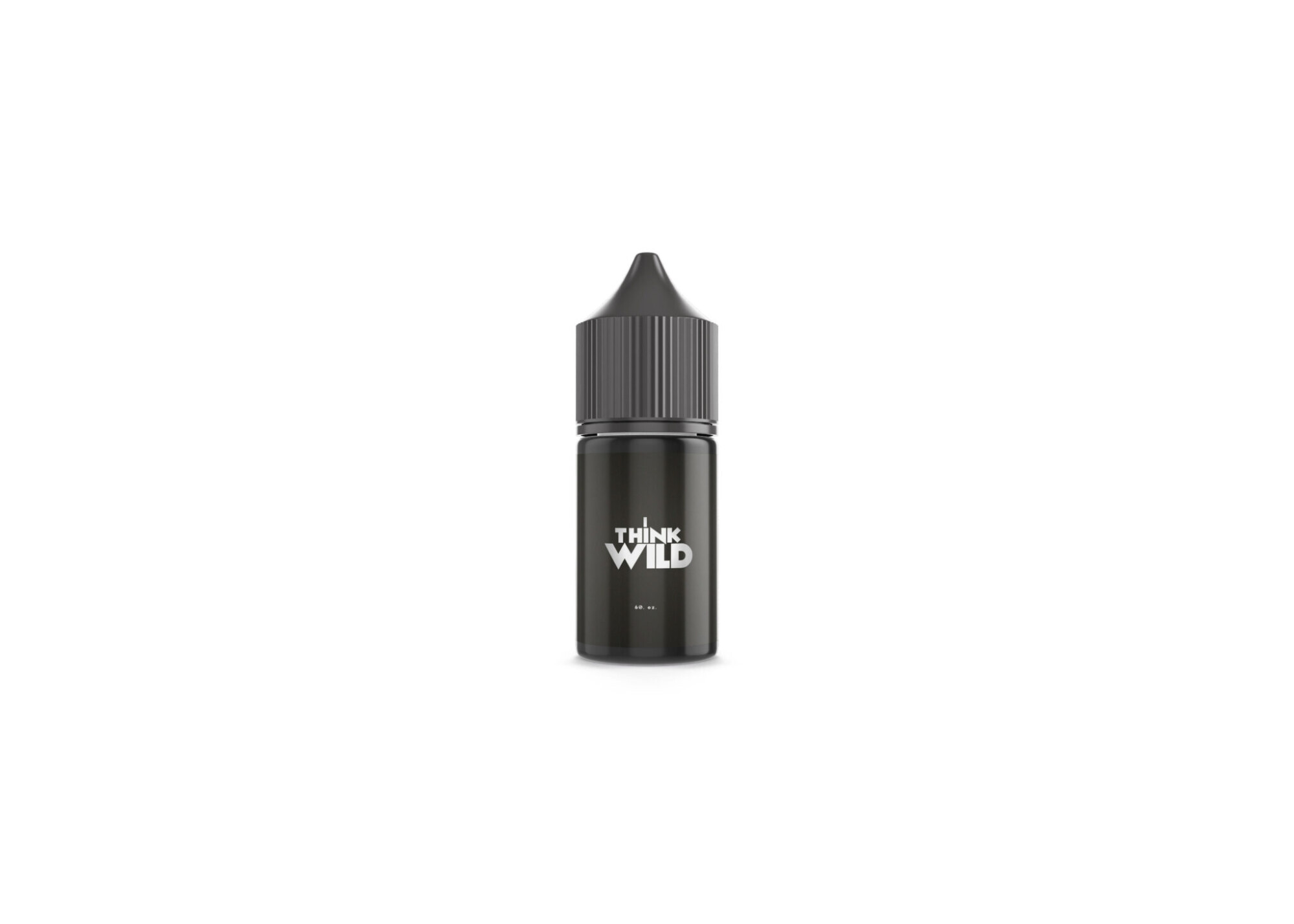
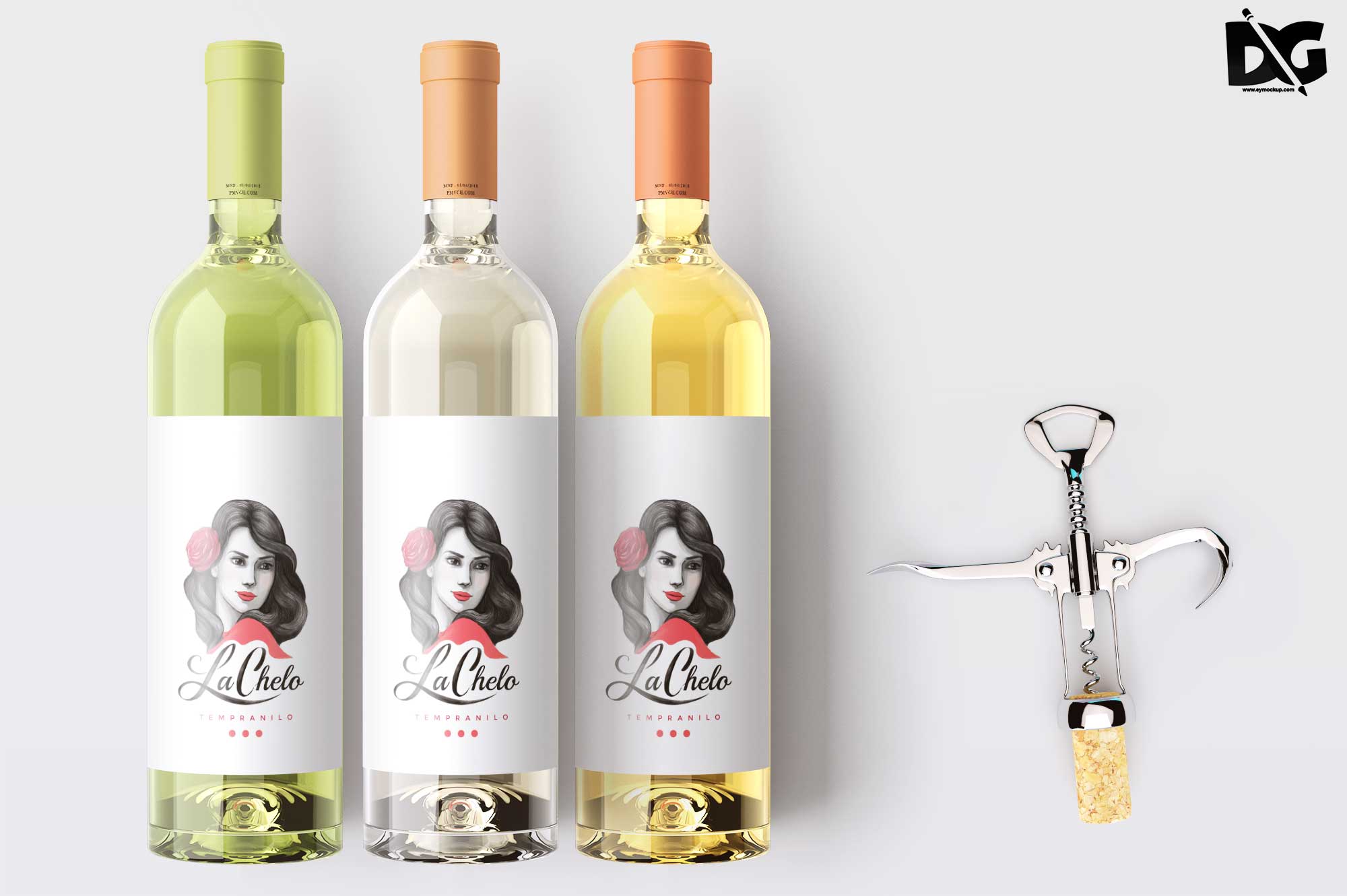
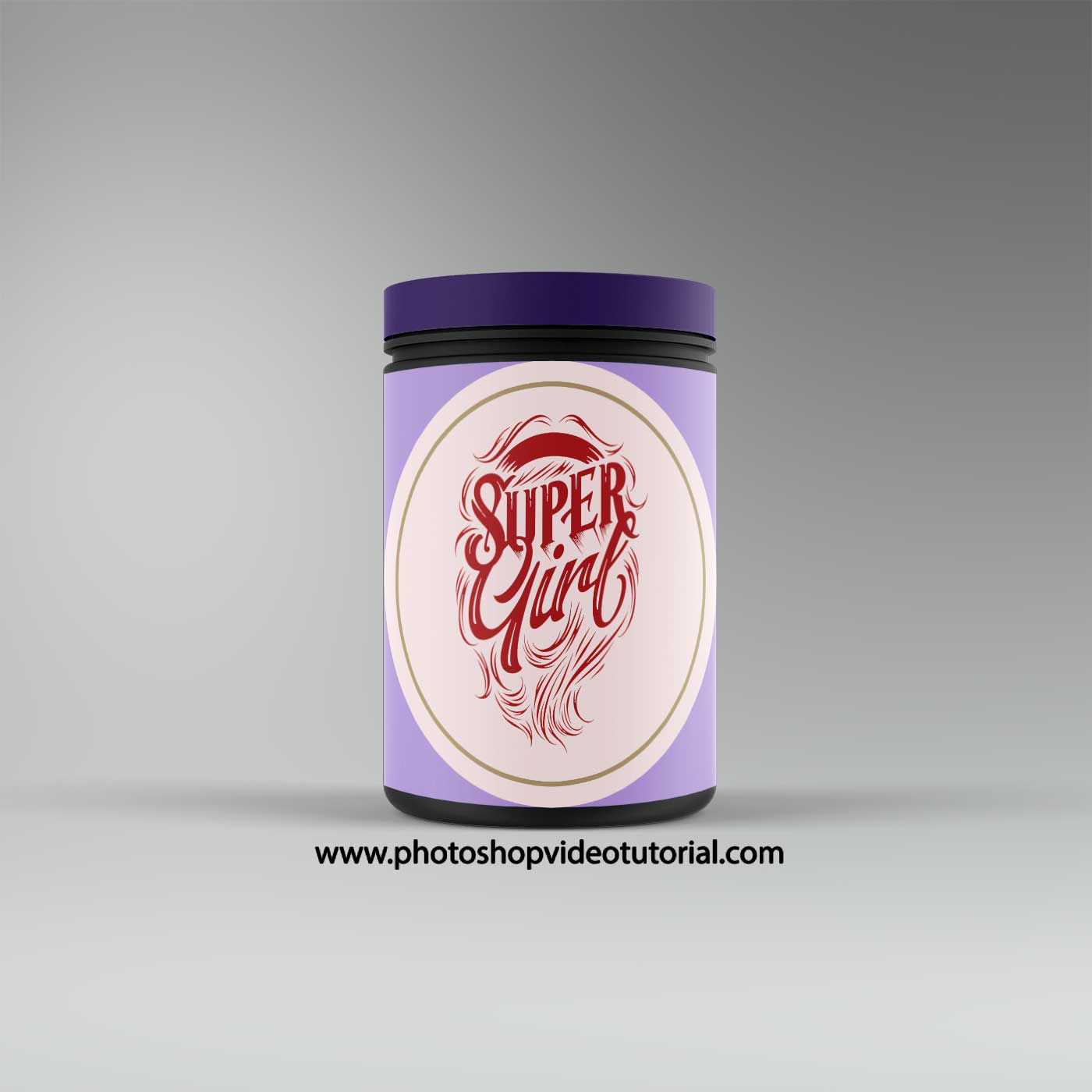
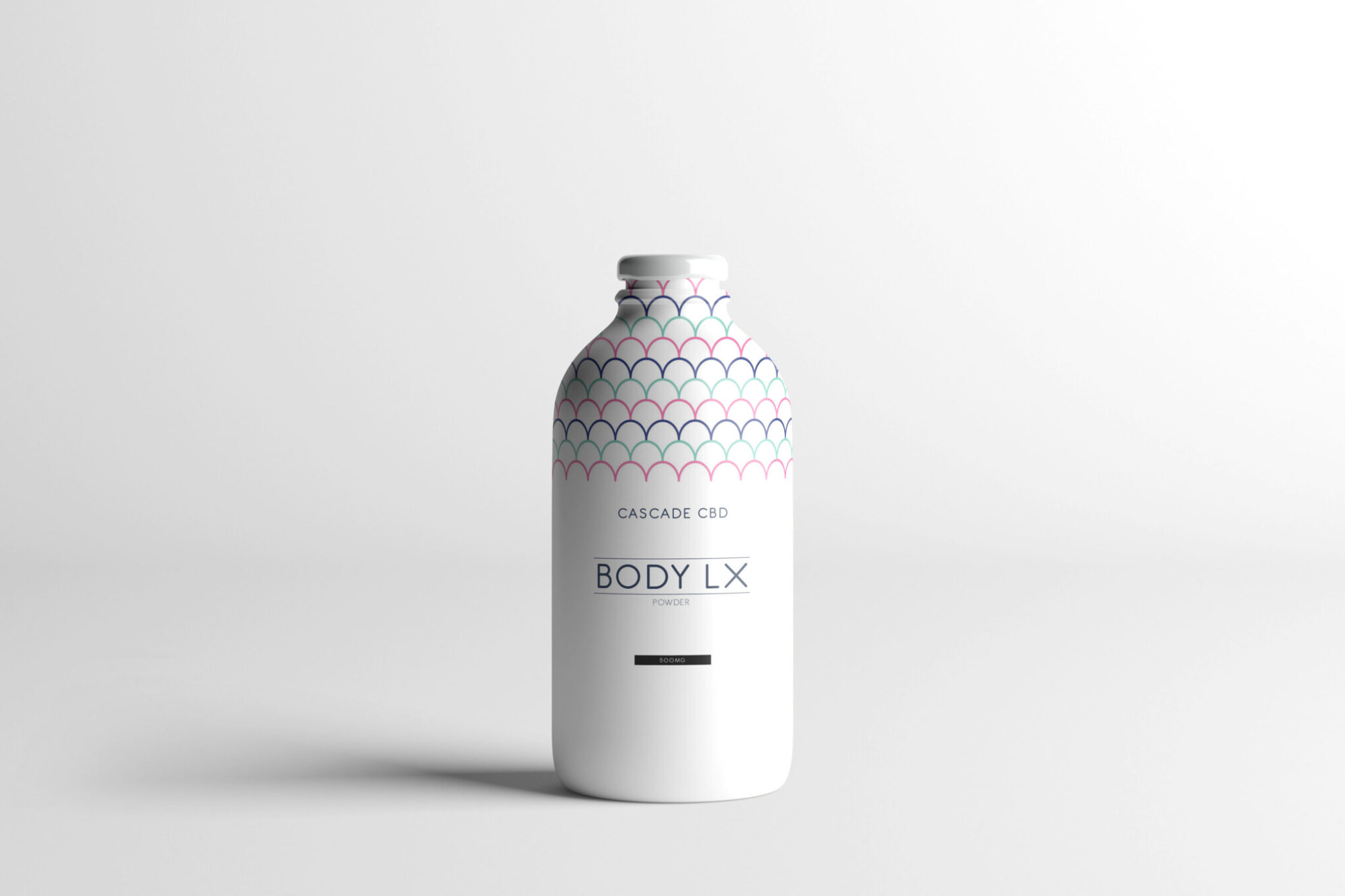
Elevate your product presentations with our free cosmetic spray bottle mockup. This high-quality mockup is perfect for showcasing your designs in a professional manner. Whether you’re a designer or a brand owner, this mockup allows you to visualize your cosmetic products beautifully. Customize the colors, labels, and backgrounds to fit your brand’s aesthetic effortlessly.
Our mockup is user-friendly and compatible with Adobe Photoshop, making it easy to edit and manipulate. Simply place your designs into the smart object layer, and you’ll see your artwork come to life in a stunning three-dimensional display. Ideal for portfolios, marketing materials, or social media promotions, this mockup is a valuable tool for anyone looking to enhance their product imagery.
Luckily, there are lots of free bottle mockups and templates recently released for the benefit of graphic artists. These free bottle mockups and templates provide a perfect way to display bottles in a much attractive way.These can absolutely help graphic designers easily and conveniently add their own ideas to the bottles such as putting colors that can be either come in light or shadow effects.All of these Resources are easy to use and can present your information beautifully. Some are free, while others cost a few dollars. ( premium mockups template ) More great & free PSD Mockups Collection: Description:FAQs – Free Cosmetic Spray Bottle Mockup
Can I use the free cosmetic spray bottle mockup for my portfolio?
Yes, you can use the mockup in your portfolio to showcase your design skills and attract potential clients.
Is the mockup compatible with Photoshop?
Yes, the cosmetic spray bottle mockup is designed for easy editing in Adobe Photoshop using smart objects.
What file format is the mockup available in?
The mockup is typically provided in PSD format, which is standard for Photoshop files and allows for easy editing.
Do I need advanced skills to edit the mockup?
No, basic Photoshop skills are sufficient to edit this mockup. The smart object functionality simplifies the process.
Can I change the background of the mockup?
Yes, you can easily change the background to match your branding or style preferences in Photoshop.