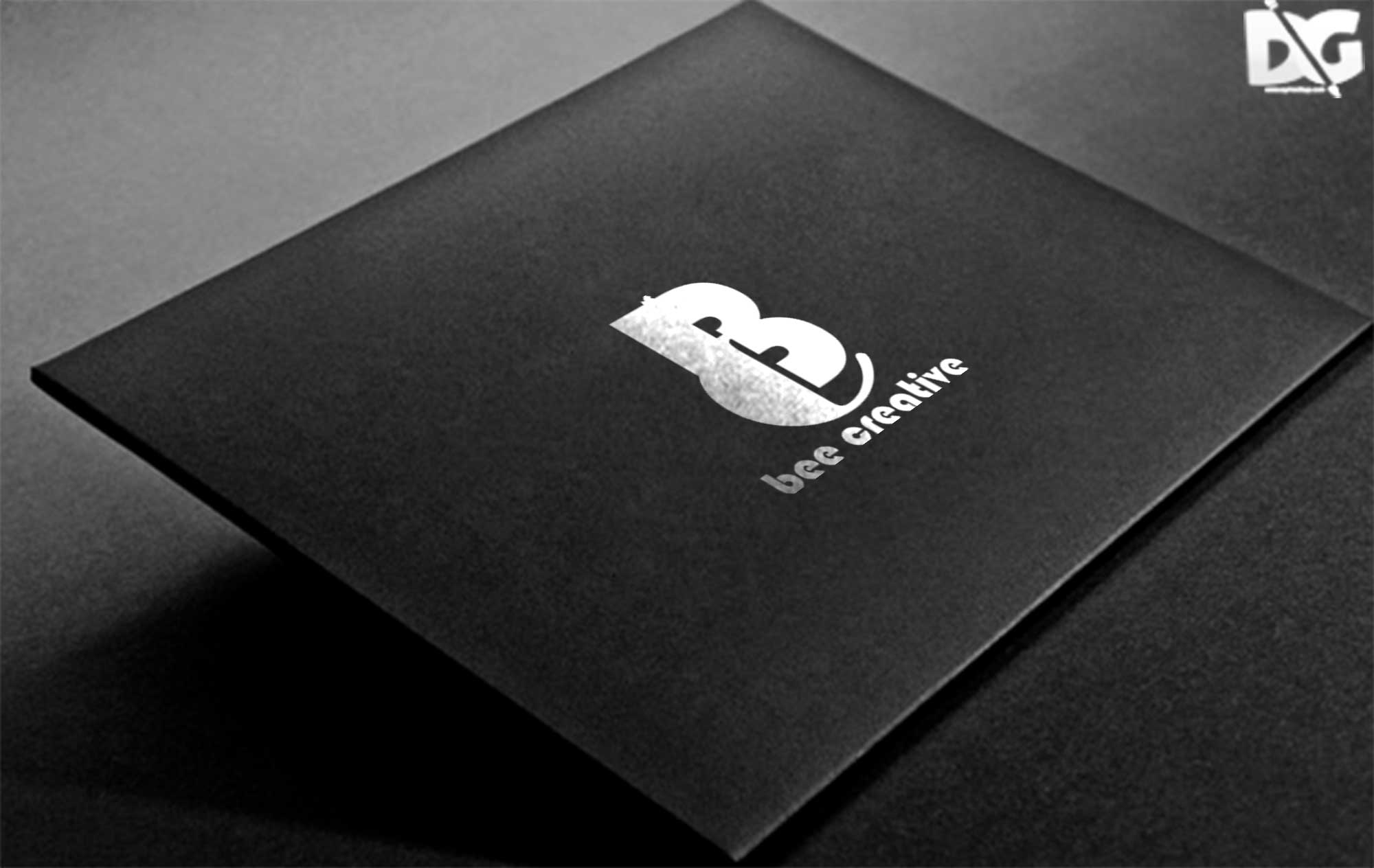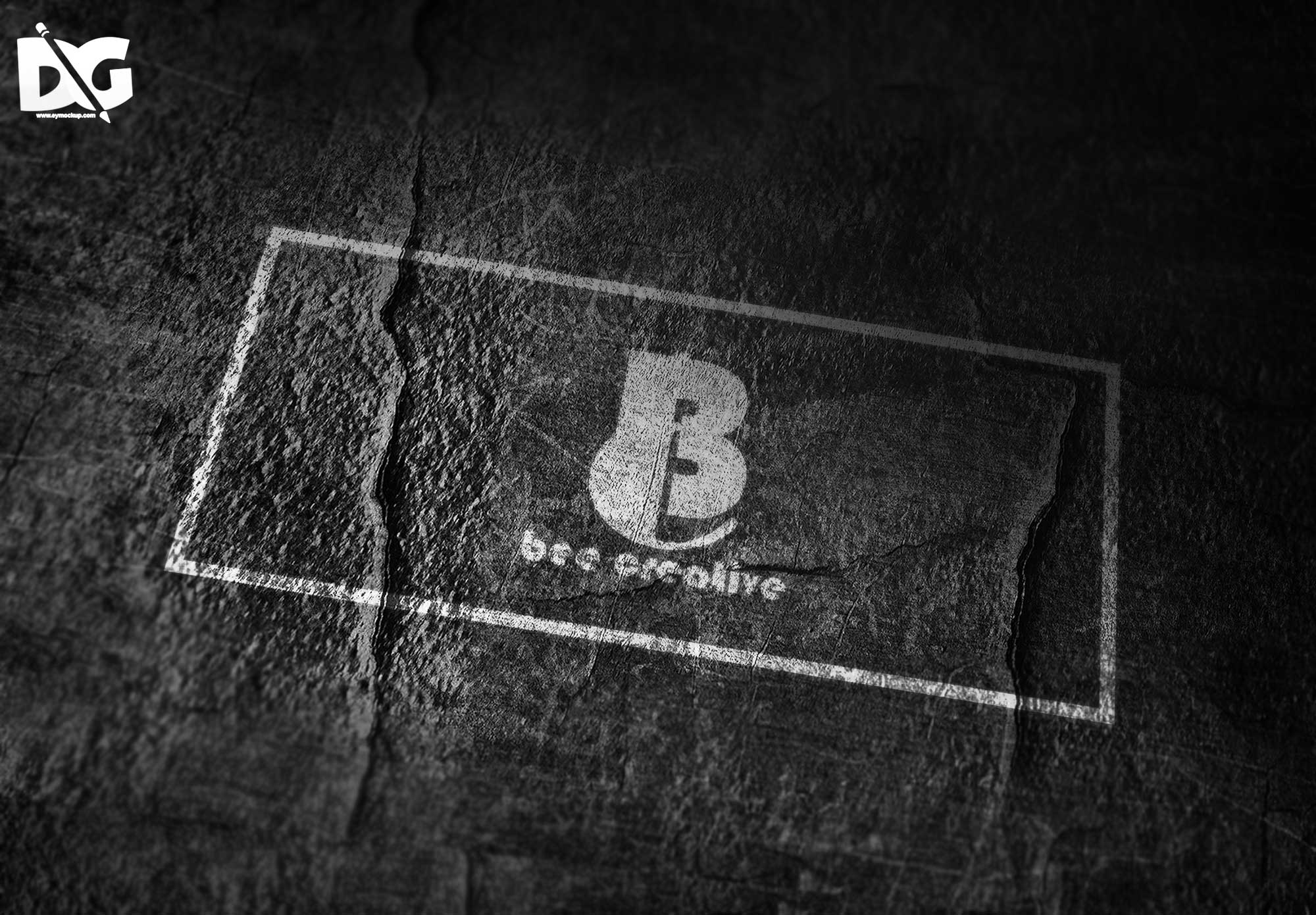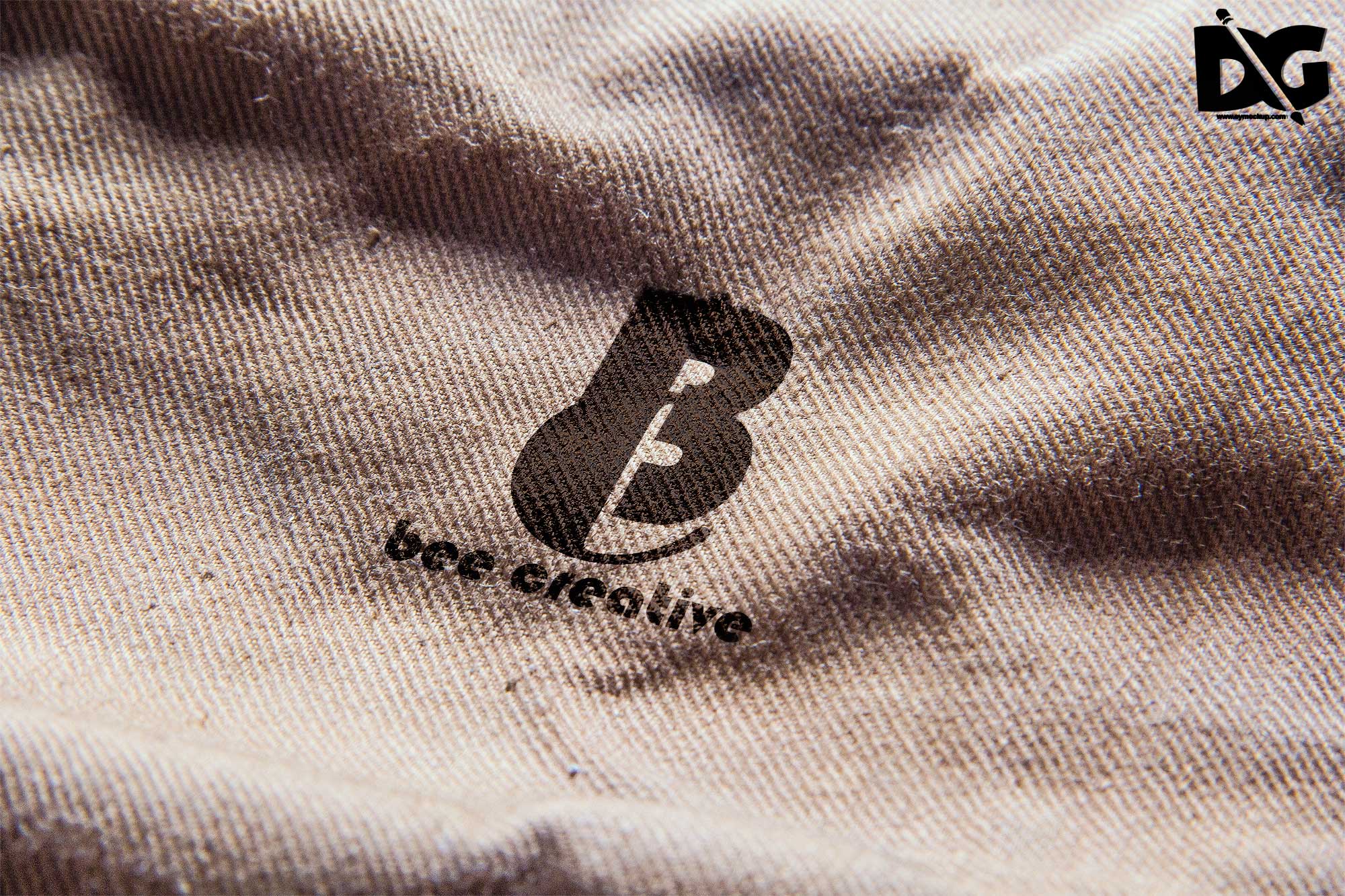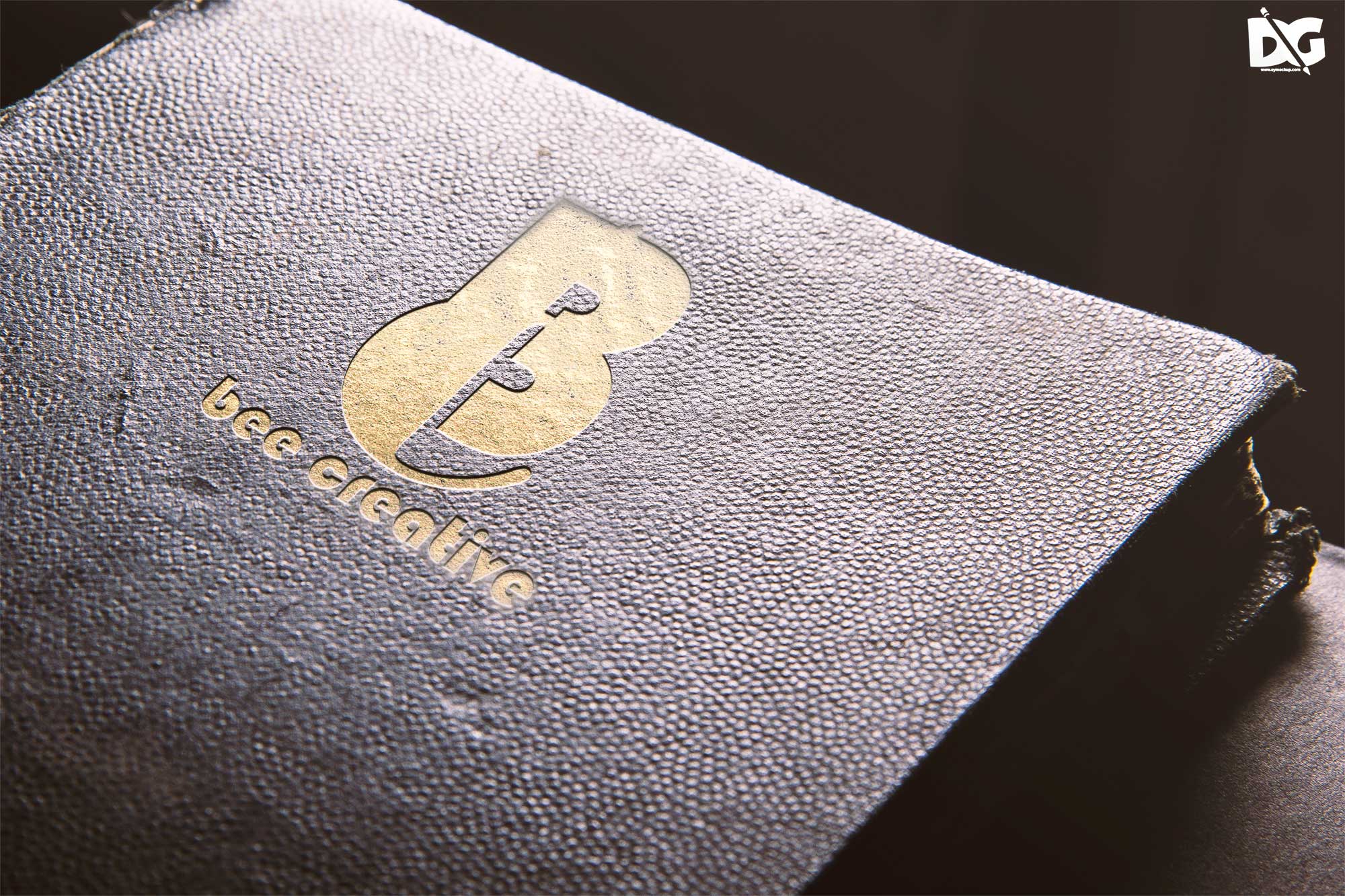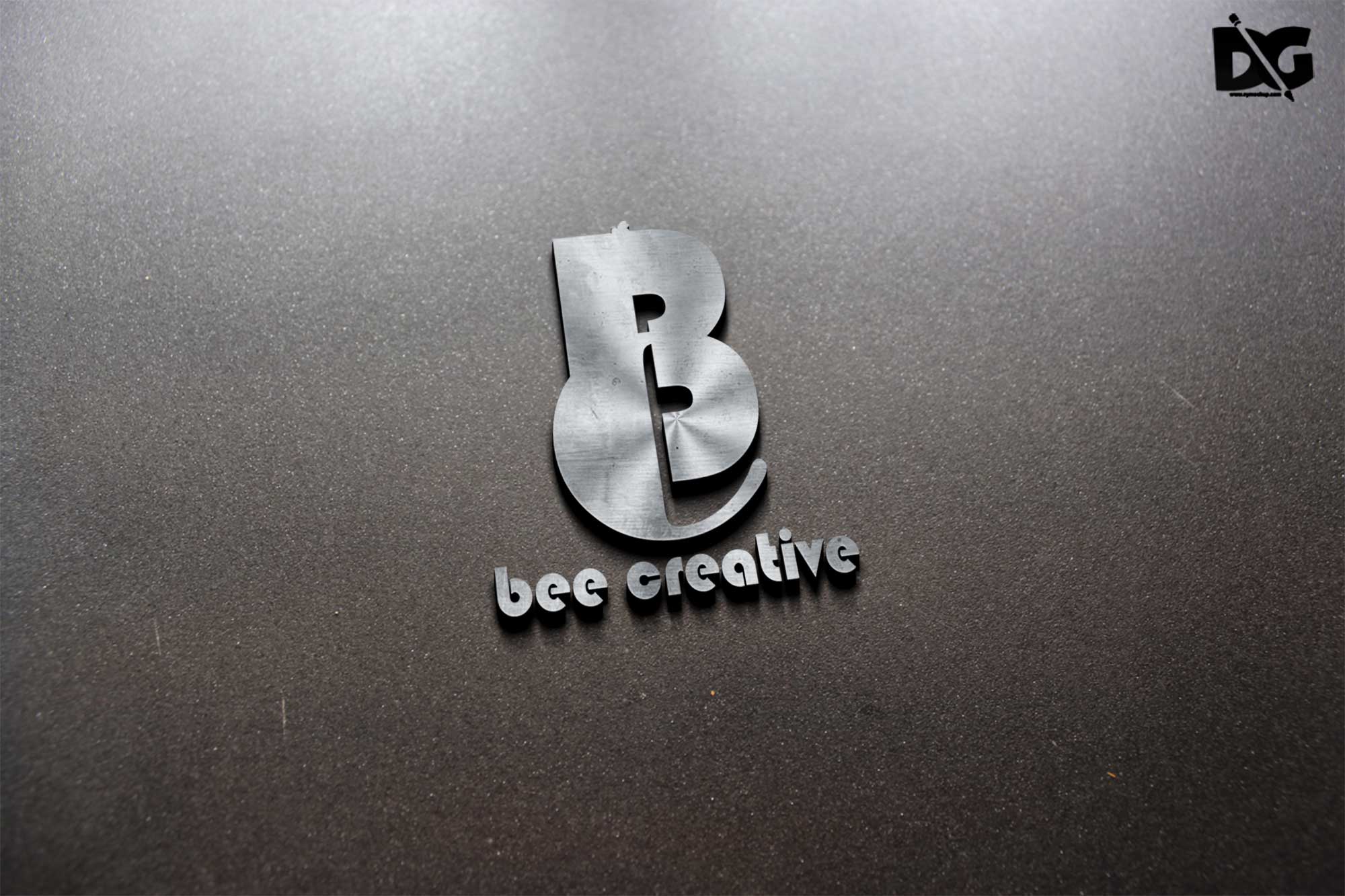
Showcase your logo designs in an eye-catching way with our PSD 3D Silicon Color Logo Mockup. This mockup is designed to elevate your branding presentations, allowing you to display your logos in a realistic three-dimensional format. With customizable features, you can easily change colors, adjust lighting, and modify textures to perfectly match your brand’s identity. Perfect for designers and marketers, this mockup will help you create stunning visuals that stand out.
Using this mockup is straightforward. Simply open the PSD file in Adobe Photoshop, and utilize the smart object layers to insert your logo. Adjust the background and light settings to fit your aesthetic and make your logo shine. Whether for online portfolios, social media, or client presentations, this mockup is versatile and user-friendly. Download it today and take your logo design to the next level!
Get 3D Logo MockupsAll of these Resources are easy to use and can present your information beautifully. Some are free, while others cost a few dollars.More great & free PSD Mockups Collection:
- Free Simple 3D Logo Mockup (PSD)
- Free Gold Coin Mockup PSD Download
- Free PSD Mockups for Books and More!
- 3D Packaging PSD Mockups
FAQs – PSD 3D Silicon Color Logo Mockup
Can I edit the PSD 3D Silicon Color Logo Mockup?
Yes, the PSD file is fully editable in Adobe Photoshop, allowing you to customize colors, shadows, and other elements easily.
Is it easy to use this mockup for presentations?
Absolutely! Just open the file in Photoshop, insert your logo using smart objects, and adjust settings as needed for stunning presentations.
What file format does the mockup come in?
The mockup is provided in PSD format, which is compatible with Adobe Photoshop, ensuring seamless editing and customization.
Does the mockup include realistic lighting effects?
Yes, the mockup features realistic lighting effects that enhance the appearance of your logo, making it visually appealing and professional.
Do I need advanced Photoshop skills to use it?
No, basic knowledge of Photoshop is sufficient. The mockup is designed for users at any skill level to create impressive visuals.