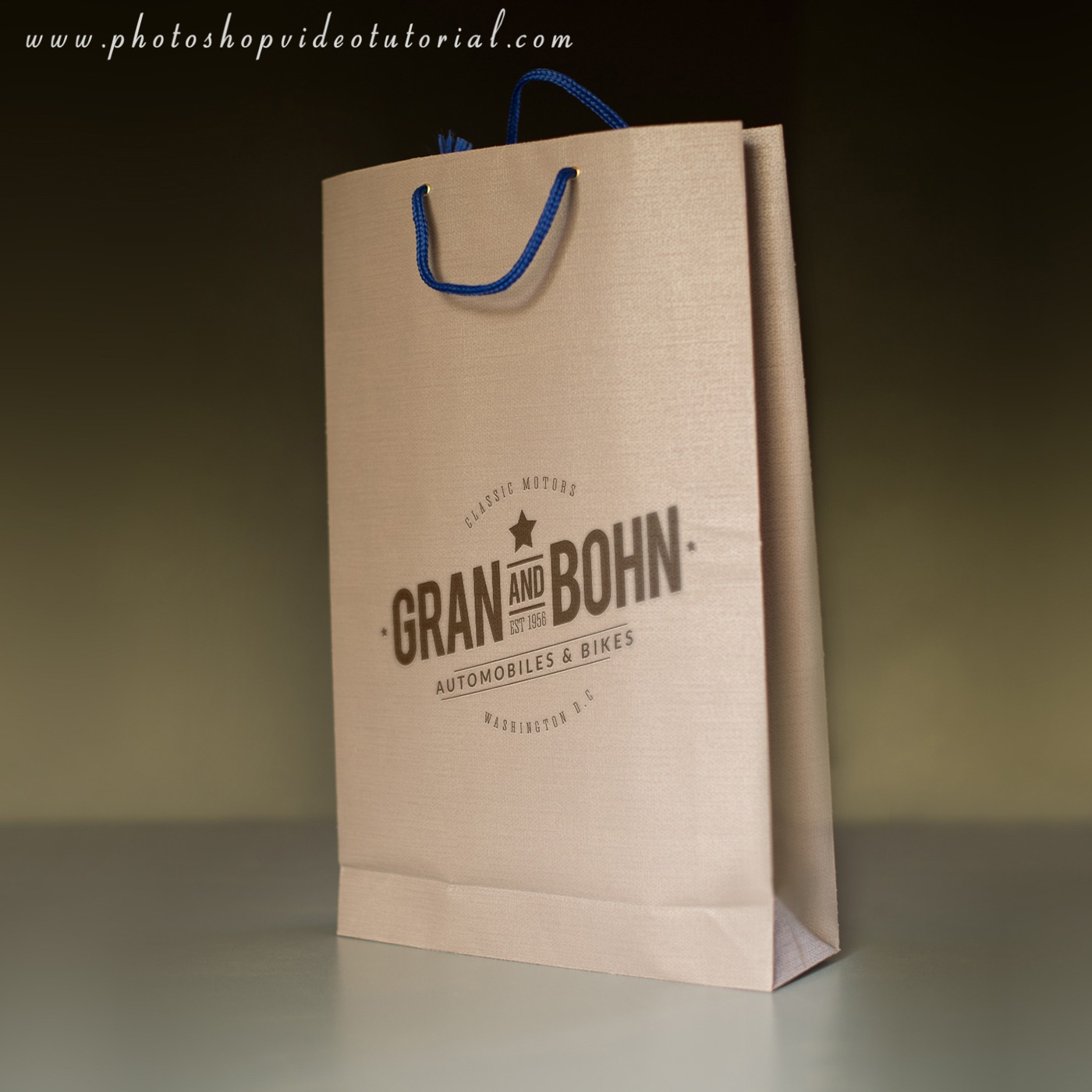
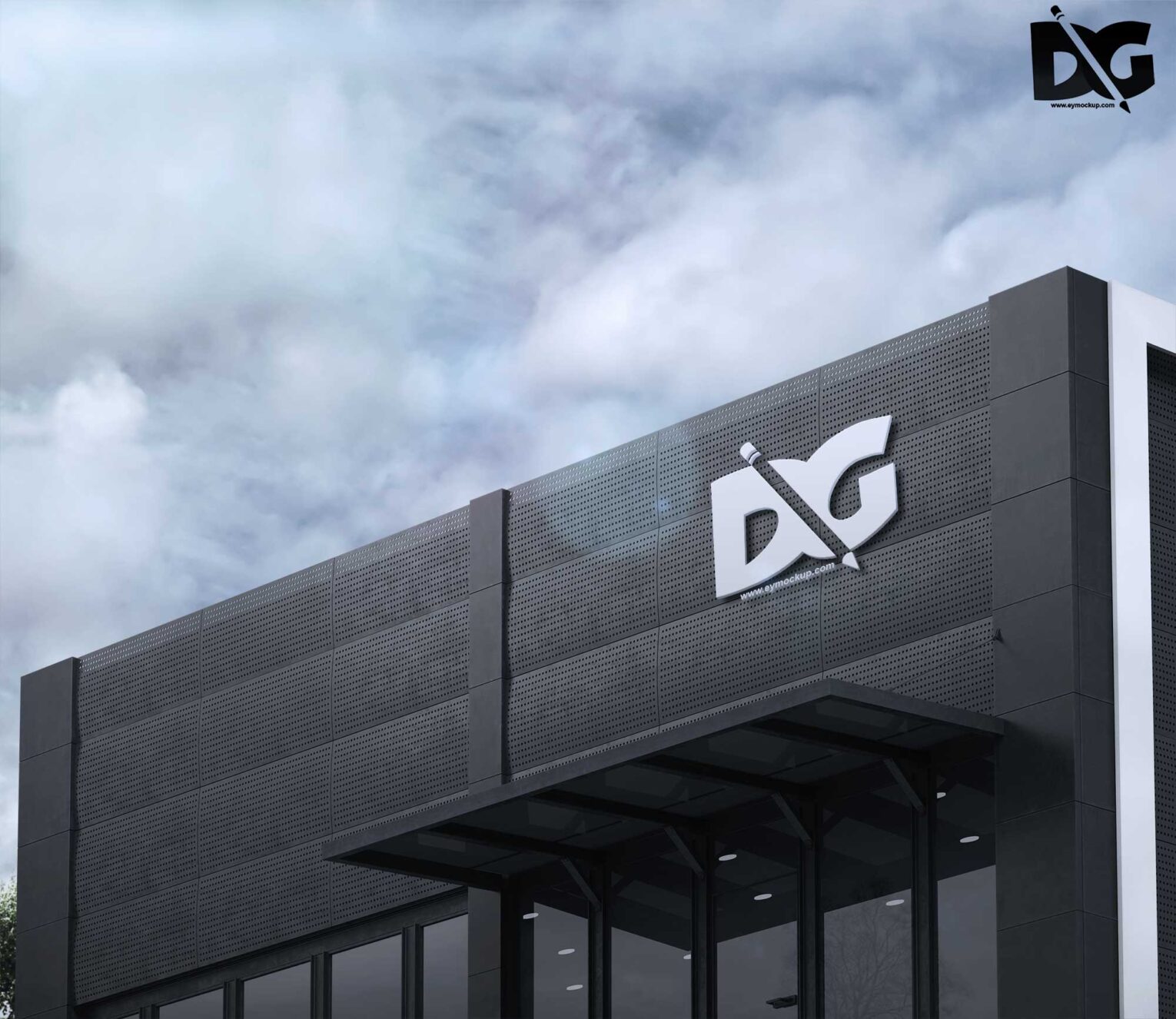
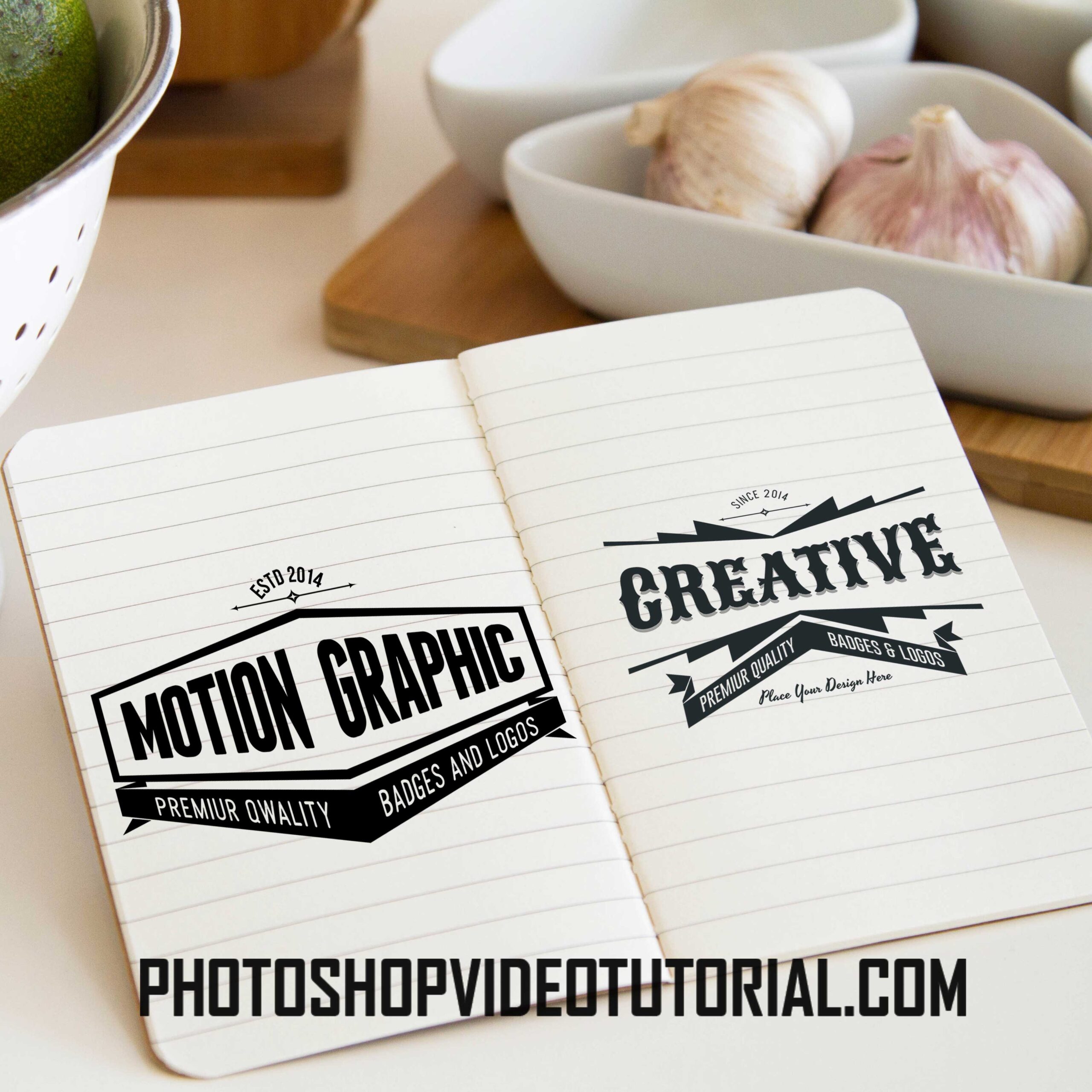
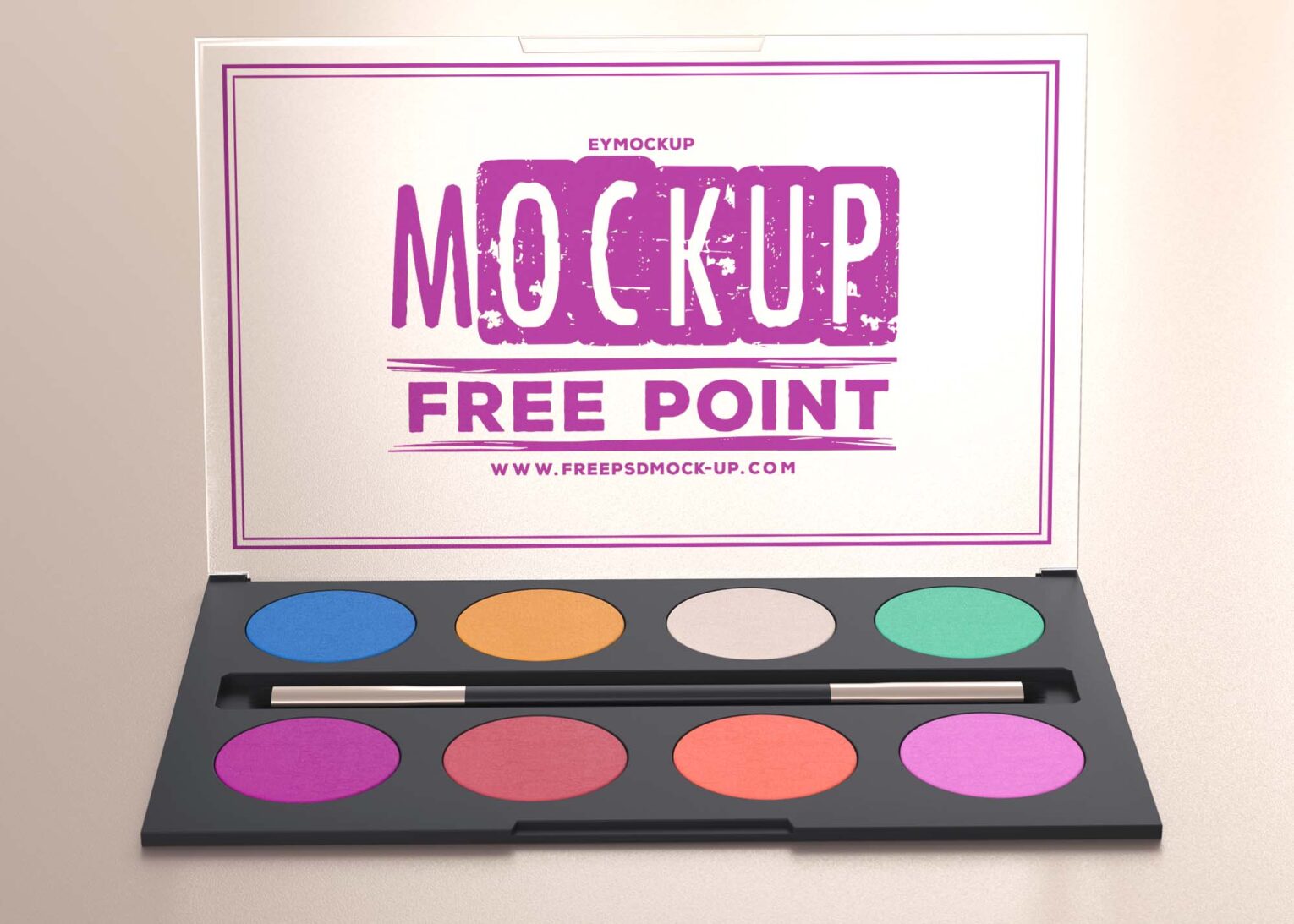
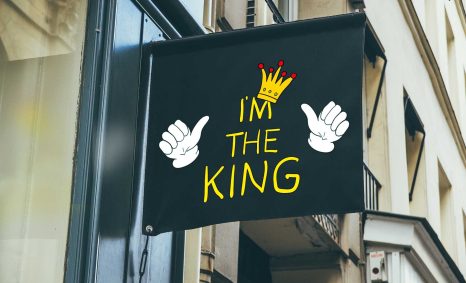
Looking to showcase your logo design in a stunning way? Our free close-up logo mockup allows you to present your brand in a professional light. Perfect for designers, this mockup emphasizes intricate details, making your logo stand out with realism and flair. Simply download the file and open it in Photoshop to get started.
With user-friendly customization options, you can easily edit the mockup to fit your design needs. Adjust the lighting, shadows, and reflections to create a unique presentation that captures your audience’s attention. Whether you’re creating a portfolio or sharing your designs online, this mockup will elevate your brand’s image and leave a lasting impression.
All of these Resources are easy to use and can present your information beautifully. Some are free, while others cost a few dollars.More great & free PSD Mockups Collection:
- Free PSD Mockups for Books and More!
- 3D Packaging PSD Mockups
- PSD Burger Food Truck Design Mockup
- Jam Jar Twitch Mockups Templates
FAQs – Free Close-up Logo Mockup
Can I use the close-up logo mockup in Photoshop?
Yes, the close-up logo mockup is designed for Photoshop, allowing easy editing and customization to fit your branding needs.
Does the mockup support different logo formats?
Absolutely! The free close-up logo mockup supports various formats such as PNG, JPEG, and SVG, making it versatile for your designs.
Is it easy to edit the close-up logo mockup?
Yes, editing the close-up logo mockup is straightforward. Open the file in Photoshop, and you can easily replace the logo and adjust settings.
What lighting options are available in the mockup?
The mockup features adjustable lighting options, enabling you to enhance the realism and highlight your logo effectively.
Do I need advanced skills to use the mockup?
No, basic Photoshop skills are sufficient. The mockup is user-friendly, with clear layers and instructions for easy customization.