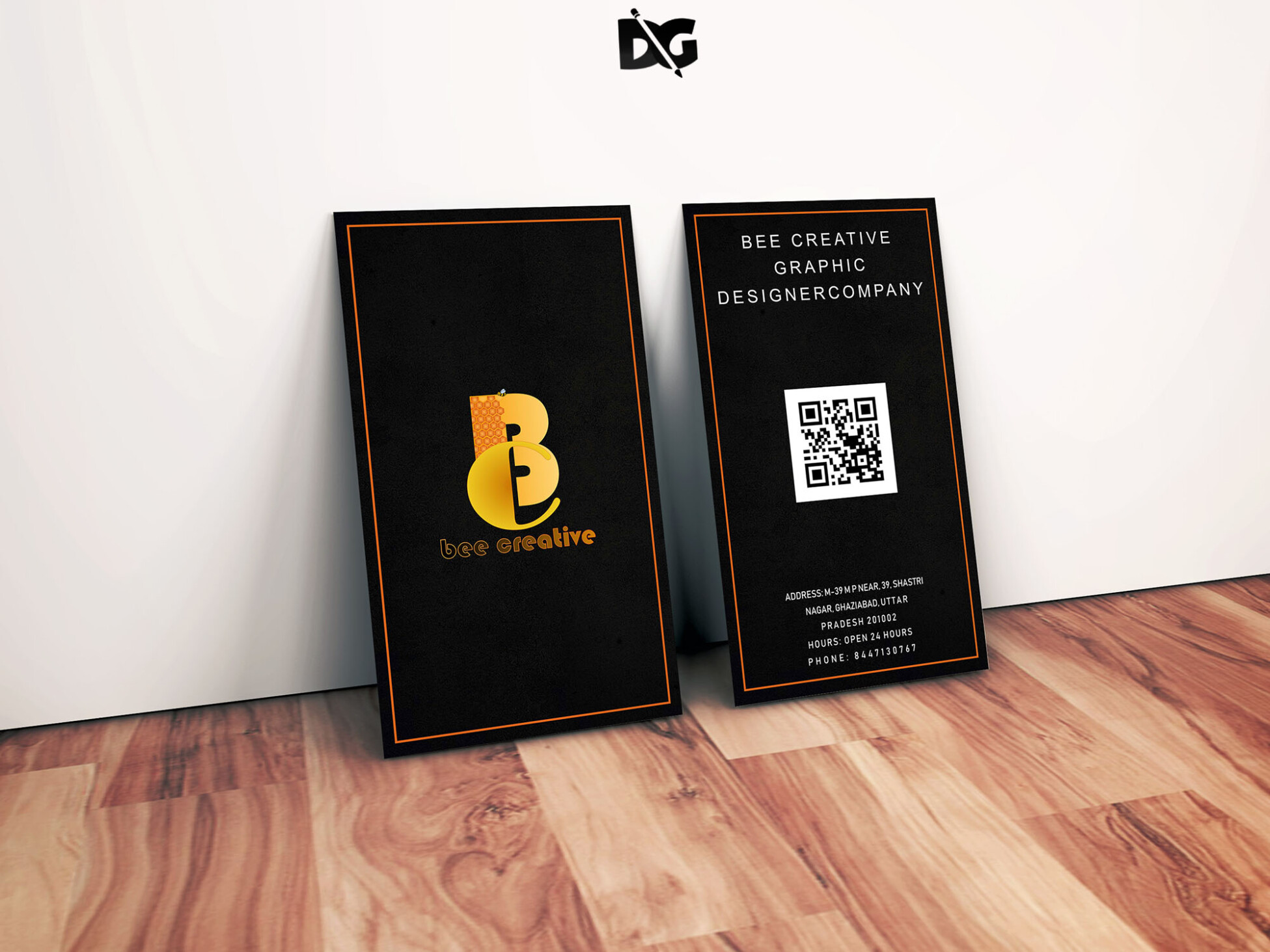
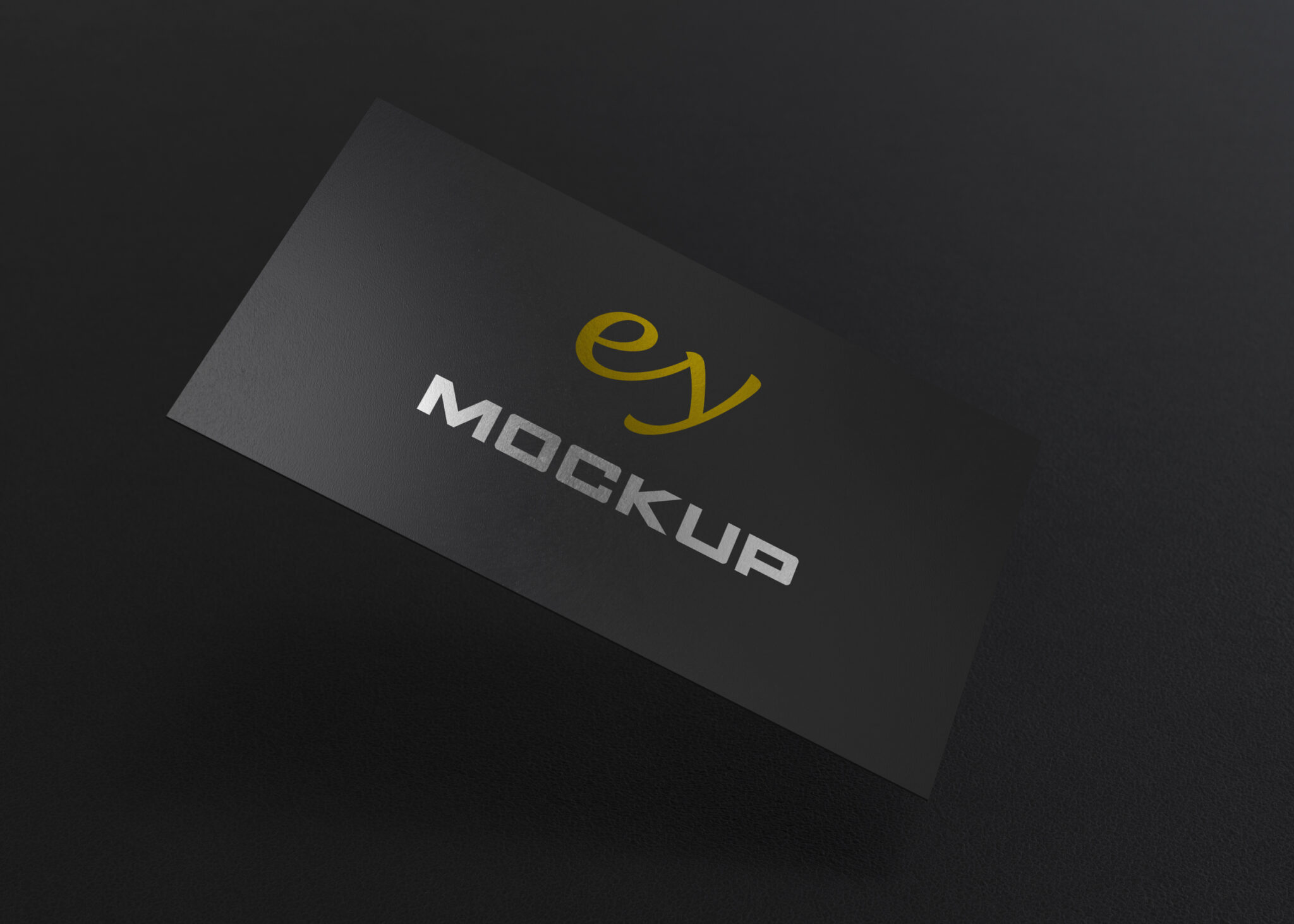
Showcase your business card designs in a fresh and creative way with our free bottle business card mockup. This high-quality mockup allows you to easily present your designs, making them stand out to potential clients and partners. With realistic lighting and shadows, your business card will appear as if it’s elegantly displayed on a bottle, enhancing its appeal and professionalism.
Our mockup is user-friendly and fully customizable. Simply insert your design into the smart object layer using Photoshop, and watch your business card come to life. Whether you’re promoting a brand, a startup, or a personal project, this mockup is perfect for creating stunning visuals that grab attention. Download now and elevate your presentation with this unique mockup.
All of these Resources are easy to use and can present your information beautifully. Some are free, while others cost a few dollars.
More great & free PSD Mockups Collection:
- Mockup PSD free download
- Free Horizontal Postcard Mockup
- Free Simple 3D Logo Mockup (PSD)
- Free Gold Coin Mockup PSD Download
Description:
Available Format: Layered PSD through smart object insertion License: Free for personal and commercial use Zip File Includes: Photoshop PSD File Resolution: 2000 x 2250 pxFAQs – Free Bottle Business Card Mockup
Can I edit the bottle business card mockup in Photoshop?
Yes, the mockup is designed for easy editing in Photoshop. Just use the smart object layer to insert your business card design.
Does the mockup support different card sizes?
Yes, the mockup can accommodate various business card sizes. Make sure to adjust your design to fit the dimensions of the smart object.
Is it easy to change the background of the mockup?
Absolutely! You can easily modify the background color or replace it with your own image within the Photoshop layers.
What file format is the mockup available in?
The mockup is available in PSD format, which is compatible with Adobe Photoshop for seamless editing.
Do I need specific skills to use the mockup?
Basic Photoshop skills are helpful but not required. The smart object feature simplifies the process of inserting your design.