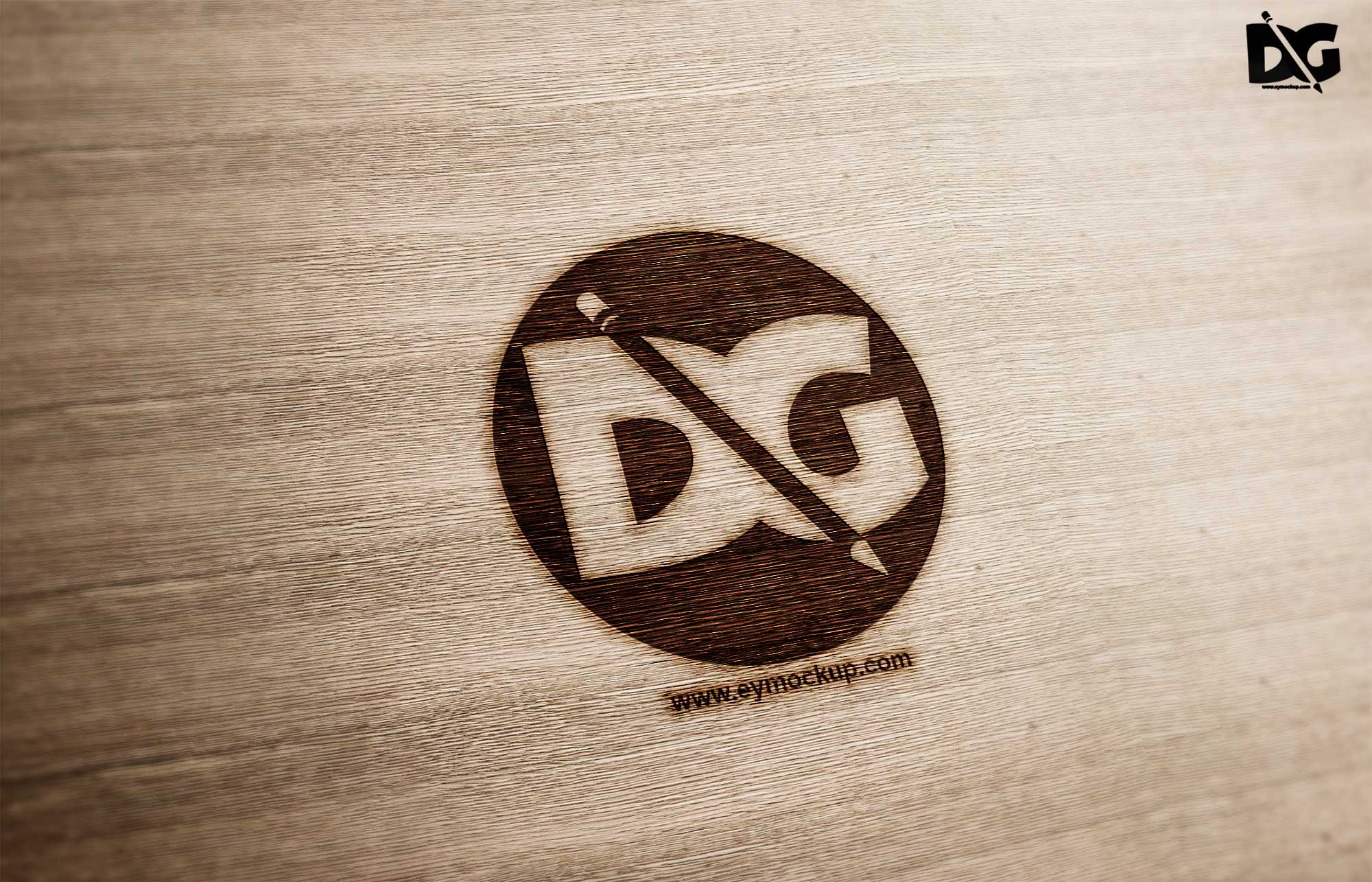
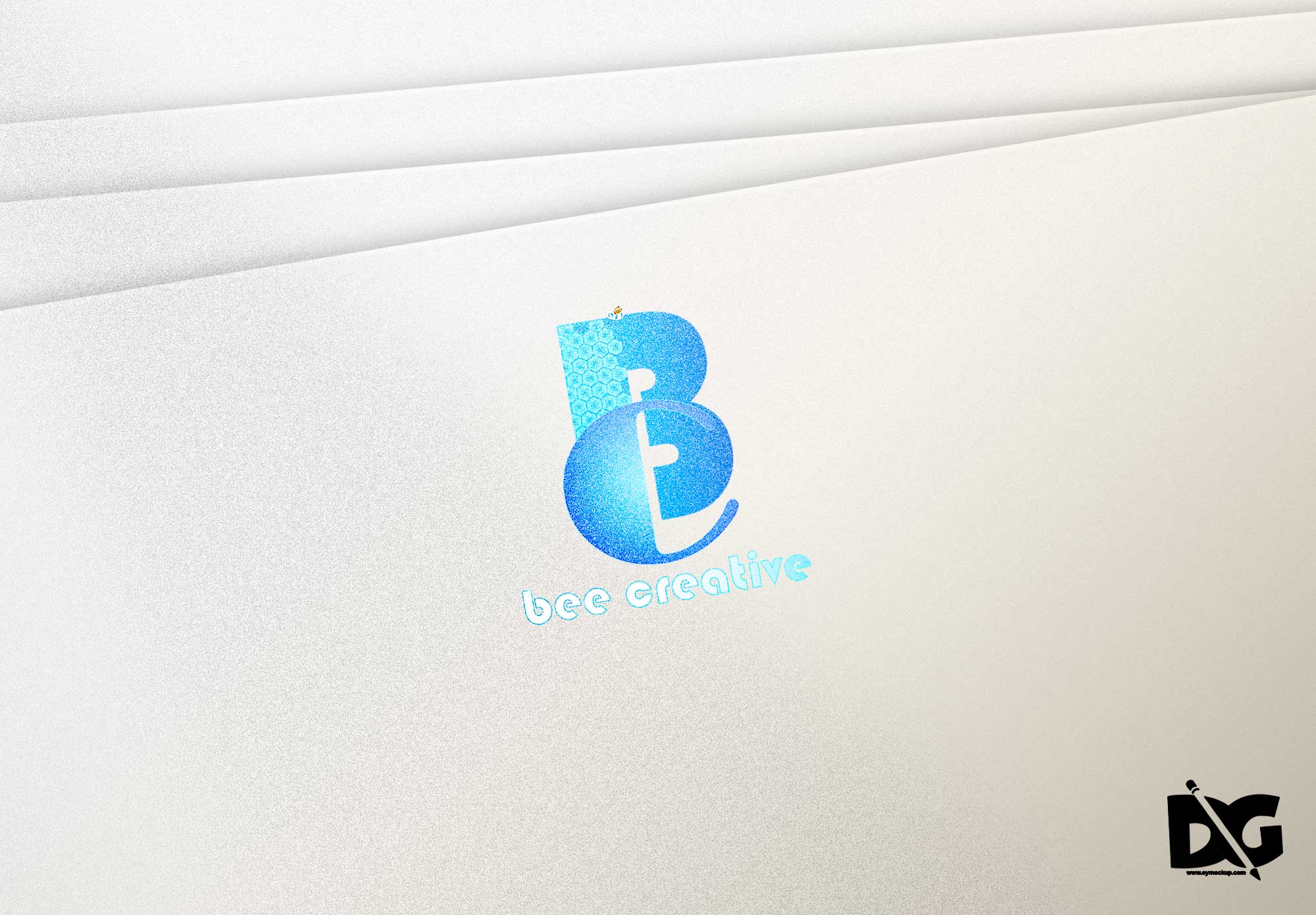
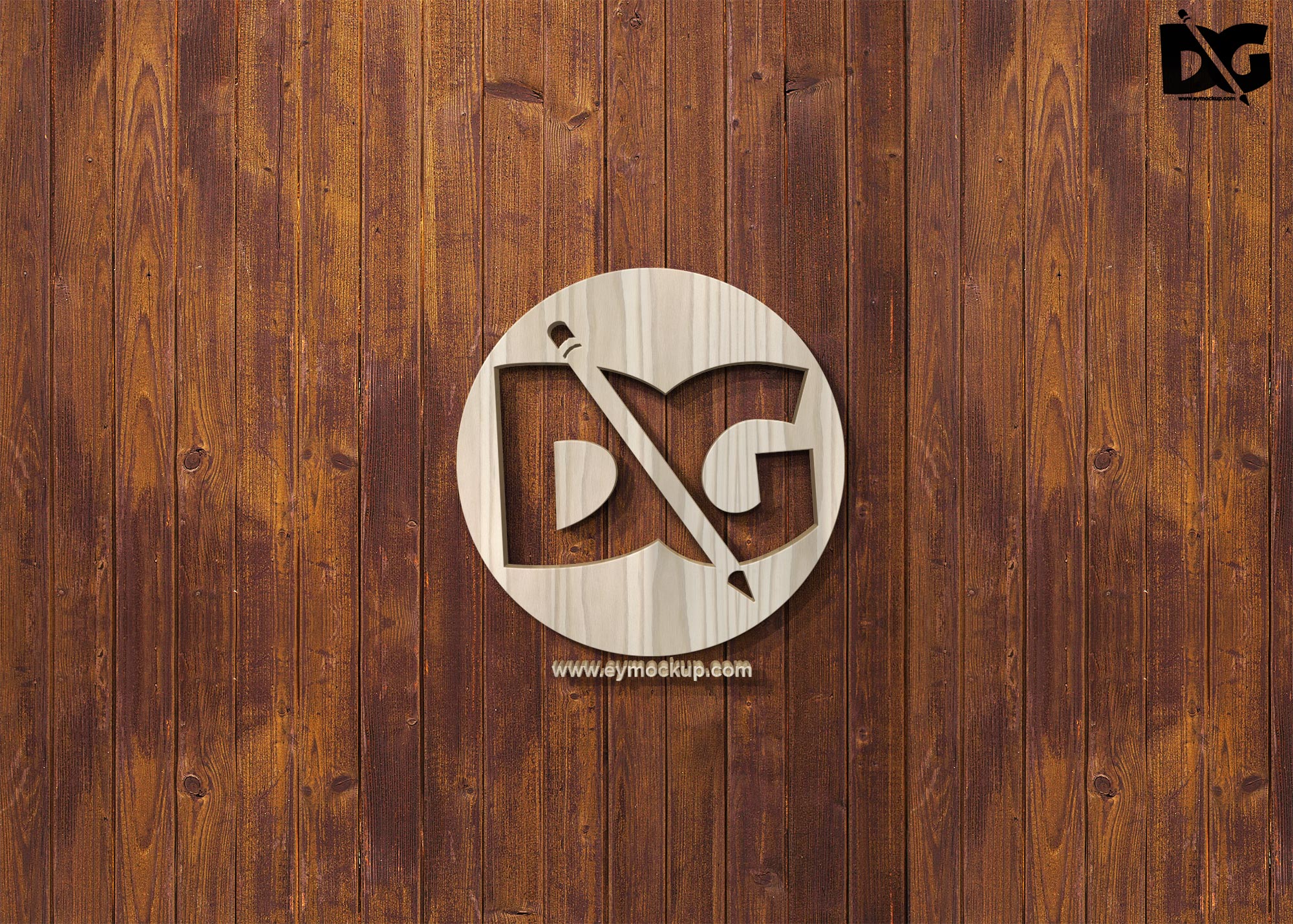
Elevate your branding with our PSD Tilt Logo Mockups Presentation. These high-quality mockups are designed to showcase your logos in a dynamic and eye-catching way. Featuring various angles and perspectives, they allow you to present your designs more creatively, ensuring that your logos stand out in any portfolio or promotional material.
The mockups are easy to use and fully customizable in Photoshop. Simply drag and drop your logo into the smart layer, adjust the lighting and shadows as needed, and watch your designs come to life. Perfect for designers, agencies, and entrepreneurs, these mockups streamline the presentation process while adding a professional touch to your branding.
Get 3D Logo MockupsAll of these Resources are easy to use and can present your information beautifully. Some are free, while others cost a few dollars.More great & free PSD Mockups Collection:
- 3d logo mockup psd free download
- Postcard Mockup PSD free download
- 3D Window Logo Mockup PSDs
- Plastic bottle mockup free download
- eBook Cover PSD Download Mockup
FAQs – PSD Tilt Logo Mockups Presentation
Can I customize the PSD Tilt Logo Mockups?
Yes, the mockups are fully customizable. You can easily adjust colors, lighting, and angles to fit your branding needs.
What Photoshop version do I need for the mockups?
The mockups are compatible with Photoshop CS6 and later versions, providing flexibility for most users.
Is it easy to edit the logo in the mockup?
Absolutely! Just double-click the smart object layer, insert your logo, and save. This simplifies the editing process significantly.
Does the mockup include any background options?
Yes, each mockup comes with editable backgrounds, allowing you to choose the perfect backdrop for your designs.
What types of logos work best with these mockups?
These mockups are ideal for both text and graphic logos, making them versatile for various branding styles.