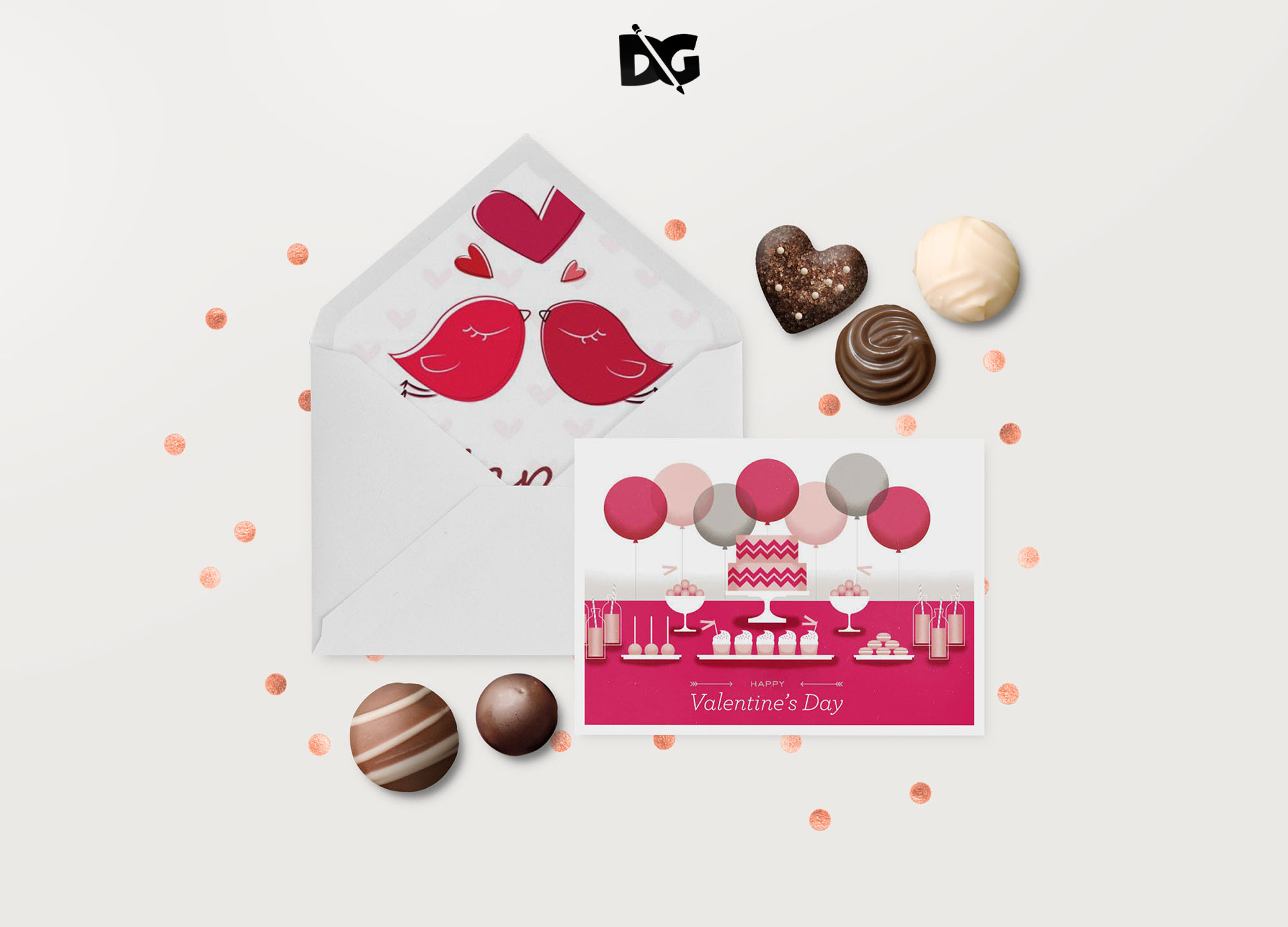
Elevate your design presentations with our Free Table Newspaper Design Mockup. This versatile mockup allows you to showcase your newspaper designs in a realistic setting, perfect for portfolios, client proposals, or social media sharing. Featuring a stylish table arrangement, the mockup highlights your work beautifully and captures the attention of your audience.
The mockup is easy to use and fully customizable. Simply insert your newspaper design into the smart object layer in Photoshop, adjust the lighting and shadows if needed, and you’re ready to impress. Whether you’re a graphic designer, marketer, or just looking to create stunning visuals, this mockup serves as an invaluable tool in your creative arsenal.
All of these Resources are easy to use and can present your information beautifully. Some are free, while others cost a few dollars.
More great & free PSD Mockups Collection:
- 3d logo mockup psd free download
- Postcard Mockup PSD free download
- Plastic bottle mockup free download
- eBook Cover PSD Download Mockup
Description:
Available Format: Layered PSD through smart object insertion License: Free for personal and commercial use Zip File Includes: Photoshop PSD File Resolution: 2000 x 2250 pxFAQs – Free Table Newspaper Design Mockup
Can I edit the Free Table Newspaper Design Mockup in Photoshop?
Yes, the mockup is fully editable in Photoshop. You can easily insert your design using the smart object layers.
Does it come with different table styles?
The mockup features a single stylish table design. However, you can customize the background and lighting to suit your needs.
What file formats does the mockup support?
The mockup is provided in a PSD format, which is compatible with Photoshop and other editing software that supports PSD files.
Is it necessary to use specific dimensions for my newspaper design?
For best results, use the recommended dimensions provided in the mockup instructions to ensure your design fits perfectly.
Do I need special skills to use this mockup?
Basic knowledge of Photoshop is helpful, but the mockup is designed for ease of use, making it accessible for all skill levels.