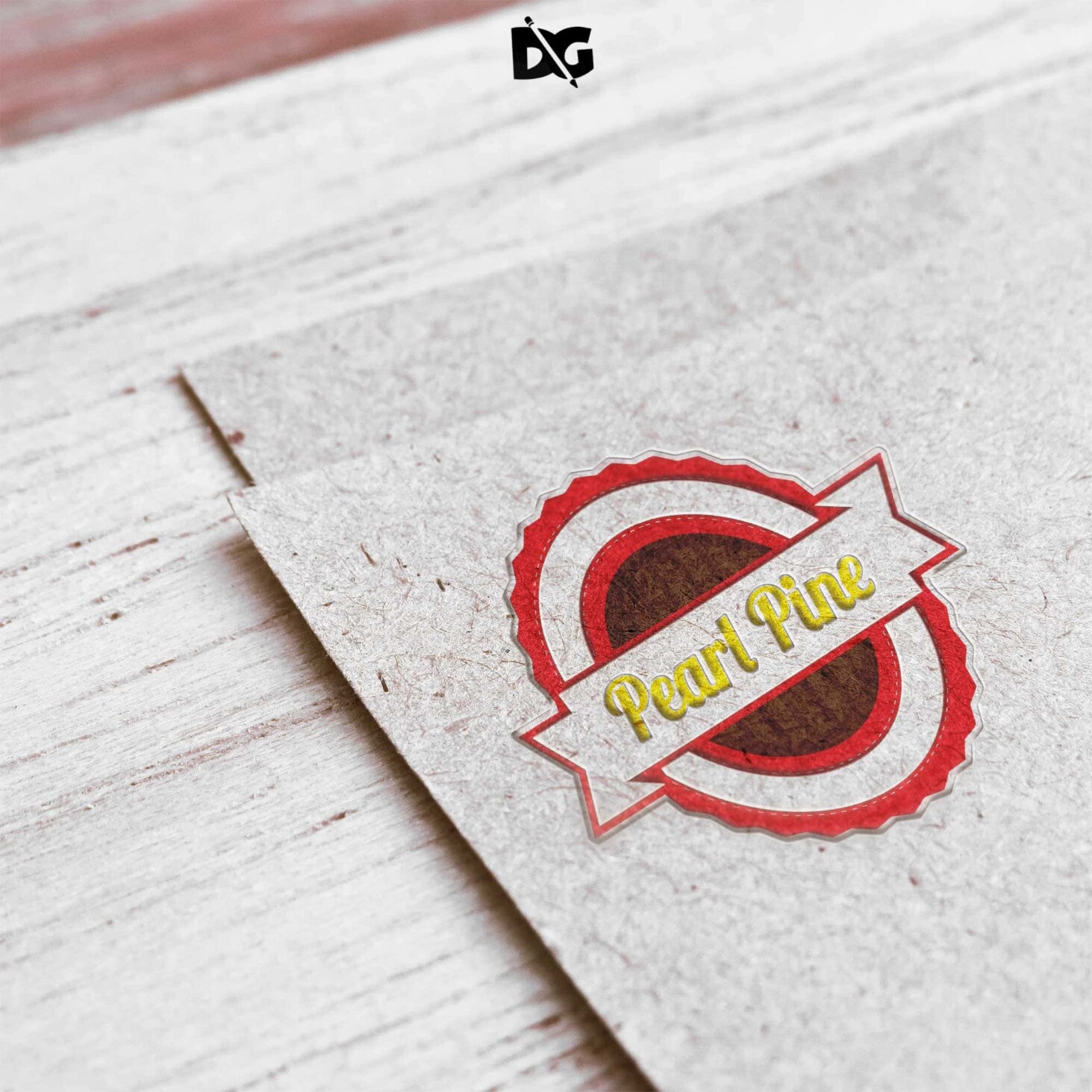
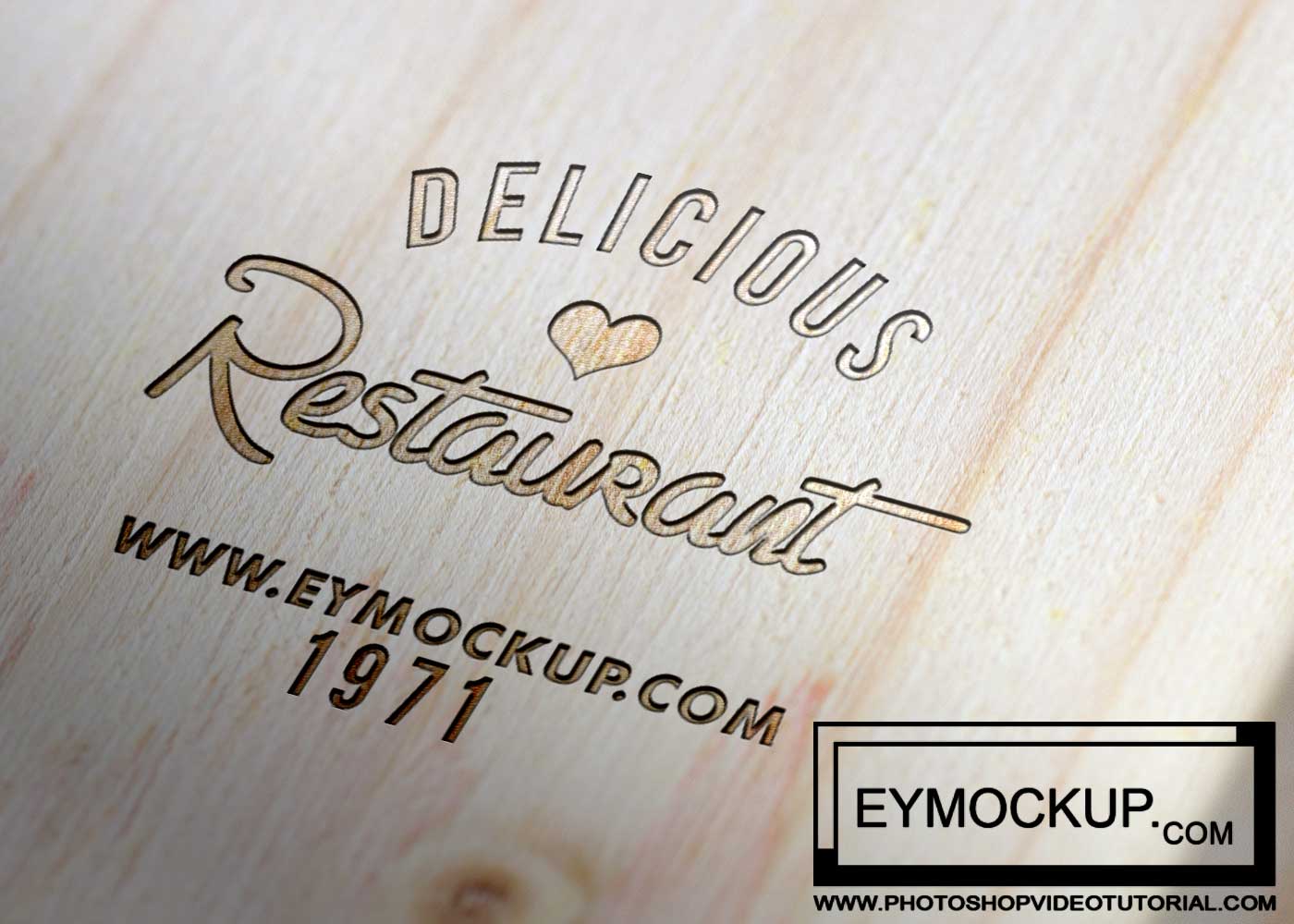
Elevate your branding with our Dark Wood Logo Mockup, designed to showcase your logos in a stunning, realistic environment. This mockup features rich textures and deep hues that enhance the visual appeal of your designs. Perfect for presentations, portfolio pieces, or social media showcases, it offers a versatile solution for designers looking to impress clients and audiences alike.
This mockup is fully editable in Photoshop, allowing you to easily insert your logo and customize the lighting to create the perfect ambiance. With its high-resolution quality, your logos will stand out beautifully against the dark wood background. Download it for free and start creating professional-looking mockups that will captivate your viewers and elevate your brand image.
All of these Resources are easy to use and can present your information beautifully. Some are free, while others cost a few dollars.
More great & free PSD Mockups Collection:
- Wall Art Mockup Free
- Paper Bag Mockup Free Download
- New Bi-Fold Brochure Free Download
- Free New Billboard Mockup Download
Description:
Available Format: Layered PSD through smart object insertion
License: Free for personal and commercial use
Zip File Includes: Photoshop PSD File
Resolution: 3000 x 2250 px
FAQs – Dark Wood Logo Mockup
Can I edit the Dark Wood Logo Mockup in Photoshop?
Yes, the mockup is fully editable in Photoshop, allowing you to customize elements such as your logo and lighting.
Does the mockup support different logo formats?
Absolutely! You can use various logo formats, including PNG, JPEG, and even vector files for the best results.
What is the best way to use the Dark Wood Logo Mockup?
The mockup is ideal for showcasing logos in presentations, social media posts, or portfolio displays, enhancing your brand’s visual appeal.
Is it possible to adjust the lighting in the mockup?
Yes, you can easily adjust the lighting settings in Photoshop to achieve the desired effect and mood for your logo.
Do I need any special skills to use the mockup?
Basic Photoshop skills are helpful, but the mockup is user-friendly, making it accessible for both beginners and experienced designers.