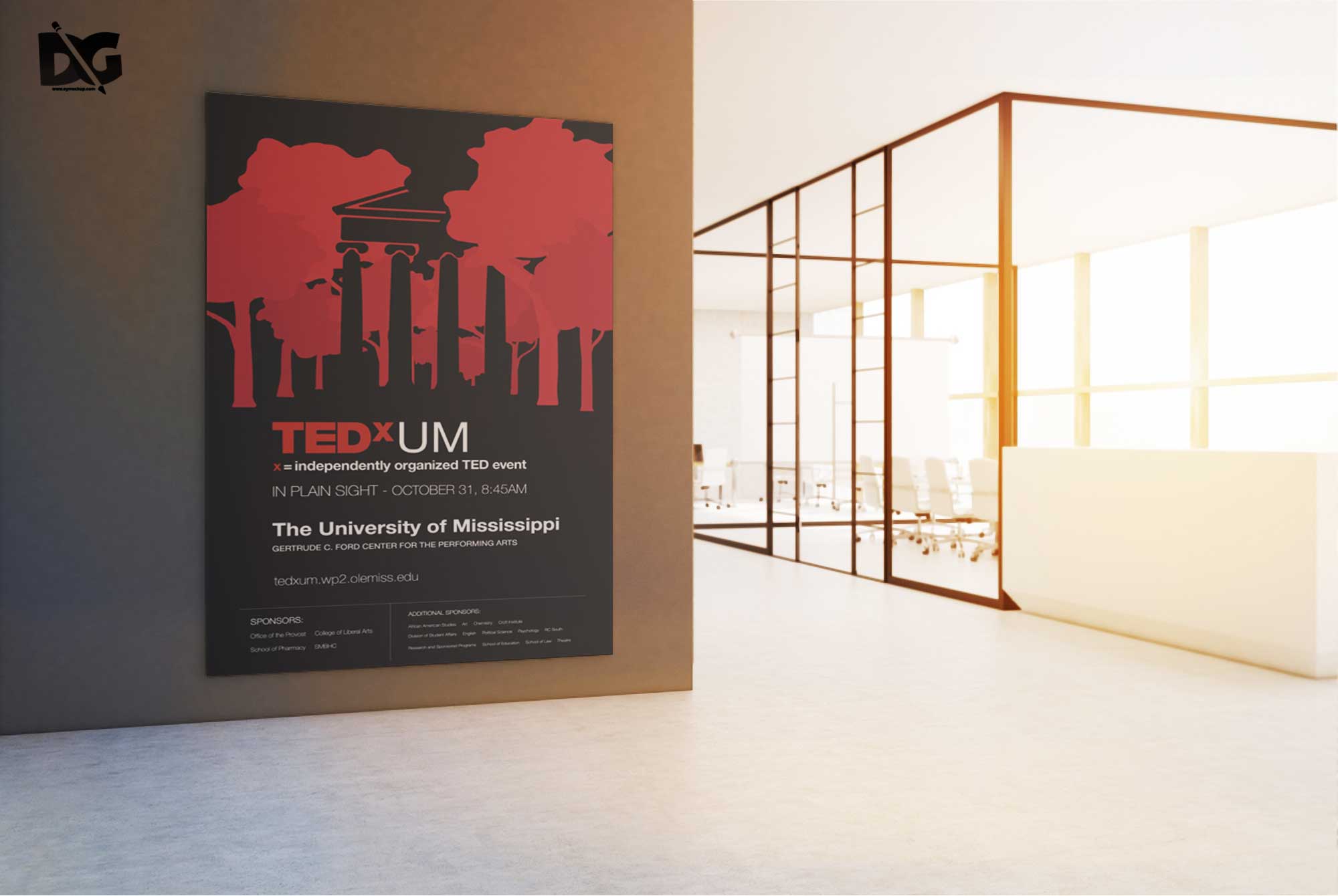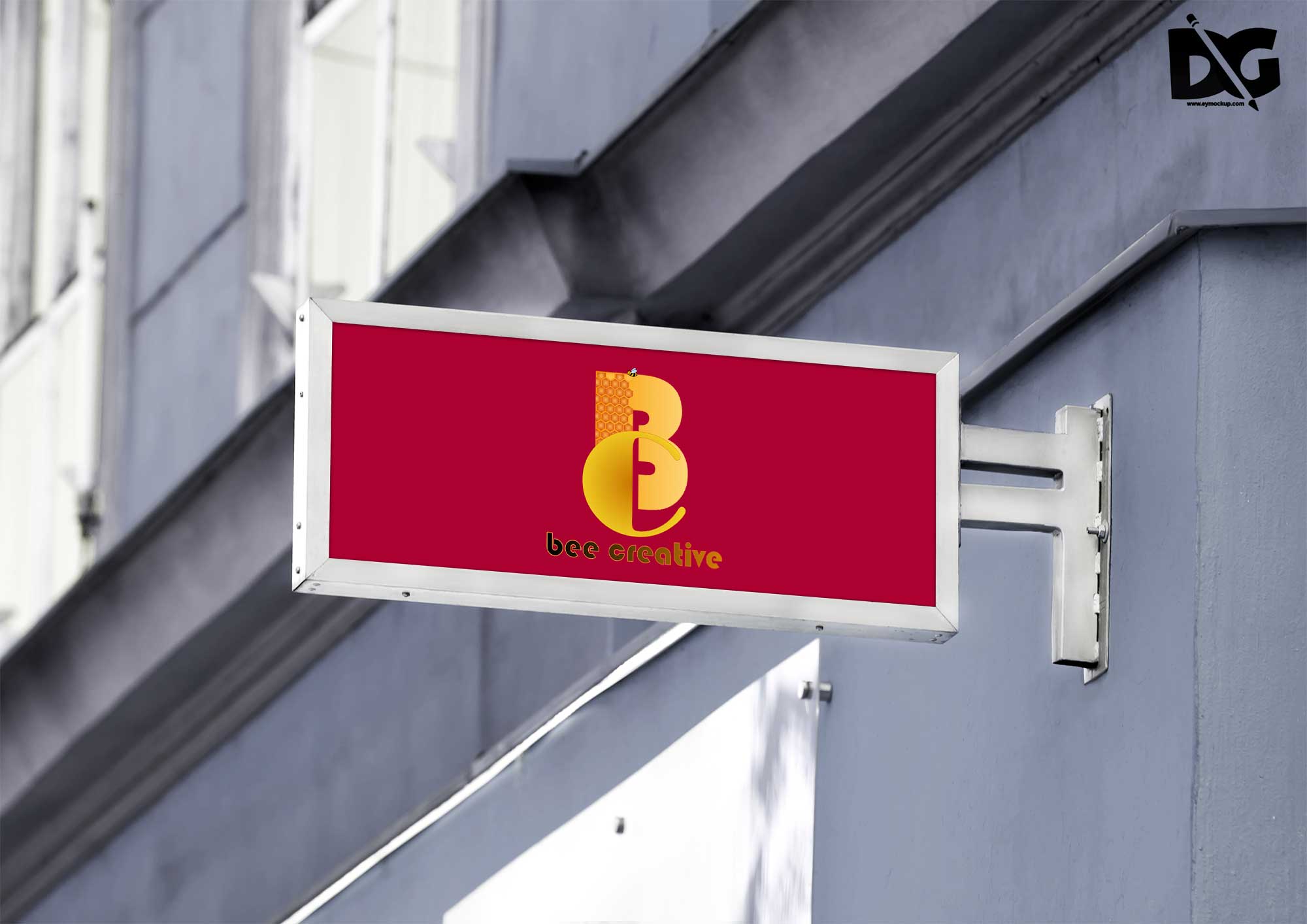
Enhance your design presentations with our collection of free poster display PSD mockups. These high-quality templates allow you to showcase your artwork in a realistic environment, making your designs stand out. Each mockup is fully customizable, enabling you to adjust shadows, colors, and backgrounds for a perfect fit.
Whether you’re a graphic designer, illustrator, or marketing professional, these mockups will elevate your portfolio. With easy-to-use smart objects, placing your designs into the mockups is a breeze. Download our free poster display PSD mockups today and give your projects the professional touch they deserve.
Without the right poster mockup to showcase your work professionally, your poster design doesn’t have the chance to stand out from the crowd. It’s often easy to overlook the way you present and showcase your poster designs! That’s why it’s worth investing in a set of useful poster mockup templates, to showcase your work in a beautiful setting.
I think you might also be interested in this awesome collection of free poster & frame mock-ups & templates.This hand-made collection includes more than 60 high-quality, fully editable, print-ready mock-ups for graphic designers to showcase their posters, flyers, pictures, and artworks in a realistic style.All these Poster and Frame mockups are available in layered PSD format so that you can simply add your creativity via smart objects in Photoshop.More great & free PSD Mockups Collection:- Free Standing Women Poster Mockup
- Free Multiple Premium Poster Mockup
- Free Wall PSD Poster Mockups
- Free Old Wall Poster Mockup
Description:
Available Format: Layered PSD through smart object insertion License: Free for personal and commercial use Zip File Includes: Photoshop PSD File Resolution: 2000 x 2250 pxFAQs – Free Poster Display PSD Mockups
Can I customize the free poster display PSD mockups?
Yes, each mockup is designed with smart objects, allowing easy customization of your designs, colors, and backgrounds.
Do I need Photoshop to use these mockups?
Yes, Adobe Photoshop is required to edit and use the PSD mockups effectively.
Is it easy to add my design to the mockups?
Absolutely! Simply double-click the smart object layer, insert your design, and save to see it appear in the mockup.
What file formats are included in the mockups?
The mockups are provided in PSD format, which is compatible with Adobe Photoshop for seamless editing.
Does the mockup include realistic lighting effects?
Yes, the mockups feature professional lighting setups that enhance the realism of your displayed designs.