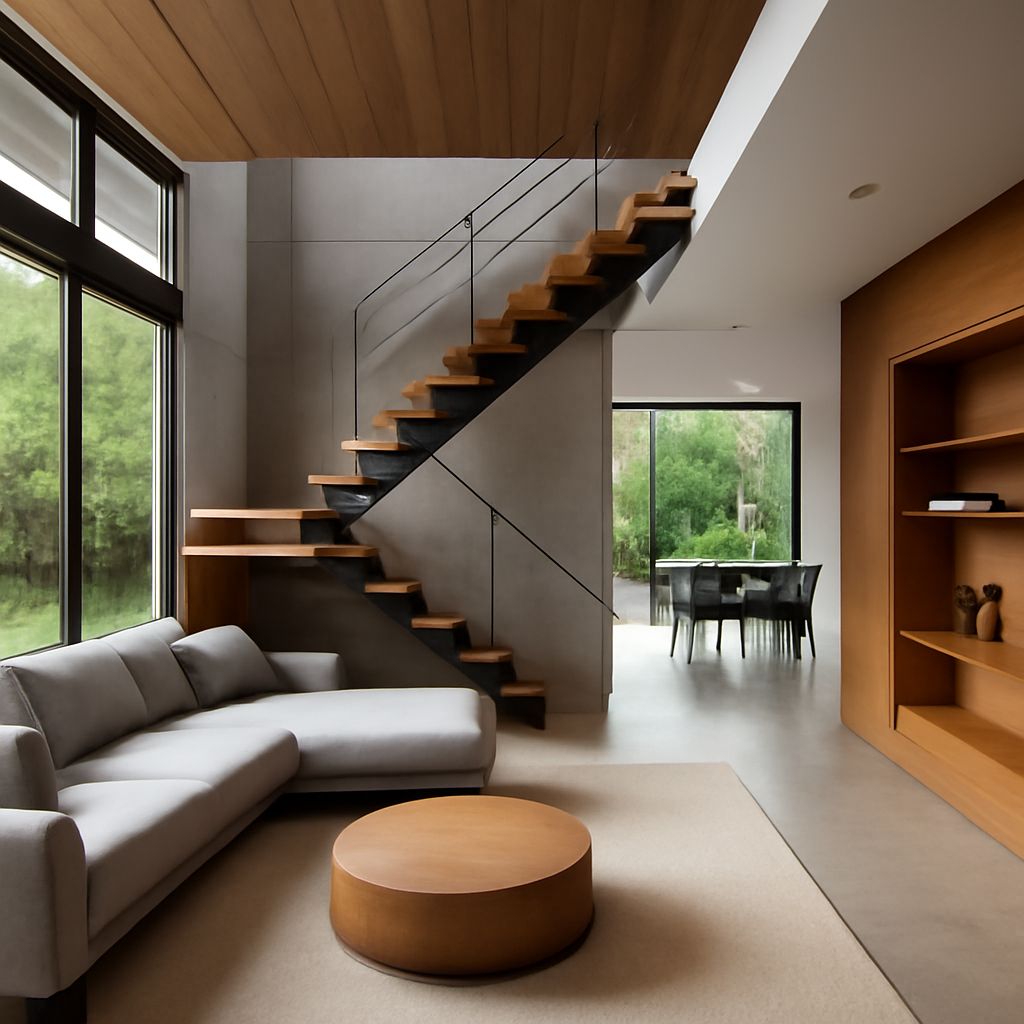
In the fast-paced world of architecture, staying organized and managing projects efficiently can make a significant difference in productivity and success. The right project management tools can streamline workflows, enhance collaboration, and keep all stakeholders informed and engaged. In this article, we will explore five of the best project management tools specifically tailored for architects. These tools not only simplify project tracking but also integrate seamlessly with architectural workflows.
In the fast-paced world of architecture, effective project management is crucial for success. This article explores the top 5 project management tools that can help architects streamline their workflows and enhance collaboration. For those looking to elevate their presentation of designs, you can find quality mug templates here as a creative way to showcase your work.
1. Autodesk BIM 360
Autodesk BIM 360 is a cloud-based construction management platform that connects project teams and data in real-time. Designed to facilitate collaboration among architects, engineers, and contractors, BIM 360 improves project delivery and promotes better decision-making.
Key Features:
- Document management and control
- Real-time collaboration and communication
- Project reporting and analytics
- Mobile access for field teams
BIM 360 provides a user-friendly interface that allows architects to manage construction documents, access project plans, and track progress from any location. This flexibility is essential for architects who often work on-site and need immediate access to project data.
2. Trello
Trello is a versatile and user-friendly project management tool that utilizes boards, lists, and cards to organize tasks visually. It is particularly beneficial for architects who appreciate a straightforward way of tracking project milestones and responsibilities.
Key Features:
- Customizable boards for project workflows
- Integration with other tools like Google Drive and Slack
- Collaboration features for team members
- Mobile app for on-the-go access
Architects can create boards for different projects, add cards for specific tasks, and assign team members to ensure accountability. Trello’s drag-and-drop functionality makes it easy to move tasks from one phase to another, enhancing visibility into project progress.
3. Asana
Asana is a comprehensive project management solution that offers a robust set of features designed to improve productivity and teamwork. Its flexibility makes it suitable for various architectural projects, from small designs to large-scale constructions.
Key Features:
- Task assignment and deadline tracking
- Customizable project templates
- Time tracking and reporting tools
- Integrations with design tools like SketchUp
With Asana, architects can break down larger projects into manageable tasks, set due dates, and prioritize work. The ability to visualize project timelines through Gantt charts helps teams understand dependencies and deadlines, leading to better planning and execution.
4. Monday.com
Monday.com is a visually appealing project management tool that offers a flexible platform for managing architectural projects. Its customizable workflows allow architects to tailor the software to meet specific project needs, making it a popular choice in the industry.
Key Features:
- Visual project tracking with timelines and Kanban boards
- Automations for routine tasks
- Custom dashboards for reporting
- Collaboration tools for team communication
The visual nature of Monday.com helps architects quickly grasp project statuses and timelines. Teams can create boards for different projects, add relevant information, and seamlessly track communication, ultimately leading to enhanced collaboration.
5. Microsoft Project
Microsoft Project is a robust project management software that has been a staple in various industries for decades. For architects, it offers advanced scheduling and resource management capabilities that can help in managing complex projects.
Key Features:
- Detailed project scheduling and Gantt charts
- Resource allocation and management
- Integration with other Microsoft tools
- Advanced reporting features
Architects can use Microsoft Project to create detailed project schedules, track progress against deadlines, and allocate resources effectively. Its ability to generate insightful reports aids in decision-making and ensures projects stay on track.
Conclusion
Choosing the right project management tool can profoundly impact an architect’s ability to deliver projects on time and within budget. While each of these tools offers unique features that cater to different needs, the common goal remains the same: to enhance collaboration, improve organization, and streamline project workflows. By leveraging technology effectively, architects can focus on what they do best—designing innovative structures and spaces that inspire and transform.
FAQ
What are the top project management tools for architects?
The top project management tools for architects include Autodesk BIM 360, Trello, Asana, Microsoft Project, and Smartsheet.
How can project management tools benefit architects?
Project management tools help architects streamline collaboration, enhance communication, manage timelines, and track project progress efficiently.
Are there any free project management tools available for architects?
Yes, tools like Trello and Asana offer free versions that can be beneficial for architects managing smaller projects.
Can project management tools integrate with design software?
Many project management tools, such as Autodesk BIM 360, can integrate with design software, enhancing workflow and data sharing.
What features should architects look for in a project management tool?
Architects should look for features like task assignment, timeline tracking, collaboration tools, document sharing, and reporting capabilities.