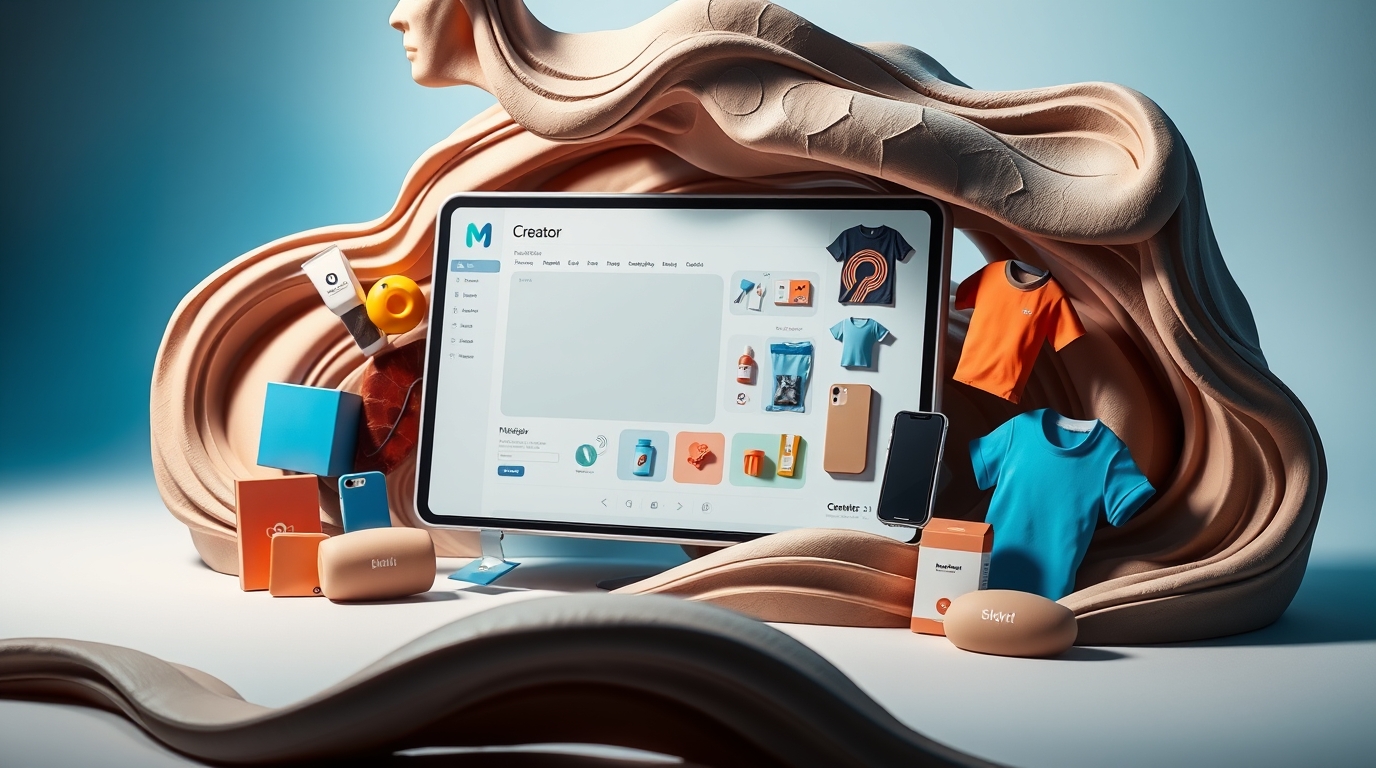
In today’s digital age, presenting your app, website, or design in the most appealing way is crucial for making a lasting impression. MockUPhone, a free and straightforward mockup generator, is designed to help you create high-quality device mockups effortlessly. Whether you’re a designer, developer, or marketer, MockUPhone provides the tools you need to showcase your work professionally and effectively.
MockUPhone is an invaluable resource for designers seeking to showcase their mobile app interfaces and digital products. With a wide array of customizable templates, including customizable iPad templates, it simplifies the process of creating stunning device mockups that effectively communicate your vision.
This article delves into what MockUPhone offers, its key features, and why it’s a valuable tool for anyone looking to elevate their visual presentations.
What is MockUPhone?
MockUPhone is an online tool that allows users to generate mockups of their designs on a variety of devices, including smartphones, tablets, laptops, and desktops. It caters to designers and marketers by providing an easy way to visualize and present designs in a real-world context.
With a few clicks, you can upload your design, choose a device, and download a polished mockup ready for presentations, social media, or marketing materials.
Key Features of MockUPhone
- Wide Range of Device Options
- Access mockups for popular devices, including iPhones, Android phones, tablets, laptops, and more.
- Simple and Free to Use
- Enjoy a user-friendly interface that requires no technical expertise, and create mockups without any cost.
- High-Quality Outputs
- Generate crisp, professional mockups suitable for presentations and promotional materials.
- Customizable Backgrounds
- Add personal touches with customizable backgrounds to match your brand or project theme.
- Fast Processing
- Upload your design, select a device, and download the final mockup within seconds.
- Cross-Platform Accessibility
- Use MockUPhone directly from your browser, with no need for downloads or installations.
How to Use MockUPhone
Using MockUPhone is as simple as 1-2-3:
- Visit the Website
Navigate to MockUPhone to begin. - Upload Your Design
Drag and drop your design file or upload it using the interface. - Choose a Device
Select from a variety of devices, including iPhones, Android phones, tablets, or desktops. - Download Your Mockup
Once your design is processed, download the mockup and start using it immediately.
Benefits of Using MockUPhone
- Ease of Use
- No complicated tools or software required—MockUPhone simplifies the mockup creation process.
- Cost-Effective
- As a free tool, MockUPhone is ideal for freelancers, startups, and small businesses with tight budgets.
- Wide Device Compatibility
- MockUPhone supports a vast array of devices to suit various project requirements.
- Professional Presentation
- Mockups help present your work in a polished, realistic manner, impressing clients and stakeholders.
- Quick Turnaround
- Save time with MockUPhone’s fast processing, allowing you to focus on other aspects of your project.
Why Choose MockUPhone?
MockUPhone is perfect for designers, developers, and marketers who need a fast, free, and reliable way to create device mockups. Its extensive device library and high-quality outputs ensure your designs are showcased in the best possible light, without requiring expensive tools or software.
Applications of MockUPhone
- App Development
- Visualize your app interface on various devices to see how it looks in real-world contexts.
- Marketing Campaigns
- Use professional mockups in social media posts, advertisements, and promotional materials.
- Client Presentations
- Impress clients with realistic device mockups showcasing your designs.
- Portfolio Enhancement
- Add visually appealing mockups to your portfolio to attract potential clients and collaborators.
- UI/UX Testing
- Analyze how your design appears on different devices during the testing phase.
Frequently Asked Questions (FAQs)
1. What is MockUPhone?
MockUPhone is a free online tool that lets users generate high-quality mockups of designs on various devices.
2. Is MockUPhone free to use?
Yes, MockUPhone is completely free and does not require any subscription or payment.
3. What types of devices are supported?
MockUPhone supports a wide range of devices, including iPhones, Android phones, tablets, laptops, and desktops.
4. Do I need to download any software?
No, MockUPhone is a web-based tool, so you can use it directly from your browser without downloads.
5. Can I customize my mockups?
Yes, MockUPhone allows you to customize backgrounds and tweak designs for added personalization.
6. Are the mockups high quality?
MockUPhone delivers high-resolution mockups suitable for professional use.
7. How long does it take to create a mockup?
Creating a mockup with MockUPhone takes only a few seconds after uploading your design.
8. Can I use MockUPhone for commercial projects?
Yes, the tool can be used for both personal and commercial projects.
Conclusion
MockUPhone is a game-changer for anyone looking to create stunning device mockups quickly and effortlessly. Its free, user-friendly platform makes it accessible to everyone, from independent designers to large marketing teams. With MockUPhone, you can take your presentations and visual content to the next level, leaving a lasting impression on your audience.
Explore MockUPhone today at MockUPhone and see how it can transform your design presentation process.