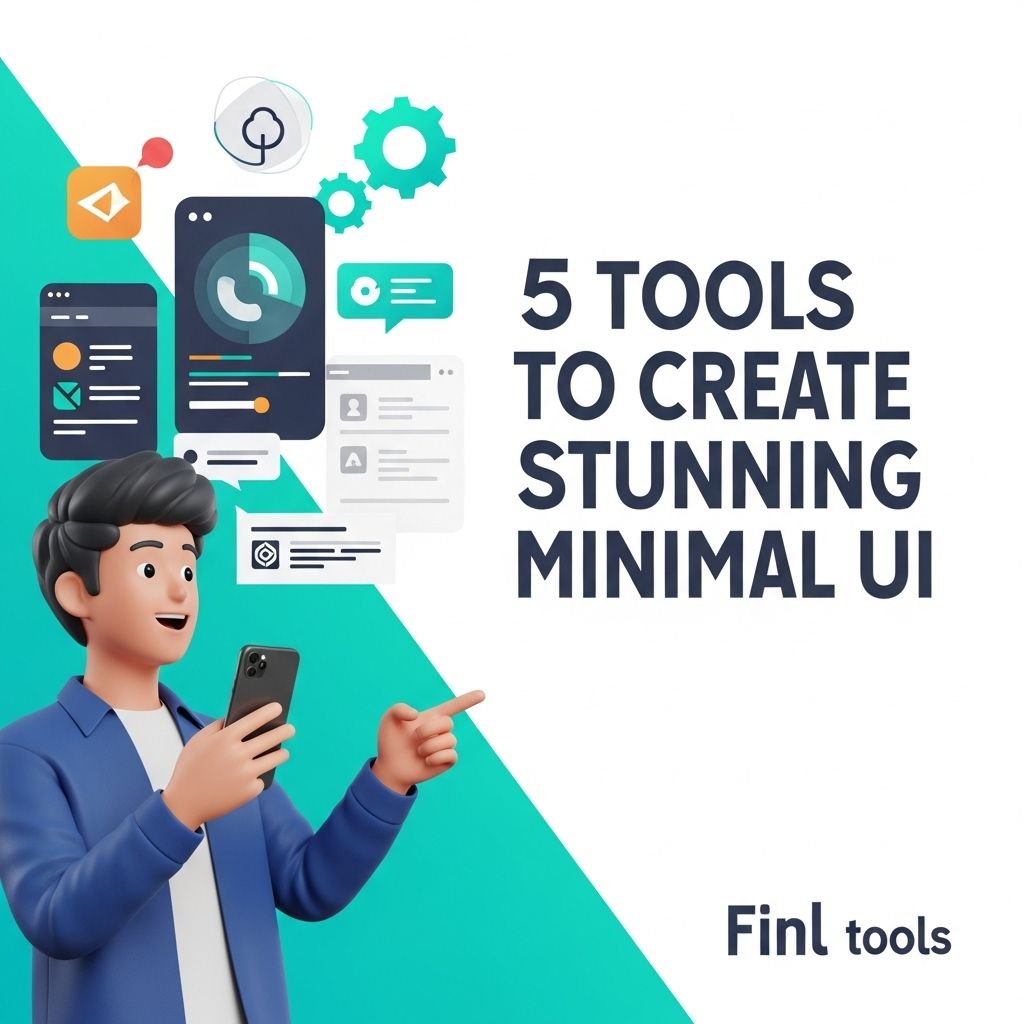
In the ever-evolving world of technology and design, minimalism has emerged as a powerful trend that emphasizes simplicity and elegance. The minimalist user interface (UI) design focuses on eliminating unnecessary elements and enhancing the user experience by providing clean and intuitive interactions. Whether you are a seasoned designer or a newcomer to the field, utilizing the right tools can significantly enhance your workflow and help you create stunning minimalist UIs. In this article, we will explore five essential tools that can elevate your design process and enable you to build impressive minimalist interfaces.
In the world of web design, achieving a stunning minimal UI is both an art and a science. To create interfaces that are not only visually appealing but also user-friendly, it’s crucial to utilize the right tools. Let’s delve into five essential tools that can elevate your minimal UI designs to the next level and enhance your overall web aesthetic—all while prioritizing functionality. For further inspiration, explore more website designs.
1. Figma
Figma has rapidly gained popularity among designers for its collaborative features and versatility. This cloud-based design tool allows multiple users to work on the same project simultaneously, making it perfect for teams. Its intuitive interface and robust set of design functionalities make it a go-to choice for creating minimalistic designs.
Key Features:
- Real-time collaboration
- Vector graphics editing
- Prototyping capabilities
- Extensive library of plugins
Figma’s ability to create and share design systems helps maintain consistency throughout UI components, which is vital for minimalist design.
2. Sketch
Sketch is another powerful tool tailored for UI and web design. Known for its simplicity and effectiveness, Sketch is a vector-based design tool that allows designers to create beautiful, scalable graphics. Its focus on UI/UX design makes it an excellent choice for minimalism, as it provides the right tools for creating clean and straightforward layouts.
Essential Functions:
- Symbols for reusable design components
- Artboards for multiple device layouts
- Integration with various plugins for enhanced functionality
Sketch encourages a streamlined workflow, enabling designers to focus on what matters most: crafting a seamless user experience with minimal distractions.
3. Adobe XD
Adobe XD is part of the Adobe Creative Cloud suite and offers a comprehensive set of tools for designing and prototyping user interfaces. Known for its ease of use, Adobe XD allows you to create wireframes, high-fidelity designs, and interactive prototypes efficiently.
Benefits of Adobe XD:
| Feature | Description |
|---|---|
| Responsive Resize | Automatically adjusts design components for different screen sizes. |
| Voice Prototyping | Integrates voice commands into prototypes for testing voice interactions. |
| Plugins | A vast library of third-party plugins to extend functionality. |
Adobe XD’s focus on user experience and its integration capabilities with other Adobe products make it a strong contender for minimal UI design.
4. Webflow
For designers looking to bring their minimal UI designs to life without extensive coding knowledge, Webflow is an invaluable tool. This web design platform allows you to design, build, and launch responsive websites visually.
Advantages of Using Webflow:
- No-code approach allows designers to focus on aesthetics without getting bogged down by technicalities.
- Custom animations and interactions that can enhance the minimal design.
- CMS capabilities enable easy content management for static and dynamic sites.
Webflow helps designers create stunning minimalist websites that are both visually appealing and functional, without needing to write a single line of code.
5. InVision
InVision is a prototyping tool that allows designers to bring their static designs to life with interactive elements and transitions. By allowing designers to create clickable prototypes, InVision helps in visualizing the user journey and refining the overall experience.
Features of InVision:
- Dynamic prototypes that simulate user interactions
- Collaboration tools for feedback and revisions
- Integration with other design tools for a seamless workflow
InVision is particularly useful in demonstrating minimalist UI designs, as it allows stakeholders to experience the product as intended, which is crucial for user testing and feedback.
Conclusion
The essence of minimal UI design lies in its ability to provide clarity and enhance user experience through simplicity. By utilizing tools like Figma, Sketch, Adobe XD, Webflow, and InVision, designers can streamline their design process and create interfaces that not only look stunning but also promote user engagement. The right tool can empower designers to realize their vision and push the boundaries of minimalist design, ultimately leading to products that are both beautiful and functional. As the design landscape continues to evolve, embracing these tools will ensure that you stay ahead of the curve and create compelling minimalist user interfaces.
FAQ
What are the best tools for creating minimal UI designs?
Some of the best tools for creating stunning minimal UI designs include Sketch, Adobe XD, Figma, InVision, and Affinity Designer.
How can I create a minimal UI using Figma?
To create a minimal UI in Figma, focus on using a limited color palette, ample white space, and simple typography. Utilize Figma’s design components and grids to maintain consistency.
Is there a specific design philosophy for minimal UI?
Yes, minimal UI design emphasizes simplicity, functionality, and a clean aesthetic. It prioritizes essential elements while removing any unnecessary distractions.
Can I create a minimal UI for mobile applications?
Absolutely! Tools like Sketch and Adobe XD offer features specifically designed for mobile app UI, allowing you to create responsive minimal designs that enhance user experience.
What are the key elements of a minimalistic design?
Key elements of minimalistic design include a limited color palette, simple shapes, clean lines, ample white space, and functional typography.
Are there any resources for learning minimal UI design?
Yes, there are many resources available including online courses on platforms like Udemy, design blogs, and YouTube tutorials that focus on minimal UI design principles.