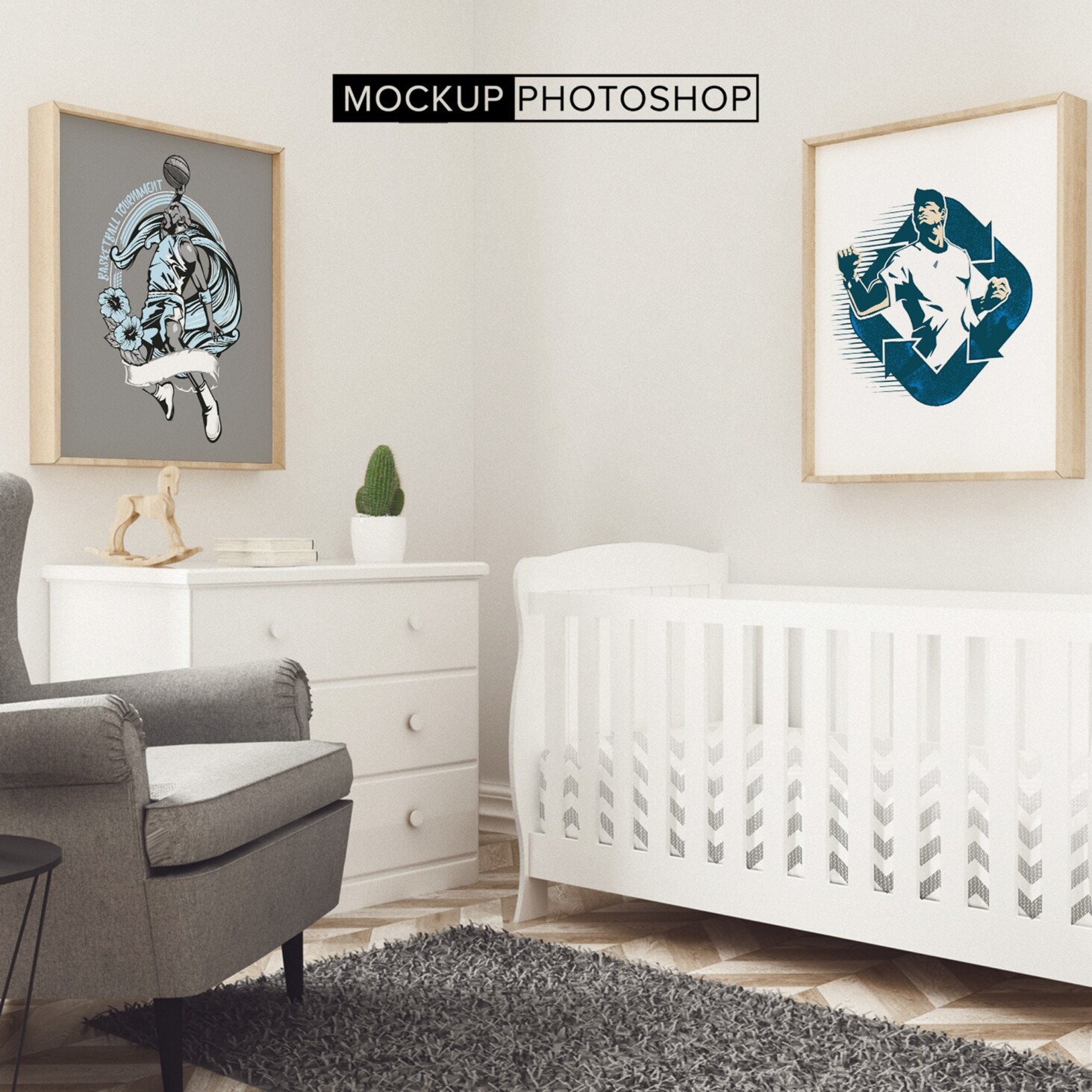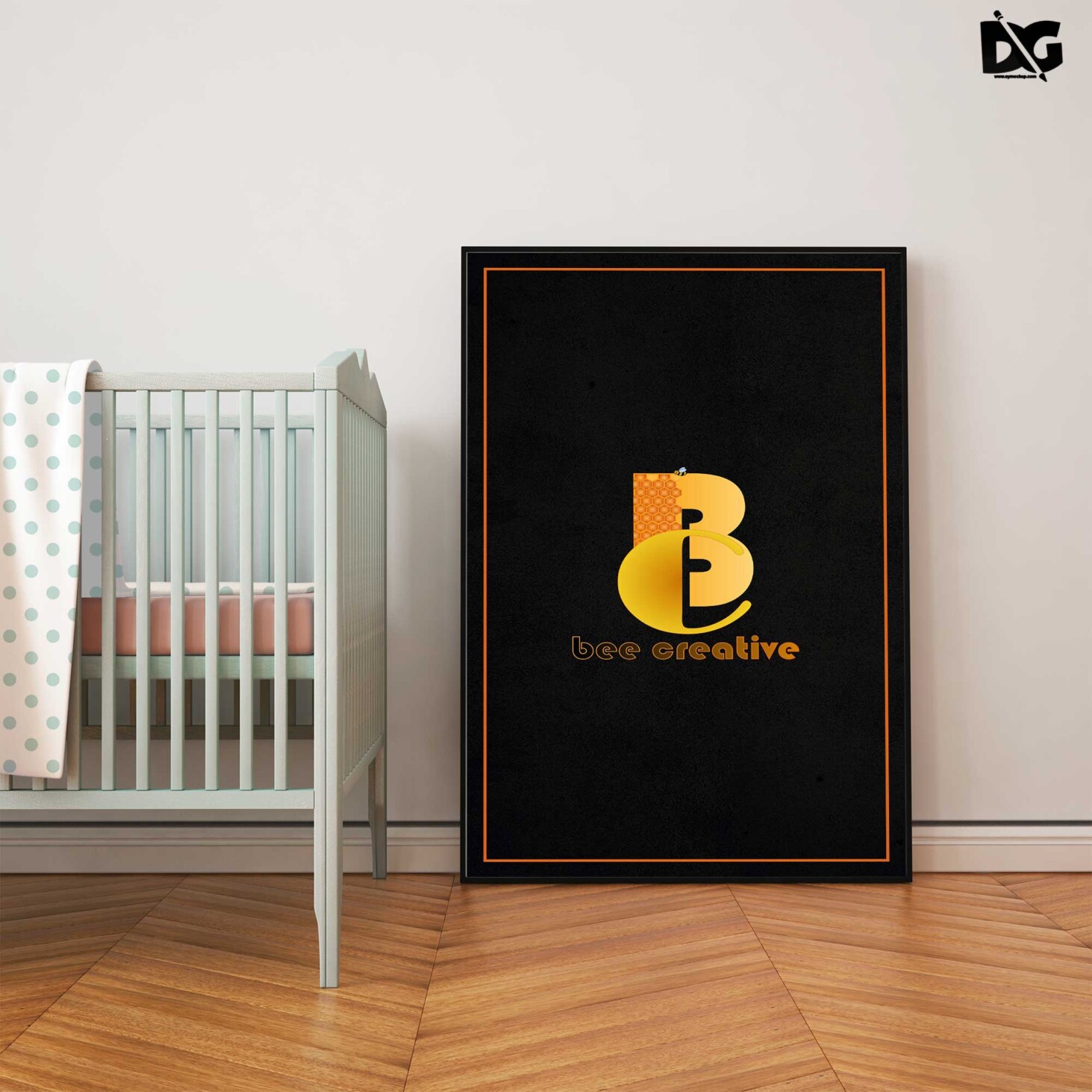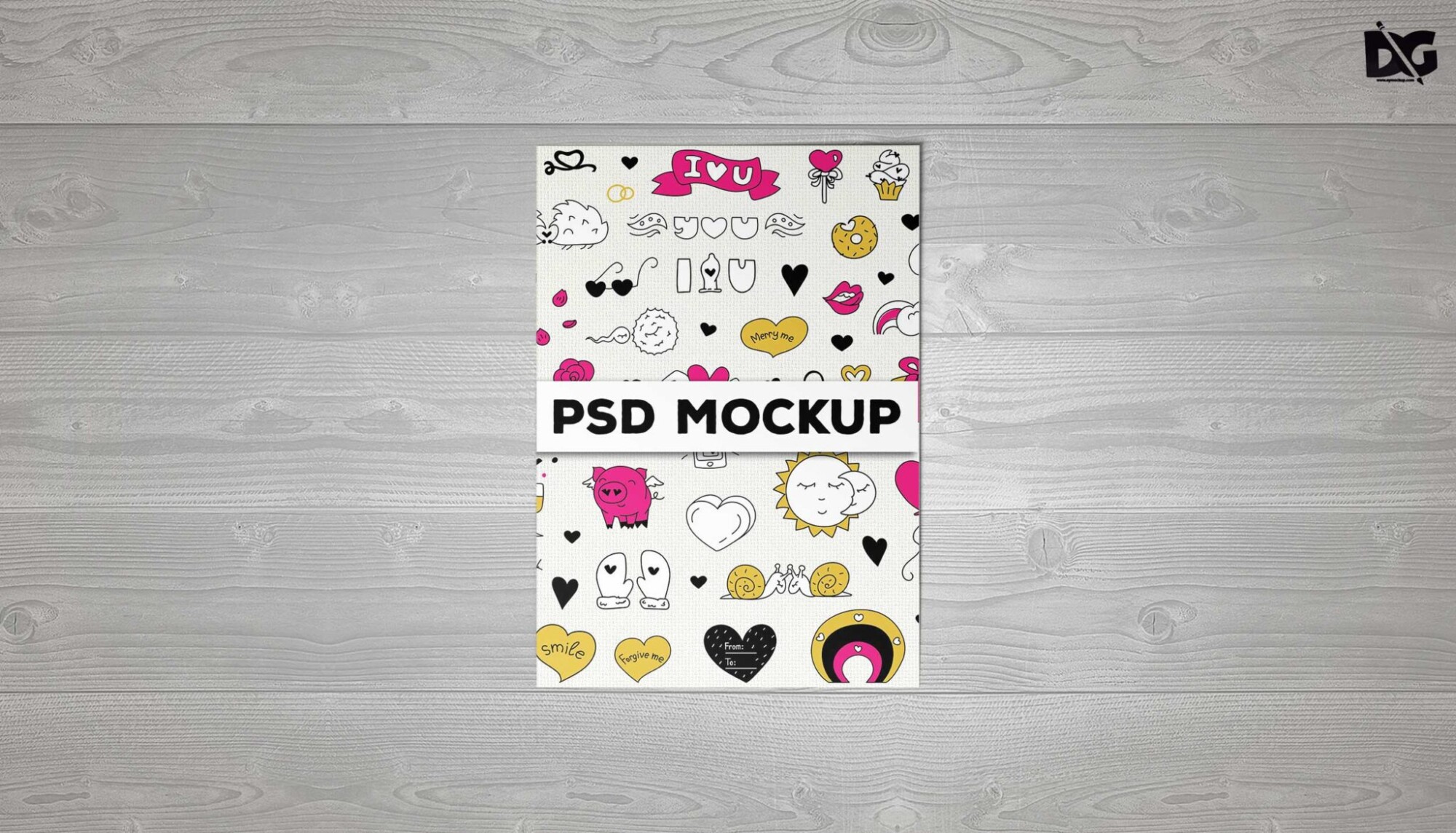
Enhance your design projects with our Free Plain Flyer PSD Mockup. This versatile mockup allows you to showcase your flyer designs in a realistic environment, making it easier to visualize your work. Perfect for designers looking for a clean and professional presentation, this mockup is easy to use and customize to fit your needs.
The mockup features a simple background that highlights your flyer without distractions. With smart object layers in Photoshop, you can quickly insert your designs and adjust the shadows and lighting to achieve the perfect look. This makes it an ideal choice for both personal and professional projects, ensuring your flyers stand out.
All of these Resources are easy to use and can present your information beautifully. Some are free, while others premium poster mockups cost a few dollars.
With these ready-made Photoshop Free PSD poster mockups, you can quickly place your art in a realistic setting without having to go through all the trouble of getting it printed out.
Take a look at these poser mockups to see if any of them are right for your projects!
More great & free PSD Mockups Collection:
- Cafe menu design template free download
- Coffee mug mockup PSD free download
- New 3D Mockup
- PSD Download Object Collection
Description:
Available Format: Layered PSD through smart object insertion License: Free for personal and commercial use Zip File Includes: Photoshop PSD File Resolution: 2000 x 2250 pxFAQs – Free Plain Flyer PSD Mockup
Can I edit the Free Plain Flyer PSD Mockup?
Yes, the mockup is fully editable using Photoshop. Simply open the smart object layer and insert your design.
Do I need special software for the mockup?
Yes, you’ll need Photoshop to edit the Free Plain Flyer PSD Mockup properly.
Is the mockup compatible with all Photoshop versions?
The mockup is designed for Photoshop CS6 and later versions, ensuring compatibility with most users.
What file format is the flyer mockup available in?
The mockup is available in PSD format, specifically designed for easy editing in Photoshop.
Does it include different lighting options?
Yes, the mockup allows you to adjust the lighting and shadows to suit your design needs.