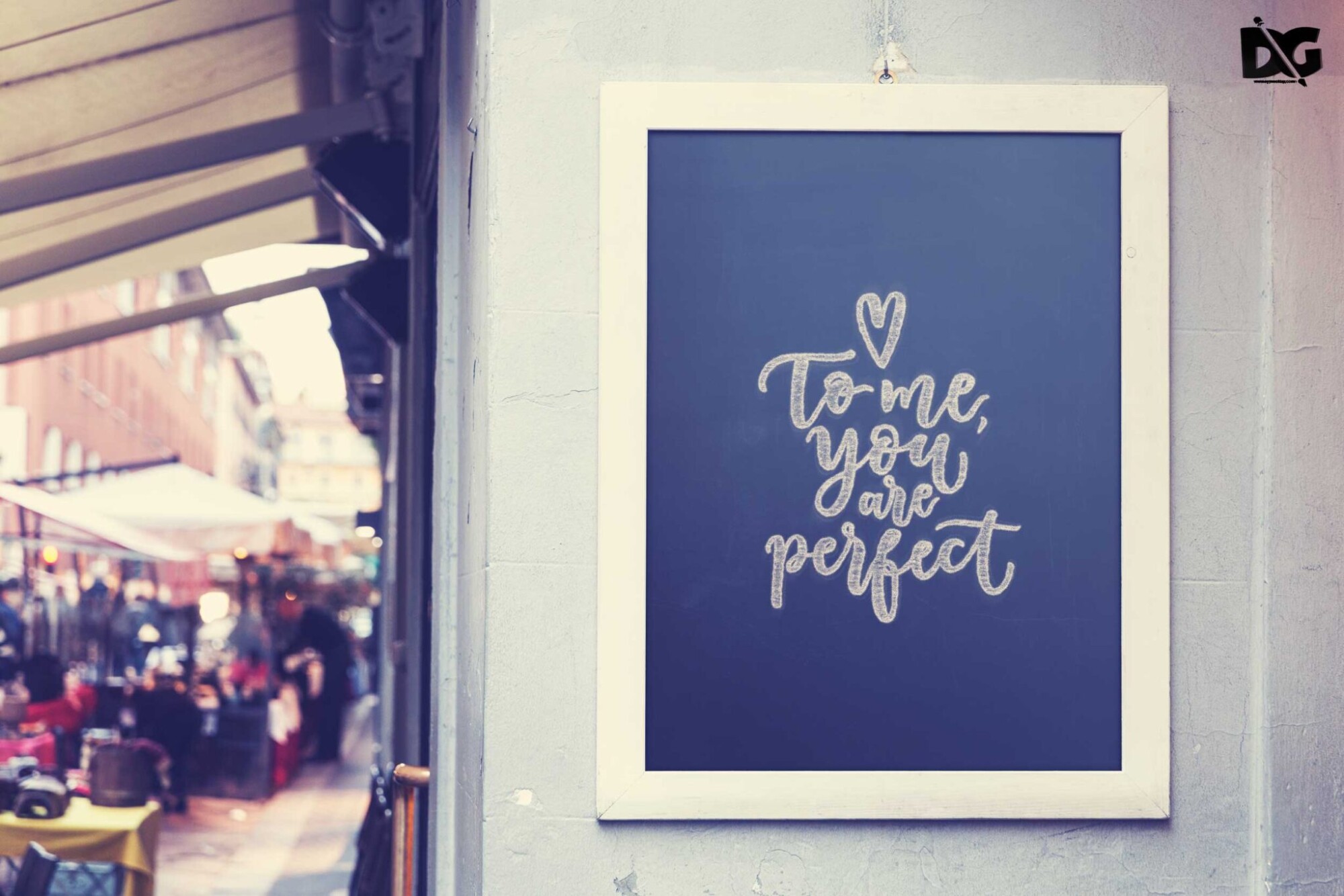
Elevate your design projects with our Free Clean Rectangle Poster Mock-up. This high-quality mock-up allows you to showcase your poster designs in a realistic setting, making it easy to visualize how your artwork will appear in real life. Perfect for presentations, portfolios, or social media, this mock-up provides a professional touch that can enhance your creative work.
With easy-to-use features, you can customize the mock-up to fit your unique style. Simply insert your design into the smart object layer in Photoshop, adjust the lighting if necessary, and watch your artwork come to life. Whether you’re a designer looking to impress clients or a student presenting a project, this mock-up is a versatile tool for any creative endeavor.
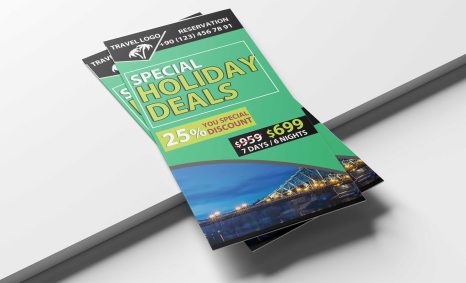
All of these Resources are easy to use and can present your information beautifully. Some are free, while others premium poster mockups cost a few dollars.
With these ready-made Photoshop Free PSD poster mockups, you can quickly place your art in a realistic setting without having to go through all the trouble of getting it printed out.
Take a look at these poser mockups to see if any of them are right for your projects!
More great & free PSD Mockups Collection:
- 3d logo mockup psd free download
- Postcard Mockup PSD free download
- 3D Window Logo Mockup PSDs
- Plastic bottle mockup free download
- eBook Cover PSD Download Mockup
Description:
Available Format: Layered PSD through smart object insertion License: Free for personal and commercial use Zip File Includes: Photoshop PSD File Resolution: 2000 x 2250 pxFAQs – Free Clean Rectangle Poster Mock-up
Can I use the Free Clean Rectangle Poster Mock-up for commercial projects?
Yes, you can use this mock-up for both personal and commercial projects without any restrictions.
Do I need Photoshop to edit the mock-up?
Yes, the mock-up is designed for Adobe Photoshop, utilizing smart object layers for easy design insertion.
Is it easy to change the poster design in the mock-up?
Absolutely! You can quickly change the design by double-clicking the smart object layer and pasting your artwork.
What file format is the mock-up available in?
The mock-up is typically provided in PSD format, which is compatible with Adobe Photoshop and other editing software.
Can I adjust the lighting in the mock-up?
Yes, you can easily adjust the lighting and shadows in Photoshop to match your design’s aesthetics.