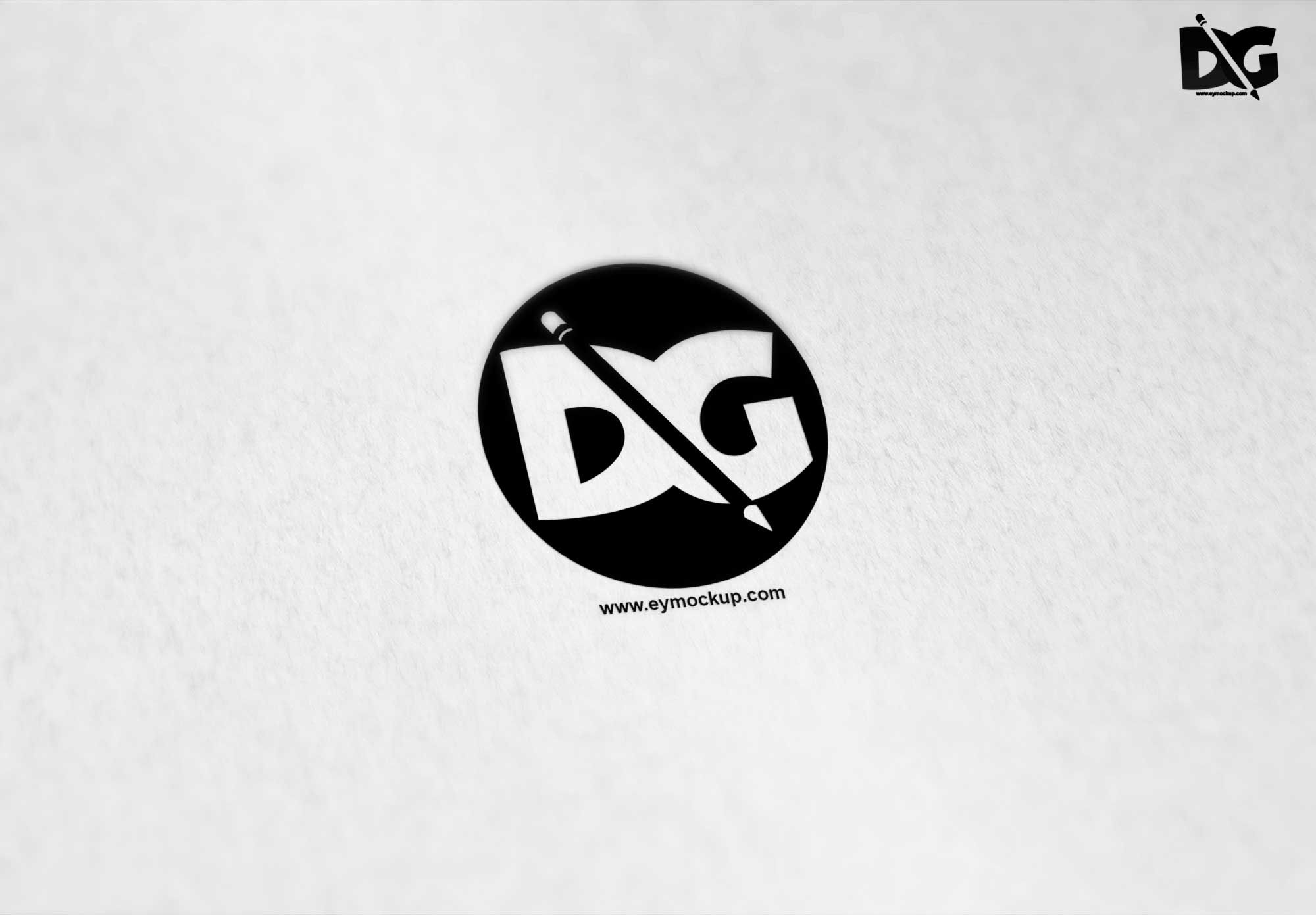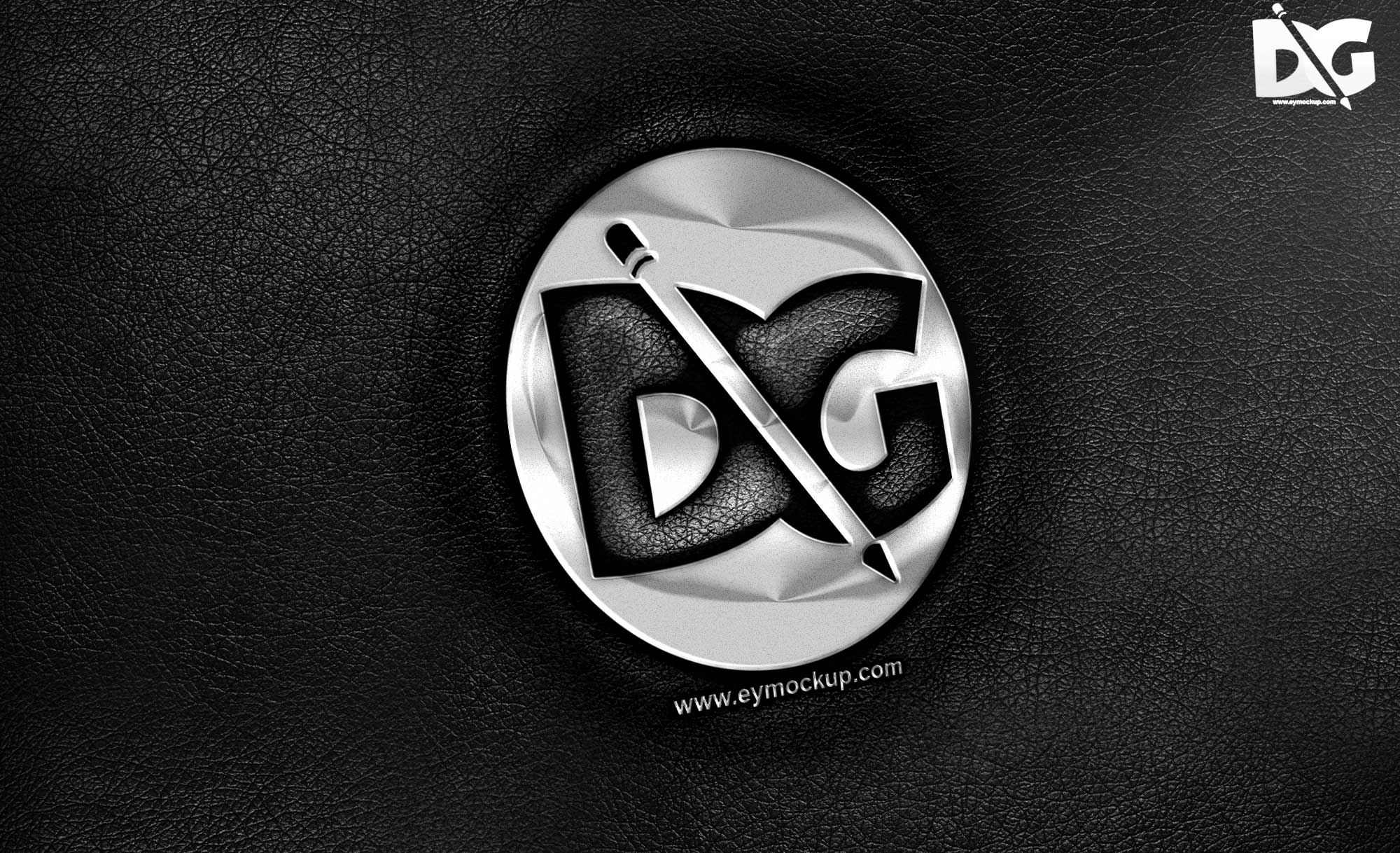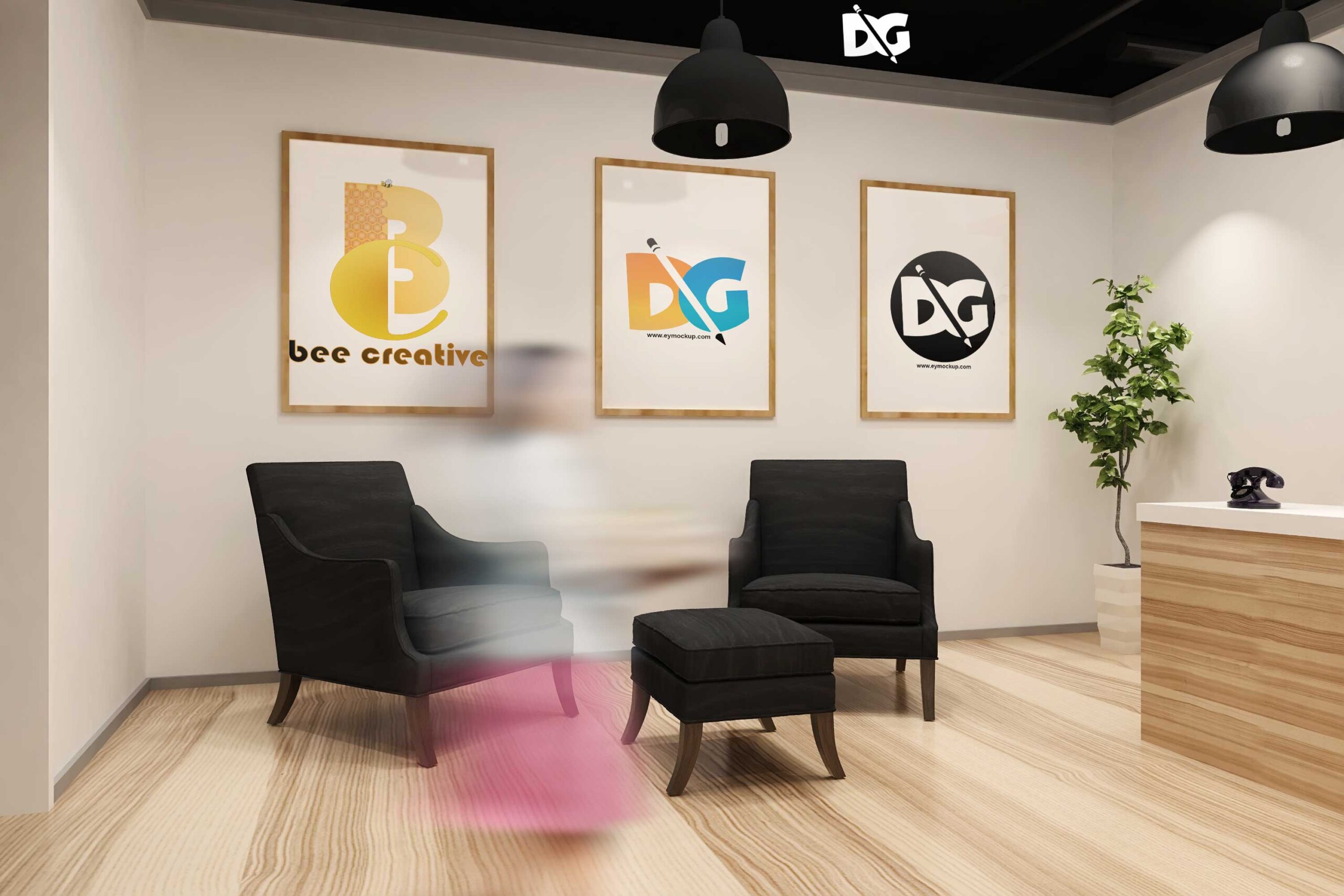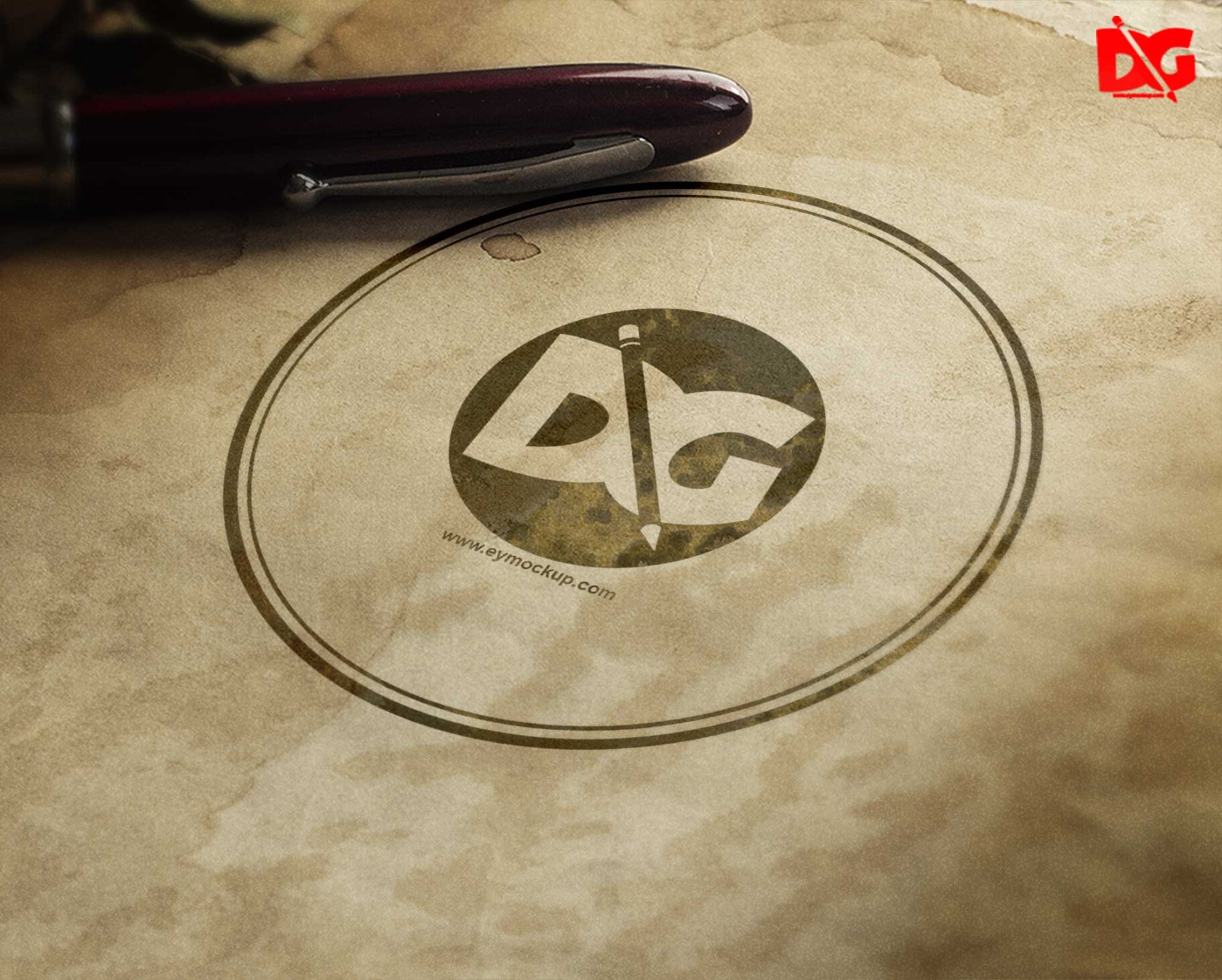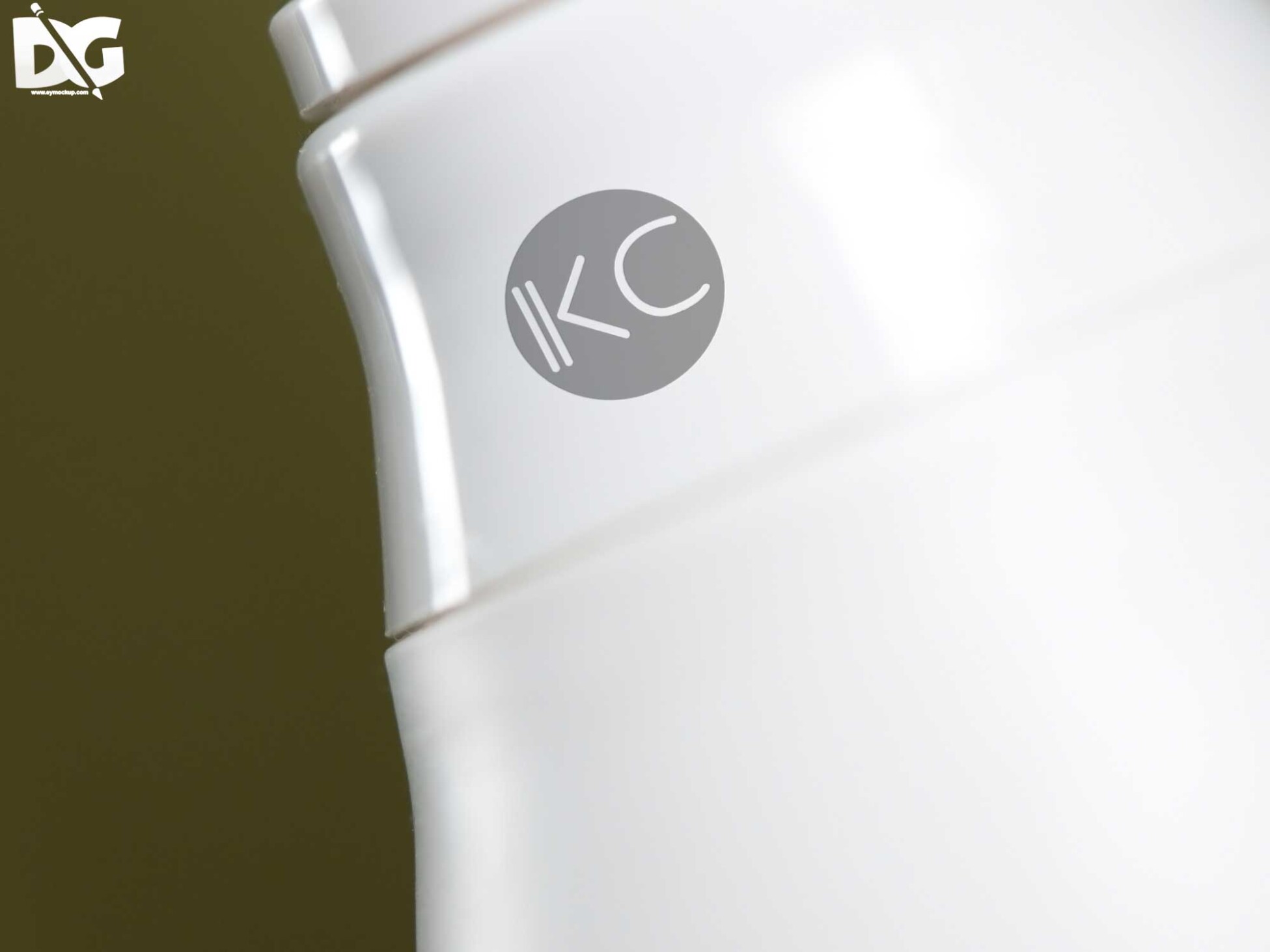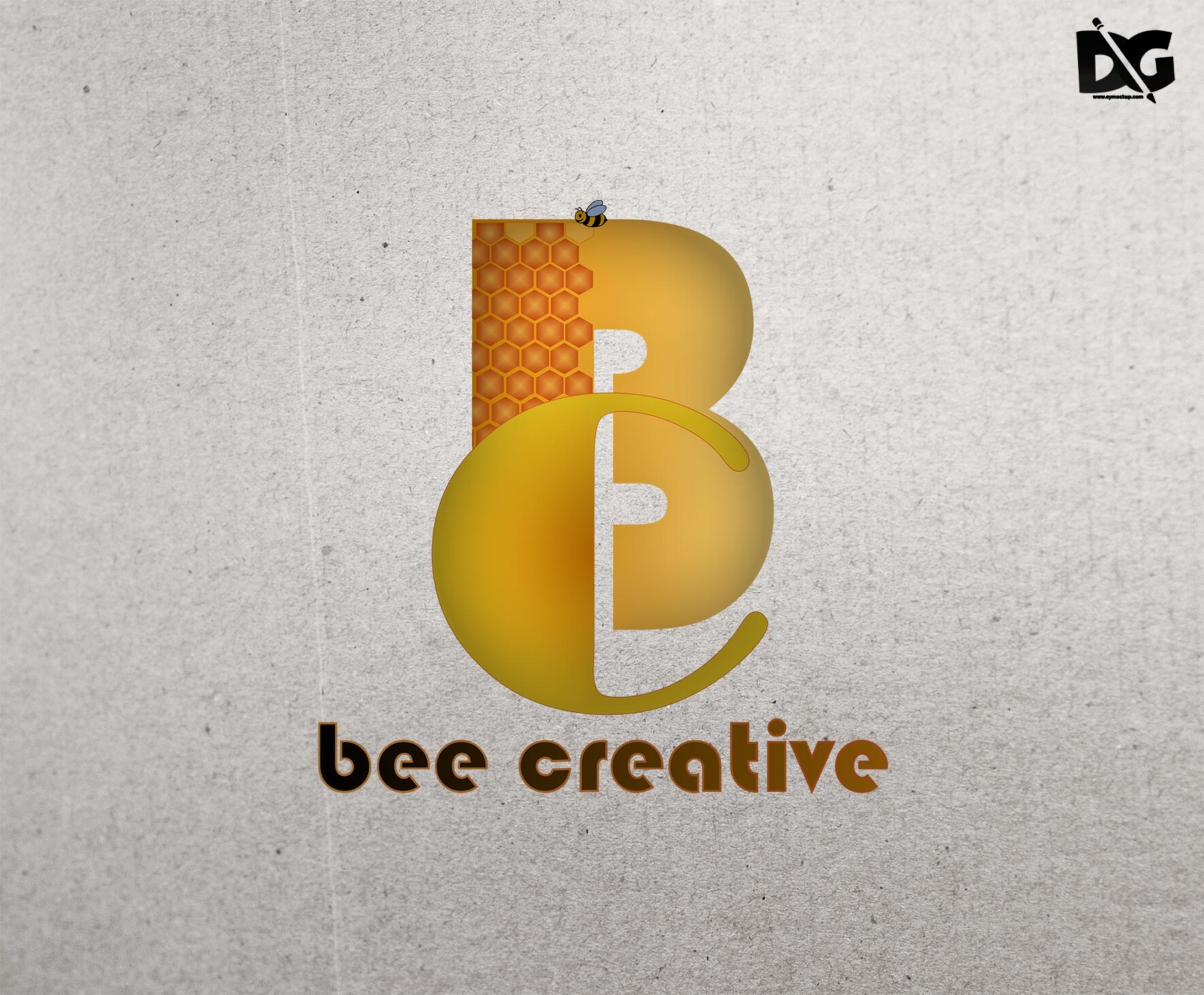
Enhance your branding presentations with our free flat paper PSD logo mockup. This versatile mockup allows you to showcase your logo design in a realistic and eye-catching format. Simply insert your artwork into the smart layer, and you’re ready to impress clients and stakeholders with a professional look.
Ideal for designers and businesses, this mockup features high-resolution details that bring your logo to life. With customizable backgrounds and lighting options, you can adjust the scene to perfectly align with your brand’s aesthetic. Download now and elevate your branding projects effortlessly!
All of these Resources are easy to use and can present your information beautifully. Some are free, while others cost a few dollars.
More great & free PSD Mockups Collection:
- 3D Packaging PSD Mockups
- PSD Burger Food Truck Design Mockup
- Jam Jar Twitch Mockups Templates
- Useful PSD Coaster Mockups Template
Description:
Available Format: Layered PSD through smart object insertion
License: Free for personal and commercial use
Zip File Includes: Photoshop PSD File
Resolution: 2200 x 1500 px
Advertisement:
FAQs – Free Flat Paper PSD Logo Mockup
Can I edit the Free Flat Paper PSD Logo Mockup?
Absolutely! The mockup is fully editable. Just use Adobe Photoshop to insert your logo into the smart layer and customize it as needed.
What file format is the mockup available in?
The mockup is provided in PSD format, ensuring compatibility with Adobe Photoshop for seamless editing and customization.
Is it easy to change the background in the mockup?
Yes, changing the background is simple. You can easily adjust the layers in Photoshop to match your desired color or texture.
Does the mockup support different logo styles?
Yes, the mockup supports various logo styles, including text and graphic logos, allowing for versatile branding presentations.
Can I use the mockup for commercial projects?
Yes, you can use the mockup for commercial projects. It’s perfect for presenting your logo in portfolios or client proposals.
Do I need advanced Photoshop skills to use this mockup?
Not at all! Basic knowledge of Photoshop is sufficient to utilize the smart layers and make adjustments to the mockup.