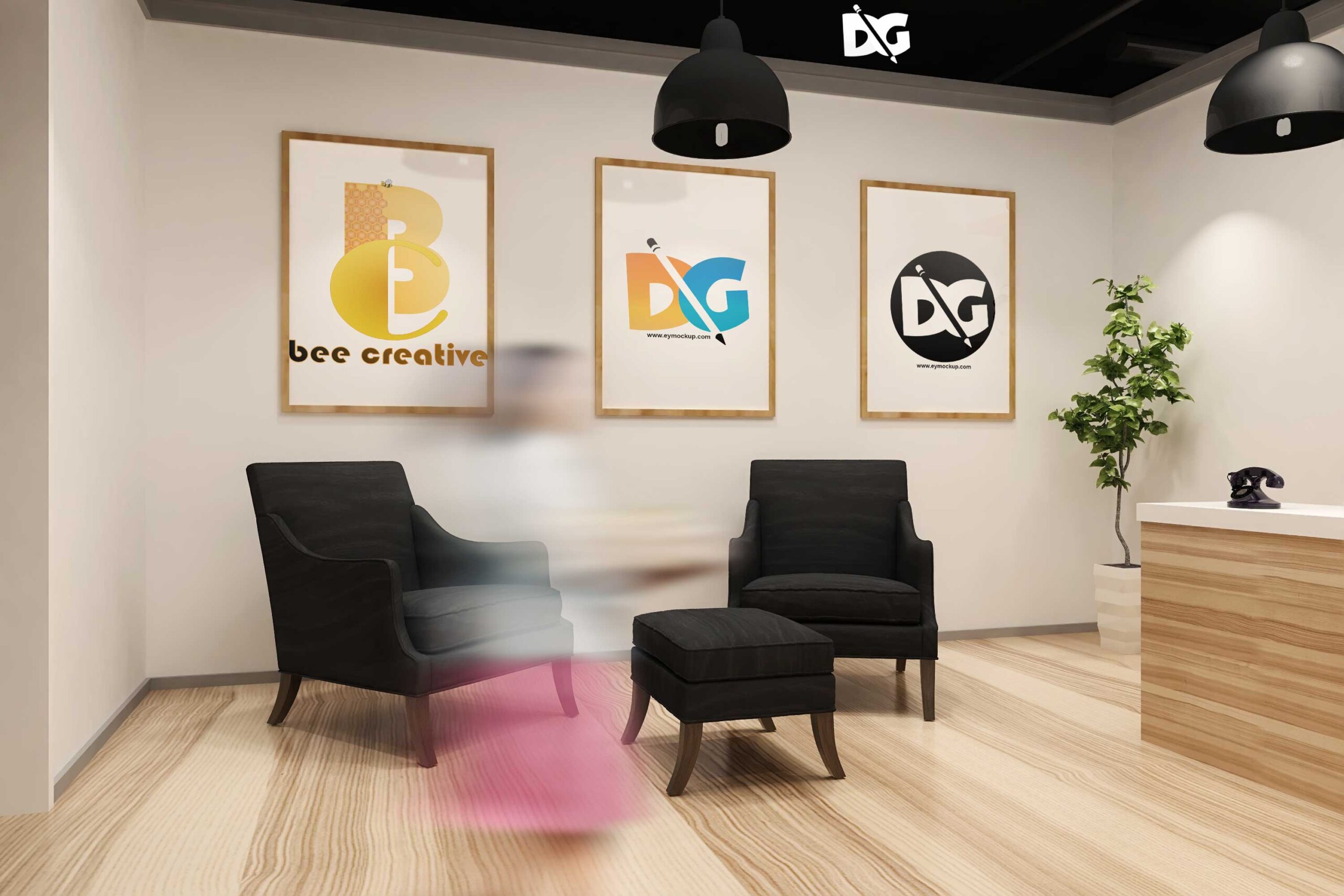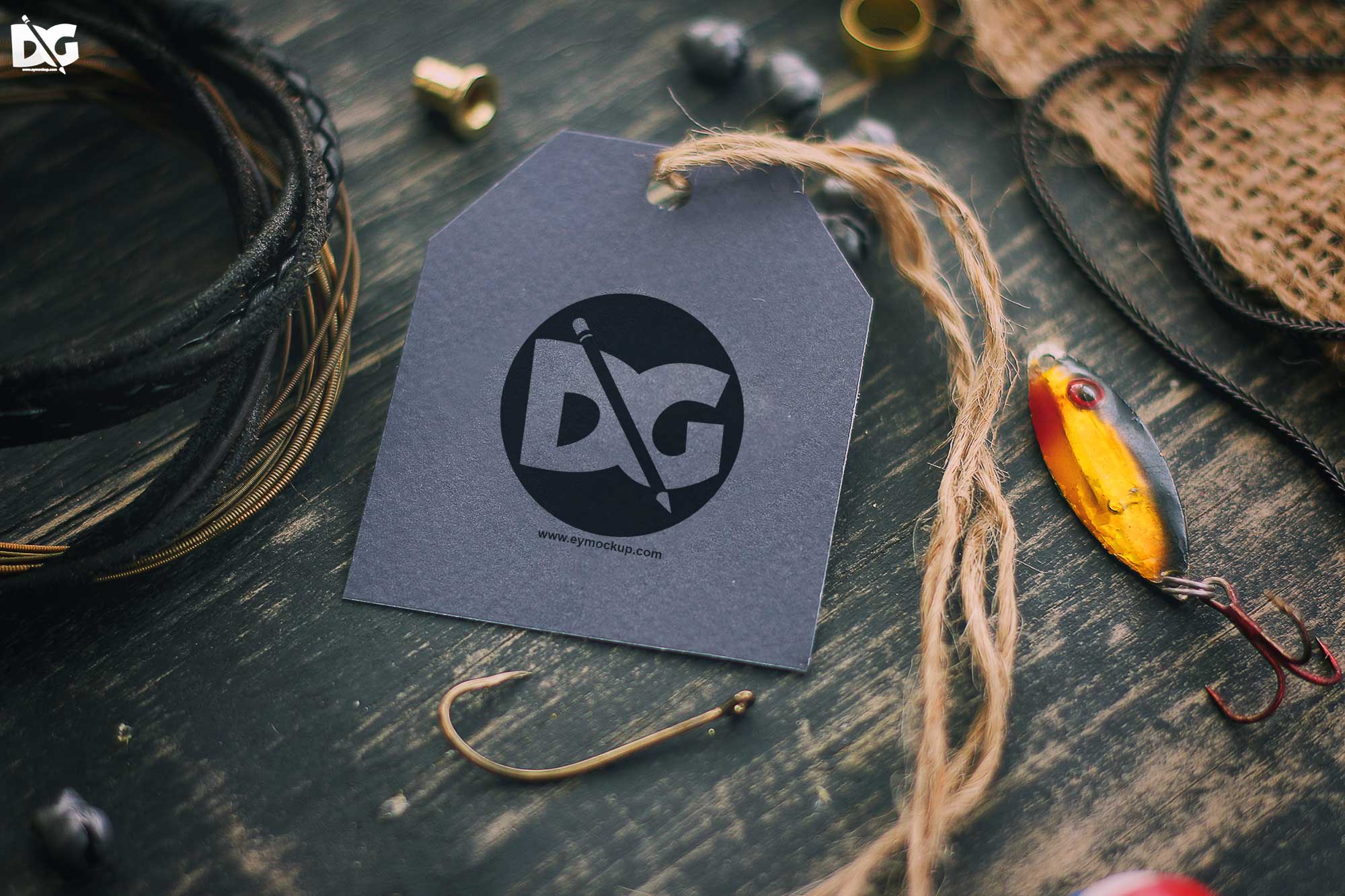
Elevate your product presentations with our free paper tag mock-up. This beautifully designed mock-up allows you to showcase your branding in a realistic setting, making it perfect for marketing materials, online stores, or portfolio displays. With its high-resolution quality, you can easily replace the tag designs with your own artwork and create stunning visuals that capture attention.
Ideal for graphic designers and small business owners, our mock-up is user-friendly and compatible with Adobe Photoshop. Simply download the file, edit the smart layers, and customize the colors to match your brand. Whether you’re preparing for a product launch or enhancing your online presence, this paper tag mock-up is a versatile tool that saves you time while delivering exceptional results.
All of these Resources are easy to use and can present your information beautifully. Some are free, while others cost a few dollars.More great & free PSD Mockups Collection:
- 3d logo mockup psd free download
- Postcard Mockup PSD free download
- Plastic bottle mockup free download
- eBook Cover PSD Download Mockup
FAQs – Free Paper Tag Mock-up
Can I edit the free paper tag mock-up in Photoshop?
Yes, the mock-up is fully editable in Adobe Photoshop. Simply open the file and use the smart layers to customize your design effortlessly.
What file format is the free paper tag mock-up available in?
The mock-up is typically provided in a PSD format, which is standard for Photoshop files, allowing for easy editing and customization.
Does the mock-up include different lighting options?
Yes, the mock-up features various lighting effects to enhance the realism of your design. You can adjust these settings to fit your presentation style.
Is it easy to replace the tag design in the mock-up?
Absolutely! The mock-up uses smart object layers, making it simple to swap out the tag design with your graphics in just a few clicks.
Do I need special skills to use the paper tag mock-up?
No special skills are required! Basic knowledge of Photoshop is sufficient to navigate and customize the mock-up effectively.