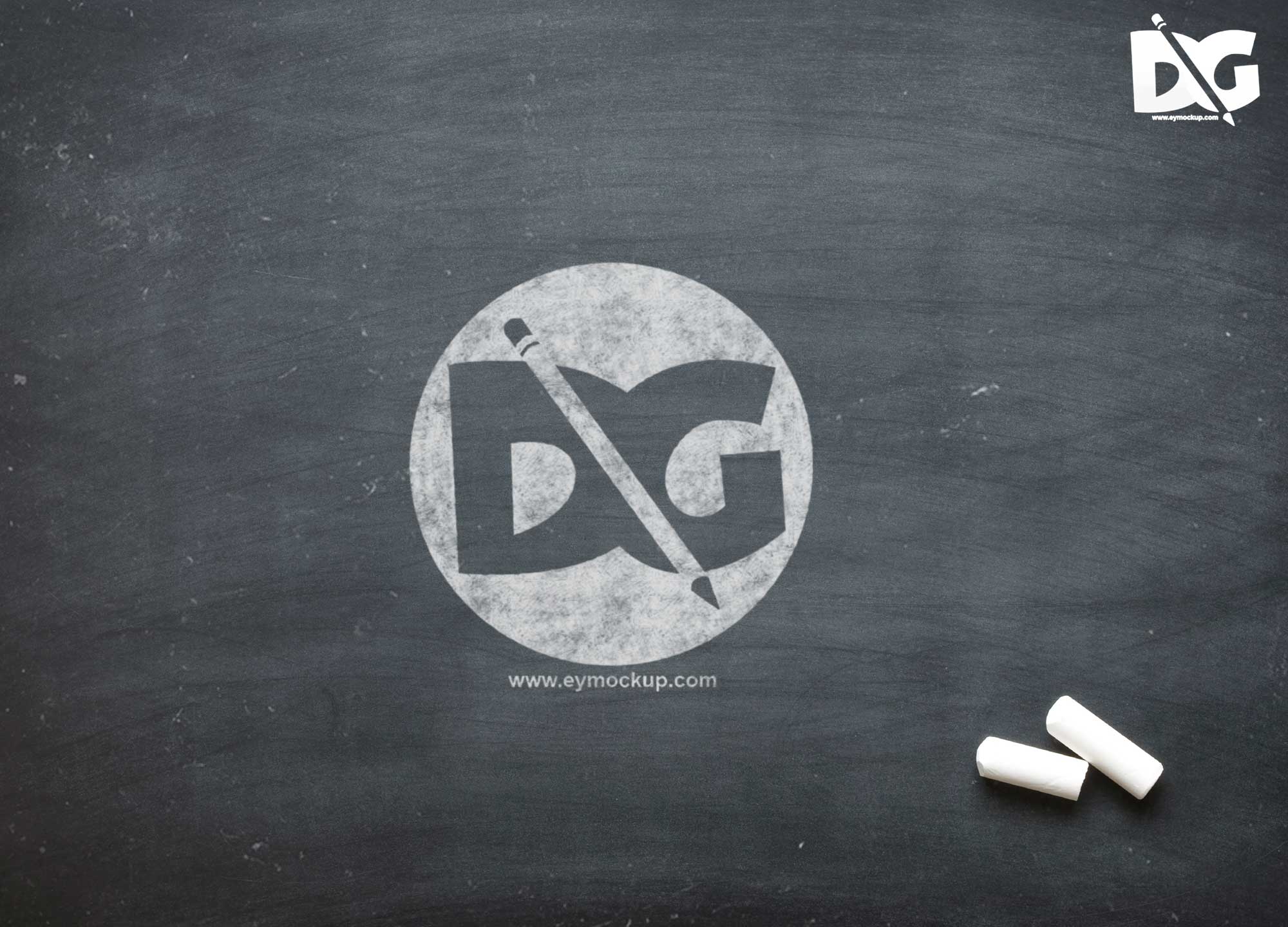
Enhance your branding projects with our Chalkboard Logo PSD MockUp. This versatile mockup allows designers to showcase their logo designs in a realistic chalkboard setting, perfect for cafes, restaurants, and creative businesses. The high-resolution PSD file is easy to edit, making it an ideal choice for both novice and experienced designers looking to present their work in an engaging way.
With customizable features, you can easily adjust the colors, textures, and shadows to match your branding needs. The mockup includes smart objects for quick and seamless logo insertion. Whether you’re preparing a portfolio or a client presentation, this chalkboard mockup will add a charming touch to your designs, helping you capture attention and convey your brand’s personality.
Get 3D Logo MockupsAll of these Resources are easy to use and can present your information beautifully. Some are free, while others cost a few dollars.More great & free PSD Mockups Collection:
- New Packaging Mockup
- Best Paper Mockups (Free & Premium)
- Mockup PSD free download
- Free Horizontal Postcard Mockup
FAQs – Chalkboard Logo PSD MockUp
Can I use the Chalkboard Logo PSD MockUp for client presentations?
Yes, you can use this mockup to showcase your logo designs in client presentations, enhancing the visual appeal of your work.
Do I need Photoshop to edit the mockup?
Yes, the Chalkboard Logo MockUp is a PSD file, requiring Adobe Photoshop for editing and customization.
Is it easy to change the logo in the mockup?
Absolutely! The mockup uses smart objects, allowing you to quickly and easily insert your logo design.
What file format is the Chalkboard Logo MockUp available in?
The mockup is provided in PSD format, making it compatible with Adobe Photoshop for easy editing.
Does the mockup include customizable lighting effects?
Yes, you can adjust the lighting and shadows within the PSD file to create the perfect ambiance for your logo.