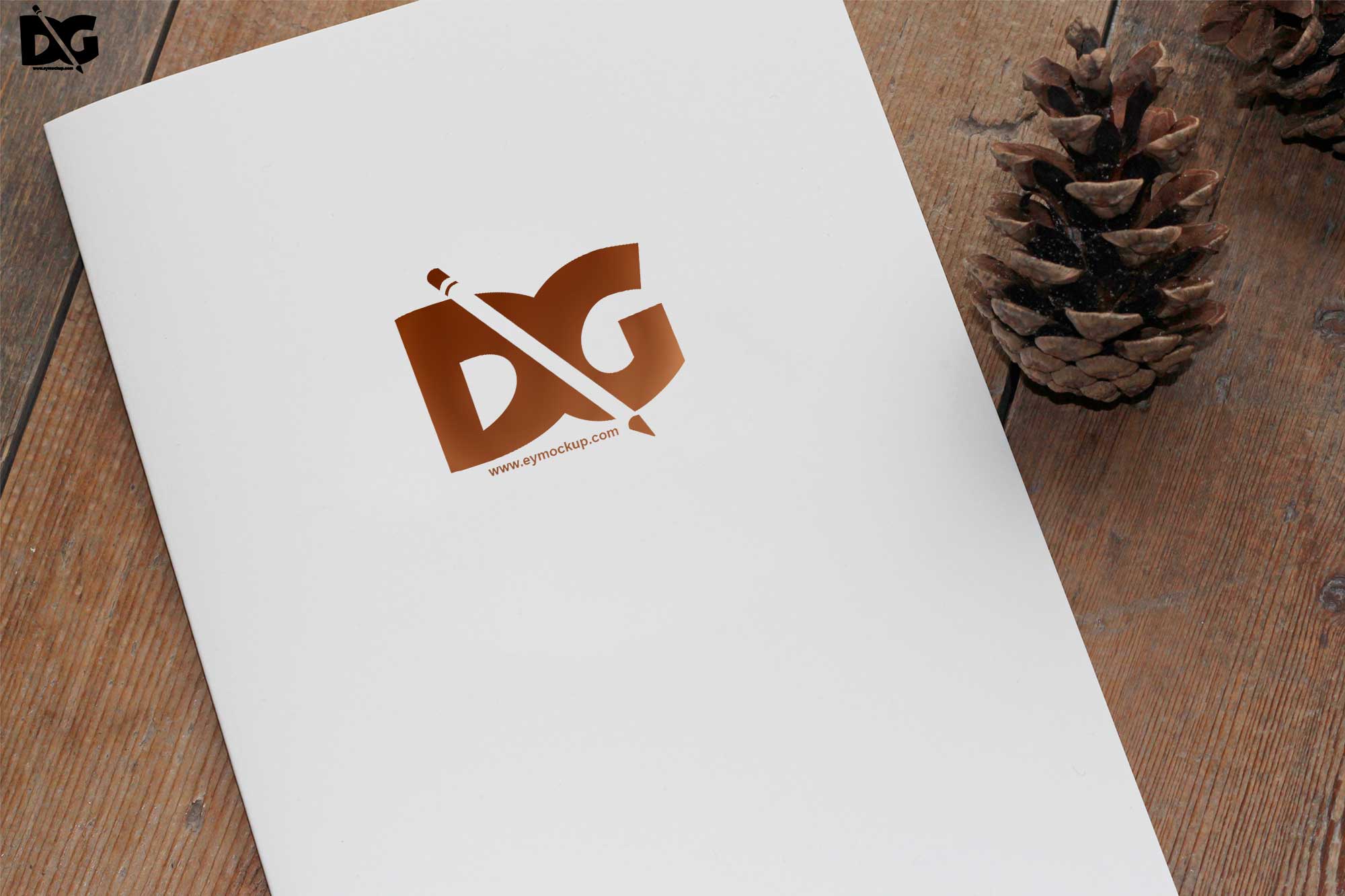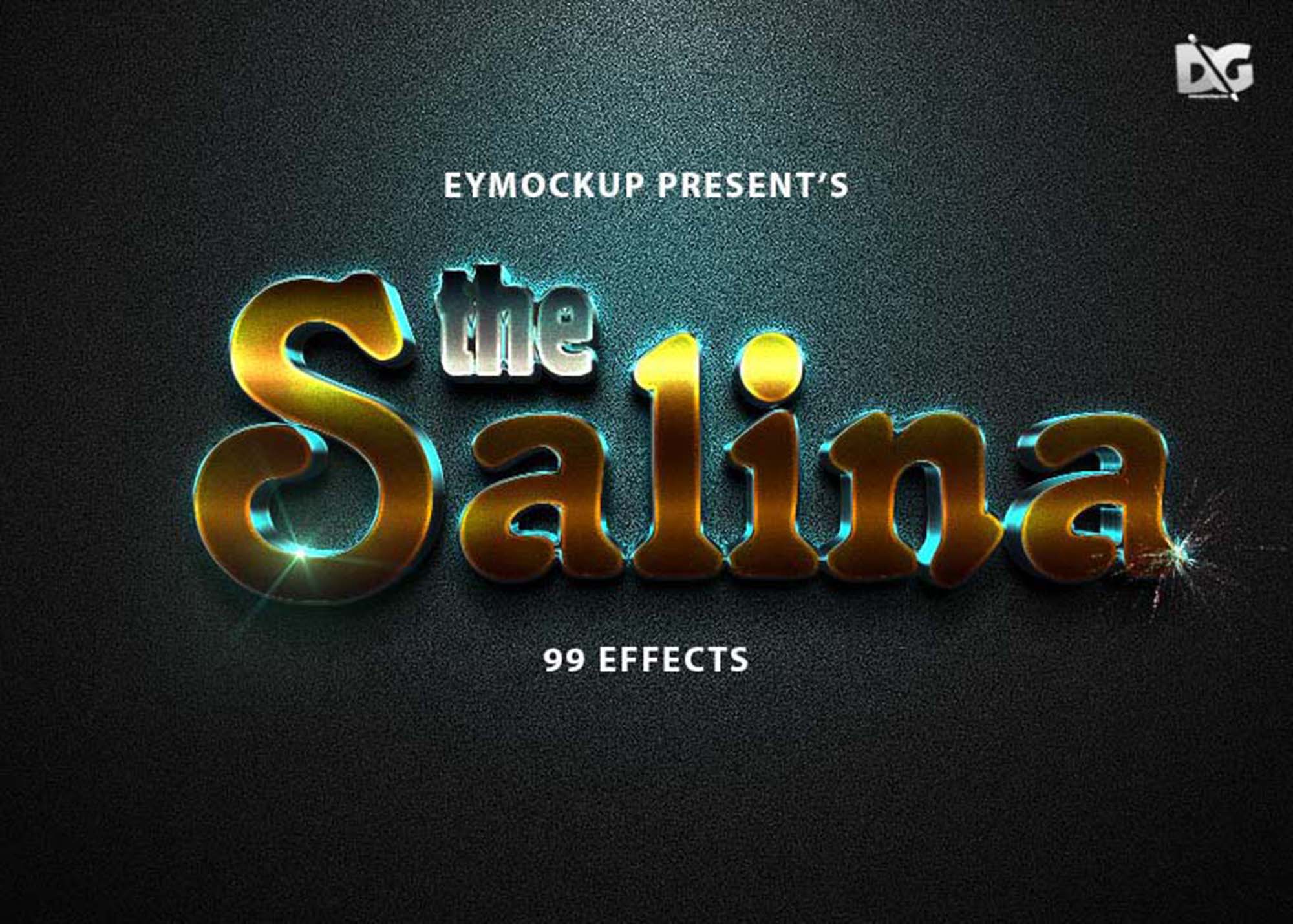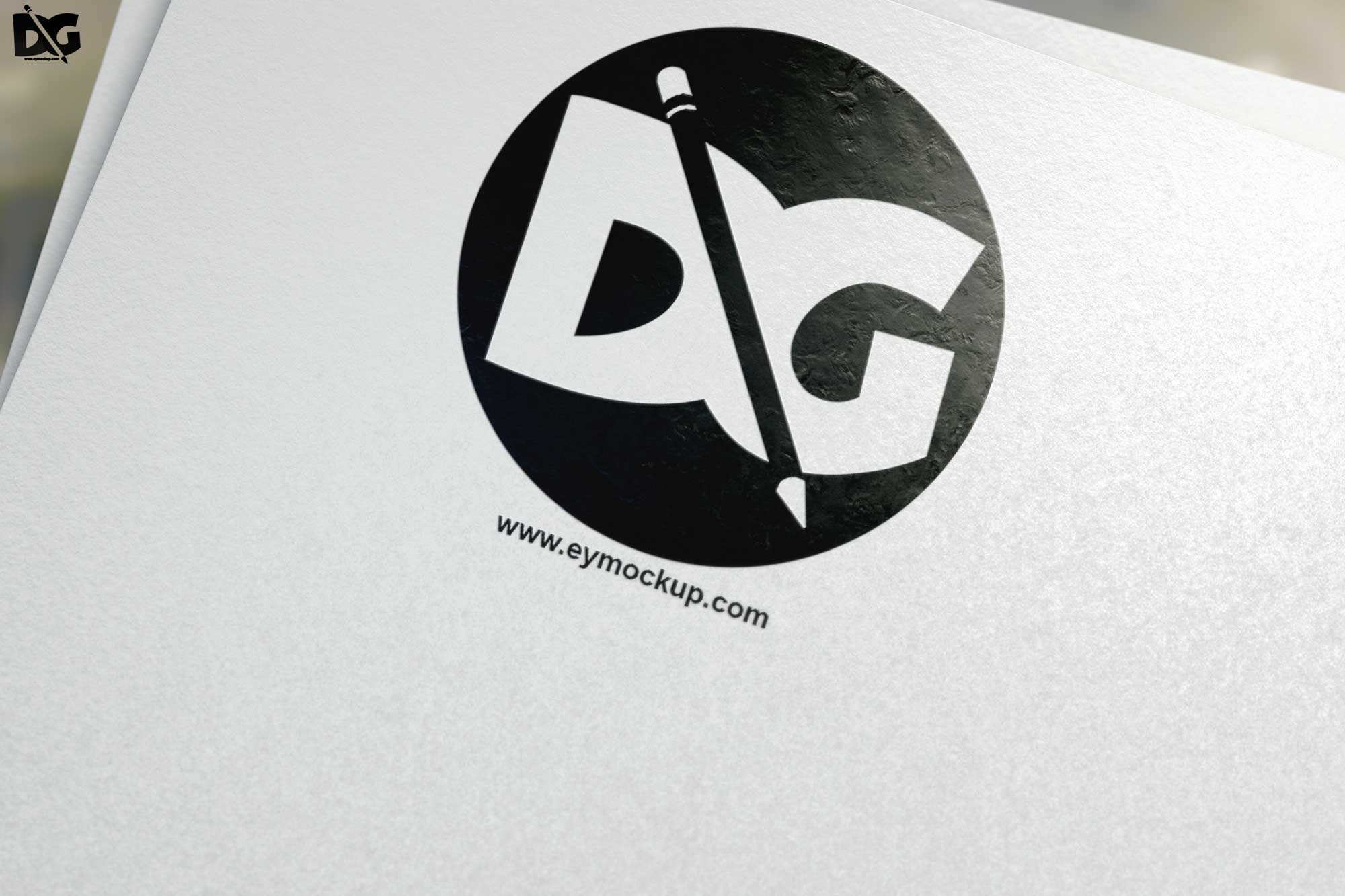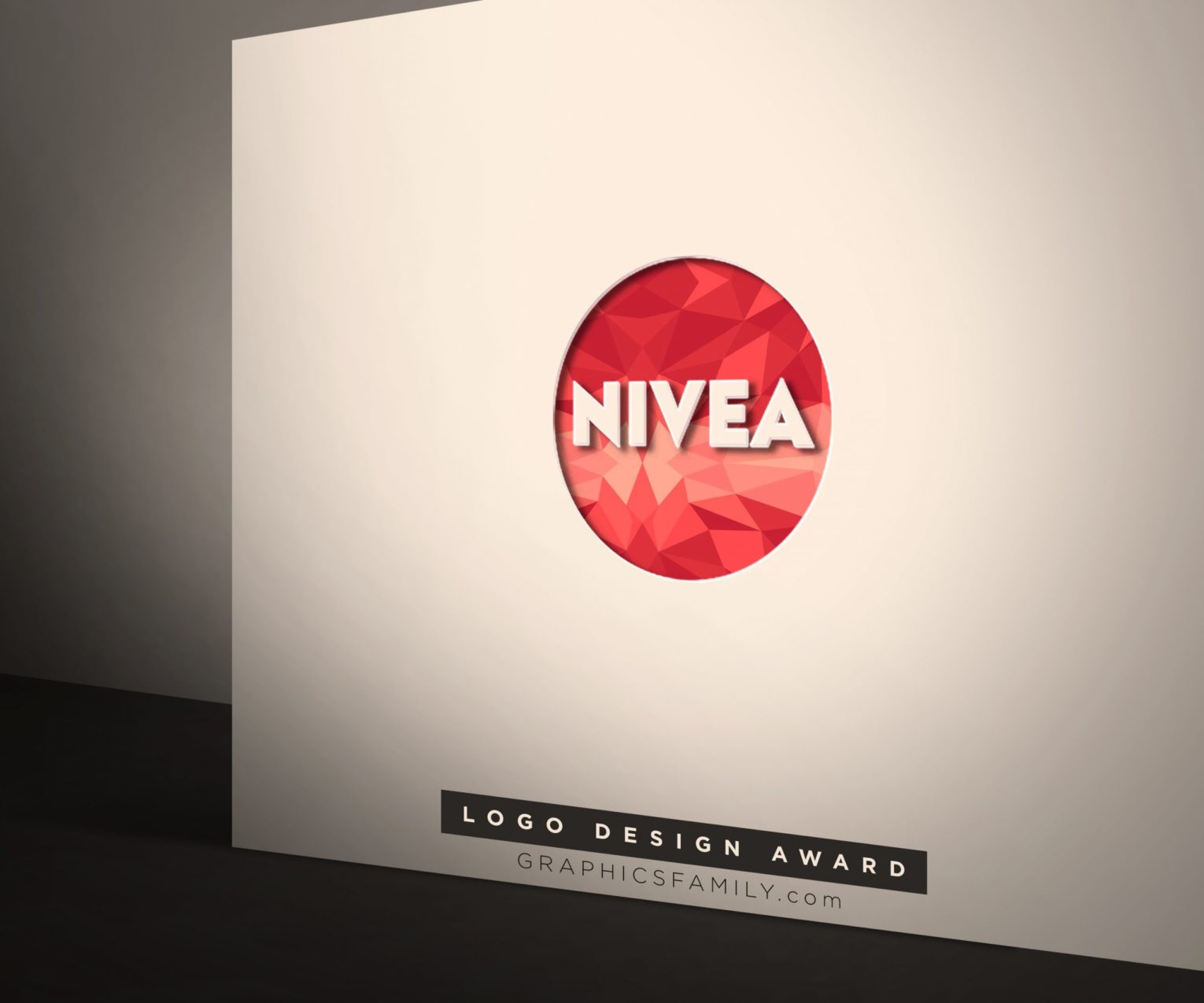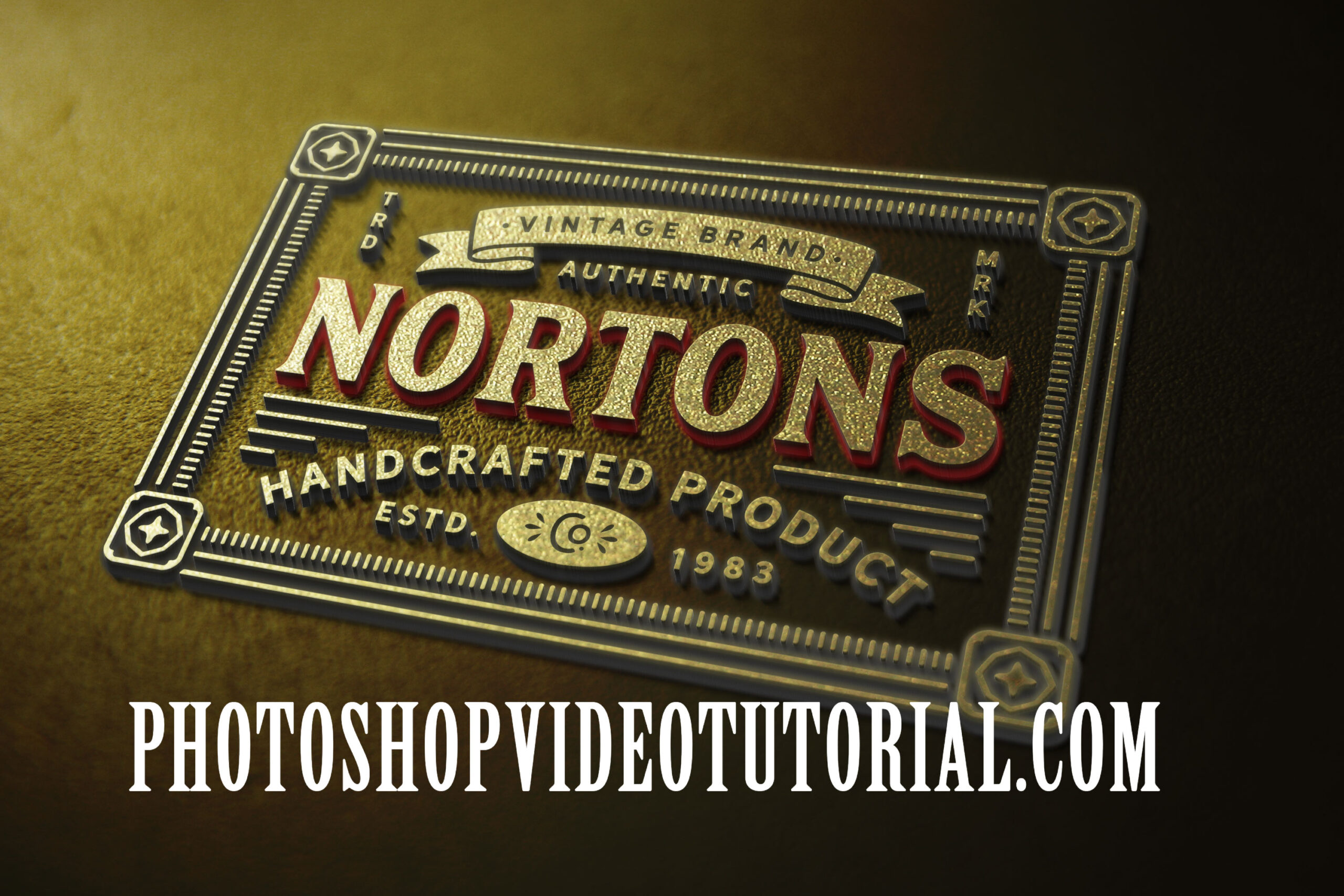
Elevate your design presentations with our 3D Gold PSD Mockup. This high-quality mockup allows you to showcase your branding or artwork in a stunning, realistic manner. Perfect for designers looking to impress clients or enhance portfolios, this mockup is easy to use and fully customizable in Photoshop. Simply insert your graphics, adjust lighting, and watch your designs come to life in a glamorous gold finish.
Our 3D Gold PSD Mockup is designed for versatility, catering to various design projects such as logos, product packaging, or promotional materials. With its layered structure, you can effortlessly modify shadows and highlights to create the ideal effect for your artwork. The mockup is ideal for both beginners and experienced designers, offering an efficient way to present ideas while maintaining a professional look.
All of these Resources are easy to use and can present your information beautifully. Some are free, while others cost a few dollars.
More great & free PSD Mockups Collection:
- 3d logo mockup psd free download
- Postcard Mockup PSD free download
- Plastic bottle mockup free download
- eBook Cover PSD Download Mockup
Description:
Available Format: Layered PSD through smart object insertion License: Free for personal and commercial use Zip File Includes: Photoshop PSD File Resolution: 3000 x 2250 px
3D Golden Logo Mockup
FAQs – 3D Gold PSD Mockup
Can I edit the 3D Gold PSD Mockup in Photoshop?
Yes, the mockup is fully editable in Photoshop, allowing you to customize layers, colors, and effects to fit your design needs.
Does this mockup support high-resolution images?
Absolutely! Our 3D Gold PSD Mockup is designed to accommodate high-resolution images, ensuring your designs look sharp and professional.
Is it easy to insert my artwork into the mockup?
Yes, inserting your artwork is straightforward. Simply drag and drop your design into the designated layer in the PSD file.
What file format is the 3D Gold PSD Mockup available in?
The mockup is provided in PSD format, making it compatible with Adobe Photoshop for easy editing and customization.
Do I need advanced skills to use the mockup?
No, both beginners and experienced designers can use the mockup, thanks to its user-friendly structure and clear layer organization.