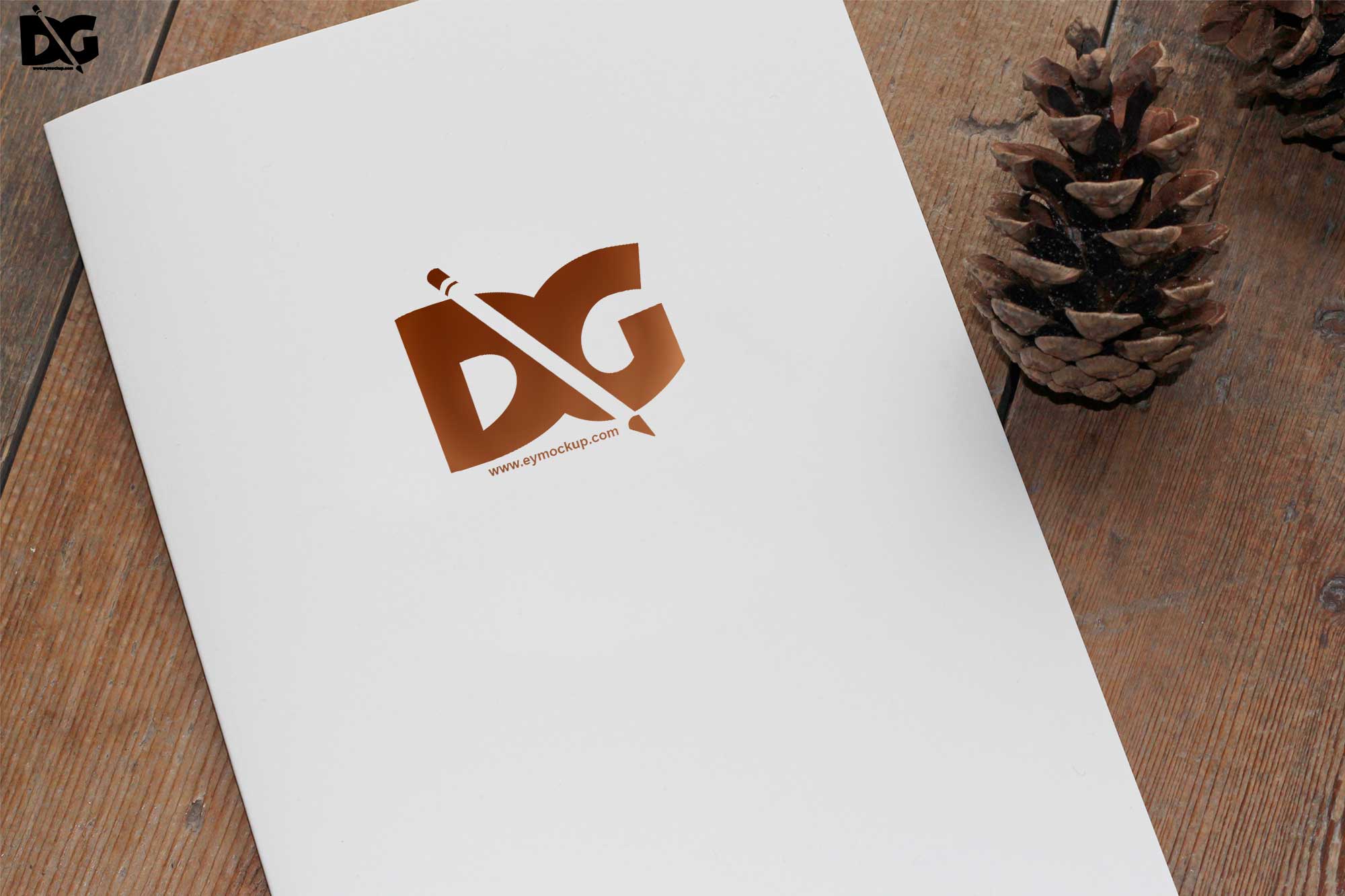
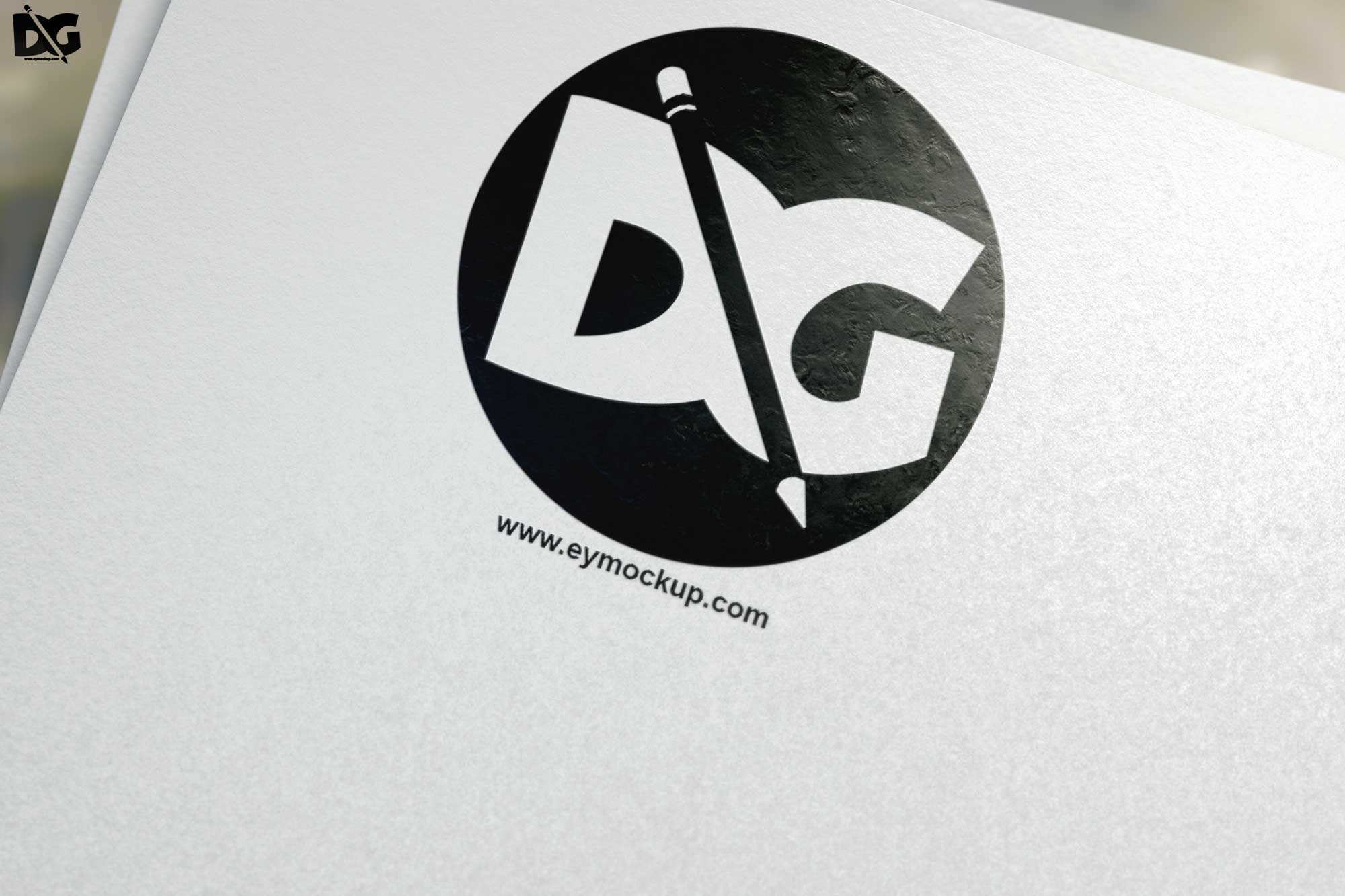
Elevate your branding with our free light clean wood logo mockup. This beautifully designed mockup showcases your logo in a natural, rustic setting, providing a fresh look that catches the eye. Perfect for designers seeking to present their work in a professional manner, this mockup allows you to visualize your branding on a wooden surface, enhancing the overall aesthetic appeal.
The mockup is easy to use, simply place your logo into the smart object layer in Photoshop. With its high-resolution quality and realistic lighting, you can create stunning visuals that resonate with your audience. Whether you’re working on a portfolio, a client project, or just experimenting with designs, this wood logo mockup is an excellent tool to bring your ideas to life.
All of these Resources are easy to use and can present your information beautifully. Some are free, while others cost a few dollars.
More great & free PSD Mockups Collection:
- Free PSD Mockups for Books and More!
- 3D Packaging PSD Mockups
- PSD Burger Food Truck Design Mockup
- Jam Jar Twitch Mockups Templates
Description:
Available Format: Layered PSD through smart object insertion
License: Free for personal and commercial use
Zip File Includes: Photoshop PSD File
Resolution: 2200 x 1500 px
Advertisement:
FAQs – Free Light Clean Wood Logo Mockup
Can I use the free light clean wood logo mockup for commercial projects?
Yes, you can use the mockup for both personal and commercial projects without any restrictions.
Does it require Photoshop to edit the mockup?
Yes, the mockup is designed for use with Adobe Photoshop, where you can easily edit the smart object.
What file format is the mockup provided in?
The mockup is typically provided in PSD format, ensuring compatibility with Photoshop for easy editing.
Is it easy to change the logo in the mockup?
Absolutely! Simply double-click the smart object layer, insert your logo, and save to see the changes.
Does the mockup support different logo styles?
Yes, the mockup is versatile and can accommodate various logo styles, including text-based and graphic logos.
Can I adjust the lighting in the mockup?
While the lighting is pre-set, you can adjust it in Photoshop to better suit your design vision.