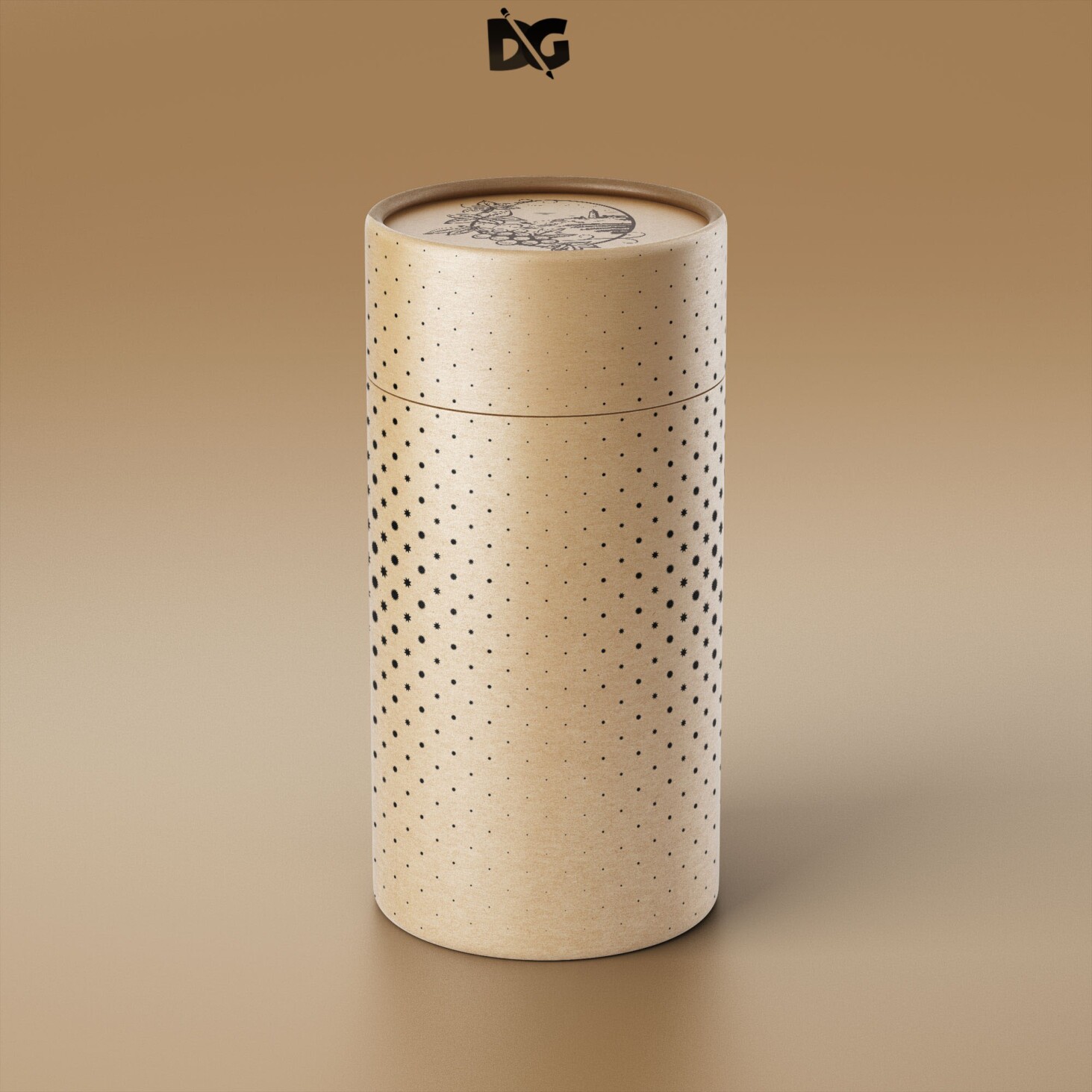
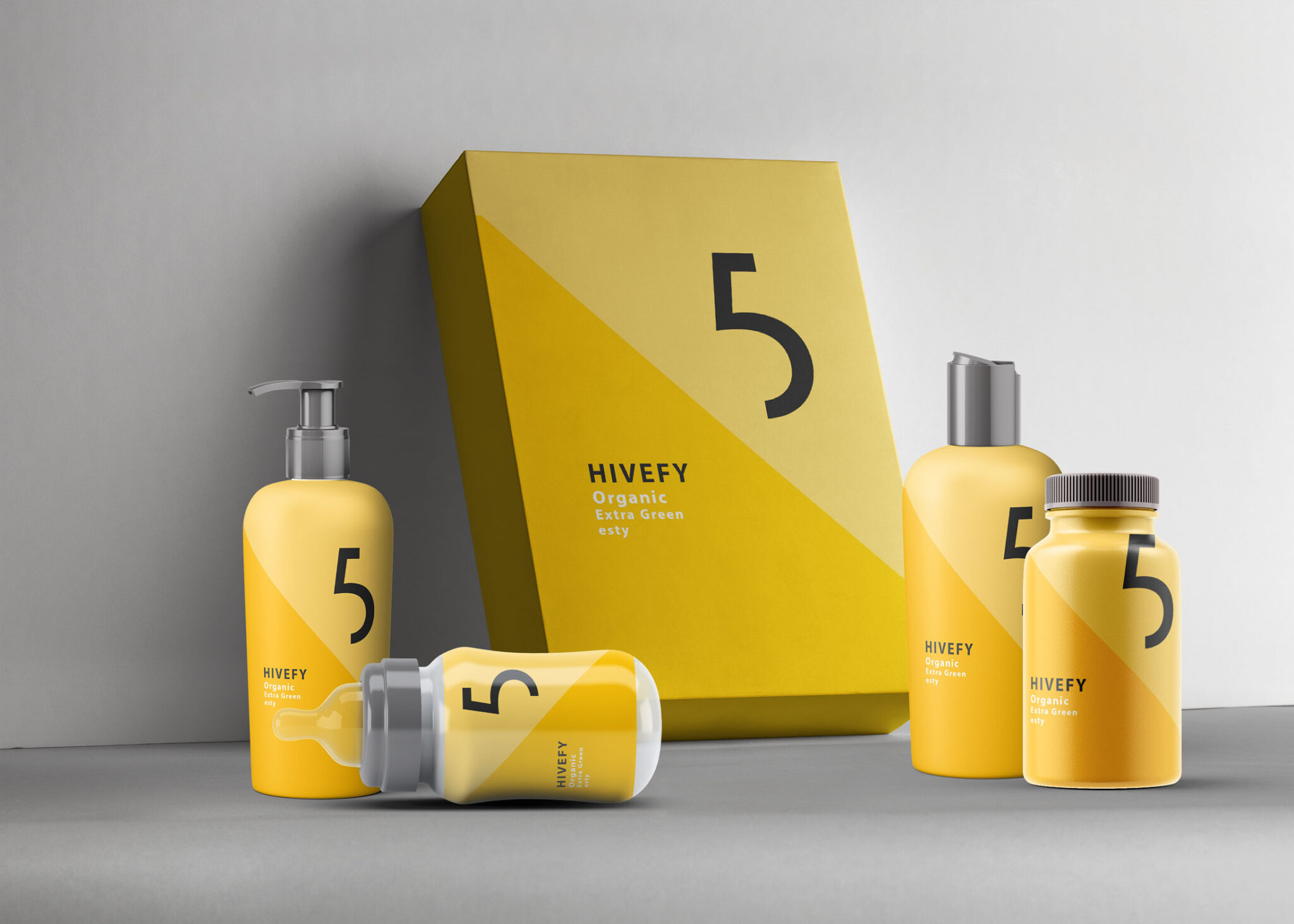
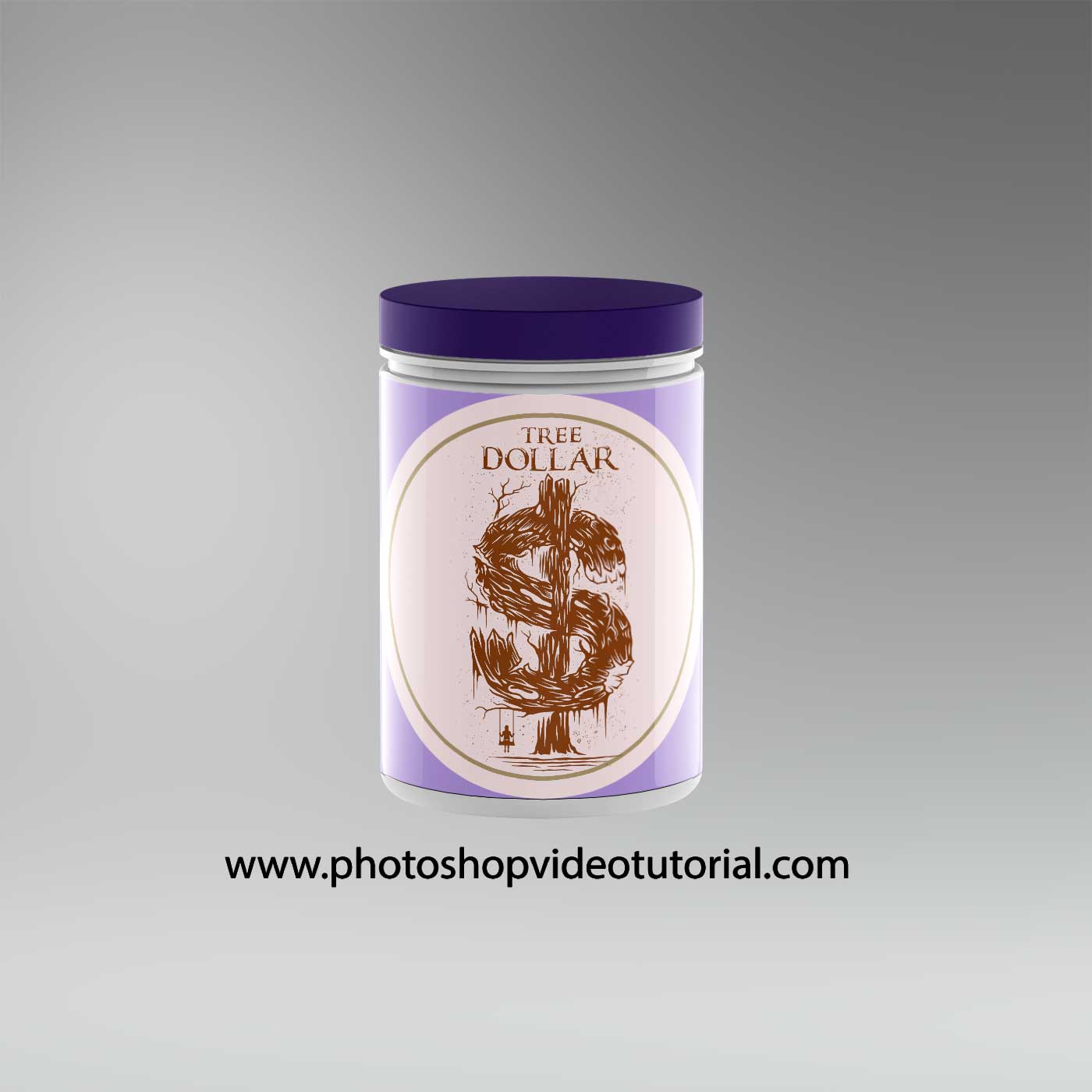
Creating an appealing skin care packaging mockup is essential for any designer looking to showcase their product effectively. A well-crafted mockup not only highlights the design but also provides a realistic preview of how the product will look on shelves, attracting potential customers. This free downloadable mockup allows you to easily customize colors, textures, and labels to align with your brand identity.
In addition to visual appeal, using a skin care packaging mockup can streamline the presentation process. By incorporating these mockups into your portfolio, you can demonstrate your design capabilities to clients or stakeholders. The high-quality templates ensure that your designs stand out, helping you convey your vision with clarity. Whether you’re presenting to a client or sharing on social media, these mockups are invaluable tools for effective branding.
All of these Resources are easy to use and can present your information beautifully. Some are free, while others cost a few dollars.More great & free PSD Mockups Collection:
- Square box mockup PSD download
- Bottle Mockup PSD Download Now
- Latest Logo Mockup PSD Free Download
- Cafe menu design template free download
FAQs – Skin Care Packaging Mockup
Can I edit the skin care packaging mockup in Photoshop?
Yes, the mockup is fully editable in Photoshop, allowing you to customize every element to fit your brand’s style.
What file format is the skin care packaging mockup available in?
The mockup is available in PSD format, which is compatible with most design software, especially Photoshop.
Does the mockup include different angles and perspectives?
Yes, the skin care packaging mockup includes multiple angles, providing a comprehensive view of your design.
Is it easy to change colors and textures in the mockup?
Absolutely! The mockup is designed for easy customization, allowing you to change colors and textures quickly.
What lighting effects are used in the skin care packaging mockup?
The mockup utilizes natural lighting effects to enhance the realism and appeal of your product presentation.
Do I need any special skills to use the mockup?
No special skills are required. Basic knowledge of Photoshop is enough to navigate and customize the mockup efficiently.